Stick War Unblocked | Play Free Online at School or Work
Introduction
This guide breaks down exactly how the unblocked version works, every unit type and when to use it, gold-mining strategy, and the questions players ask most.
What Is Stick War Unblocked?
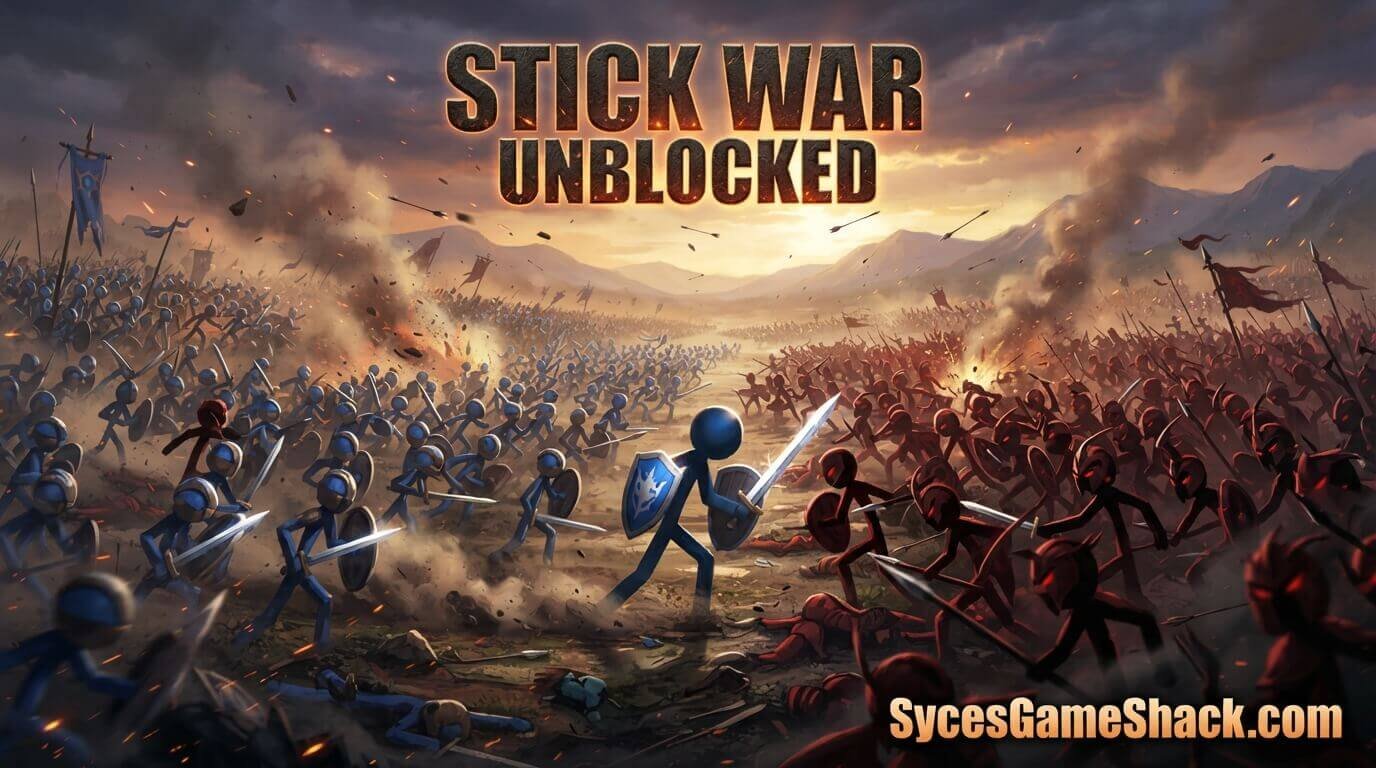
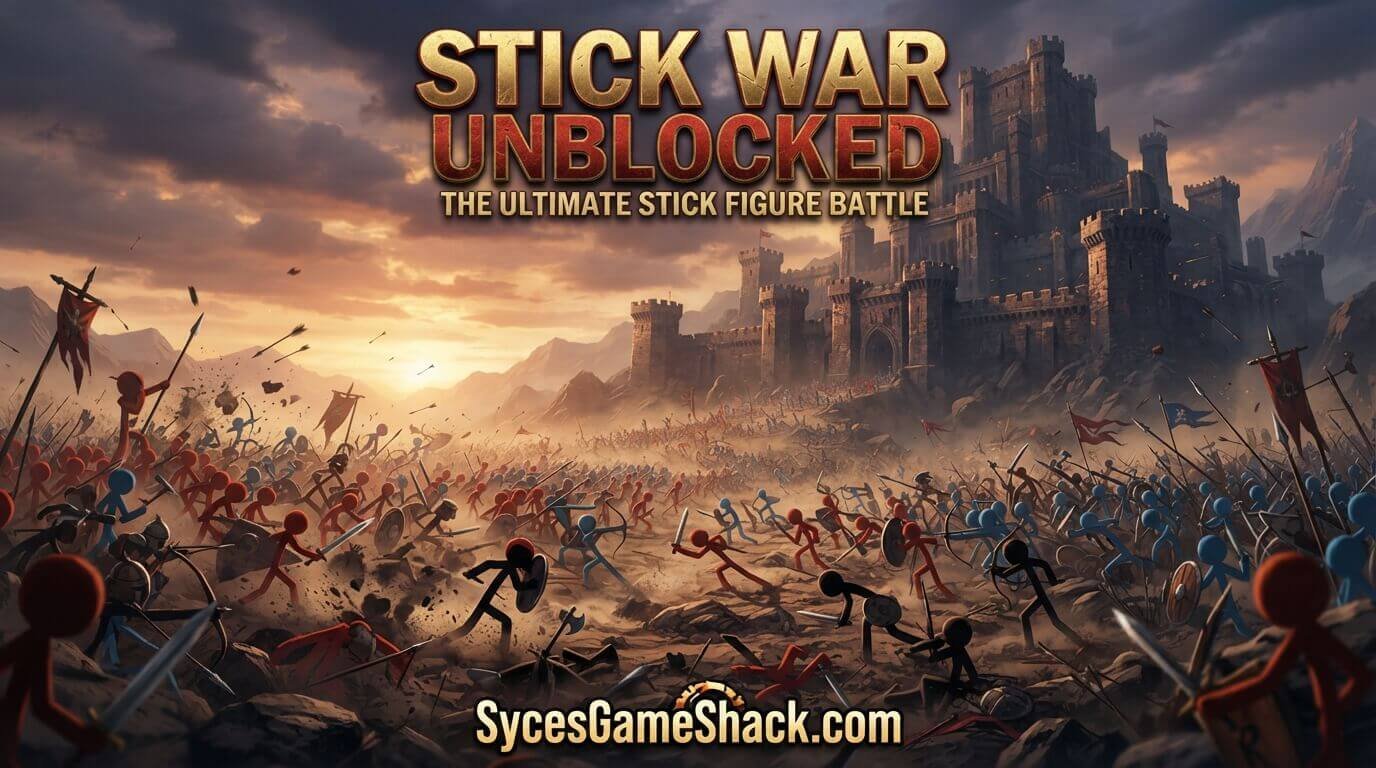
Stick War Unblocked is a real-time strategy game where every unit miners, swordsmen, archers, spearmen, mages, and giants is a stick figure you control individually or in formation.
The objective across each level is simple in concept but demanding in execution: mine enough gold to fund a strong army, train the right mix of units, and push forward to destroy the enemy’s statue before they destroy yours.
Along the way, you’ll unlock more advanced unit types as you progress through the campaign’s difficulty curve.
The “unblocked” version is the identical game hosted on a page that isn’t caught by the content filters schools, colleges, and offices commonly use to restrict gaming domains.
Since Stick War runs through a browser-based Flash emulator or a full HTML5 rebuild, there’s no software to install, which is exactly why it continues to run on locked-down Chromebooks and office laptops where downloadable games are blocked outright.
Why Stick War Gets Blocked at School and Work
Most network filtering software blocks entire categories of sites, such as “games,” “entertainment,” or “flash games,” rather than reviewing each individual title.
A strategy like Stick War Unblocked with cartoon stick figures still gets swept into that blocklist simply because of the domain it’s hosted on. Unblocked mirrors get around this in one of two common ways.
Hosting the same game on a domain that isn’t yet listed in the filter’s database, or embedding it inside a page categorized under something unrelated to gaming.
Because the workaround happens entirely on the hosting side, there’s nothing you need to install yourself to access it.
Full Unit Guide
| Unit | Role | Best Used For |
|---|---|---|
| Miner | Resource gathering | Funding your army’s growth; never leave gold unmined |
| Swordsman | Melee frontline | Absorbing damage and holding ground in close combat |
| Spearman | Anti-cavalry melee | Countering enemy giants and heavy units |
| Archer | Ranged damage | Softening enemies before melee units engage |
| Mage | Ranged magic damage | Serious single-target damage against tough units |
| Giant | Heavy tank/damage | Breaking through enemy lines and destroying statues |
How to Play Stick War Unblocked: Step-by-Step Beginner Guide
1. Mine Gold Before Anything Else
Every unit and upgrade costs gold, so your very first priority in each level should be assigning miners to gather resources. Falling behind on gold early snowballs into a weaker army for the rest of the match.
2. Build a Balanced Starting Army
Relying on a single unit type leaves you vulnerable to whatever counters it. A mix of swordsmen for the frontline, archers for ranged support, and a couple of spearmen for backup gives you flexibility against most early enemy compositions.
3. Use Formations Instead of Individual Micromanagement
Controlling every unit one at a time is slow and inefficient. Group your army and move them together so your frontline melee units absorb damage while archers and mages fire from behind.
4. Scout Before You Push Forward
Sending a small group ahead to see what the enemy has prepared prevents you from marching your full army into a defended chokepoint or an ambush.
5. Target the Statue, Not Just Enemy Units
Winning a level requires destroying the enemy statue, not simply defeating their army.
Once you’ve cleared a path, prioritize pushing damage-dealing units, such as giants and mages, toward the statue itself rather than chasing down every remaining enemy soldier.
Advanced Strategy Tips
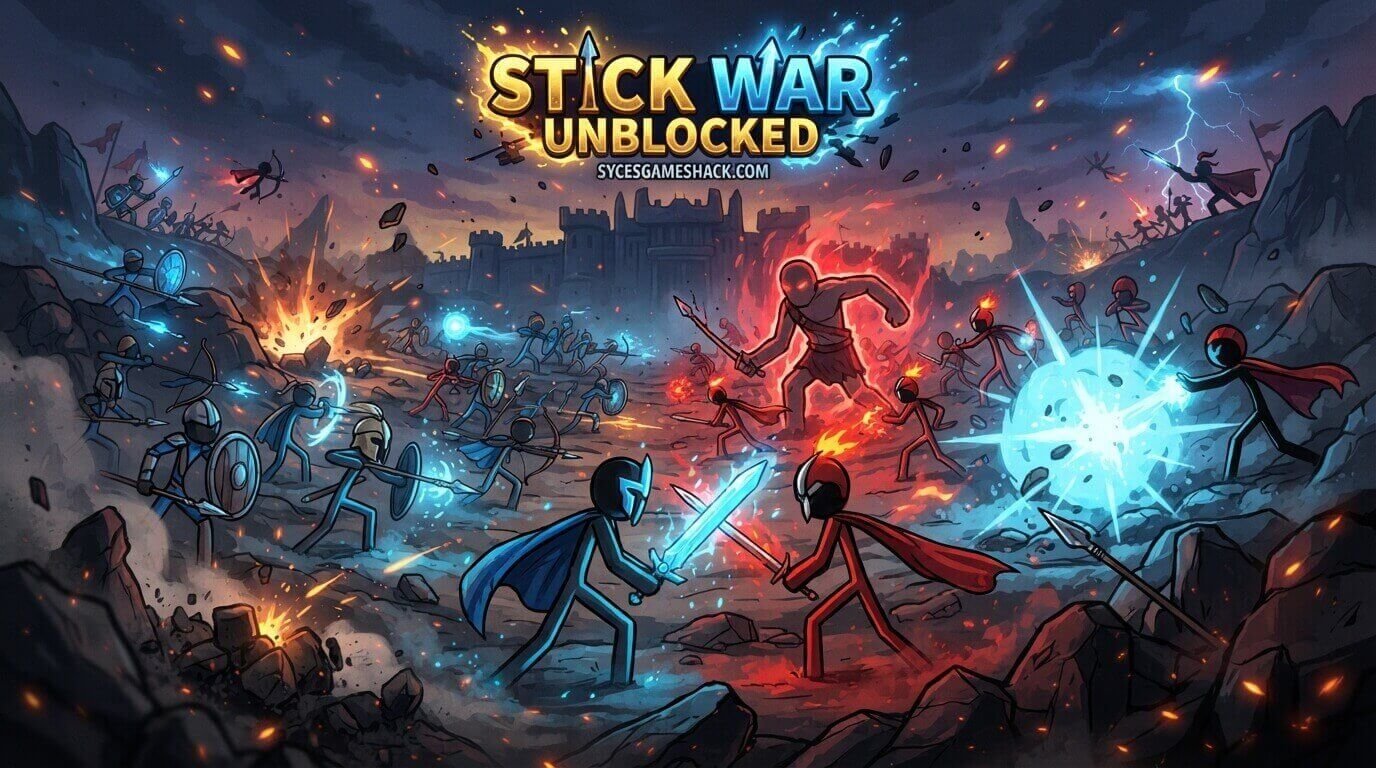
- Never stop mining, even mid-battle: Falling behind on gold during a fight makes it much harder to reinforce losses, so keep at least a few miners working at all times.
- Pair giants with spearman escorts: Giants deal heavy damage but are slow, so protecting them with faster units prevents them from being picked off before reaching the statue.
- Use mages to counter tanky enemies: Mage attacks deal serious single-target damage, making them the most efficient answer to enemy giants or heavily armored units.
- Hold a defensive line when outnumbered: Rather than pushing forward when your army is smaller than the enemy’s, hold a chokepoint and let them come to you, where your ranged units get more value.
Is Stick War Unblocked Safe to Play?
The Stick War Unblocked itself is a browser-based strategy title with no executable files, so there’s no software-based malware risk from playing it.
As with any unblocked game hub, the real risk isn’t the game; it’s the page around it. Avoid unblocked sites pushing aggressive pop-ups, “cheat downloads,” or install prompts, and stick to pages where the game loads cleanly in an embedded window with nothing else to click.
Best Devices for Playing Stick War Unblocked
- School Chromebooks: Run smoothly since the game requires no admin permissions or downloads.
- Windows/Mac laptops: Best overall experience, with precise mouse control for unit selection and formations.
- Tablets and phones: Playable with touch controls, though managing large armies is easier with a mouse.
Similar Unblocked Strategy Games Worth Trying

If you enjoy the Stick War Unblocked mix of resource management and army combat, related unblocked titles worth trying include Stick War 2, Stick War: Legacy, and Ages of Conflict.
Each builds on the same core loop of mining, training units, and pushing toward an enemy objective while adding new mechanics like territory control or multiplayer factions.
FAQs
1. Is Stick War unblocked free to play?
Yes. Stick War is completely free to play in the browser, with no purchase or download required to access the full game.
2. Why won’t Stick War load at school?
This usually happens when the specific hosting domain has been added to your school’s blocklist. Refreshing the page, switching browsers, or trying an alternate mirror link on the same unblocked site typically fixes it.
3. Do I need to download anything to play Stick War unblocked?
No. The game runs entirely through a browser-based Flash emulator or HTML5 build, so there’s nothing to install on a school or work device.
4. Can I play Stick War unblocked on my phone?
Yes. Most unblocked versions support touch controls for unit selection and movement, though managing large armies is generally easier with a mouse on desktop.
5. Is it safe to play Stick War unblocked on a school computer?
The game itself carries no malware risk since it’s browser-based with no executable files. Just be cautious of unrelated pop-ups or “cheat download” links on lower-quality hosting pages.
6. What’s the fastest way to win a level?
Prioritize gold mining early, build a balanced army instead of one unit type, and push your strongest damage dealers, like giants and mages, toward the enemy statue once your frontline has cleared a path.
7. Which unit counters enemy giants?
Spearmen and mages are the most effective counters. Spearmen deal bonus damage to heavy units in melee, while mages can chip down a giant’s health from range before it reaches your line.