Papa’s Cheeseria Unblocked | Play Free Online 2026
Introduction
Craving the satisfying sizzle of a perfectly grilled cheese sandwich during a school break or a slow afternoon at work? Papa’s Cheeseria Unblocked lets you run your own comfort-food restaurant right inside your browser, building, grilling, and serving sandwiches to a growing list of quirky customers, all with zero downloads and zero restrictions.
This complete guide covers every station, every ingredient combo, order-management strategy, and a full FAQ so you’re earning five-star tips from day one.
Table of Contents
- What Is Papa’s Cheeseria?
- How to Play Papa’s Cheeseria Unblocked
- Full Controls Guide
- The Four Stations Explained
- Understanding Customer Orders
- Winning Strategy for Every Shift
- Daily Mini-Games
- Key Features
- Advanced Tips and Tricks
- Why Papa’s Cheeseria Works So Well as an Unblocked Game
- Troubleshooting Common Issues
- Is Papa’s Cheeseria Unblocked Safe?
- FAQs
What Is Papa’s Cheeseria?
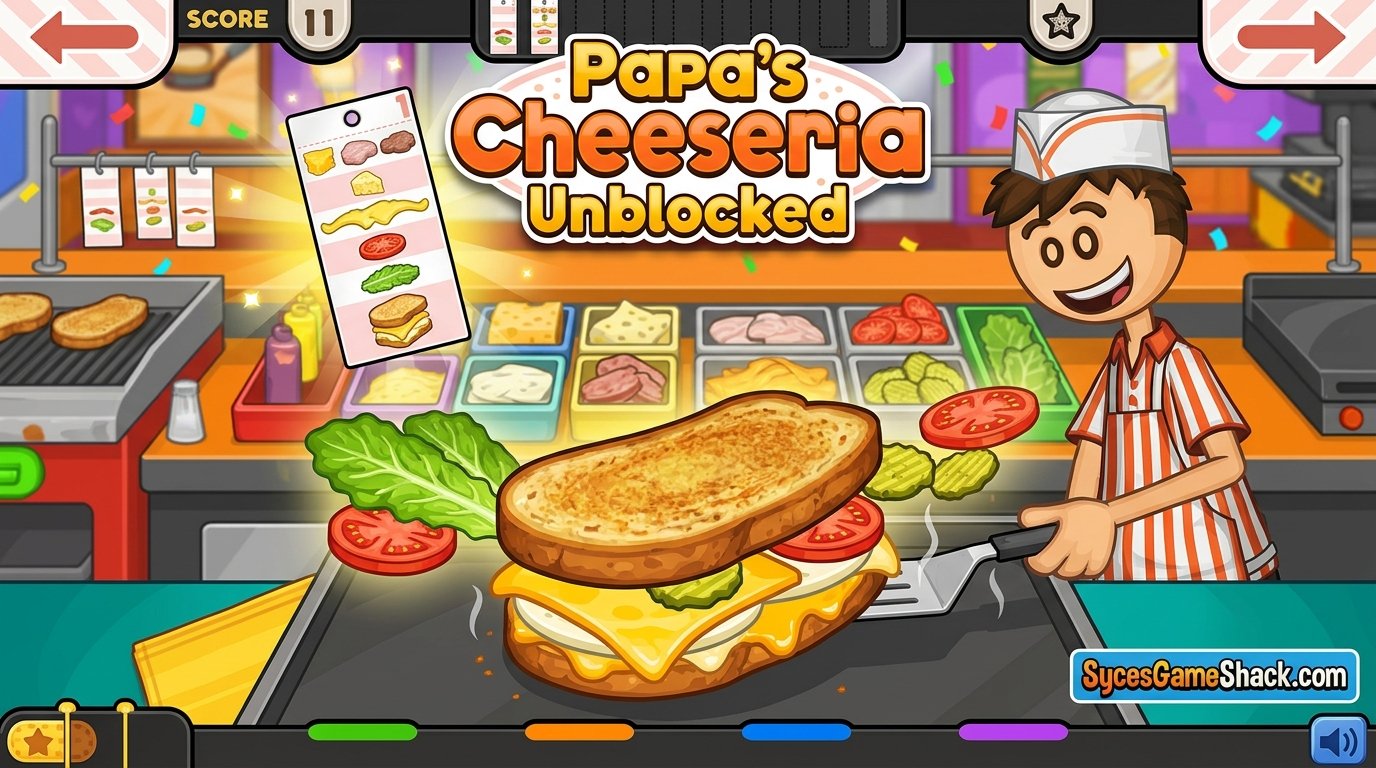
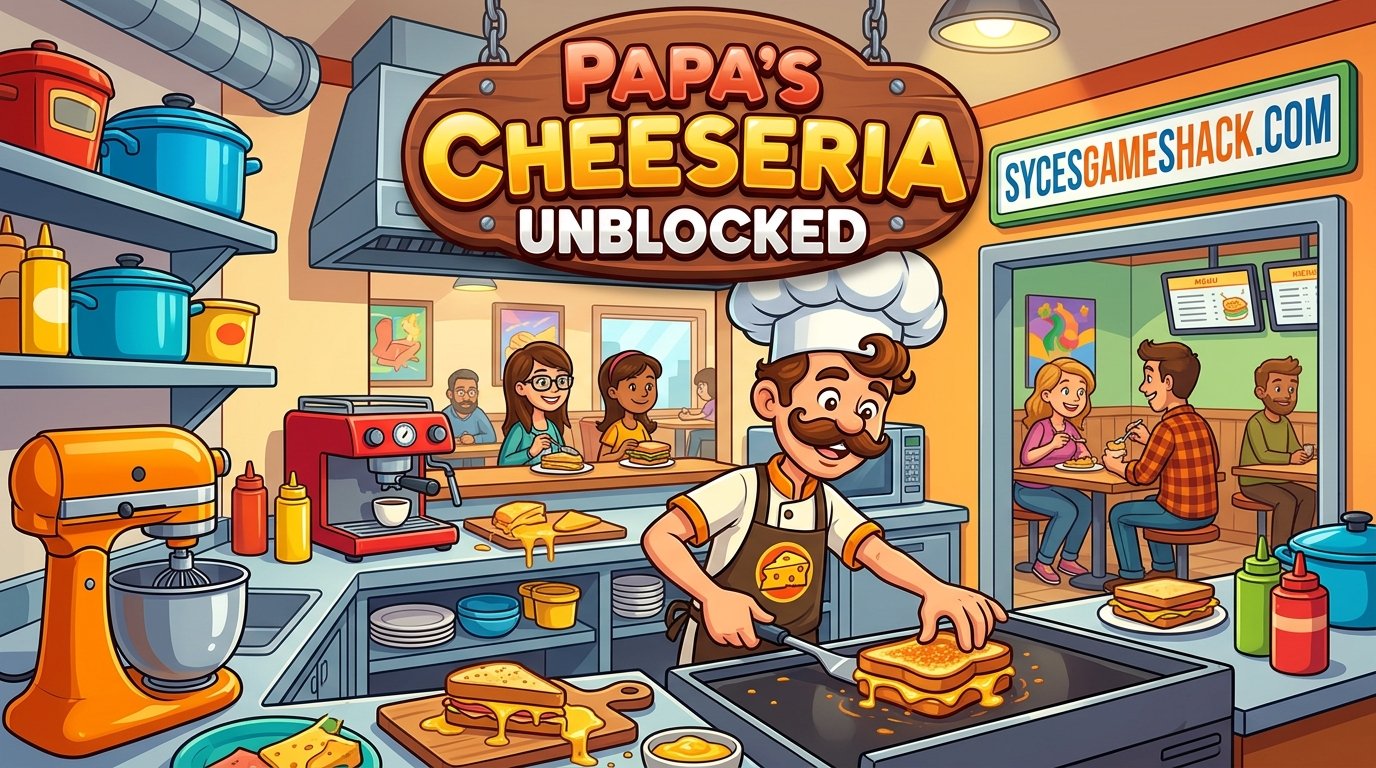
Papa’s Cheeseria Unblocked is a time-management restaurant simulation game developed by Flipline Studios, part of the massively popular Papa’s Games series that also includes Papa’s Pizzeria, Papa’s Freezeria, and Papa’s Bakeria. In this entry, your restaurant specializes in one comfort-food classic: the grilled cheese sandwich.
The story hook is simple and charming: a thief has stolen your music gear, and the only way to earn enough money to get it back is by running the best grilled cheese shop in town.
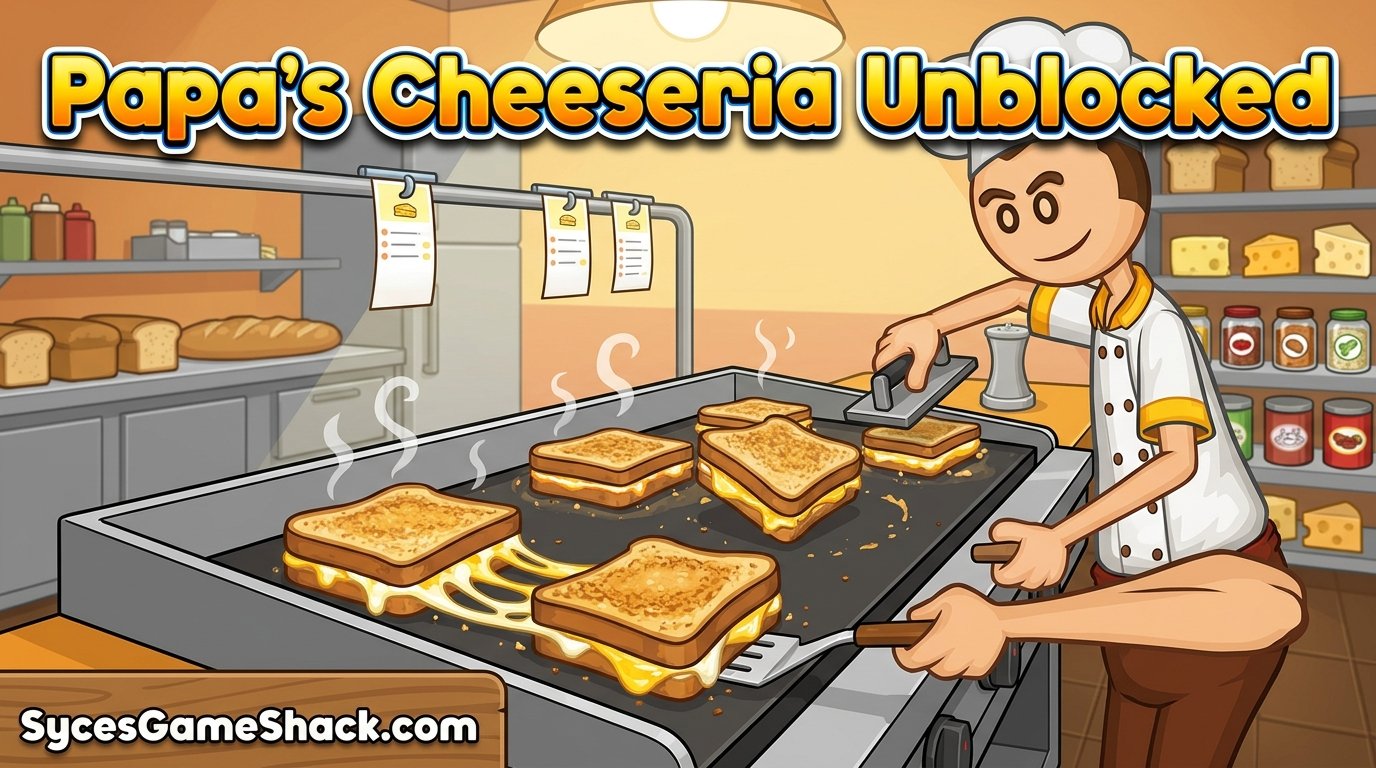
Underneath that setup sits the series’ signature gameplay loop: take an order, build it exactly to the customer’s spec, cook it perfectly, and serve it fast enough to earn a strong tip, all while juggling multiple customers at once as the day gets busier.
How to Play Papa’s Cheeseria Unblocked
Open the game page in any modern browser; Chrome, Edge, or Firefox all work well, and click Play. There’s no account creation, no app-store download, and no installer to wait on, since the game runs entirely on HTML5.
It loads quickly even on restricted school or office Wi-Fi and performs just as well on a Chromebook as it does on a full desktop setup, with full touch support on tablets and phones.
Full Controls Guide
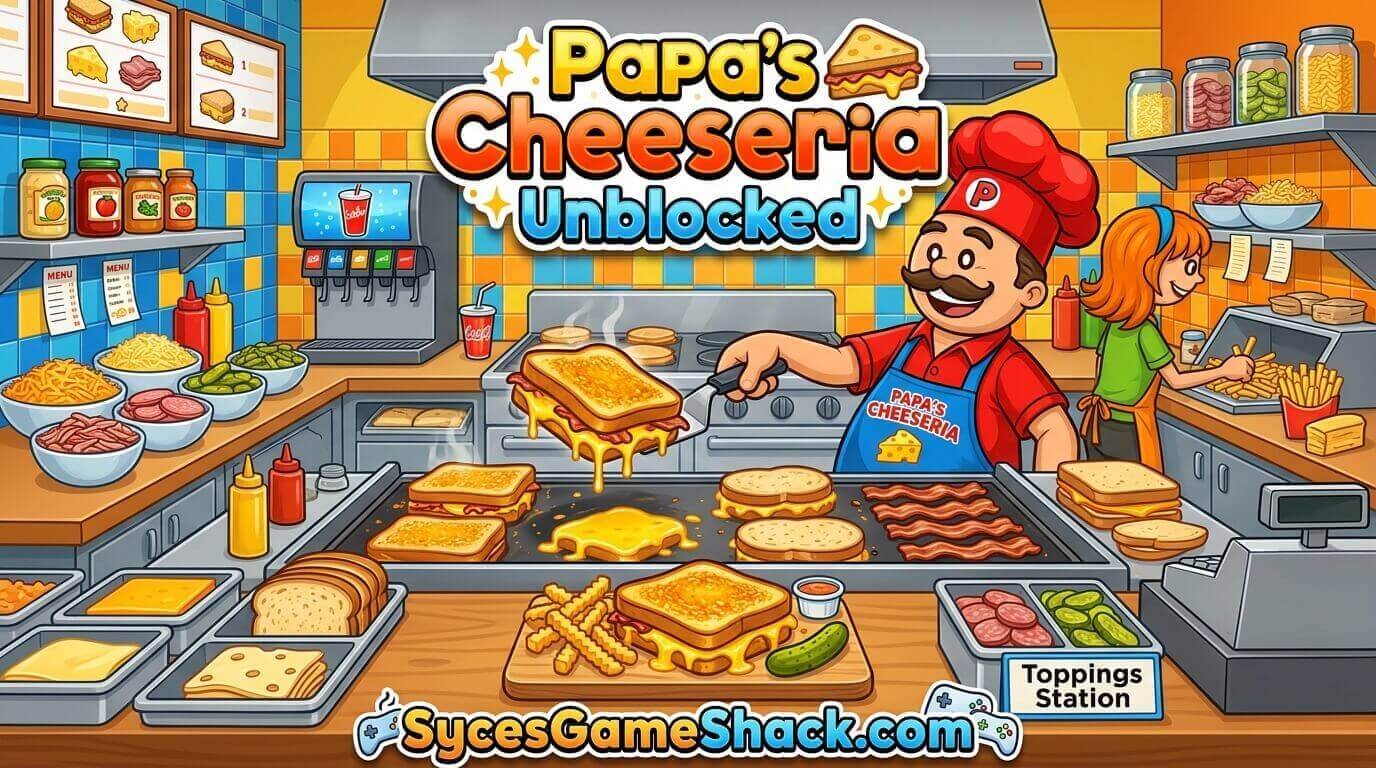
| Action | Input |
|---|---|
| Select Ingredients | Click or tap the ingredient icon at the Build Station |
| Move Sandwich Between Stations | Click or tap and drag the sandwich to the next station |
| Flip/Grill Sandwich | Click or tap the sandwich when the grill timer indicates it’s ready |
| Serve Order | Click or tap the finished plate to deliver it to the customer |
| Navigate Menus | Click or tap on-screen buttons for upgrades, customers, and the daily schedule |
The Four Stations Explained
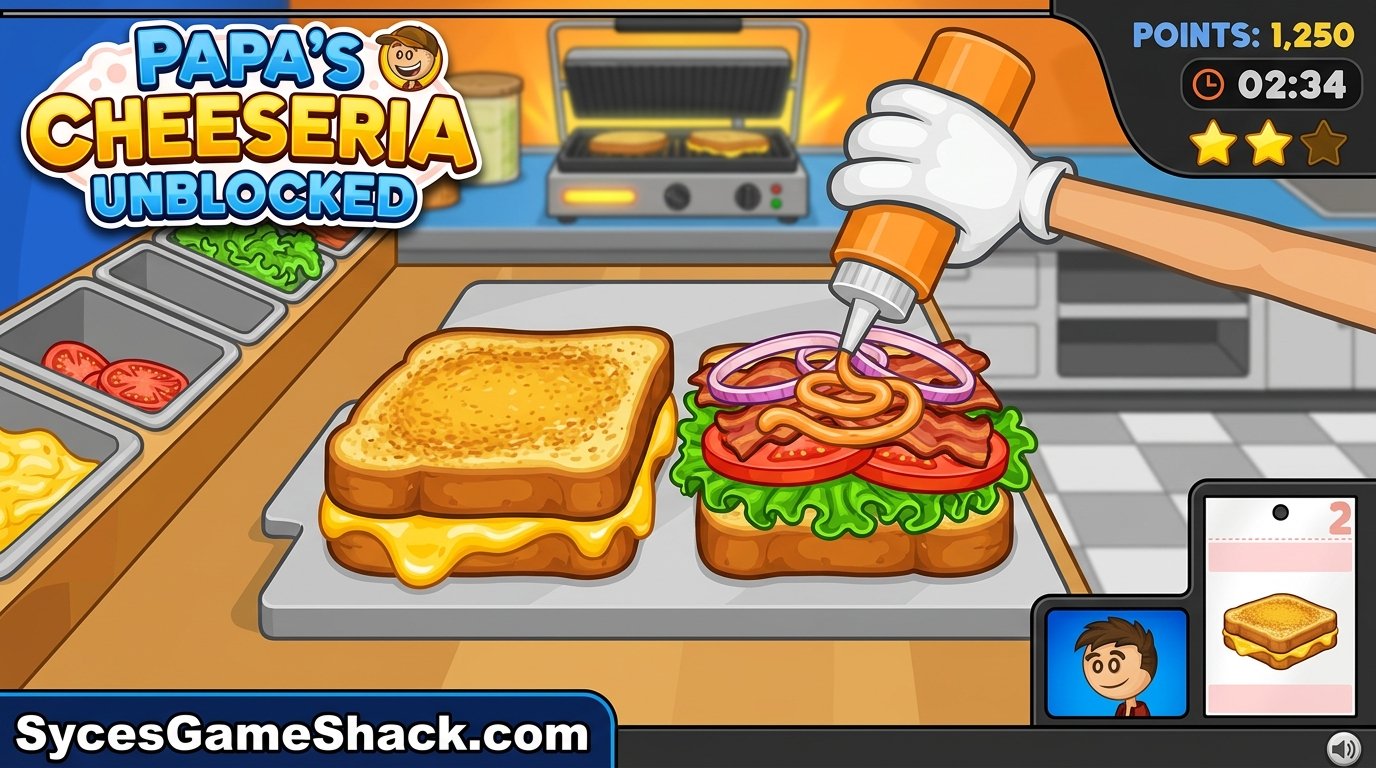
| Station | What You Do There | Key Skill |
|---|---|---|
| Order Station | Take the customer’s order and note their exact bread, cheese, and topping preferences | Memorizing multi-part orders accurately |
| Build Station | Assemble the sandwich with the correct bread, cheese, meats, and extras | Precise ingredient placement matching the order |
| Grill Station | Toast both sides of the sandwich to a perfect golden brown | Timing each flip without over- or under-cooking |
| Fry Station | Prepare crispy fries as a side dish when ordered | Managing a second timer alongside the grill |
Understanding Customer Orders
Every customer who walks in gives you a specific combination of bread, cheese, meats, sauces, and extras, and your score depends on matching that order as closely as possible.
Missing an ingredient, using the wrong bread, or serving an undercooked or burnt sandwich all reduce your tip, while a perfectly matched, perfectly grilled order earns the maximum reward.
As you progress, VIP customers and returning regulars appear with more demanding, multi-part orders; these are worth extra points but require sharper attention to detail than a standard order.
Winning Strategy for Every Shift
- Write down or mentally repeat the order as soon as it’s taken, especially during busy multi-customer rushes when it’s easy to mix up two similar orders.
- Prep bread and toppings before starting the grill timer. Since grilling is time-sensitive, having your ingredients ready to go the moment you reach the grill saves precious seconds.
- Watch the grill’s visual cues closely. The bread’s color change is your main indicator for when to flip — waiting for a timer alone often results in an overcooked sandwich.
- Prioritize orders by patience level. Customers with a shorter patience meter should generally be served first to avoid losing them entirely.
- Don’t neglect the Fry Station. It’s easy to forget fries while focused on the sandwich, but incomplete orders significantly lower your tip.
Daily Mini-Games
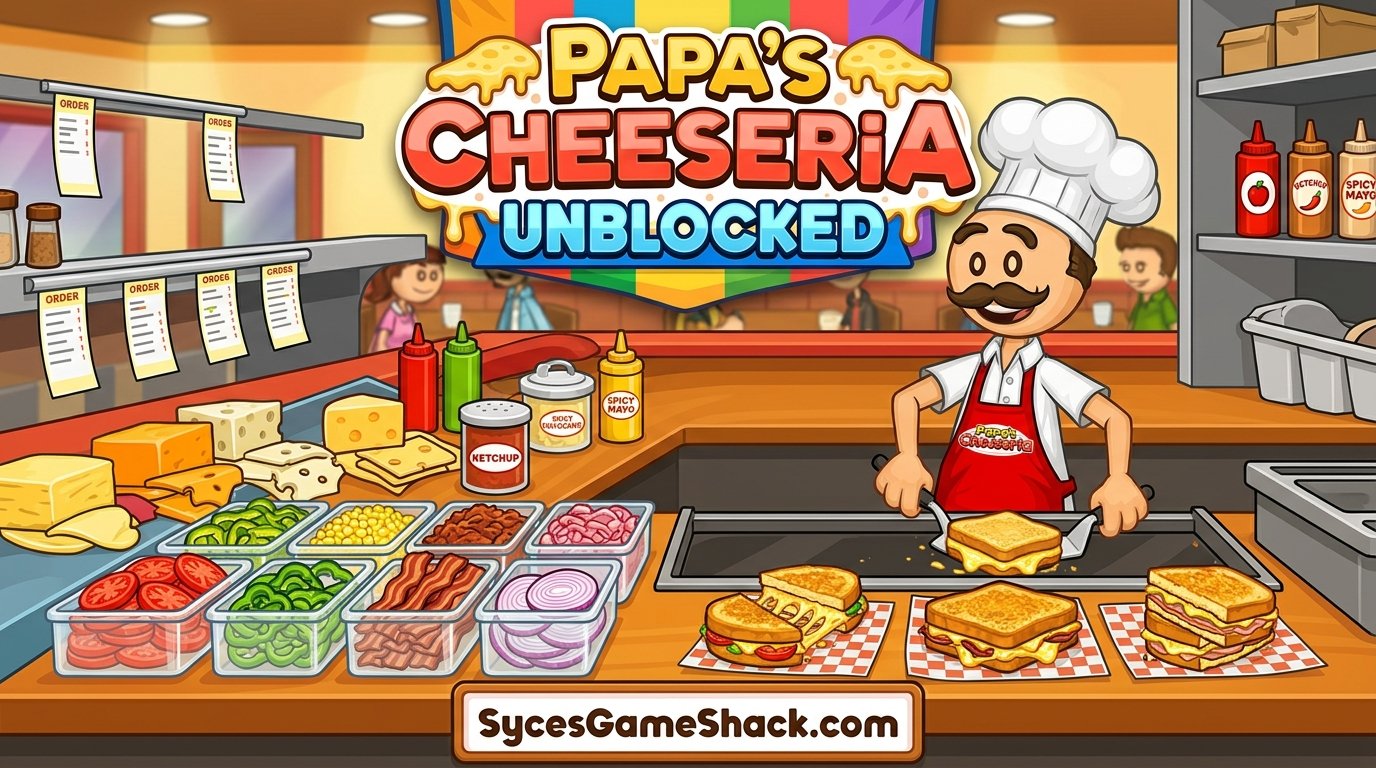
Each day of the week unlocks a different bonus mini-game you can play between shifts, giving you a break from the core cooking loop while still earning rewards like new decorations, outfits, and unlockable ingredients.
These mini-games rotate on a set weekly schedule, so checking in regularly rewards you with content you’d otherwise miss if you only played sporadically.
Key Features of Papa’s Cheeseria Unblocked
- Four distinct cooking stations: Order, Build, Grill, and Fry, each with its own timing and skill challenge.
- Deep ingredient customization across breads, cheeses, meats, sauces, and extras.
- Rotating daily mini-games that unlock bonus rewards and shop customization.
- VIP and recurring customers with increasingly complex orders as you progress.
- No downloads or installs; the entire game runs inside a browser tab.
- Cross-device support for Chromebooks, desktops, tablets, and touch-friendly mobile play.
Advanced Tips and Tricks
- Upgrade your stations as soon as you can afford to. Faster grills and more efficient build stations compound quickly once orders get busier.
- Learn each regular customer’s favorite order. Recognizing returning customers on sight lets you start building before they even finish talking.
- Batch similar orders when multiple customers arrive at once. Grouping sandwiches with overlapping ingredients saves movement between stations.
- Don’t rush the grill to save time. A rushed, undercooked sandwich earns a worse tip than a slightly slower but perfectly grilled one.
- Check the daily mini-game schedule. Some unlockable ingredients are only available through mini-game rewards, not through normal shop purchases.
Why Papa’s Cheeseria Works So Well as an Unblocked Game
Unblocked hosting sites for Papa’s Cheeseria Unblocked are built specifically to load past standard school and workplace network filters, which is exactly why the entire Papa’s Games series has remained a favorite “unblocked” search for years.
Because a single shift takes only a few minutes to complete, it’s an easy game to squeeze into a short break or pause when you need to get back to class or a task at work.
Troubleshooting Common Issues
| Issue | Likely Cause | Fix |
|---|---|---|
| Game won’t load | Ad-blocker or strict network filter | Try a different browser tab, disable aggressive extensions, or refresh the page |
| Clicks or drags not registering | Browser tab losing focus | Click directly inside the game window before interacting with stations |
| Choppy or laggy timers | Too many open tabs or extensions | Close unused tabs and reload the game page |
| Progress not saving | Browser set to private/incognito mode | Play in a normal browser tab so local storage can save your progress |
Is Papa’s Cheeseria Unblocked Safe?
Yes, Papa’s Cheeseria Unblocked is a browser-based HTML5 game, so there’s nothing to install and no executable file ever touches your device.
Stick to reputable unblocked-games hosting sites and avoid clicking pop-up-heavy ads for the smoothest, safest experience.
FAQs
1. Is Papa’s Cheeseria Unblocked free to play?
Yes. Papa’s Cheeseria is completely free to play in your browser, with no purchase or account required to start serving customers.
2. Do I need to download anything to play?
No downloads are required. The entire game loads and runs directly in your browser tab using HTML5.
3. Can I play Papa’s Cheeseria unblocked on a Chromebook?
Yes. Browser-based versions run smoothly on Chromebooks, laptops, and desktops without needing any extra plugin.
4. What are the four stations in Papa’s Cheeseria?
Order, Build, Grill, and Fry — each one handles a different part of preparing and serving a customer’s sandwich, detailed in the stations table above.
5. Does Papa’s Cheeseria work on mobile devices?
Yes. The game is fully optimized for touch controls, making it easy to play on phones and tablets as well as desktop.
6. How do I earn better tips from customers?
Match every ingredient in the order exactly and grill the sandwich to a perfect golden brown — missing ingredients or overcooking both reduce your tip significantly.
7. What are the daily mini-games for?
Each mini-game unlocks bonus rewards like new decorations, outfits, and special ingredients, and they rotate on a set weekly schedule.
8. Is Papa’s Cheeseria unblocked safe for school networks?
Yes. Since it’s a lightweight browser game with no downloads, it’s a low-risk way to take a short break on a school-managed device.
9. Who developed Papa’s Cheeseria?
Papa’s Cheeseria was developed by Flipline Studios, as part of their long-running Papa’s Games restaurant simulation series.
10. Can I customize my restaurant in Papa’s Cheeseria?
Yes. As you earn tips and complete mini-games, you unlock new decorations, uniforms, and ingredients to personalize your Cheeseria.


One Comment