Happy Wheels Unblocked Play Free 2026
Introduction
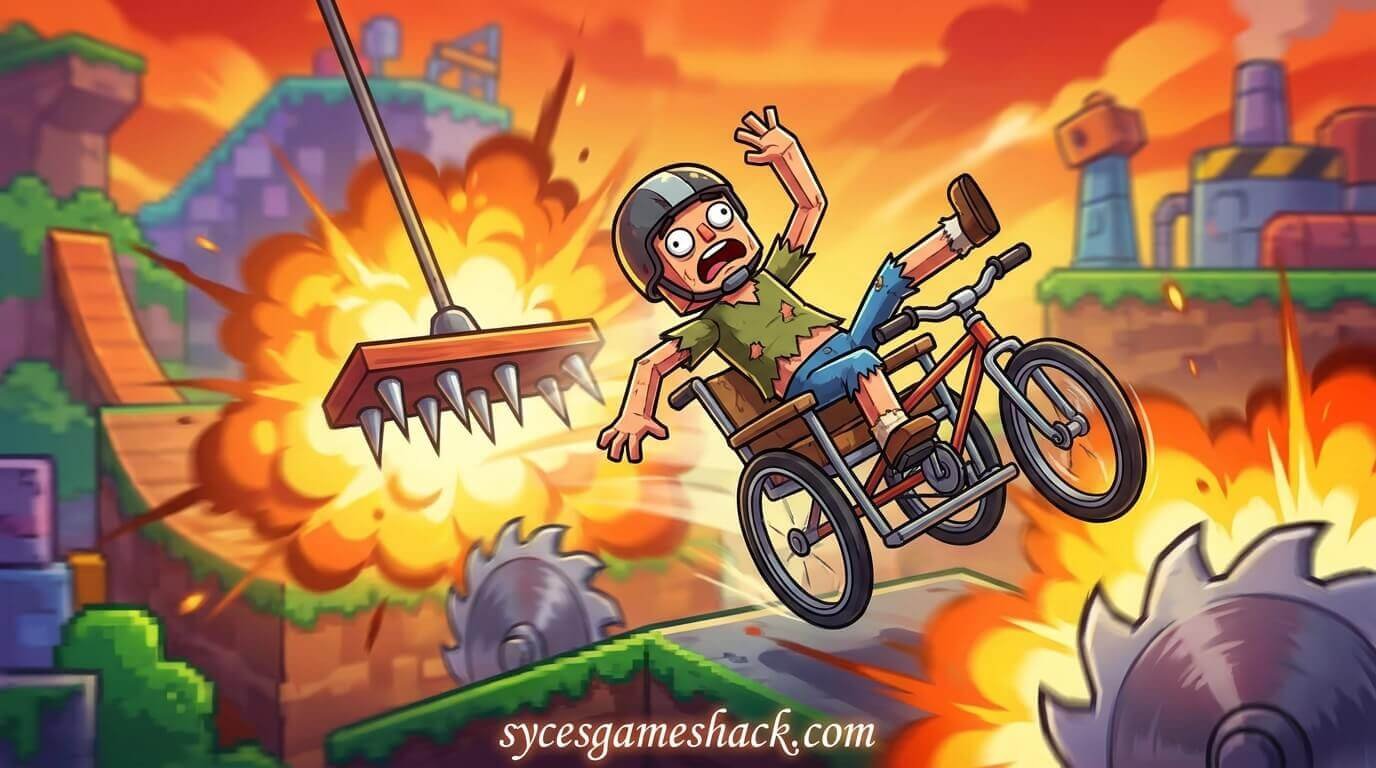
Happy Wheels Unblocked is the most chaotic, most hilarious, and most brutally addictive physics-based obstacle course game you can play right now completely free, with zero downloads, zero logins, and zero restrictions, even on locked school Chromebooks and restricted office networks in 2026.
Every single day, millions of students across the USA, UK, Canada, and Australia pull up their school Chromebooks during lunch breaks, free periods, and study halls and launch themselves into one of the most uniquely entertaining games ever created. You pick a character — a wheelchair-bound daredevil, an irresponsible dad with a kid on the back of his bicycle, a determined lady with a shopping cart — and you attempt to guide them through the most outrageously deadly obstacle courses ever designed. Spikes, wrecking balls, harpoons, exploding mines, and vehicles that defy every law of physics await at every turn.
This is the most complete Happy Wheels Unblocked 2026 guide ever written. You will find every detail here: the full story of the game and its creator, all playable characters and their exact controls, every special ability explained, how the level editor works, how the community level system gives you unlimited replayability, 30 advanced pro tips to survive even the hardest levels, why the unblocked version on Syces Game Shack works on school networks when every other gaming site gets blocked, and 35 fully answered FAQs covering every question students actually search for.
Whether you are a complete beginner who has never seen a Happy Wheels character lose a limb before or a veteran player trying to conquer the most brutal community-created levels ever built, this guide covers absolutely everything.
▶ Play Happy Wheels Unblocked FREE right now at SycesGameShack.com — No Download. No Login. Works on Every School Chromebook in 2026.
What Is Happy Wheels Unblocked?
Happy Wheels is a side-scrolling, physics-based obstacle course game created by Jim Bonacci, an independent developer who built and released the original browser version in June 2010. The game was hosted on his personal website, totaljerkface.com, where it quickly exploded in popularity and went on to accumulate over one billion plays — making it one of the most-played browser games in internet history.
The game’s core concept is brilliantly twisted. You select one of several quirky characters, each riding a unique and completely impractical vehicle, and attempt to guide them through obstacle-filled levels packed with deadly traps including giant spikes, swinging wrecking balls, explosive mines, harpoon launchers, and physics-defying terrain. The goal is to reach the end of each level, but the emphasis is equally on the spectacularly violent and darkly comedic deaths that happen along the way.
Unlike most games that try to make dying feel bad, Happy Wheels turns death into entertainment. Characters ragdoll realistically, losing limbs, bouncing off walls, and spinning through the air in ways that are genuinely hilarious. This combination of challenging gameplay and outrageous physics comedy made Happy Wheels a viral sensation that YouTubers like PewDiePie and Jacksepticeye played for thousands of hours and shared with audiences of hundreds of millions of viewers.
The Unblocked version specifically refers to a version of Happy Wheels hosted on platforms that school and workplace web filters do not detect or block. Schools use content filtering systems like GoGuardian, Lightspeed, and Securly that automatically block gaming websites. Unblocked game platforms like Syces Game Shack host these games through optimized servers that bypass those filters, giving students the complete Happy Wheels experience with no VPN, no proxy, and no workaround needed.
Who Created Happy Wheels?
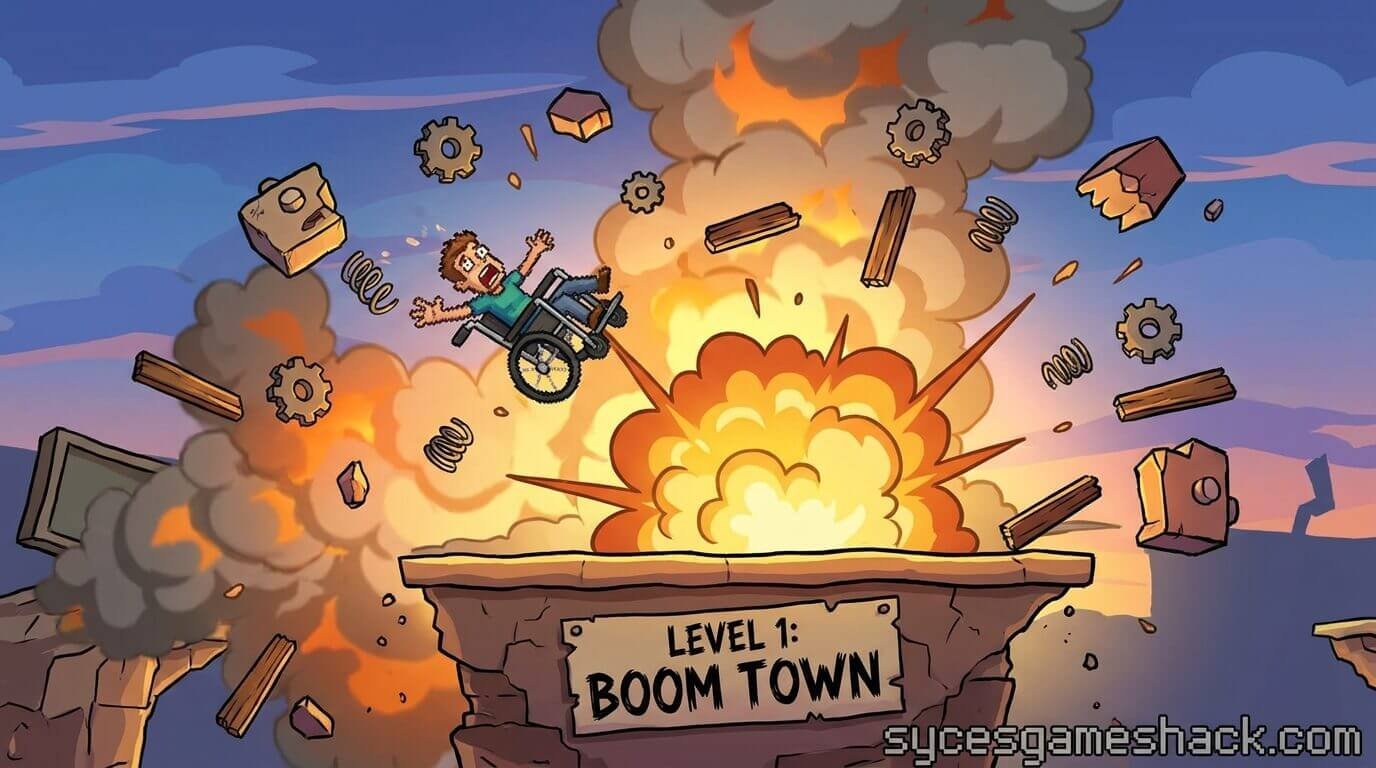
Happy Wheels was created entirely by one person: Jim Bonacci, an American independent game developer. Jim built the original game using Adobe Flash and released it in 2010 on his personal website totaljerkface.com. He designed every character, built the physics engine, created the original levels, and developed the level editor that allowed the community to create and share their own levels. Jim has continued maintaining and updating Happy Wheels for over fifteen years, including releasing official mobile versions for iOS and Android. He has also been working on Happy Wheels 2, a sequel being built in C++ and OpenGL that will succeed the original Flash-era game.
Why Did Happy Wheels Become So Popular at School?
Happy Wheels became one of the defining school browser games for specific reasons that no other game fully replicated:
- Dark humor that students love: The combination of ridiculous characters, absurd obstacle courses, and cartoon-style physics violence creates a type of comedy that resonates strongly with the teenage audience that plays it during school breaks.
- YouTube popularity drove massive discovery: PewDiePie’s Happy Wheels series alone generated hundreds of millions of views at peak popularity, directly driving enormous numbers of students to search for and play the game themselves.
- Infinite replayability through user levels: The community has created and shared millions of custom levels, meaning no two play sessions need to cover the same content. There is always something new to discover.
- Short session viability: Individual levels can be completed (or spectacularly failed) in as little as 30 seconds to two minutes, making the game ideal for the limited free time available during school breaks.
- Multiple characters for variety: Each of the game’s characters plays completely differently, giving returning players a fresh experience just by selecting a different character for the same level.
All Happy Wheels Characters – Complete Guide 2026
Happy Wheels features a cast of unique playable characters, each with their own vehicle, control scheme, special abilities, and personality. Here is the complete guide to every character in the game:
1. Wheelchair Guy
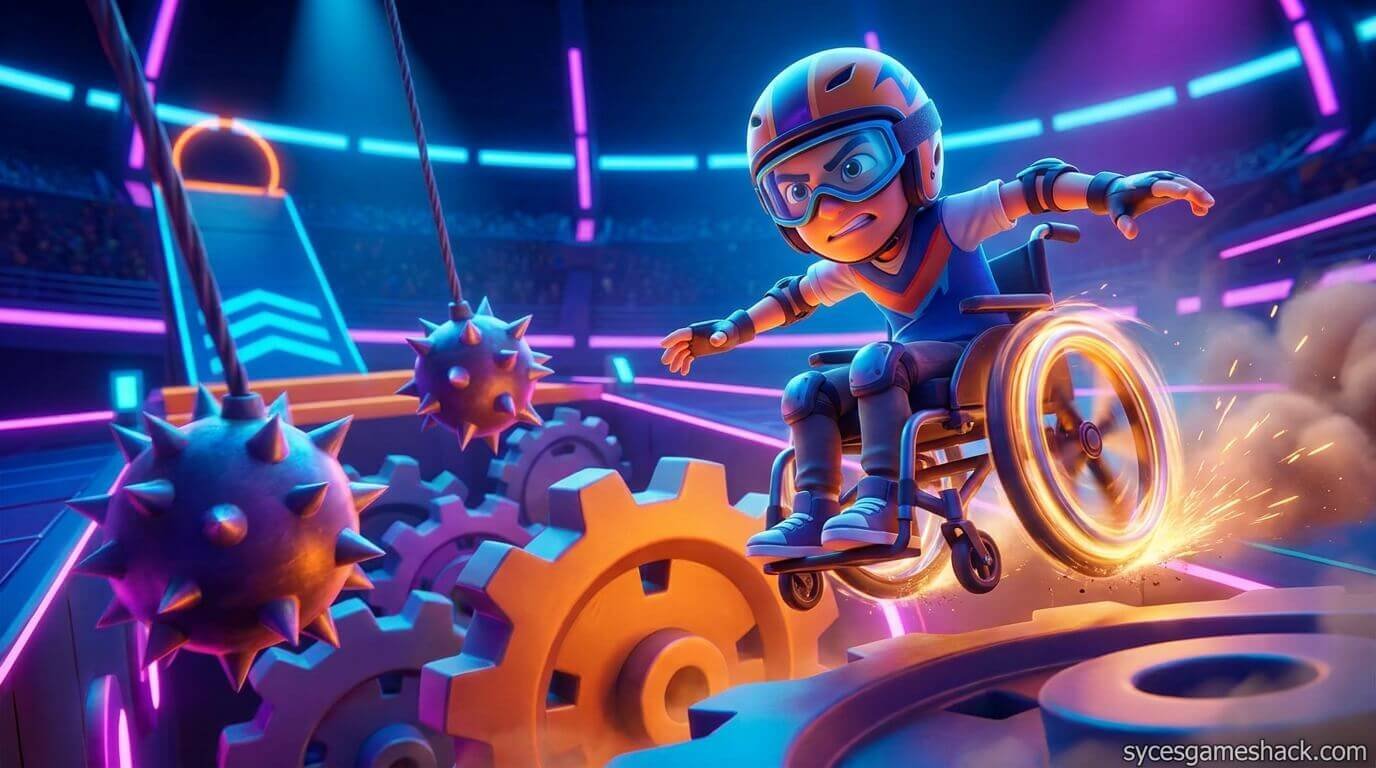
Vehicle: Electric wheelchair with an optional jet booster attachment.
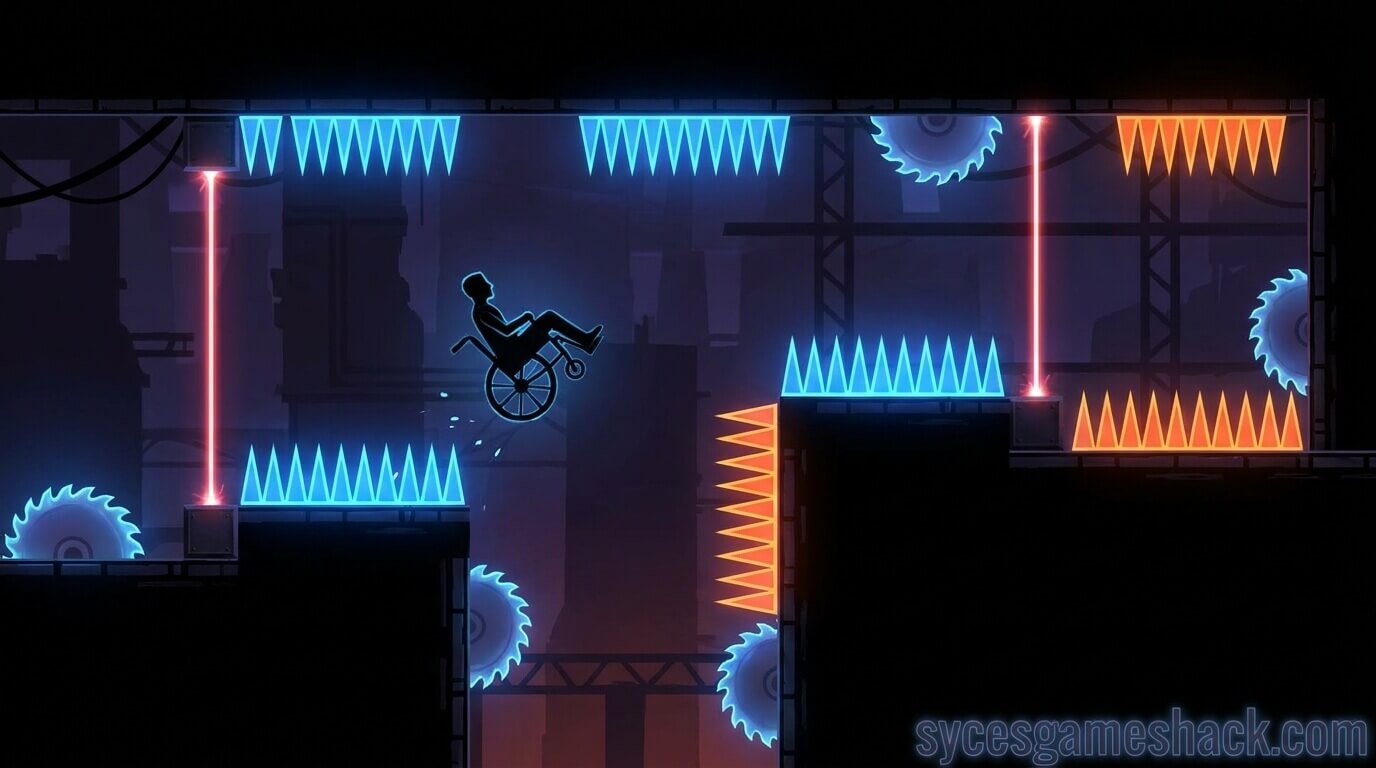
Character description: Wheelchair Guy is the unofficial mascot of Happy Wheels and the character most associated with the game’s identity. He is a determined man in an electric wheelchair who refuses to let his mobility limitations stop him from attempting wildly dangerous courses.
Special ability: Wheelchair Guy has a jet booster attached to the back of his wheelchair. Activating the jet while airborne gives him a significant speed burst that can carry him over large gaps and through sections that would be impossible to navigate without boosting. The jet can be rotated to aim the thrust in different directions.
Controls:
- Up Arrow / W: Accelerate forward
- Down Arrow / S: Reverse / brake
- Left Arrow / A: Lean backward
- Right Arrow / D: Lean forward
- Shift: Activate jet booster
- Ctrl: Rotate jet direction
- Z: Eject from wheelchair
Best for: Speed-based levels and levels with large gaps that require boosting over.
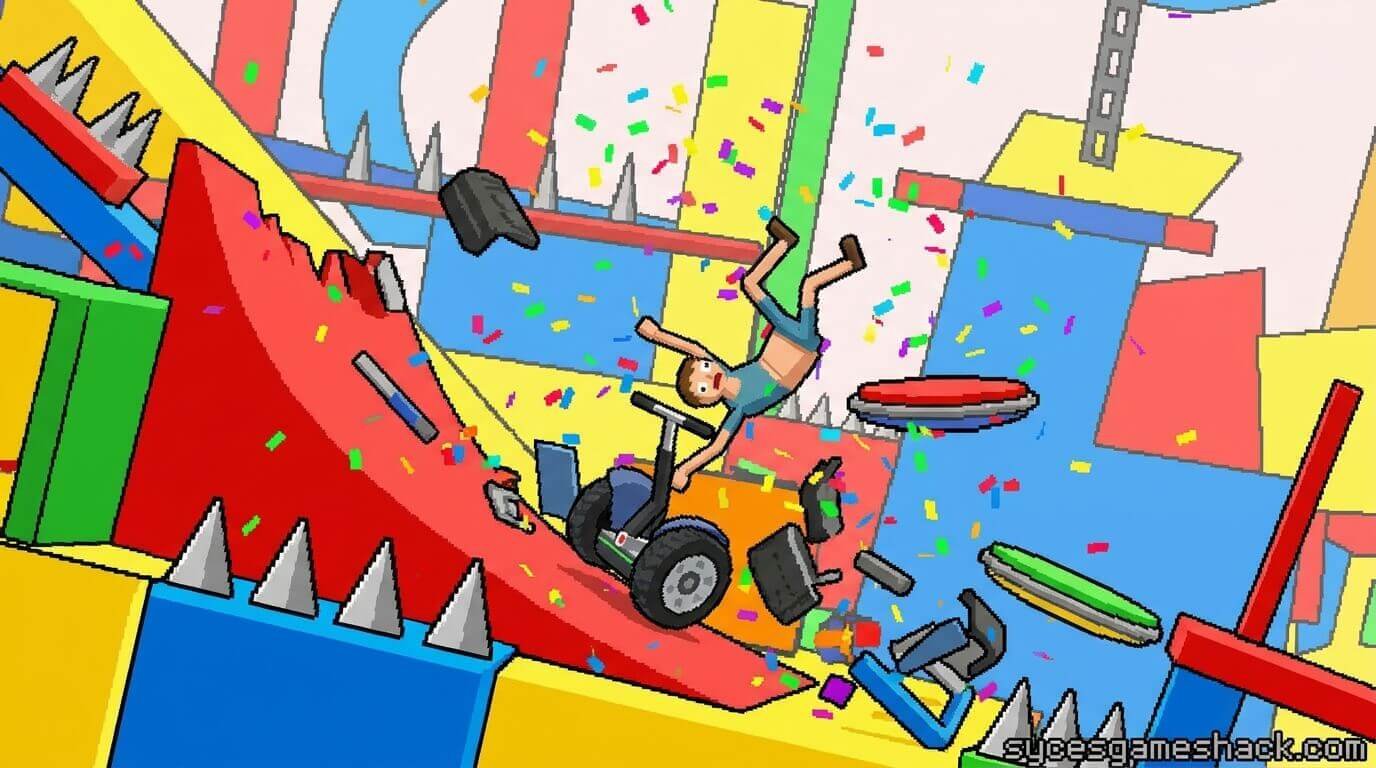
2. Segway Guy
Vehicle: A Segway personal transporter.
Character description: Segway Guy is an overconfident man on a Segway who applies far too much enthusiasm to his extremely impractical vehicle choice. He is one of the most unstable characters in the game due to the Segway’s narrow base and high center of gravity.
Special ability: Segway Guy can perform a jump with his Segway that gives him modest height. He can also eject from his Segway independently, sometimes using the separated Segway as a shield or obstacle-deflection tool.
Controls:
- Up Arrow / W: Accelerate forward
- Down Arrow / S: Reverse / brake
- Left Arrow / A: Lean backward
- Right Arrow / D: Lean forward
- Space: Jump with Segway
- Shift: Stand upright on Segway
- Z: Eject from Segway
Best for: Precision platforming levels and courses that require careful balance management.
3. Irresponsible Dad
Vehicle: A bicycle with a young child sitting on the handlebars.
Character description: Irresponsible Dad is exactly what his name suggests — a reckless father who has decided to bring his young son along for a series of death-defying obstacle courses. The child on the handlebars can be ejected separately, which the game’s dark humor treats as a feature rather than a tragedy.
Special ability: Irresponsible Dad can eject the child from the handlebars separately from himself. The child can survive independently as a ragdoll after ejection. This creates unique gameplay possibilities where one or both characters can navigate sections independently.
Controls:
- Up Arrow / W: Pedal forward
- Down Arrow / S: Pedal backward / brake
- Left Arrow / A: Lean backward
- Right Arrow / D: Lean forward
- Space: Eject child from handlebars
- Ctrl: Eject dad from bicycle
- Shift: Switch camera control to child
- Z: Eject both simultaneously
Best for: Levels specifically designed with the dual-character mechanic in mind, and any course where creative use of character ejection helps complete objectives.
4. Effective Shopper (Shopping Cart Lady)
Vehicle: A shopping cart.
Character description: Effective Shopper is a determined woman who has chosen a grocery store shopping cart as her vehicle of choice for obstacle course navigation. The cart is highly unstable on uneven terrain and tips over extremely easily, which makes her both challenging to control and hilarious to watch when things go wrong.
Special ability: Effective Shopper can jump with the shopping cart, giving her a short hop useful for clearing small obstacles. The shopping cart can be separated from the character through ejection, creating two independently controllable entities.
Controls:
- Up Arrow / W: Push cart forward
- Down Arrow / S: Push cart backward
- Left Arrow / A: Lean cart backward
- Right Arrow / D: Lean cart forward
- Space: Jump with cart
- Z: Eject from cart
Best for: Flat or gently sloping levels. Extremely difficult on steep terrain due to the cart’s instability.
5. Moped Couple
Vehicle: A moped with a male driver and female passenger riding behind.
Character description: Moped Couple features two characters sharing a single moped scooter. Both the driver and passenger can survive and be controlled independently after ejection, creating two separate ragdoll characters from a single starting vehicle.
Special ability: Either character can be ejected independently. The female passenger can be switched to and controlled separately after ejection. The camera can also be shifted between the driver and passenger for creative gameplay approaches.
Controls:
- Up Arrow / W: Accelerate forward
- Down Arrow / S: Brake / reverse
- Left Arrow / A: Lean backward
- Right Arrow / D: Lean forward
- Space: Stop / park
- Ctrl: Eject female passenger
- Shift: Switch camera to female passenger
- C: Switch active control to passenger
- Z: Eject driver
Best for: Levels with dual-character sections and courses where splitting the two characters provides a strategic advantage.
6. Lawnmower Man
Vehicle: A riding lawnmower.
Character description: Lawnmower Man is a rugged individual who approaches every obstacle course the same way he approaches an overgrown lawn — by driving straight through it. The lawnmower is one of the heavier vehicles in the game, making it less agile but more capable of bulldozing through certain obstacles.
Special ability: The lawnmower’s blade actively cuts through certain objects and obstacles in the game. It can mow through some trap types that would stop or damage other characters. The mower’s weight also gives it momentum advantages on downhill sections.
Controls:
- Up Arrow / W: Accelerate forward
- Down Arrow / S: Reverse
- Left Arrow / A: Lean backward
- Right Arrow / D: Lean forward
- Space: Jump (limited)
- Z: Eject from mower
Best for: Heavy obstacle levels where brute force through traps is more useful than agility.
7. Explorer Guy
Vehicle: A pogo stick.
Character description: Explorer Guy rides a pogo stick, making him one of the most uniquely challenging characters to control in the entire game. Every movement involves bouncing, and maintaining forward momentum while controlling the bounce arc requires a very different skill set from any other character.
Special ability: The pogo stick’s bounce can be controlled to vary the height and direction of each hop. Expert players can chain bounces to navigate sections that seem impossible at first and reach platforms far above the standard travel height of other characters.
Controls:
- Up Arrow / W: Bounce higher
- Down Arrow / S: Reduce bounce height
- Left Arrow / A: Lean backward
- Right Arrow / D: Lean forward
- Z: Eject from pogo stick
Best for: Levels specifically designed for pogo stick physics, vertical platforming sections, and players who enjoy mastering uniquely difficult control schemes.
8. Irresponsible Mom
Vehicle: A bicycle with a young child on the back.
Character description: Irresponsible Mom is the female counterpart to Irresponsible Dad, featuring a mother with a child passenger in a rear-mounted child seat rather than on the handlebars. She handles similarly to Irresponsible Dad with slight variations in weight distribution and child ejection mechanics.
Controls:
- Up Arrow / W: Pedal forward
- Down Arrow / S: Pedal backward / brake
- Left Arrow / A: Lean backward
- Right Arrow / D: Lean forward
- Space: Eject child
- Z: Eject mom from bicycle
Best for: Similar level types to Irresponsible Dad, with a slightly different feel due to the rear-mounted child seat affecting balance differently.
Happy Wheels Complete Controls Guide – All Platforms 2026
Here is the complete universal control reference for Happy Wheels Unblocked across all devices and platforms:
Universal Movement Controls (All Characters)
- Up Arrow / W: Accelerate forward / move forward
- Down Arrow / S: Reverse / brake / slow down
- Left Arrow / A: Lean character backward (left)
- Right Arrow / D: Lean character forward (right)
Universal Action Controls (All Characters)
- Z: Eject character from vehicle (ragdoll mode)
- Space: Character-specific secondary action (jump, boost, stop, etc.)
- Shift: Character-specific tertiary action (see individual character guides above)
- Ctrl: Character-specific special action (eject passenger, rotate jet, etc.)
- C: Switch active character control (Moped Couple only)
Interface Controls
- R: Restart the current level from the beginning
- P: Pause the game
- Tab: Toggle the game’s user interface display
Level Editor Controls (Full Version)
- Left Mouse Click: Place selected object / select existing object
- Right Mouse Click: Open context menu for selected object
- Middle Mouse / Scroll: Zoom in and out of the editor view
- Delete / Backspace: Delete selected object
- Ctrl + Z: Undo last action
- Ctrl + C: Copy selected object
- Ctrl + V: Paste copied object
- Space (in editor): Play-test the current level from start
Mobile Touch Controls
- Left side of screen — swipe up: Accelerate
- Left side of screen — swipe down: Reverse
- Left side of screen — swipe left/right: Lean character
- Right side of screen — tap: Special action (character-specific)
- On-screen buttons: Character eject and ability triggers shown as touch buttons
Every Obstacle Type in Happy Wheels – Complete Guide
Happy Wheels features a massive variety of deadly obstacles that level creators use to build their courses. Understanding each obstacle type is essential for survival. Here is every major obstacle you will encounter:
Spike Obstacles
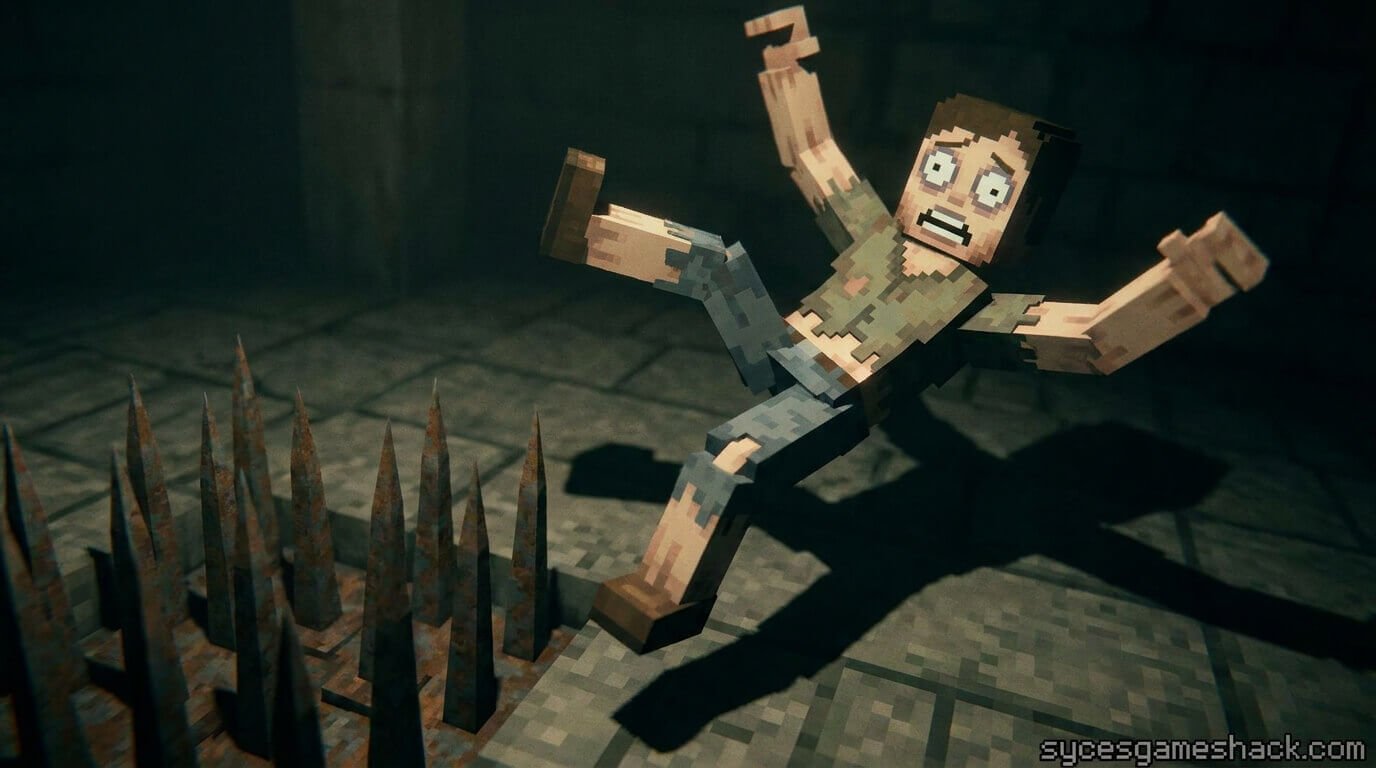
Spikes are the most common obstacle in Happy Wheels. They come in multiple sizes — from small ground spikes to massive ceiling spikes — and they impale your character on contact, causing limb loss and ragdoll physics. Spike timing and positioning awareness is the single most important skill in the game. Small spikes can sometimes be rolled over without fatal contact. Large spikes are always instantly fatal to the contacted body part.
Wrecking Balls
Wrecking balls swing on cables at various heights and speeds. They deal massive blunt impact damage that launches your character and vehicle in unpredictable directions. Timing your approach to pass behind or in front of a wrecking ball during its swing is essential. Some levels use multiple wrecking balls in sequence, requiring careful timing through each one.
Harpoon Launchers
Harpoon launchers fire fast-moving projectiles that pin characters and limbs to surfaces. Getting harpooned typically means your character becomes stuck in place while the rest of the level continues. Multiple harpoons firing simultaneously in sequence sections are among the hardest obstacle types to navigate cleanly.
Explosive Mines
Mines detonate on contact and send your character and vehicle flying in a physics explosion. Mine fields require careful navigation either around the mines or through them at the right speed and angle to minimize damage. Some mine sections use the explosion momentum intentionally to launch characters over otherwise impassable gaps.
Arrow Launchers
Arrow launchers fire clusters of arrows at high speed. They are one of the most visually distinctive obstacles in Happy Wheels and are frequently used in community levels designed to maximize the game’s dark humor. Arrow sections require either very fast movement to outrun the volleys or careful timing to move between firing cycles.
Boost Pads
Boost pads are positive obstacles that accelerate your character and vehicle to very high speeds. They are frequently combined with gap sections that require the boost speed to clear. Learning to control your character at boosted speeds is important because the increased velocity also increases the damage and speed of any subsequent collision.
Moving Platforms
Moving platforms travel in set paths and timing patterns. Characters must match the platform’s position to land safely. Some moving platform sections combine with other obstacle types, requiring synchronized timing of both the platform position and the secondary hazard.
Teleporters
Teleporters instantly move your character from one location to another within the level. They are commonly used in community-created levels to create unexpected transitions, surprise falls, and puzzle-like sections where knowing the teleporter destination in advance is required to plan your approach correctly.
Happy Wheels Level System – Official and Community Levels Explained
Official Levels
Happy Wheels includes a set of official levels created by Jim Bonacci himself. These levels are built to showcase the game’s mechanics, introduce players to each obstacle type, and demonstrate the full range of what the physics engine can do. The official levels cover all character types and progress from introductory to extremely challenging. There are over 60 official levels included across all versions of the game.
Community Level System
The most significant feature that gives Happy Wheels its unlimited replayability is the community-created level system. Players can build their own levels using the in-game level editor and publish them to a shared public server where any player can discover and play them. The community has published over 20 million levels through this system across the game’s fifteen-year history, creating an essentially infinite library of content.
Community levels range from faithful recreations of real-world environments to completely abstract puzzle courses to intentionally comedic death simulators. The variety and creativity of the community level library means that experienced players who have exhausted the official levels will never run out of new content to discover.
Level Difficulty Categories in the Community
The Happy Wheels community has developed informal difficulty categories for player-created levels over the years:
- Easy / Beginner: Gentle obstacle spacing, forgiving checkpoints, designed for newer players.
- Medium: Standard obstacle density and pacing suitable for players familiar with all character controls.
- Hard: Dense obstacles, tight timing windows, and minimal checkpoints. Requires significant skill and pattern memorization.
- Impossible: Community levels labeled as impossible are often designed to be beaten only through specific knowledge of hidden paths, precise trick shots, or exploit techniques. These levels are entertainment experiences rather than genuine completion challenges.
- Featured: The highest-quality community levels are Featured by the game’s community leaders, marking them as exceptional examples of level design worth seeking out specifically.
The Level Editor
Happy Wheels includes a fully featured in-game level editor that gives players access to most of the same tools Jim Bonacci used to create the official levels. The editor includes placement tools for all obstacle types, vehicles, terrain shapes, art elements, and trigger systems. Learning the level editor is a game in itself, with dedicated communities of Happy Wheels level designers who share tutorials, tips, and their creations with other players.
30 Pro Tips to Get Better at Happy Wheels Unblocked Fast
These are the strategies and techniques that experienced players use to survive the most brutal obstacle courses in the game. Apply every one of these and your survival rate will improve dramatically.
Beginner Tips (Tips 1–10)
- Learn which character is best for each level before starting. Every character has different strengths, and many community levels are designed specifically for one character. Check the level title or description for character recommendations before choosing randomly.
- Lean backward before landing on steep downhill slopes. Landing on a slope without proper lean angle will send your character tumbling forward into spikes. Always lean back slightly before your wheels make contact with any downward incline.
- Use reverse as a braking tool in spike sections. Tapping the Down Arrow briefly reduces your speed without fully stopping, giving you finer control of your approach speed to precision sections.
- Watch the entire level before attempting it seriously. Let yourself die once or twice just to see what comes next in a new level rather than making serious survival attempts before you know the full obstacle layout.
- Wheelchair Guy’s jet is best saved for gaps, not speed. New players often use the jet boost for speed. Its real value is in clearing gaps that the wheelchair cannot roll over. Save the boost for airborne sections.
- Ejecting can save your run in some situations. If your vehicle is about to be destroyed by a heavy obstacle, ejecting your character before impact sometimes lets your ragdoll body fly over the obstacle while the vehicle absorbs the damage.
- Lean forward on uphills, lean backward on downhills. This basic weight distribution principle applies to every wheeled character in the game. Leaning correctly prevents tumbling and maintains traction on slopes.
- Small spikes can sometimes be rolled over without fatal contact. Unlike large spikes, some small spike types in certain community levels can be rolled over at the right speed and angle without causing fatal impalement. Test unknown spike types carefully.
- Use restart immediately when you know a run is lost. There is no benefit to watching your character ragdoll through the remaining obstacles after a death is inevitable. Restart immediately to get back into a focused attempt faster.
- Sound cues often warn about off-screen obstacles. Harpoon launchers, arrow launchers, and some moving obstacles produce audio cues before they fire or move. Learn to listen for these sounds as early warning systems.
Intermediate Tips (Tips 11–20)
- Pogo stick bounce height is entirely controllable. Most players assume the pogo stick has a fixed bounce height. It does not. Holding Up Arrow increases bounce height and holding Down Arrow reduces it. Mastering variable bounce height makes Explorer Guy dramatically more effective.
- Segway Guy’s jump has very specific timing for obstacle clearing. The Segway jump is modest and the timing window for clearing obstacles with it is narrow. Practice the jump timing on easy levels before attempting to use it in hard courses.
- Moped Couple passenger ejection creates a useful distraction. In some auto-targeting trap levels, ejecting the passenger causes harpoons and arrows to target the passenger’s ragdoll instead of the driver, creating a brief window to pass safely through firing zones.
- The shopping cart tips over from top-heavy loads. Effective Shopper’s cart is weighted high. When leaning forward at high speed, the cart weight shifts forward and tips. Counter this by leaning backward slightly when approaching downhill transitions.
- Lawnmower Man’s blade specifically interacts with soft obstacles. The lawnmower blade can cut through certain obstacle types that block other characters. If you are using Lawnmower Man and an obstacle seems impenetrable, try driving straight through it rather than around it.
- Irresponsible Dad’s child can complete a level solo after ejection. In some levels, ejecting the child early and letting the child ragdoll reach the finish line counts as a level completion. This creates a completely different and often easier path to finishing certain courses.
- Wrecking ball timing is based on fixed swing cycles. Every wrecking ball in every level swings on a predictable fixed cycle. Count the swing rhythm before approaching and time your movement to the exact moment the ball swings to its maximum opposite position.
- High speed reduces harpoon hit probability in some levels. Harpoon launchers have a fixed firing arc. Moving through that arc faster gives the projectile less time to connect. In some harpoon sections, maximum speed is actually safer than cautious slow movement.
- Mine explosions can be used to launch over large gaps. Expert players intentionally drive into strategically placed mines to use the explosion force as a boost that carries them over gaps or up to platforms that are unreachable by normal vehicle movement. This technique is called mine boosting.
- Arrow sections have firing cycles with clear safe windows. Arrow launchers have reload delays between volleys. The safe window is always right after a full volley completes. Move during the reload delay rather than between individual arrows in the same volley.
Advanced Tips (Tips 21–30)
- Ragdoll momentum carries over after ejection. When you eject your character from a vehicle traveling at high speed, your ragdoll body inherits the vehicle’s momentum and continues moving in the same direction. Expert players calculate ejection timing to use this momentum for crossing gaps after the vehicle is destroyed.
- Character head is the most important body part to protect. In Happy Wheels, most death conditions are triggered by the character’s head making contact with a lethal obstacle. Your character can lose arms, legs, and even a torso section and survive in some situations. The head is always the critical protection priority.
- Rotating your character mid-air changes landing angle. Using Left and Right Arrow keys while airborne rotates your character, allowing you to adjust the landing angle before your wheels touch down. Correct landing angle prevents the tumbling that causes most deaths immediately after jump sections.
- Community level trap rooms have memorization-based solutions. Many of the most popular community levels are “trap rooms” where the level kills your character in surprising ways and requires you to memorize the sequence of traps to eventually survive. These levels are not about reflexes but about remembering the sequence and executing the correct response at each step.
- Speed management is more important than maximum speed in most levels. The instinct in physics games is to go as fast as possible. In Happy Wheels, uncontrolled high speed causes more deaths than slow careful movement in most level types. The exception is specific speed-challenge levels that require sustained maximum velocity.
- Irresponsible Dad can sometimes complete levels dad-less. If the bicycle reaches a section where the dad is destroyed but the child survives on the front, the child can sometimes steer the bicycle frame across the finish line. This is an unusual survival scenario but does occur in specific level layouts.
- Learn to read spike density before committing to a section. Dense spike sections are the most common instant-death scenario in Happy Wheels. Before entering a spike-heavy area, slow down enough to see the full obstacle pattern and identify the safest path or the single guaranteed death point before attempting to push through.
- The level editor teaches you to think like a level designer. Spending time in the level editor gives you insight into how traps are constructed and why certain obstacle combinations are used together. This knowledge transfers back to playing levels, making previously confusing trap sequences clearly readable.
- Replays reveal the intended solution path. After a particularly confusing death, watching the replay of your run shows you exactly how the physics chain developed from your input to the death outcome. Use replays to identify the specific moment where a different input would have changed the result.
- The best community levels have a clear logic to their design. When a level seems completely random in its kills, it usually means the level designer intended for players to discover the hidden pattern after multiple attempts. Approach seemingly random trap sequences as puzzles with solutions rather than genuinely unpredictable obstacles.
Why Play Happy Wheels Unblocked on Syces Game Shack?
Hundreds of websites claim to offer Happy Wheels Unblocked, but the majority fail students in critical ways — broken game embeds, intrusive ads covering the play area, slow loading times, or getting blocked by school filters within days of being discovered. Here is why Syces Game Shack is the right choice for playing Happy Wheels Unblocked in 2026:
- Actually works on school networks: Syces Game Shack is specifically optimized to bypass the content filtering software schools use in 2026, including GoGuardian, Lightspeed Relay, and Securly. The site maintains consistent accessibility on school networks where most gaming sites get blocked within days.
- Zero downloads needed: Open the page in any browser tab and the game loads immediately. No installer, no plugin, no extension required. Nothing triggers the download alerts or installation warnings on managed school Chromebooks.
- No account or login required: You are never asked for an email address, username, password, or any personal information. Fully anonymous instant play every session.
- Works on every device available at school: Chromebook, Windows laptop, Mac, iPad, and Android tablet. Any device with a modern browser runs the game smoothly without performance issues.
- Clean interface, no misleading ads: Many unblocked game sites surround the game with fake play buttons and misleading advertisements that trap students in redirects. Syces Game Shack keeps the experience clean and straightforward.
- Hundreds of other unblocked games available: Beyond Happy Wheels, Syces Game Shack hosts a massive library of other unblocked games across every category so your school break options are always available in one place.
▶ Play Happy Wheels Unblocked Free at SycesGameShack.com — No Download. No Login. No Ads. Works on Every School Chromebook.
More Great Games to Play After Happy Wheels Unblocked
If you love Happy Wheels, here are more games available completely free on Syces Game Shack that give you a similar rush:
- Rooftop Snipers Unblocked — Chaotic 2-player physics shooting game with ragdoll characters. Perfect with a friend on the same keyboard.
- Moto X3M Unblocked — Thrilling bike stunt racing with obstacle courses that reward physics mastery.
- Drift Hunters Unblocked — Realistic 3D vehicle physics drifting game with full car customization.
- Slope Unblocked — High-speed 3D ball game on an endless slope with reflex-based obstacle dodging.
- Run 3 Unblocked — Endless runner set in space tunnels with rotating gravity mechanics.
- Drift Boss Unblocked — Satisfying one-touch drifting game with progressively harder track layouts.
- Basketball Stars Unblocked — Fast-paced 1v1 basketball with physics-based shot mechanics.
- Smash Karts Unblocked — Online multiplayer kart battle arena that works on school networks.
- Eggy Car Unblocked — Physics-based driving game where you carry an egg across bumpy terrain without cracking it.
- Drive Mad Unblocked — Tricky vehicle physics game with increasingly wild terrain and vehicle types.
Final Thoughts
Happy Wheels Unblocked remains one of the greatest browser gaming experiences ever created more than fifteen years after its original release. No other game quite replicates the combination of genuine physics challenge, dark comedy, community creativity, and chaotic replayability that Happy Wheels delivers in a completely free browser package.
From Wheelchair Guy’s jet-boosted leaps over spike fields to Irresponsible Dad’s bicycle ragdolling through arrow volleys, every single session of Happy Wheels produces moments that are impossible to replicate, impossible to predict, and impossible to stop laughing at even when your character has just lost three limbs five meters before the finish line.
With over 20 million community-created levels available and new ones being published every day, Happy Wheels offers more content than you could play in a lifetime. And every single bit of it is accessible right now, for free, on any device, with no downloads and no logins, at Syces Game Shack.
Happy Wheels Unblocked 35 FAQs Fully Answered 2026
Basic Questions
Q1: Is Happy Wheels Unblocked actually free to play?
Yes, completely. The unblocked browser version on Syces Game Shack is 100% free. No payment, no subscription, no credit card, and no premium features locked behind a paywall.
Q2: Do I need to download anything to play Happy Wheels Unblocked?
No. The game runs entirely inside your browser tab. Nothing installs on your computer or Chromebook. Open the site and the game begins immediately with no waiting for downloads.
Q3: Do I need an account or login to play?
No account, email, or login of any kind is required. You can play the full game completely anonymously in every session.
Q4: Does Happy Wheels Unblocked work on school Chromebooks?
Yes. The version on Syces Game Shack is specifically optimized for school Chromebooks running the Chrome browser. It requires no extensions, no downloads, and no special permissions that school-managed devices would reject.
Q5: What browser works best for Happy Wheels Unblocked?
Google Chrome gives the best performance. Microsoft Edge and Firefox both work well too. The game is fully compatible with all modern browsers available on school Chromebooks and laptops.
Q6: Can I play Happy Wheels Unblocked on my phone?
Yes. Syces Game Shack works on mobile browsers on Android and iOS devices. Touch controls work on the mobile version of the game.
Q7: Is this the same Happy Wheels that PewDiePie played?
Yes. The browser version of Happy Wheels that PewDiePie, Jacksepticeye, and other major YouTubers made famous is the same game available in the unblocked version on Syces Game Shack. The gameplay, characters, physics, and community level system are all the same.
Q8: How many characters are in Happy Wheels?
Happy Wheels features 8 main playable characters: Wheelchair Guy, Segway Guy, Irresponsible Dad, Effective Shopper, Moped Couple, Lawnmower Man, Explorer Guy (Pogo Stick), and Irresponsible Mom. Each has a unique vehicle and control scheme.
Gameplay Questions
Q9: How do I eject my character from the vehicle?
Press the Z key to eject your character from their vehicle. After ejection, your character becomes a ragdoll that continues moving based on the momentum of your vehicle at the time of ejection. Some characters also have secondary ejection options for passengers using Ctrl or Space.
Q10: Why does my character keep tipping over?
Tipping is caused by too much lean angle at the wrong moment — usually leaning too far forward when transitioning from flat ground to a downhill slope, or landing at the wrong angle after a jump. Use Left and Right Arrow keys to manage your lean angle actively during movement.
Q11: How do I use Wheelchair Guy’s jet booster?
Press Shift to activate the jet booster. Press Ctrl to rotate the jet direction, which changes where the thrust pushes you. The jet is most useful when you are airborne and need to extend a jump or cross a large gap. Save it for aerial sections rather than using it for ground speed.
Q12: What is the best character for beginners?
Wheelchair Guy is the recommended starting character. His electric wheelchair is the most stable and predictable vehicle in the game, and his jet booster ability provides a useful safety net for gap sections. Segway Guy and Irresponsible Dad are good second and third choices for beginners.
Q13: How do I play as Irresponsible Dad?
Select Irresponsible Dad from the character selection screen. He rides a bicycle with his child on the handlebars. Press Space to eject the child, Ctrl to eject yourself, and Shift to switch camera control to the child after ejection. Both you and the child can survive and be controlled independently.
Q14: How many levels does Happy Wheels have?
The game has over 60 official levels created by Jim Bonacci. The community has published over 20 million additional levels through the online level sharing system, creating an essentially unlimited amount of content available to play.
Q15: Can I create my own Happy Wheels levels?
Yes, the full version of Happy Wheels includes a level editor that lets you build and publish your own levels. In the browser unblocked version, access to the full level editor and level sharing features depends on which version is hosted on the platform you are using.
Q16: What is the goal in each Happy Wheels level?
The goal is to reach the finish line at the end of each level while surviving the obstacle course. Many levels also include collectible tokens and optional secondary objectives. In some community levels the goal is survival itself rather than reaching a specific finish point.
Q17: Why does my character keep dying in the same spot?
Repeated deaths in the same location usually mean you need to change your approach to that specific obstacle. Try adjusting your speed, lean angle, or timing before reaching that point. If the obstacle involves timing — like a wrecking ball or arrow launcher — count the cycle pattern before moving.
Q18: Can I complete levels with my character missing limbs?
Yes. Unlike many games, Happy Wheels lets your character continue playing after losing limbs. A character who has lost both arms and one leg can still navigate a vehicle and reach the finish line. The only condition that truly ends your run is fatal head contact or the complete destruction of the core character body.
Q19: What are the tokens I see in some levels?
Tokens are collectible stars scattered throughout many Happy Wheels levels. Collecting tokens is an optional secondary objective that provides bonus points and serves as a challenge beyond simply reaching the finish line. Some levels require collecting specific tokens to unlock the path to the exit.
Q20: How do I play multiplayer in Happy Wheels?
Happy Wheels does not have a built-in real-time multiplayer mode. However, the game is perfect for turn-based competition with friends where each player attempts the same level and compares scores, completion times, or how far they reached before dying.
Technical Questions

Q21: Why is Happy Wheels Unblocked running slowly on my Chromebook?
Close all other browser tabs and applications to free up RAM. Make sure your Chromebook is plugged into a power source rather than running on battery saver mode. If the game still runs slowly, try refreshing the page to clear any accumulated memory usage from a long session.
Q22: The game is not loading. What should I do?
First try refreshing the page. If that does not work, clear your browser cache and cookies for the site, then reload. Try a different browser if one is available on your device. If the problem continues, the school network may be intermittently filtering the site — wait a few minutes and try again.
Q23: The controls are not responding. How do I fix this?
Click once on the game window to make sure it has focus. Browser games require the game window to be the active focused element before keyboard inputs register. If you clicked elsewhere on the page, keyboard inputs go to the browser rather than the game.
Q24: Can I save my progress in Happy Wheels Unblocked?
The browser unblocked version may save limited progress data using local browser storage. Progress is retained as long as you do not clear browser cookies. Progress does not transfer between devices. The official app versions for iOS and Android support proper account-based save systems.
Q25: Why is the level editor not available in my version?
The full level editor and level sharing features require the official version of Happy Wheels. Some browser versions include a limited editor, while others only include the playable level experience without editor access. The official totaljerkface.com website hosts the full version with complete editor access.
School and Access Questions
Q26: Why do schools block Happy Wheels?
Schools use content filtering software that automatically categorizes gaming websites as entertainment and blocks them. Happy Wheels is additionally sometimes flagged by content filters for its cartoon-style violence and dark humor, which some school filters classify as inappropriate content regardless of the cartoon nature of the visuals.
Q27: Is Happy Wheels appropriate to play at school?
Happy Wheels features cartoon physics violence and dark humor. It is rated for ages 17+ due to its content. Whether it is appropriate for your specific school environment depends on your school’s content policies. The gameplay itself is free of any realistic violence, offensive language, or inappropriate imagery beyond cartoon ragdoll physics.
Q28: Will playing unblocked games put viruses on my school Chromebook?
Syces Game Shack is a safe, clean gaming site that contains no malware, no adware, and no malicious scripts. Playing browser games on a safe platform like Syces Game Shack carries no virus risk to your device.
Q29: What other unblocked games are available at school in 2026?
Syces Game Shack hosts hundreds of unblocked games including Slope, Run 3, Tunnel Rush, Moto X3M, Geometry Dash, Drift Hunters, Rooftop Snipers, Cookie Clicker, OvO, Stickman Hook, Basket Random, Smash Karts, and many more. Visit SycesGameShack.com for the complete library.
Q30: Can teachers see that I am playing Happy Wheels?
This depends entirely on what monitoring software your school uses. GoGuardian and similar systems can display real-time browsing activity to teachers actively watching their monitoring dashboard. Always be aware of your classroom environment and your school’s policies before playing any game during supervised time.
Character and Strategy Questions

Q31: Which character is the fastest in Happy Wheels?
Wheelchair Guy with his jet booster active achieves the highest burst speed. On flat terrain, the Moped Couple has the highest sustained ground speed. Lawnmower Man has good momentum on downhill sections. Segway Guy and Pogo Stick Guy are the slowest characters in terms of overall course traversal speed.
Q32: Which character survives the most damage?
Lawnmower Man is generally the most durable character due to the mower’s metal construction providing some protection from impacts. Wheelchair Guy’s sturdy chair frame also provides reasonable protection from side impacts. The bicycle-based characters (Irresponsible Dad and Mom) are the most fragile due to the bicycle frame’s light construction.
Q33: What is the best strategy for spike fields?
Slow down significantly before entering any spike field. Identify the path of least obstruction before committing to movement through it. Keep your lean angle neutral (vertical) rather than leaning forward or backward. In spike fields, vehicle tipping is often more dangerous than the spikes themselves.
Q34: Is there a Happy Wheels 2?
Happy Wheels 2 has been confirmed by creator Jim Bonacci and is currently in development. It is being built using C++ and OpenGL rather than Flash, which means it will not be affected by Flash Player’s end of life. Jim has stated it will cost a small amount to purchase and that level creation will have associated costs. No official release date has been announced as of 2026.
Q35: What made Happy Wheels go viral originally?
Happy Wheels went viral primarily through YouTube. The game’s combination of ragdoll physics comedy, dark humor, and the shock value of its obstacle-course deaths made it perfect content for gaming YouTubers in the early 2010s. PewDiePie’s series of Happy Wheels videos was among the most significant drivers of the game’s viral spread, introducing it to audiences of tens of millions of viewers who then sought out the game to play themselves.
▶ Play Happy Wheels Unblocked Free Right Now at SycesGameShack.com — No Download. No Login. Works on Every School Chromebook in 2026.




2 Comments