Papa’s Wingeria Unblocked | Play Free Online at School or Work
Introduction
What Is Papa’s Wingeria Unblocked?
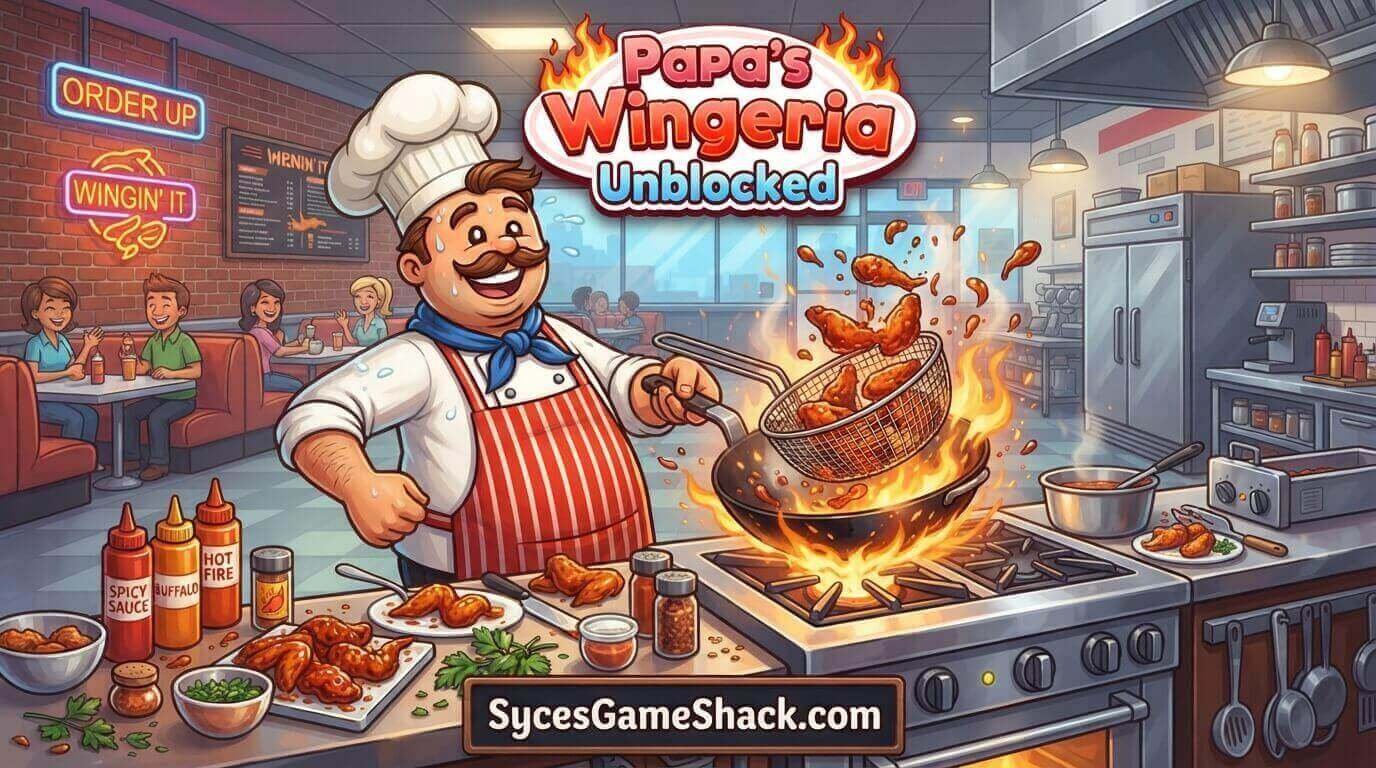
Papa’s Wingeria Unblocked is a restaurant simulation game where players run a wing shop through three main stations: the Order Station, the Frying Station, and the Build Station.
Customers walk in with specific requests: a wing style, a sauce, a side, and a garnish, and it’s your job to fry the wings to the correct crispiness, coat them evenly, and plate everything exactly the way it was ordered.
The faster and more accurately you serve, the bigger your tips, which unlock new ingredients, décor, and customers as you level up.
The “unblocked” version refers to the same exact game, hosted on a page that isn’t caught by the content filters schools and workplaces use to block gaming sites.
Since Papa’s Wingeria runs entirely through a browser-based Flash emulator (Ruffle) or HTML5 wrapper, there’s no executable file to install, which is precisely why it slips through on locked-down school Chromebooks where most downloadable games won’t run at all.
Why Papa’s Wingeria Gets Blocked at School
Network administrators generally block broad categories like “games,” “entertainment,” and “streaming” rather than reviewing each title individually.
A cooking simulation with zero violence still gets swept into that blocklist purely because it’s hosted on a domain tagged as a gaming site.
Papa’s Wingeria Unblocked mirrors solve this by hosting the identical game on a different address that either isn’t yet flagged in the filtering database, or by embedding it inside a page categorized under something unrelated, like “education” or “reference.”
None of this requires the player to install anything; the workaround happens entirely on the hosting side, so opening an unblocked mirror is no different, safety-wise, from opening any other browser game page.
Full Station-by-Station Guide
1. Order Station
This is where you greet customers and take their order. Pay close attention to every detail on the order ticket: wing count, sauce type, side dish, and garnish, since even one wrong detail on the final plate reduces your tip.
Click the customer to view their ticket again at any point during the order.
2. Frying Station
Drag the wing basket into the fryer and rotate it clockwise to keep the wings cooking evenly. Watch the timer meter closely; pulling the wings out right when the needle hits the white line gives you a perfectly cooked batch.
Wings left in too long turn overdone and cost you points; pulled too early, they’re undercooked.
3. Sauce Station
Once the wings are fried, move them to the sauce station and select the correct sauce type from the order ticket. Time your shake movements with the on-screen green arrows to coat the wings evenly on all sides.
If a customer orders two different sauces in the same order, fry and sauce each batch separately so the flavors don’t cross.
4. Build Station
This is where presentation matters. Arrange the wings evenly around the plate, space the garnish and side dish according to the ticket’s layout, and place any dipping sauce at the center.
A neatly arranged plate consistently earns a better tip than a rushed one, even if the cooking itself was accurate.
How to Play Papa’s Wingeria Unblocked: Step-by-Step Beginner Guide
1. Master One Station Before Multitasking
New players often try to juggle all three stations from the very first order. Instead, get comfortable with frying timing alone for a few orders before adding sauce and build-station multitasking into the mix.
2. Start New Orders While Wings Are Frying
Since frying takes a fixed amount of time regardless of what you’re doing, use that window to take the next customer’s order or prep ingredients rather than standing idle at the fryer.
3. Memorize Common Sauce Timings
Each sauce type has a slightly different shake rhythm. After a handful of orders, you’ll start recognizing the pattern for your most-ordered sauces without needing to watch the arrows as closely.
4. Don’t Rush the Build Station
A perfectly fried and sauced order can still lose points from sloppy plating. Slow down slightly during the final build step; it’s usually worth more to your tip score than shaving a second or two off your fry time.
5. Track Regulars’ Preferences
Returning customers often order the same combinations. Recognizing regulars and anticipating their usual order helps you plate faster without re-reading the full ticket every time.
Advanced Tips for Maximum Tips
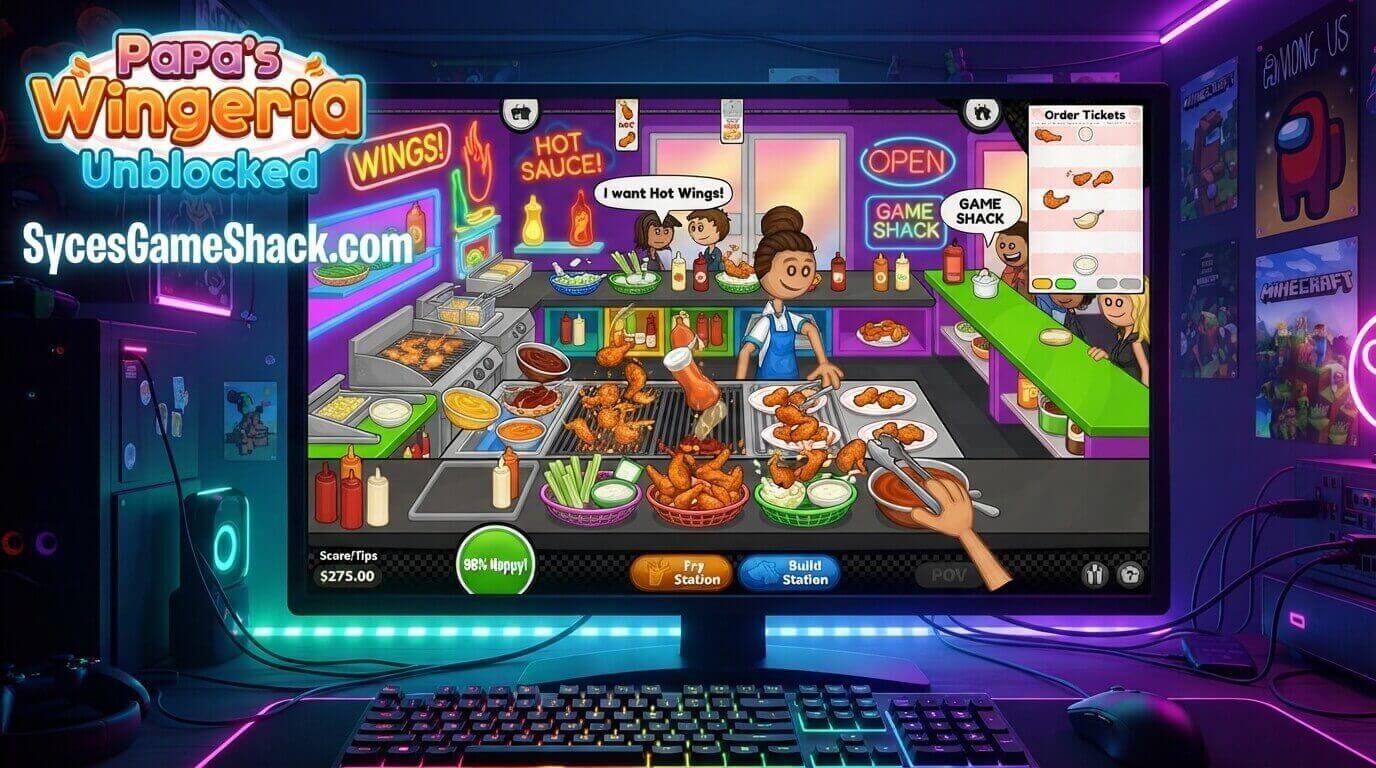
- Batch similar orders together: When two customers order the same sauce, fry and sauce both batches back-to-back to save station-switching time.
- Watch the fryer meter, not the clock: The visual cue on the fryer is more reliable than trying to count seconds mentally, especially once orders start stacking up.
- Prioritize accuracy over speed early on: A slower, correct order earns more tip value than a fast one with a wrong sauce or missing garnish.
- Use toppings and side placement patterns consistently: Building muscle memory for standard garnish layouts speeds up your plating on busy days without sacrificing the accuracy bonus.
Is Papa’s Wingeria Unblocked Safe to Play?
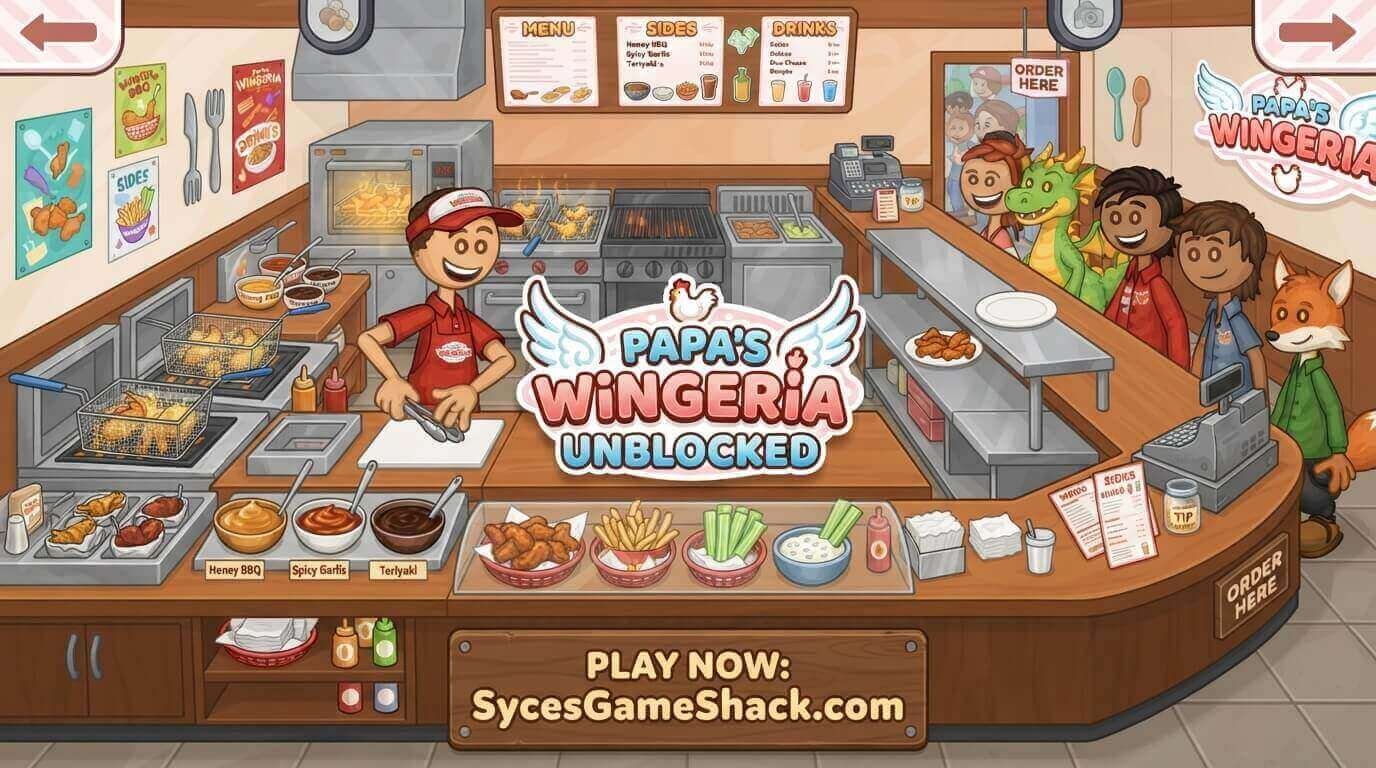
The Papa’s Wingeria Unblocked itself is a lightweight browser title with no downloadable files, so it carries no software-based malware risk.
The one thing to watch for on unblocked game hubs is the page surrounding the game; some low-quality sites stack pop-up ads or fake “download” buttons around the embedded player.
Stick to pages where the game loads directly in a clean player window, and avoid clicking anything outside of it.
Best Devices for Playing Papa’s Wingeria Unblocked
- School Chromebooks: Run smoothly since the game needs no admin rights or installation.
- Windows/Mac laptops: Best overall experience with precise mouse control for the sauce-shaking mini-game.
- Tablets: Fully playable with touch controls, though drag-and-drop precision can feel slightly less responsive than a mouse.
Similar Unblocked Cooking Games Worth Trying
If you enjoy Papa’s Wingeria Unblocked mix of timing and multitasking, other titles in the same series are worth trying, including Papa’s Freezeria, Papa’s Pizzeria, Papa’s Cheeseria, and Papa’s Hot Doggeria.
Each keeps the same order-fry-sauce-build structure while swapping in a different food type and station layout.
FAQs
1. Is Papa’s Wingeria unblocked and free to play?
Yes. Papa’s Wingeria Unblocked is completely free to play in the browser, with no purchase or download required to access the full game.
2. Why won’t Papa’s Wingeria load at school?
This usually happens when the specific hosting domain gets added to your school’s blocklist. Refreshing the page, trying a different browser, or switching to an alternate mirror link on the same unblocked site typically resolves it.
3. Do I need Flash Player to play Papa’s Wingeria unblocked?
No. Most unblocked versions today use the Ruffle emulator or a full HTML5 rebuild, so the game runs directly in modern browsers without needing the discontinued Flash Player.
4. Can I play Papa’s Wingeria unblocked on my phone?
Yes. Most unblocked hosts support touch controls for the drag-and-drop cooking mechanics, though a mouse offers slightly more precise sauce-shaking timing.
5. Is it safe to play Papa’s Wingeria unblocked on a school computer?
The game itself carries no malware risk since it’s browser-based with no installation files. Just avoid clicking pop-up ads or unrelated “download” buttons on lower-quality hosting pages.
6. What’s the best way to earn higher tips?
Focus on order accuracy first, keep the fryer timing precise, and take the extra second to plate wings neatly at the build station; presentation consistently affects your final tip score.
7. Can I save my progress in the unblocked version?
This depends on the specific hosting site. Some unblocked mirrors support save slots like the original game, while others reset progress each session, so check the site’s instructions before starting a long run.