Paper Minecraft Unblocked | Play Free 2D Minecraft at School No Download 2026
Introduction
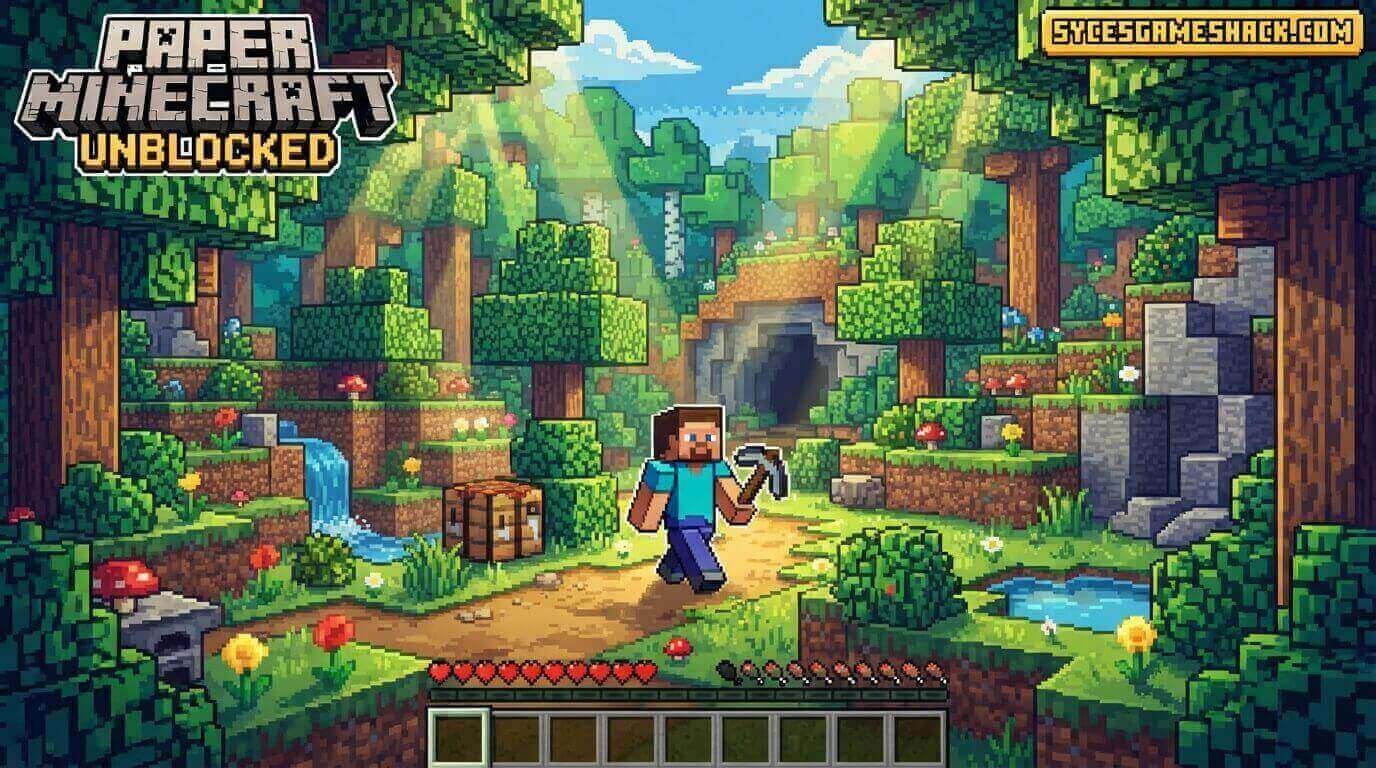
Paper Minecraft Unblocked is the most creative, most nostalgic, and most genuinely fun 2D version of the world’s most famous sandbox game, and you can play it completely free at school right now on Syces Game Shack without any downloads, accounts, or VPN required.
Mine resources, craft tools, build shelters, fight creepers, explore caves, and survive the night all inside a charming 2D pixel world that captures everything you love about Minecraft in a browser that loads in under 3 seconds on any school Chromebook.
What Is Paper Minecraft Unblocked?
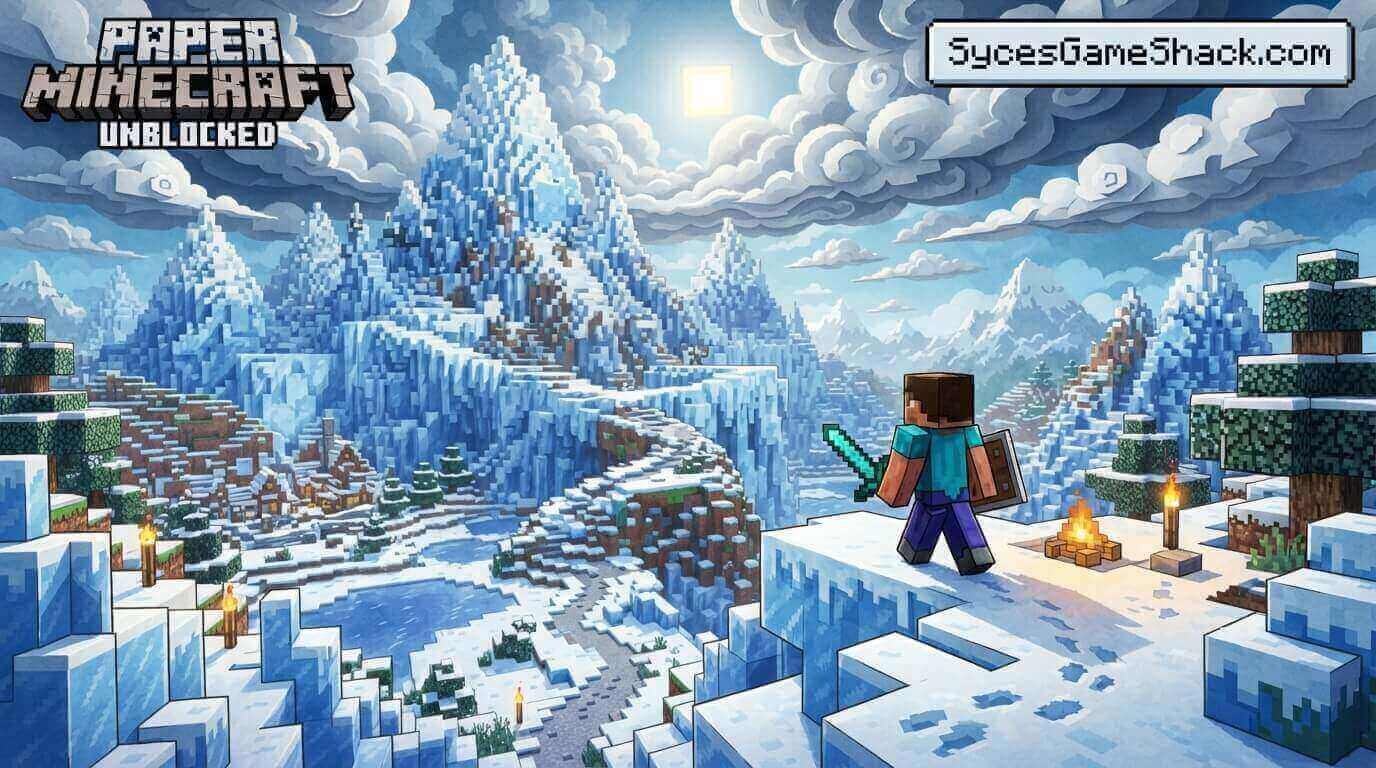
Paper Minecraft Unblocked is a 2D fan-made recreation of Minecraft built entirely on the Scratch platform by developer Griffpatch, one of the most talented and most followed creators on Scratch, with over 7 million followers worldwide.
Released in 2015, Paper Minecraft became one of the most played Scratch projects in history with over 50 million plays across all platforms.
In 2026, the browser-unblocked version on Syces Game Shack lets school students access the complete Paper Minecraft experience without needing Scratch accounts, downloads, or network workarounds of any kind.
Why Paper Minecraft Beats the Competition at School
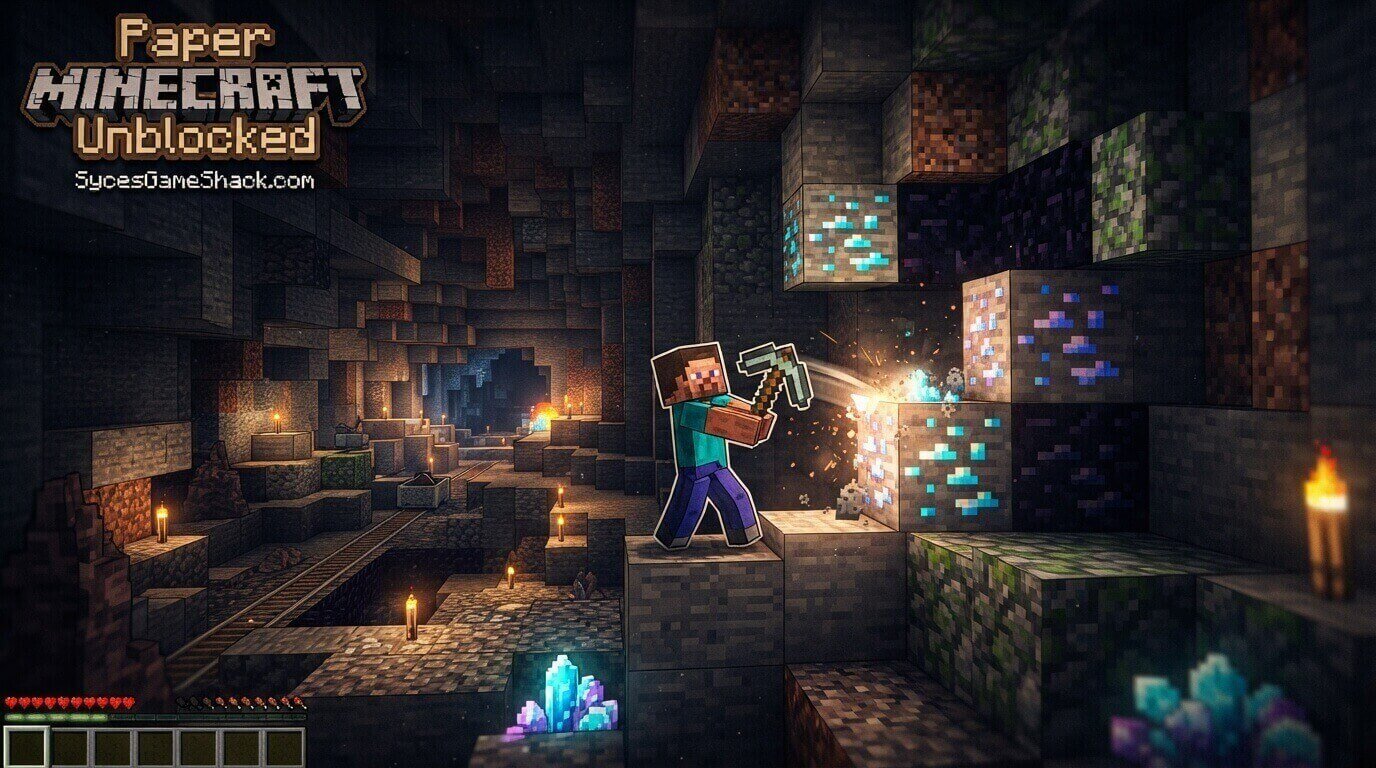
Most students discover Paper Minecraft Unblocked because they cannot access the real Minecraft on school Chromebooks.
The original Minecraft requires a paid account and installation, both impossible on locked school devices. Paper Minecraft requires neither. What surprises most students is that Paper Minecraft does not feel like a compromise.
The 2D perspective creates a genuinely different experience from 3D Minecraft, with its own strategies, challenges, and satisfying moments that make it worth playing even for students who have hundreds of hours in the original game.
How to Play Paper Minecraft Unblocked: Complete Controls
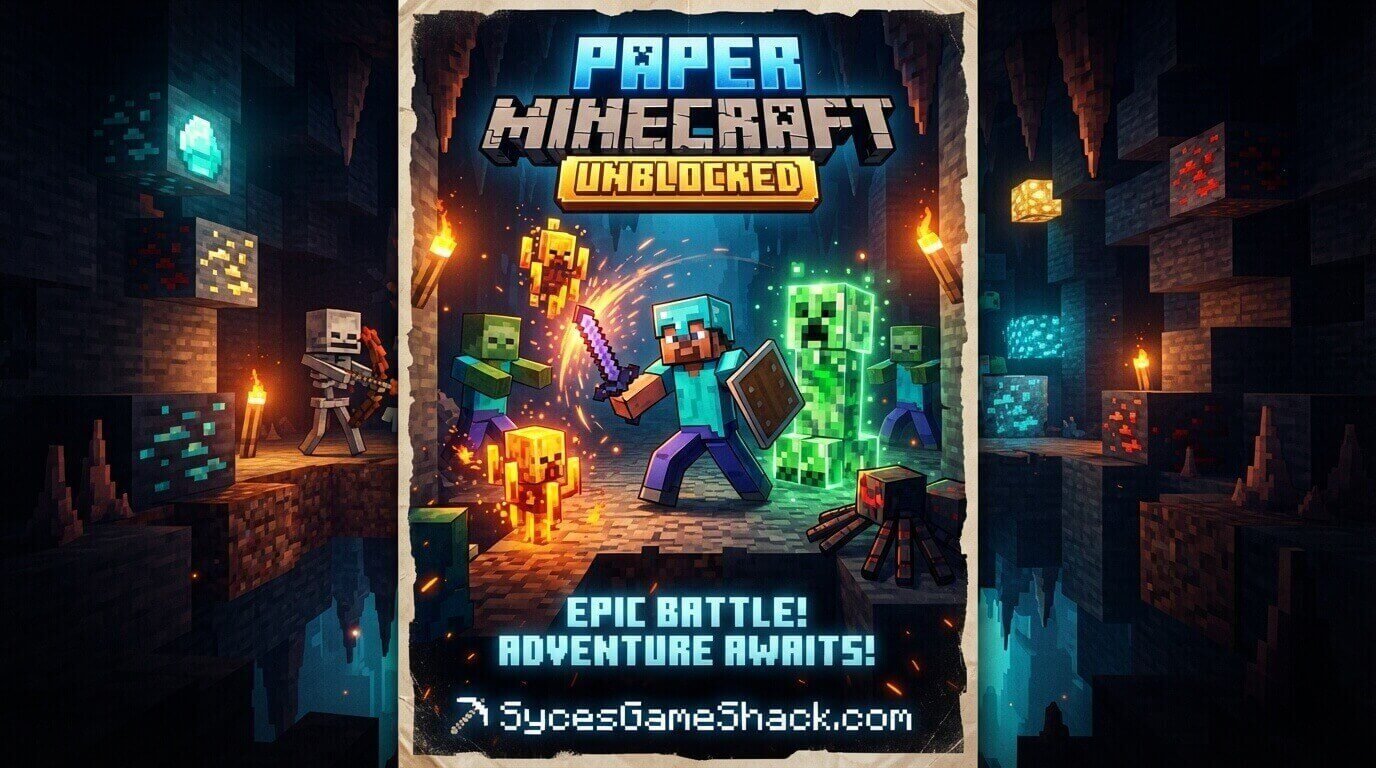
- WASD or Arrow Keys: Move your character left and right. W or Up Arrow: Jump.
- Mouse Click: Left-click to mine blocks and attack enemies. Right-click to place blocks from your selected hotbar slot.
- Number Keys 1–9: Switch between hotbar slots without opening the full inventory.
- E Key: Open your inventory and crafting grid to view all collected materials and craft new items.
- Q Key: Drop the currently selected item from your hotbar onto the ground.
- Shift Key: Sneak movement that prevents falling off platform edges, essential for precise building on elevated structures.
Survival Mode vs Creative Mode: Which Should You Choose?
Paper Minecraft offers both modes from the main menu, and the choice fundamentally changes how you experience the game.
- Survival Mode is the complete Paper Minecraft experience. You spawn in a world with nothing, must find food to prevent starvation, gather resources to craft tools and shelter, and survive against hostile mobs that spawn at night. Every resource requires effort to collect. Every tool must be crafted from components. Death returns you to spawn and may drop your inventory. Survival Mode is what most students choose because it creates genuine stakes; every decision matters.
- Creative Mode gives you unlimited access to every block and item in the game from the start with no hunger, no health damage, and no hostile mobs. The entire Paper Minecraft world becomes a building canvas. Creative Mode is best when you want to practice building designs, experiment with large-scale construction, or simply explore the game without survival pressure.
Complete Crafting Guide for Paper Minecraft
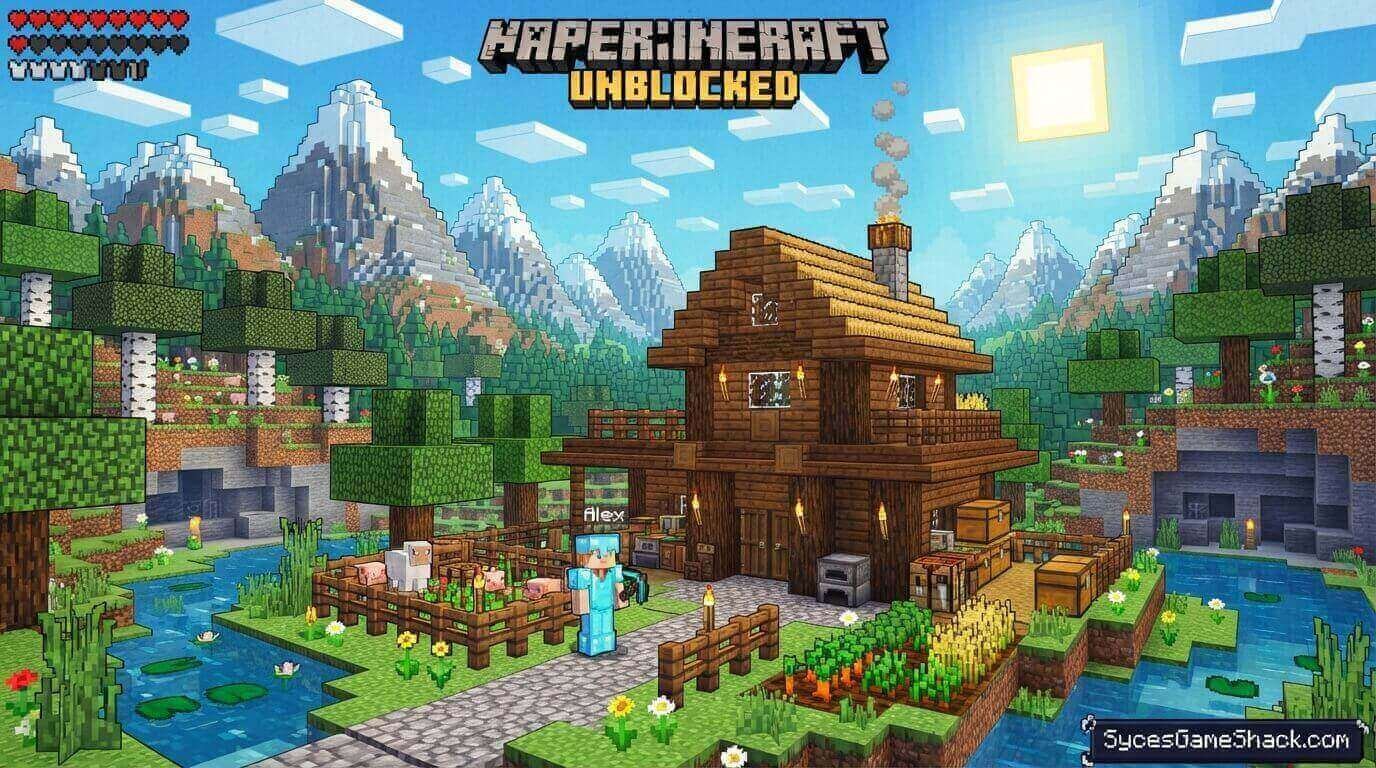
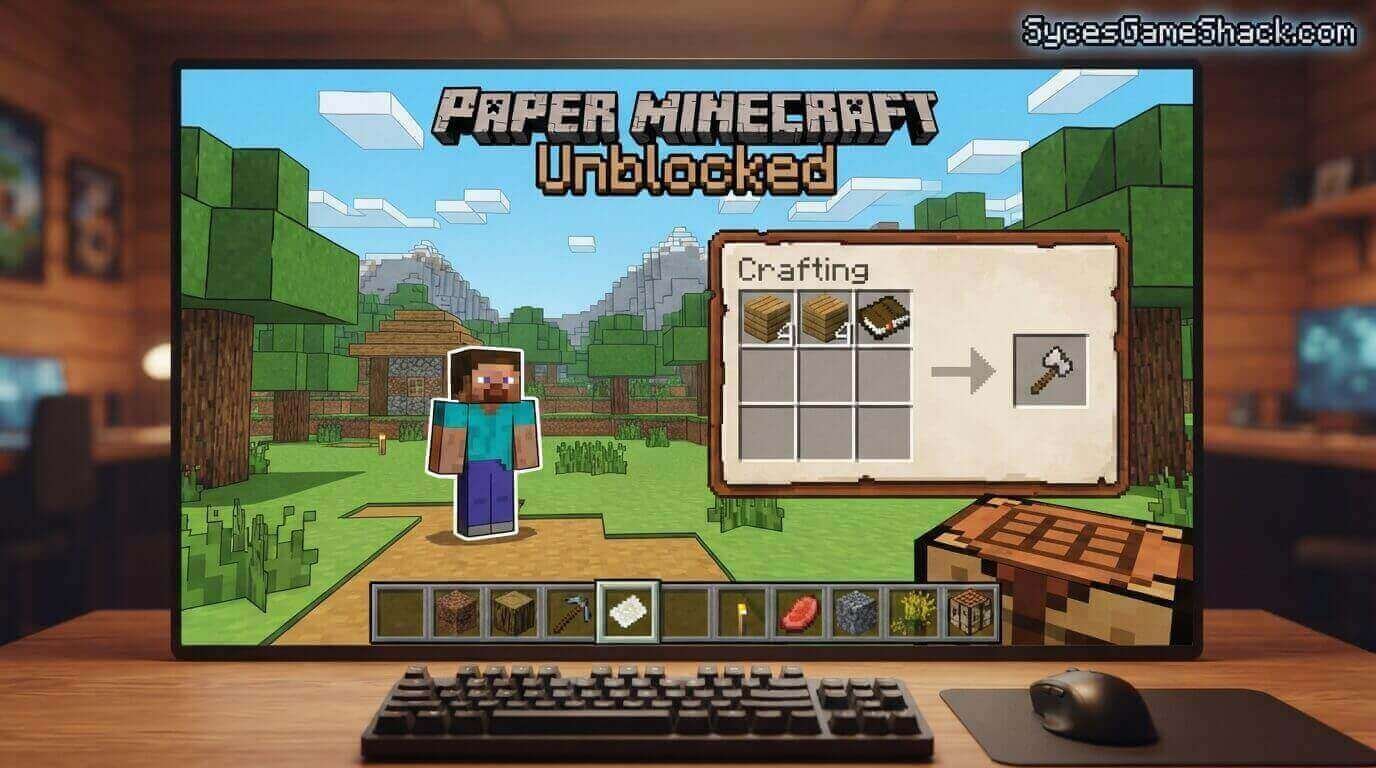
Crafting in Paper Minecraft Unblocked follows the same recipes as the original Minecraft. Here are the most important items to craft in progression order:
- Wooden Pickaxe: Your first essential tool. Craft using 3 wooden planks across the top row and 2 sticks in the middle column of the crafting grid. Without a pickaxe, you cannot mine stone, ore, or most resources beyond basic wood and dirt.
- Wooden Axe: Speeds up wood collection significantly. Same stick arrangement as the pickaxe but with planks forming an L-shape rather than a row. Useful in early game when you need large quantities of wood for shelter.
- Crafting Table: Unlocks the full 3×3 crafting grid from the basic 2×2 inventory grid. Required for almost every useful item in the game. Craft from 4 wooden planks in a 2×2 square. Place it immediately; your first crafting table is the single most important early-game action.
- Furnace: Smelts raw ore into metal ingots and cooks food. Craft from 8 cobblestone surrounding an empty center. You cannot make iron or gold tools without a furnace to smelt ore.
- Stone Pickaxe: Significantly more durable than a wooden pickaxe and required to mine iron ore. Craft using 3 cobblestone across the top row and 2 sticks below. Upgrade to stone tools as soon as you have collected enough cobblestone.
- Sword: Doubles your melee damage against all mobs compared to bare-hand attacks. Any material works: a wood sword from wooden planks, a stone sword from cobblestone. Craft before nightfall on your first day.
- Bed: The most important night-time item. Craft from 3 wooden planks across the bottom row and 3 wool above them. Sleeping in a bed skips the night entirely and resets your spawn point to the bed location, both critical functions in Paper Minecraft Unblocked survival.
- Iron Pickaxe: Required to mine diamonds, gold, and redstone. Craft the same pattern as wooden and stone pickaxes but with iron ingots. Getting to an iron pickaxe should be your primary goal in every new survival world.
All Mobs in Paper Minecraft: What to Expect
- Creeper: The most iconic Minecraft enemy. Approaches silently and explodes when close, dealing massive damage and destroying nearby blocks. In Paper Minecraft’s 2D world, creepers are easier to spot than in 3D, but their explosion damage is devastating to your health and your shelter. Kill with ranged attacks if possible; hit and back away before it can detonate.
- Zombie: slow-moving basic enemy that spawns at night and in dark caves. Low individual threat but dangerous in groups. Burns in sunlight, which makes surviving the night and waiting for day the simplest counter.
- Skeleton: Ranged archer enemy that shoots arrows from a distance. More dangerous than zombies because you cannot simply approach and attack without taking arrow damage. Use terrain and blocks as cover between shots.
- Spider: Fast-moving enemy with good movement across all surfaces. More agile than zombies but less damaging per hit. Spiders become neutral during daylight only attack at night and in caves below a light level threshold.
- Enderman: Tall, dark mob that is completely passive unless you look directly at it. Looking at an Enderman triggers aggression; it teleports aggressively and deals serious damage. Avoid eye contact or fight in water, which Endermen cannot enter.
- Chicken, Cow, Pig, Sheep: passive food mobs. Attack them for meat and material drops. Sheep also provide wool required for beds. Never kill all animals of one type in your area; maintaining a small population provides sustainable food without long travel.
Top Tips for Paper Minecraft Unblocked
Tip 1: Always Build a Shelter Before Night
Your first Minecraft day should focus on gathering wood, crafting basic tools, and building a small shelter before the sun sets.
Night brings aggressive mobs, and without shelter you will die repeatedly, losing your starting inventory. A dirt shelter is enough for the first night; upgrade to stone on day two.
Tip 2: Never Mine Straight Down
Mining directly below your character risks falling into lava pools or cave systems with no warning.
Always mine at an angle; dig forward and down in a staircase pattern. This applies equally in Paper Minecraft 2D as in the original 3D game.
Tip 3: Torches Prevent Mob Spawning
Hostile mobs only spawn in darkness. Placing torches throughout your shelter and along explored cave systems prevents mobs from spawning inside illuminated areas.
Never leave cave sections you plan to return to without adequate torch coverage.
Tip 4: Coal Is Your Most Important Early Resource
Coal combines with sticks to create torches and fuels your furnace for smelting. Collecting large amounts of coal during your first mining session makes every subsequent task easier.
Prioritize coal veins before iron when you first start underground exploration.
Tip 5: The Nether Is Accessible in Paper Minecraft
Paper Minecraft Unblocked includes a functional Nether dimension accessible through a portal crafted from obsidian, the same recipe as the original Minecraft.
The Nether contains unique resources and challenges not available in the Overworld. Reaching the Nether should be a mid-game goal after securing iron and diamond tools.
Paper Minecraft vs Minecraft Classic: Which Is Better at School?
Both games give school students access to free Minecraft-style gameplay without installation, but they offer completely different experiences worth understanding before choosing one.
Paper Minecraft Unblocked is a 2D side-scrolling platformer with the complete survival gameplay loop: hunger, crafting progression, hostile mobs, the Nether, and everything that makes Minecraft engaging as a long-term game. It runs on Scratch, which means it works on virtually every browser.
Minecraft Classic is a simplified early 3D version of Minecraft with no survival mechanics, no mobs, no crafting, and limited block types. It is purely a creative building experience in 3D. Better for students who want 3D building but do not need survival gameplay.
For students who want the complete Minecraft survival experience at school, Paper Minecraft is the better choice. Both versions are available for free on Syces Game Shack.
Does Paper Minecraft Unblocked Work on School Chromebooks?
Yes, Paper Minecraft Unblocked works perfectly on every school Chromebook in 2026.
The game runs on the Scratch HTML5 engine inside your Chrome browser with zero downloads, zero plugins, and zero accounts required. It loads in under 3 seconds on any school WiFi connection.
How to Play Paper Minecraft Unblocked at School Right Now
- Step 1: Open the Chrome browser on your school Chromebook or any device
- Step 2: Go directly to Syces Game Shack
- Step 3: Search for Paper Minecraft in the search bar
- Step 4: Choose Survival or Creative mode
- Step 5: Click Play, and your world generates in seconds
No VPN. No download. No account. Just open and start building immediately.
Is Paper Minecraft Unblocked Safe for School?
Paper Minecraft Unblocked is one of the most widely accepted school games that exists. It runs on Scratch, the Massachusetts Institute of Technology’s official educational coding platform, which means it is whitelisted on many school networks that block standard gaming sites.
The content is family-friendly with cartoon-style pixel graphics, zero inappropriate content, and zero online interaction with strangers.
Why Syces Game Shack Is the Best Place to Play Paper Minecraft Unblocked
Every competitor site hosting Paper Minecraft Unblocked has the same problem: a game embed with zero supporting content. No crafting guides, no mob information, no survival tips, no comparison with other Minecraft experiences.
Syces Game Shack provides the most complete Paper Minecraft resource available online alongside the game itself.
Syces Game Shack also loads Paper Minecraft consistently on GoGuardian, Lightspeed, and Securly filtered school networks with zero ads and zero pop-up interruptions during gameplay. Bookmark it today and always have Paper Minecraft Unblocked ready when your next free period starts.
FAQs
1. Is Paper Minecraft Unblocked completely free?
Yes. Paper Minecraft Unblocked on Syces Game Shack is 100% free with zero purchases, subscriptions, or premium content required.
2. Who created Paper Minecraft?
Paper Minecraft was created by Griffpatch, a British developer and one of the most popular creators on the Scratch platform with over 7 million followers. The project is fan-made and not affiliated with Mojang or Microsoft.
3. Can I play Paper Minecraft with friends?
Yes. Paper Minecraft supports multiplayer through shareable world links that allow up to 9 friends to join the same world simultaneously. Share the link from within the game to invite classmates.
4. Does Paper Minecraft have the Nether?
Yes. Paper Minecraft includes a functional Nether dimension accessible through an obsidian portal. The Nether contains unique biomes and resources not available in the Overworld, including Nether brick, glowstone, and exclusive mob types.
5. Is Paper Minecraft the same as regular Minecraft?
Paper Minecraft is a 2D fan-made recreation of Minecraft’s survival mechanics rather than a version of the actual game. It captures the crafting, mining, building, and survival elements but in a 2D side-scrolling format created on Scratch rather than the official 3D Minecraft engine.
6. Does Paper Minecraft save my progress?
Progress saving in the browser version depends on the specific implementation. Most sessions do not save automatically between browser sessions. For extended worlds, use the in-game save feature before closing your browser.
7. Can I play Paper Minecraft on my phone?
Yes. Paper Minecraft works on smartphones and tablets through mobile browsers. Touch controls replace keyboard inputs with on-screen buttons for movement, mining, and inventory management.
8. What games are similar to Paper Minecraft on Syces Game Shack?
Similar building and survival games available free on Syces Game Shack include Minecraft Classic Unblocked, Terraria-style browser games, and other creative sandbox experiences.