Duck Life Unblocked | Play Free Online (No Ads) 2026
Introduction
If your school Chromebook or office firewall blocks every gaming site you try, Duck Life Unblocked is the fix. It’s a full-browser version of the beloved duck-training simulator that loads in seconds, requires zero downloads, and works on almost any network filter.
In this complete guide, you’ll find everything a new or returning player needs: what Duck Life actually is, every control scheme across all versions, a stat-by-stat training strategy, a full FAQ list, and a comparison of the entire Duck Life Unblocked series so you know exactly which game to jump into next.
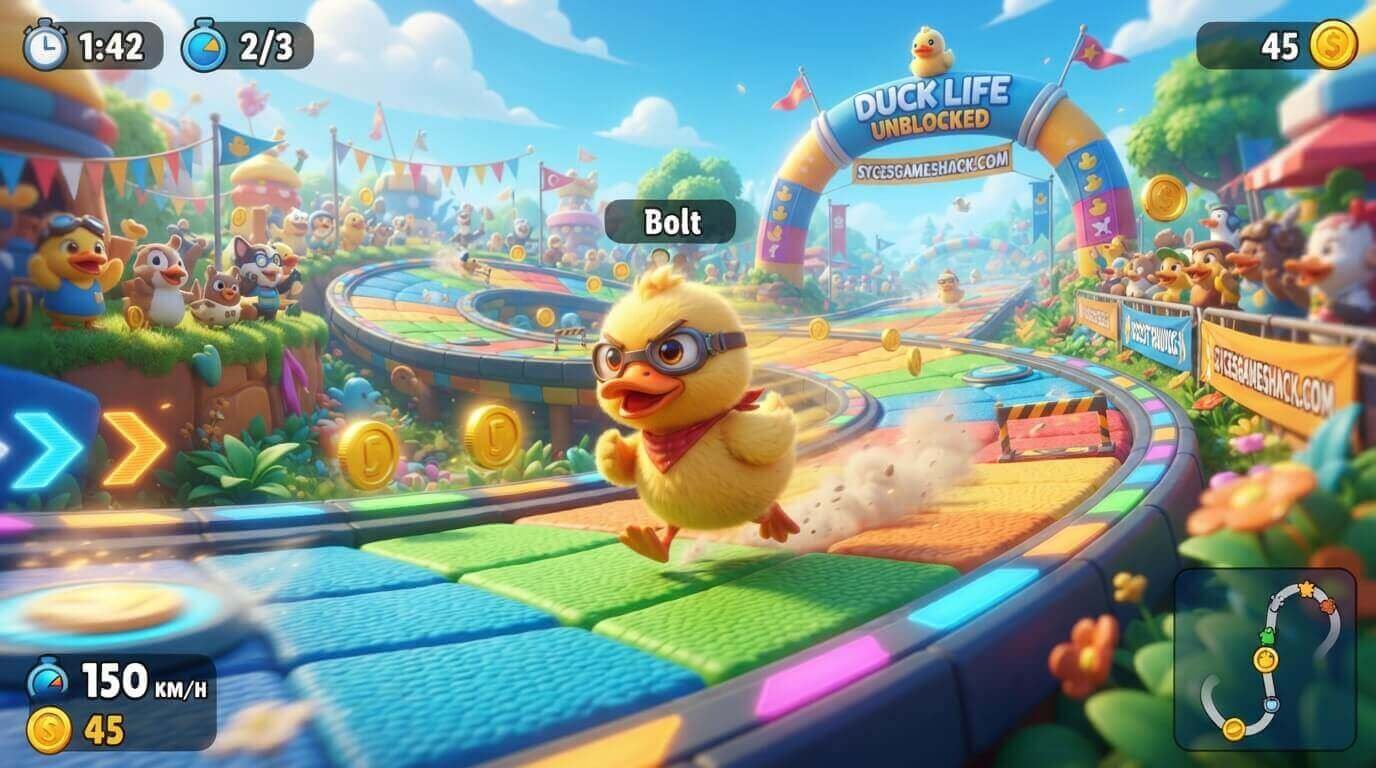
Table of Contents
- What Is Duck Life?
- How to Play Duck Life Unblocked
- Full Controls Guide
- Understanding the Four Core Stats
- Winning Strategy: Stat-by-Stat Breakdown
- Duck Life Series: Which Game Should You Play?
- Key Features
- Advanced Tips and Tricks
- Why Duck Life Works So Well as an Unblocked Game
- Troubleshooting Common Issues
- Is Duck Life Unblocked Safe?
- FAQs
What Is Duck Life?
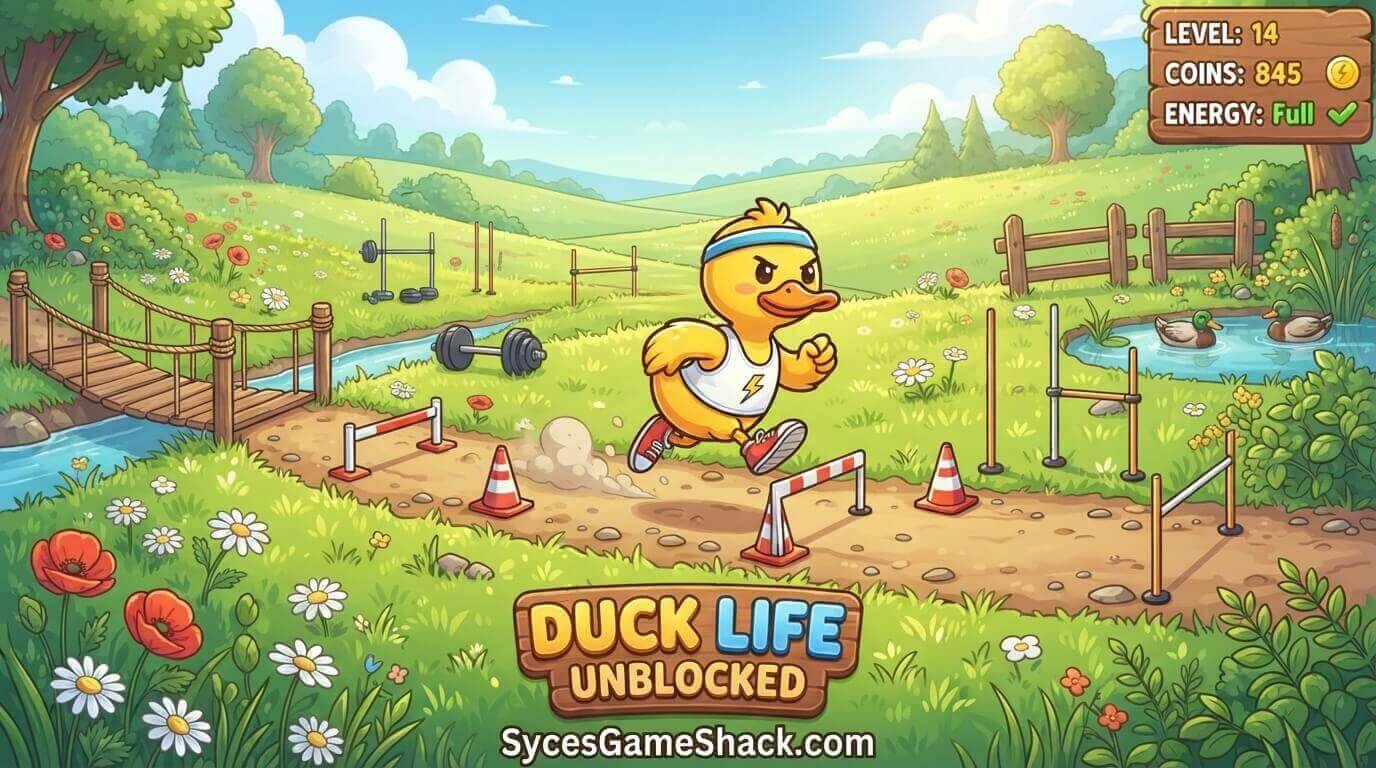
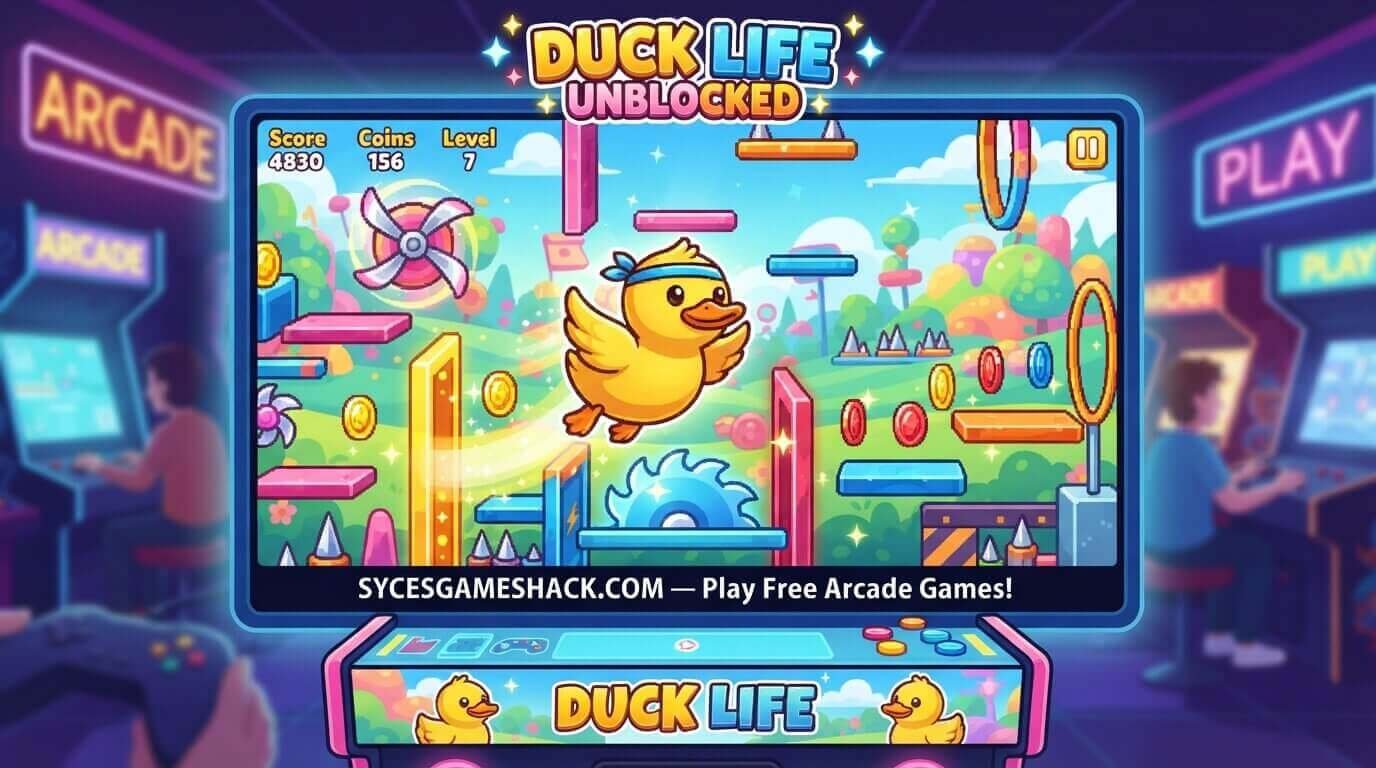
Duck Life Unblocked is a training-and-racing simulation game originally developed by the UK-based studio Wix Games. The premise is simple on the surface: you inherit a struggling duck farm and must raise an ordinary duckling into a champion racer capable of winning enough prize money to save it.
Underneath that simple premise sits a surprisingly deep management loop: you split your time between four skill-training mini-games, spend your earnings wisely on upgrades and gear, and time your race entries so your duck is strong enough to compete but not so under-leveled that it gets embarrassed on the track.
The game became a cult favorite in classrooms and offices specifically because a single training session or race takes only a minute or two, making it perfect for short breaks, while the long-term progression (unlocking hats, upgrading stats, entering harder tournaments) is compelling enough that players keep coming back.
That combination of bite-sized sessions plus long-term progression is exactly why “Duck Life Unblocked” remains one of the most searched unblocked games year after year.
How to Play Duck Life Unblocked
Getting into the game takes seconds. Open the game page in any modern browser Chrome, Edge, Firefox, and Safari all work and click Play. There’s no account creation, no email sign-up, no app-store download, and no waiting for an installer.
Because the game runs entirely on HTML5, it loads quickly even on slower school or office Wi-Fi, and it performs just as well on a $200 Chromebook as it does on a gaming desktop.
Once loaded, you’ll land on the farm screen where you can choose between four training mini-games (Running, Flying, Swimming, and Energy) or head straight to the race menu if your Duck Life Unblocked is already strong enough to compete.
New players should spend their first few minutes purely on training; jumping into a race underprepared is the single most common reason first-time players lose and get discouraged.
Full Controls Guide

Controls vary slightly by mini-game, so here’s the complete breakdown:
Running Training
- Jump: Click the mouse or press the up arrow key to hop over logs and rocks.
- Goal: Survive as long as possible without getting hit to build your running stat.
Flying Training
- Ascend/Descend: Click and drag your duck up and down, or use the up/down arrow keys.
- Goal: Weave through gaps and collect coins mid-air to raise your flying stat and bankroll.
Swimming Training
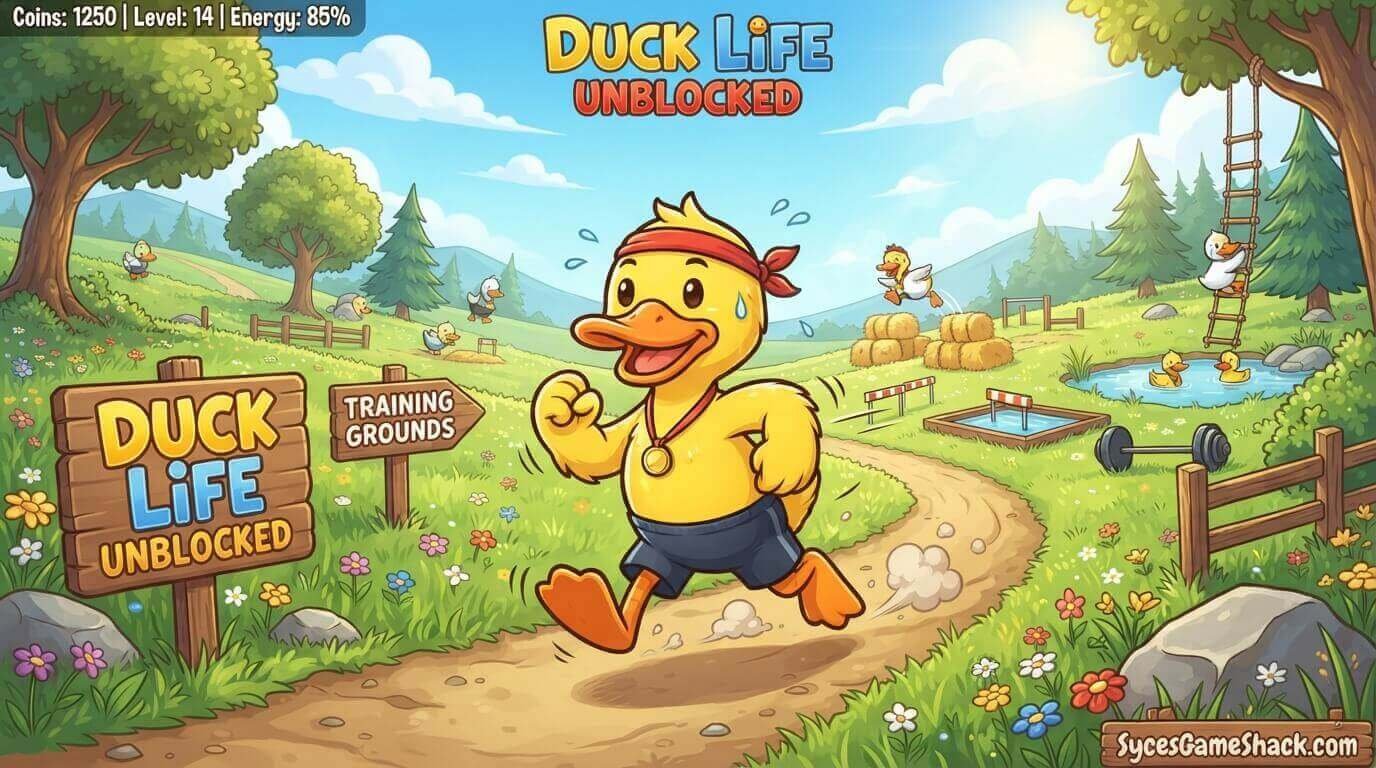
- Jump: Up arrow key to leap over surface obstacles like boats and icebergs.
- Dive: Down arrow key to duck beneath obstacles you can’t jump over.
- Goal: Navigate the full obstacle course without colliding to raise your swimming stat.
Energy Management
- Feed: Use earned coins to buy seeds from the shop between sessions.
- Goal: Keep your energy bar full; a tired duck underperforms across every category, including races.
Understanding the Four Core Stats

| Stat | What It Affects | Best Trained By |
|---|---|---|
| Running | Speed and stamina on land-based race legs | Repeating the Running mini-game and collecting coins along the way |
| Flying | Performance in aerial race sections and obstacle courses | Practicing the Flying mini-game for altitude control |
| Swimming | Speed and precision through water-based race legs | Repeating the Swimming mini-game, especially the diving timing |
| Energy | How long your duck can sustain peak performance | Feeding seeds purchased from the in-game shop |
Winning Strategy: Stat-by-Stat Breakdown
The single biggest mistake new players make is maxing out one stat before touching the others. Races almost always mix categories, so a duck with 90 Running and 10 Swimming will still lose badly the moment a water leg shows up.
Instead, aim to keep all four stats within a similar range as you progress, only pulling one ahead temporarily if you know an upcoming race favors it.
A rough early-game target is roughly equal investment across Running, Flying, and Swimming, with Energy kept slightly ahead of the other three so your Duck Life Unblocked never runs out of steam mid-race.
Coins are your other constraint. Early on, prioritize spending coins on Energy seeds over cosmetic hats; looking stylish doesn’t win races, but a well-fed duck consistently does.
Once you’re winning races comfortably and banking surplus coins, that’s the right time to splurge on customization items purely for fun.
Duck Life Series: Which Game Should You Play?

| Game | Best For | What’s New |
|---|---|---|
| Duck Life 1 | Total beginners | Core running, flying, and swimming mechanics with the simplest race structure |
| Duck Life 2: World Champion | Players who finished Duck Life 1 | New locations and slightly harder AI opponents |
| Duck Life 3: Evolution | Players who want more strategy | Adds an Agility stat and deeper upgrade trees |
| Duck Life 4 | Players who want a story hook | A “genetically modified ducks” storyline with six new training regions |
| Duck Life: Space | Players who’ve beaten the mainline games | A sci-fi spin-off with a completely reworked visual style |
Key Features of Duck Life Unblocked
- Four distinct skill categories: running, flying, swimming, and energy, each with its own dedicated mini-game and control scheme.
- Deep customization including hats, glasses, and outfits purchasable with coins earned from training and races.
- Progressive difficulty curve that keeps later races genuinely challenging even for players who’ve maxed their stats.
- No downloads, installs, or accounts; the entire game runs inside a single browser tab.
- A full sequel lineup (Duck Life 2 through 4, plus spin-offs) if you want to keep the farm-to-champion story going long after the first game ends.
- Cross-device compatibility works on Chromebooks, Windows and Mac desktops, and most tablets.
Advanced Tips and Tricks
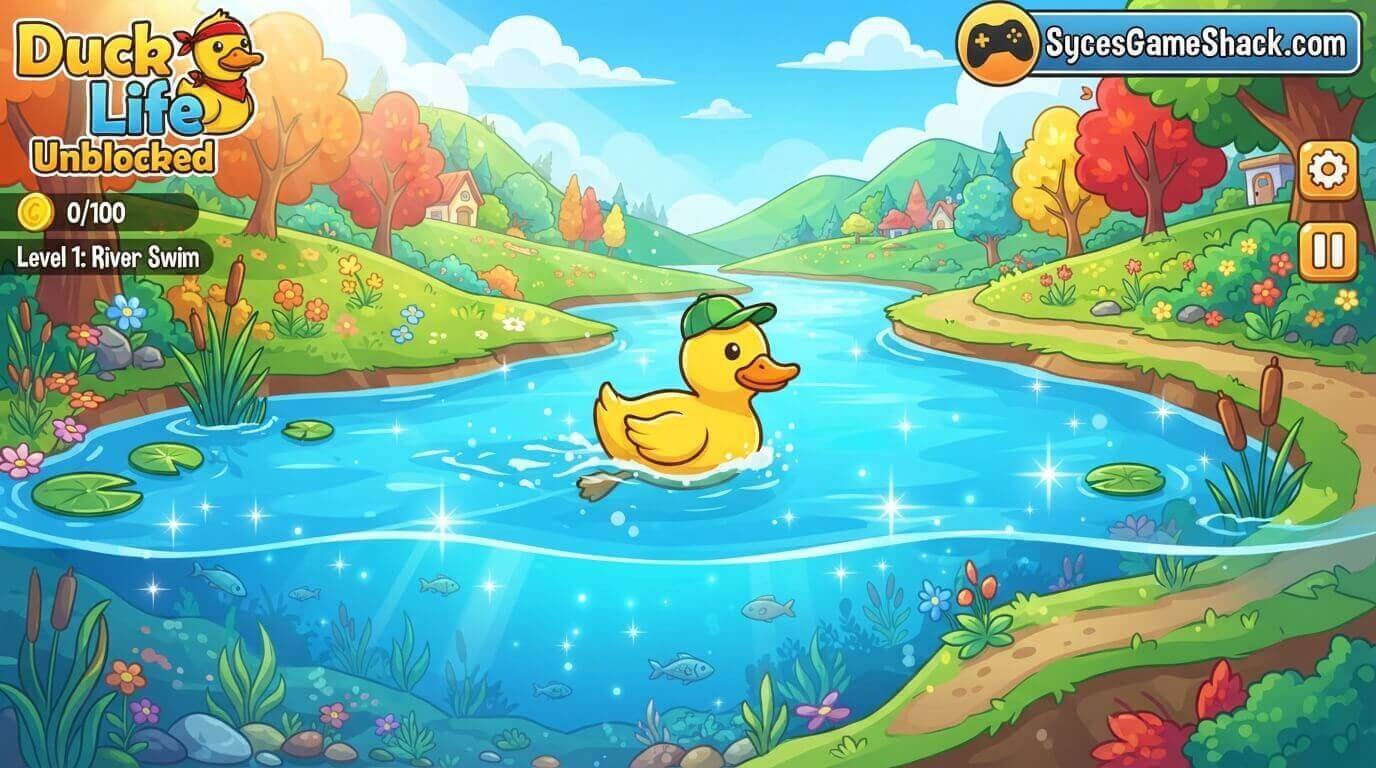
- Never skip Energy training. A duck with low stamina underperforms across every single event, no matter how high its other stats climb.
- Balance stats before entering new race tiers. Each tournament tier tends to mix categories evenly, punishing lopsided ducks.
- Farm mini-games for coins before races. A few extra practice rounds before your first big race means you’ll have enough currency for useful upgrades instead of being cash-strapped.
- Memorize obstacle patterns. Each mini-game repeats similar obstacle rhythms after the first playthrough, so a couple of practice runs meaningfully improve your reaction time.
- Save cosmetic purchases for later. Hats and outfits are fun, but pouring early coins into stat-boosting items pays off far faster.
- Play in short bursts. Because sessions are only 60–90 seconds each, Duck Life is ideal for stacking multiple short breaks instead of one long session.
Why Duck Life Works So Well as an Unblocked Game
Many school and workplace networks block dedicated gaming domains outright, which is exactly why “unblocked” hosting exists sites built specifically to slip past standard content filters so students and employees can enjoy a short, low-stakes break.
Duck Life Unblocked is especially popular in this category because it’s lightweight (fast to load even on throttled Wi-Fi), low-stress (no violence, no time pressure between sessions), and instantly pausable the moment you need to switch back to schoolwork or a task at hand.
Troubleshooting Common Issues
| Issue | Likely Cause | Fix |
|---|---|---|
| Game won’t load | Ad-blocker or strict network filter | Try a different browser tab, disable aggressive extensions, or refresh the page |
| Controls feel unresponsive | Browser tab losing focus | Click directly inside the game window before using keyboard controls |
| Progress not saving | Browser set to private/incognito mode | Play in a normal browser tab so local storage can save your progress |
| Choppy performance | Too many open tabs or extensions | Close unused tabs and reload the game page |
Is Duck Life Unblocked Safe to Play?

Yes. Duck Life Unblocked is a browser-based HTML5 game, meaning there’s nothing to install and no executable file ever touches your device.
Stick to reputable unblocked-games hosting sites, avoid clicking pop-up-heavy ads, and you’ll get a smooth, safe experience with no risk to your device, your data, or your network.
FAQs
1. Is Duck Life Unblocked free to play?
Yes. Duck Life is completely free to play in your browser, with no purchase, subscription, or account required to start racing.
2. Can I play Duck Life unblocked on a Chromebook?
Absolutely. Duck Life runs on HTML5, so it works smoothly on Chromebooks, laptops, and desktops without needing Flash or any extra plugin.
3. Do I need to download anything to play?
No downloads are required. The entire game loads and runs directly in your browser tab, so you can close it instantly whenever you need to.
4. Which Duck Life game should I start with?
Start with the original Duck Life to learn the core training and racing mechanics, then move on to Duck Life 2, 3, and 4 for new locations, harder races, and extra customization.
5. Does Duck Life work on mobile phones?
In most cases, yes. Many unblocked versions are touch-friendly and playable on tablets and phones, though a keyboard and mouse on desktop give you the most precise controls.
6. Is Duck Life unblocked safe for school networks?
Yes. Since it’s a lightweight browser game with no downloads, it’s a low-risk way to take a short break without installing anything on a school-managed device.
7. How do I level up my duck faster?
Balance training across all four stats instead of maxing one category, and keep your energy bar topped up between sessions so training gains aren’t wasted on a tired duck.
8. Does my progress save if I close the tab?
Usually yes, as long as you’re not in private/incognito mode, since most versions save progress locally in your browser.
9. Is there a multiplayer mode in Duck Life?
The core Duck Life games are single-player, focused on training and racing against AI opponents rather than live competitors.
10. What’s the difference between Duck Life and Duck Life 4?
Duck Life 4 adds a story-driven campaign across six new training locations, along with expanded customization and a slightly deeper stat system compared to the original.