Bullet Force Unblocked | Play Free FPS Game at School No Download 2026
Introduction
Bullet Force Unblocked is the most realistic, most feature-complete, and most content-rich multiplayer first-person shooter you can play completely free at school right now without any downloads, logins, or VPN required.
Choose from over 30 weapons, customize your loadout, join real multiplayer matches with players worldwide, and dominate every battlefield in one of the most technically impressive browser FPS games ever created, all running perfectly inside your school Chrome browser.
What Is Bullet Force Unblocked?
Bullet Force Unblocked is the free browser version of Bullet Force, a multiplayer FPS game created by Lucas Wilde and first released in 2016.
Unlike most browser shooters that use simplified pixel art or cartoon visuals, Bullet Force uses a modern 3D engine with realistic weapon models, detailed map environments, smooth animations, and advanced visual effects that rival standalone downloadable games. In 2026, it remains the most visually impressive multiplayer FPS available in any browser.
Why Bullet Force Is So Popular at School in 2026
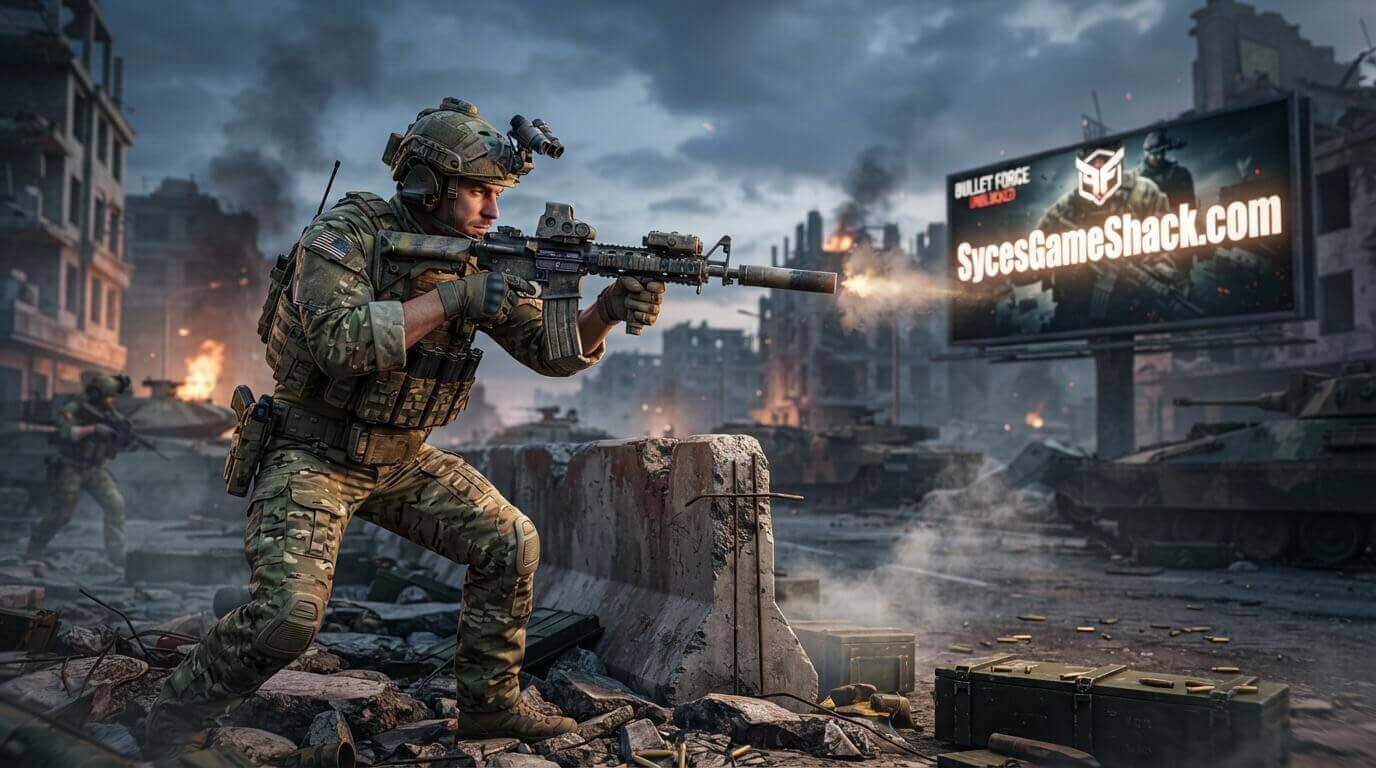
Bullet Force became one of the most played school FPS games because it delivers a Call of Duty-level visual and gameplay experience entirely inside a browser tab without any installation, accounts, or system requirements beyond a modern Chrome browser.
Students who play console and PC shooters at home find that Bullet Force replicates their favorite gameplay elements closely enough to feel familiar from the very first match.
Complete Bullet Force Control Guide
Movement Controls
- W Key: Move forward.
- S Key: Move backward.
- A Key: Strafe left.
- D Key: Strafe right.
- Spacebar: Jump over obstacles and terrain features.
- Left Shift: Sprint for faster movement speed.
- Left Control: Crouch to reduce your hitbox and improve accuracy.
Combat Controls
- Mouse Movement: Aim your crosshair in all directions.
- Left Click: Fire your current weapon.
- Right Click: Aim down sights for improved long-range accuracy.
- R Key: Reload your weapon manually.
- F Key: Switch between your primary and secondary weapon.
- G Key: Throw a grenade.
- 1 Key: Select primary weapon.
- 2 Key: Select secondary weapon.
- 3 Key: Select grenade.
- E Key: Interact with objectives in game modes that require it.
Advanced Controls
- C Key: Prone position for maximum accuracy and minimum hitbox.
- Q Key: Quick melee attack when enemies are at close range.
- Tab Key: Open scoreboard to view kill and death counts for all players.
All Bullet Force Game Modes
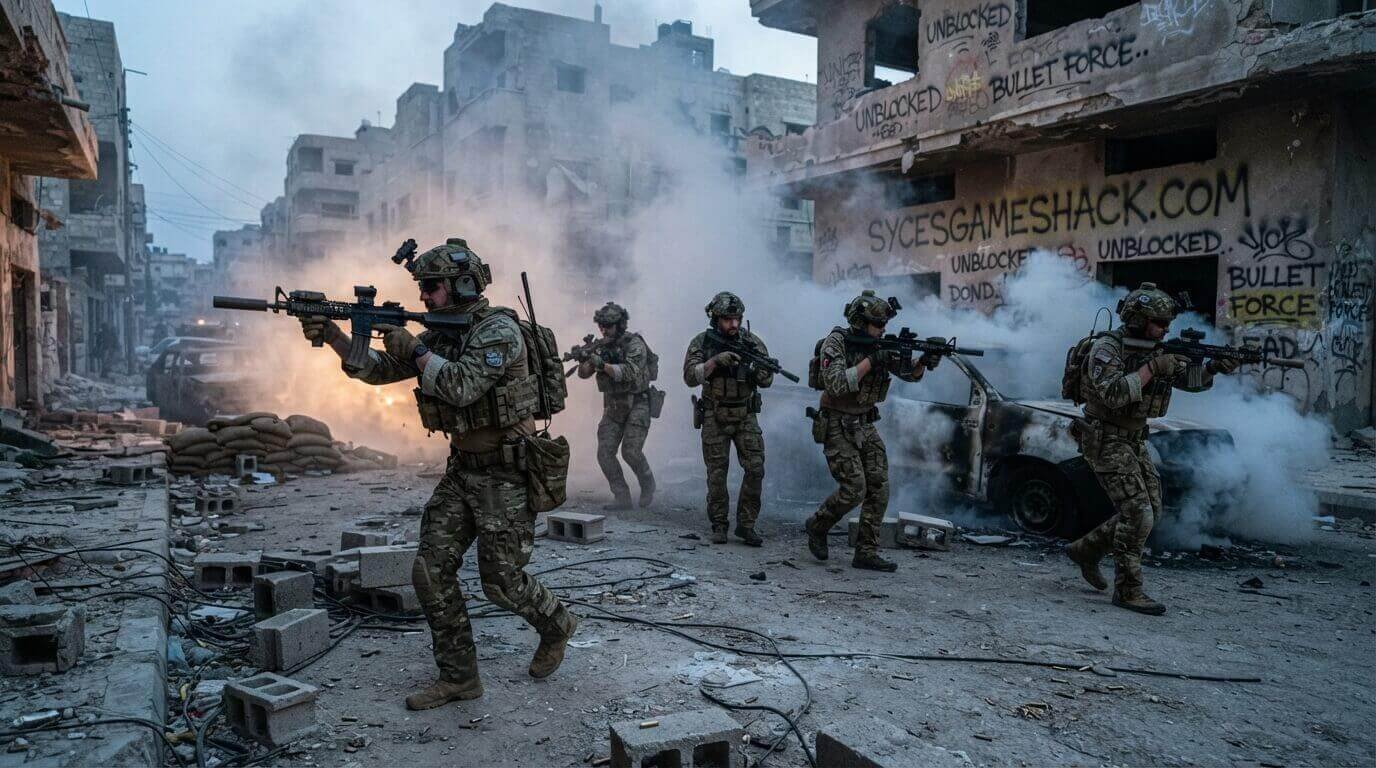
- Team Deathmatch: Two teams compete for the highest combined kill count before the timer expires. The most commonly played mode for new and experienced players alike. Best for learning maps and practicing gunfights without objective pressure.
- Free For All: Every player for themselves. The individual player with the highest kill count when the timer expires wins. Best for pure individual skill practice and aggressive playstyles that prioritize kills over team coordination.
- Conquest: Teams capture and hold multiple flag objectives scattered across the map. Holding more flags earns points faster. The most strategically complex default mode requiring both individual combat skill and team coordination to consistently win.
- Gun Game: All players start with the same basic weapon. Each kill advances you to the next weapon in a predetermined sequence. The first player to get a kill with every weapon wins the match. Tests adaptability across all weapon types rather than mastery of a single loadout.
- Hardcore Mode: A modified version of standard modes with significantly reduced health for all players, no HUD elements, and no kill confirmation indicators. Requires much more careful and precise play than standard modes. The most intense and realistic Bullet Force experience available.
All Weapon Categories in Bullet Force
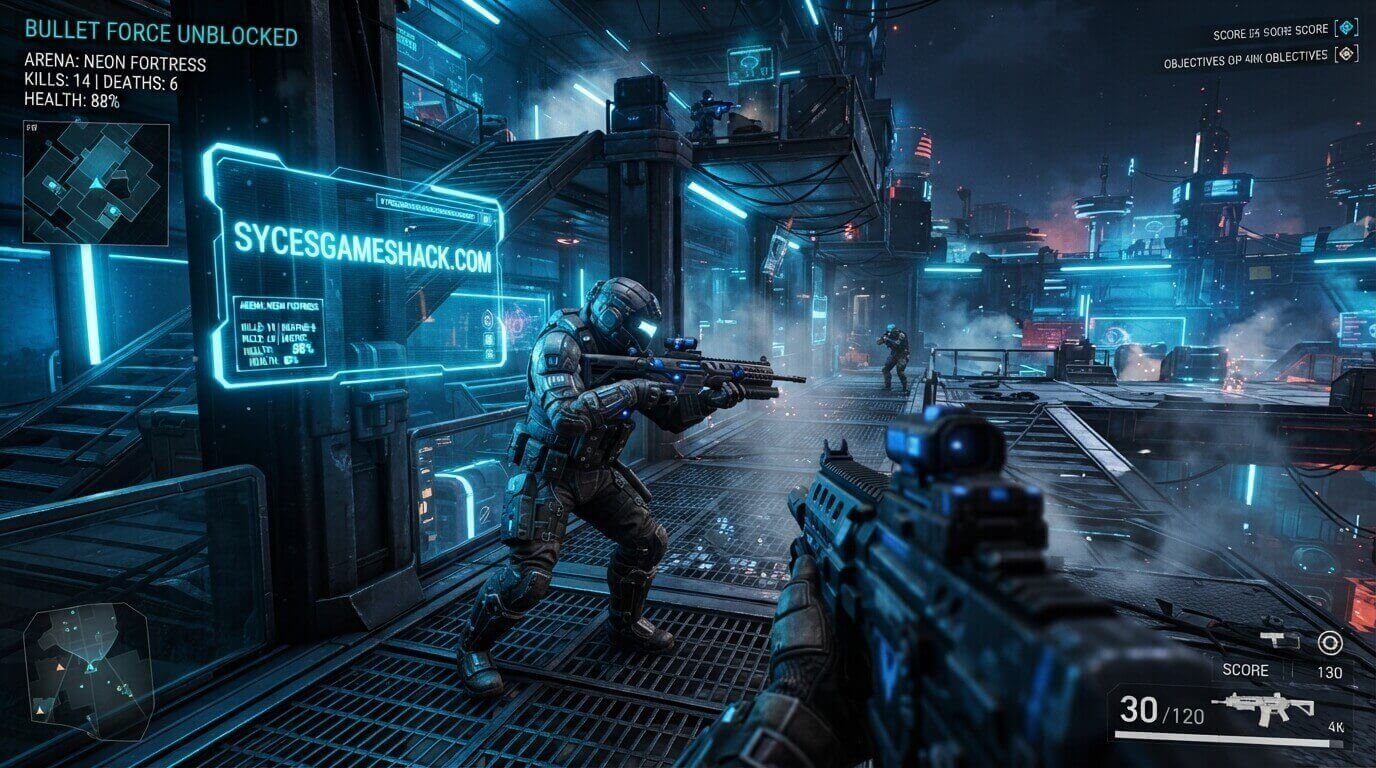
- Assault Rifles: The most versatile weapon category. Balanced damage, range, and accuracy that performs well in all combat distances from close quarters to medium range. Best starting category for all new Bullet Force players.
- Submachine Guns: High fire rate, low damage, and maximum mobility. Best for aggressive close-range playstyles where speed and positioning matter more than long-range accuracy.
- Sniper Rifles: Extremely serious damage with maximum effective range. A perfect shot eliminates opponents in one or two hits regardless of range. Requires precise aim and patience but provides unmatched long-range dominance.
- Shotguns: Maximum close-range damage in a single shot. Devastating in interior spaces and tight corridors but completely ineffective beyond short distances. Best for players who play aggressively inside buildings.
- Light Machine Guns: Large magazines with sustained suppressive fire capability. Lower mobility than assault rifles but higher sustained fire volume. Best for holding defensive positions and corridor control.
- Pistols: Secondary weapons with lower power than primary options but reliable as backup when your primary weapon runs empty in an active engagement.
- Grenade Launchers: Explosive secondary options with area-of-effect damage. Best used against grouped opponents in open areas or to clear rooms before entering.
Complete Loadout Customization Guide
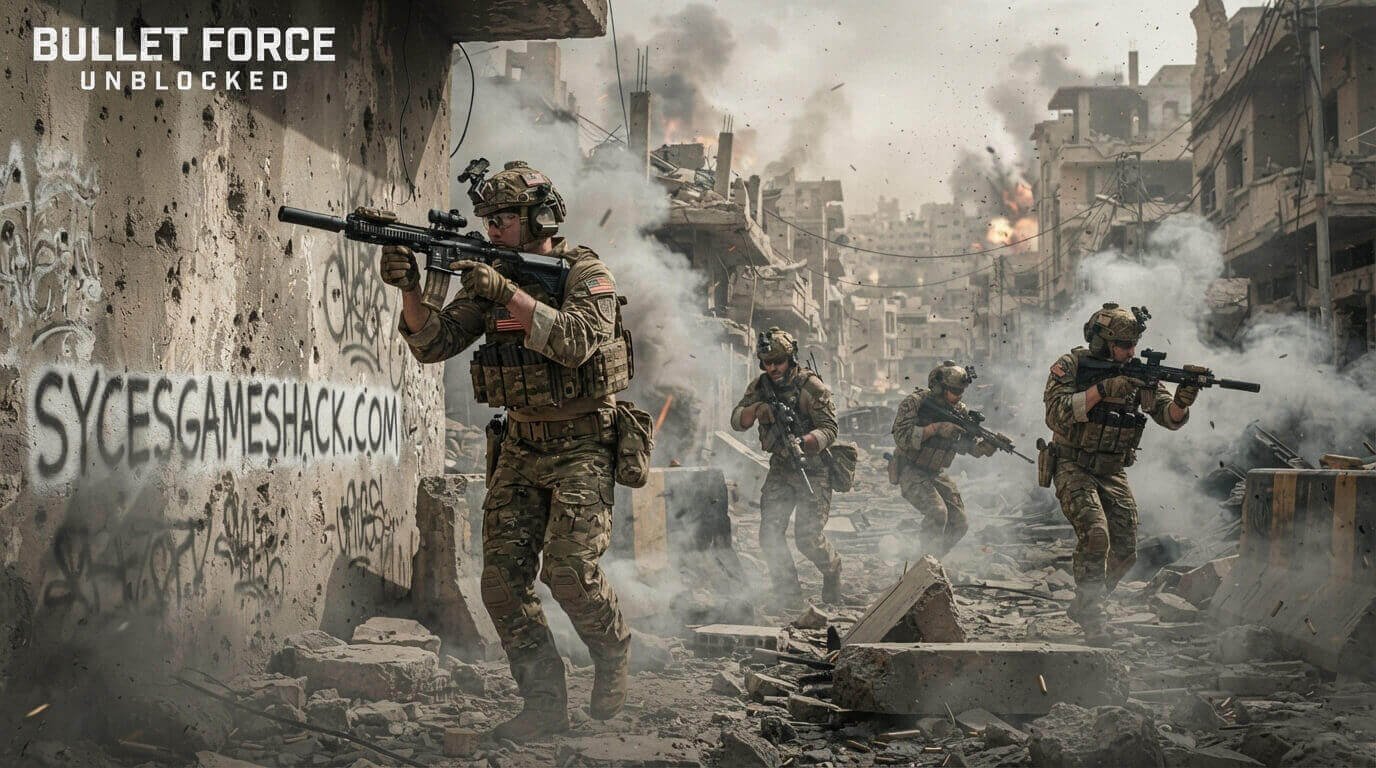
Bullet Force features a deeper weapon customization system than any other browser FPS in 2026:
- Barrel Attachments: Suppressors reduce noise and muzzle flash visibility at the cost of slight damage reduction. Extended barrels improve accuracy and damage at longer ranges.
- Sight Attachments: Red dot sights improve close-range target acquisition. ACOG scopes provide medium-range magnification. Holographic sights balance close and medium range effectively.
- Grip Attachments: Vertical grips reduce recoil for more accurate sustained fire. Angled grips improve handling during rapid target switching.
- Stock Attachments: Improve stability during movement and reduce the accuracy penalty for firing while moving.
- Magazine Attachments: Extended magazines increase ammunition capacity. Quick-reload magazines reduce reload duration at the cost of slightly smaller standard capacity.
Every attachment combination creates a meaningfully different weapon that suits different playstyles and map types.
Complete Strategy Guide for Bullet Force Unblocked
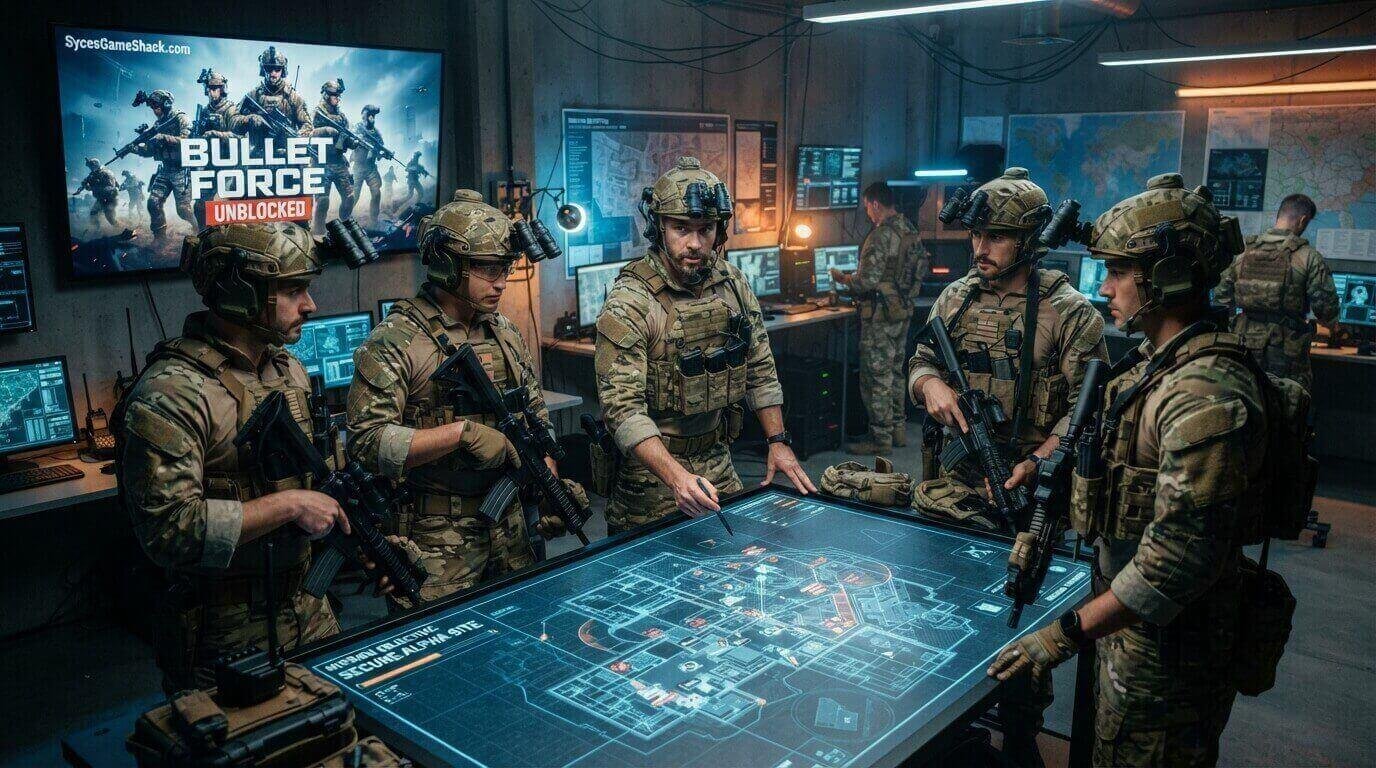
Strategy 1: Learn One Map Before Playing Others
Bullet Force has multiple maps with completely different layouts, sight lines, and engagement distances.
Mastering one map completely, knowing every corner, every doorway, every long sight line, and every common enemy position provides more consistent performance than playing randomly across all maps without deep knowledge of any single one.
Strategy 2: Match Your Weapon to the Map Size
Small indoor maps with tight corridors favor submachine guns and shotguns for close-range dominance. Large open maps with long sight lines favor assault rifles and sniper rifles for medium and long-range accuracy.
Switching your loadout based on the current map before each match provides a consistent strategic advantage over players who use the same loadout on every map.
Strategy 3: Crouch When Firing Sustained Bursts
Standing while firing fully automatic weapons accumulates significant recoil that pulls shots upward after the first few bullets.
Crouching while firing reduces recoil by approximately 30% and keeps sustained fire on target significantly longer than standing fire. The mobility cost of crouching is worth the accuracy gain in any stationary firefight.
Strategy 4: Never Reload in the Open
Reloading leaves you unable to fire for the duration of the animation. Always move behind cover before initiating a reload.
Players caught mid-reload in the open by approaching enemies are eliminated before the reload completes in the vast majority of cases.
Strategy 5: Use Sound to Track Enemy Positions
Bullet Force has detailed positional audio that reveals enemy footstep direction, reload sounds, and weapon fire location.
Playing with headphones or earphones gives you directional audio information that identifies enemy positions before they become visible, a significant reaction time advantage over players who play without audio.
Bullet Force Unblocked vs Other School FPS Games
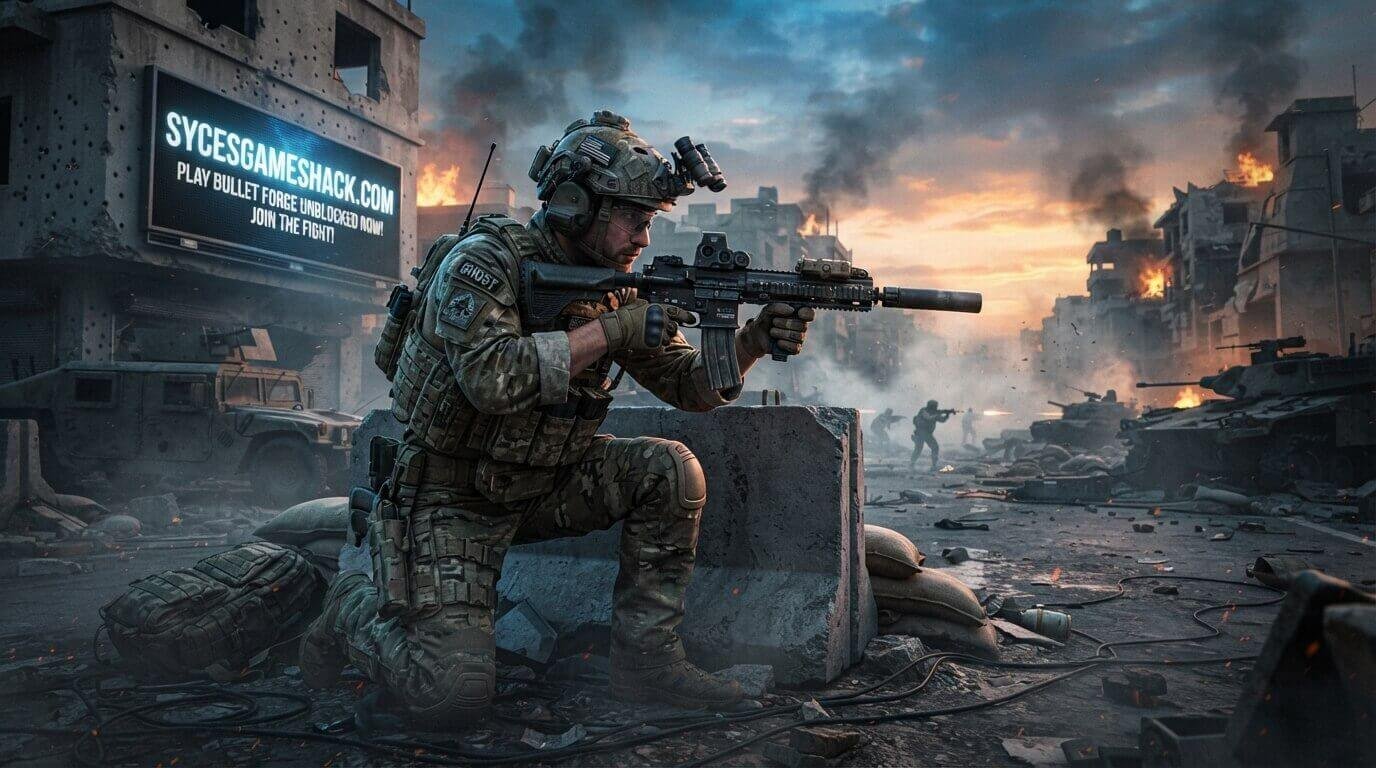
- Bullet Force Unblocked: Modern 3D visuals, 30-plus weapons with full customization, 5 game modes, realistic gameplay mechanics. Best for students who want the most visually impressive and most content-complete FPS experience available in any school browser.
- Krunker.io Unblocked: Pixel art style FPS with 13 classes and thousands of community maps. More stylized and less realistic than Bullet Force but faster gameplay pace and deeper class system. Better for players who prefer faster arcade-style FPS over realistic simulation.
- Shell Shockers Unblocked: Egg-themed FPS with 7 weapons and 4 game modes. Less realistic than Bullet Force but more humorous and more accessible for players new to FPS games. Better for casual competitive play without the learning curve of realistic FPS mechanics.
- 1v1 LOL Unblocked: Building and shooting game with Fortnite-style construction. More strategic than Bullet Force due to building mechanics but less focused on pure gunfighting skill. Better for players who enjoy building alongside shooting.
Bullet Force is the definitive choice for school students who want the most realistic, most visually impressive, and most feature-complete multiplayer FPS experience available in any browser in 2026.
Does Bullet Force Unblocked Work on School Chromebooks?
Yes, Bullet Force Unblocked works on school Chromebooks in 2026 through the optimized version hosted on Syces Game Shack.
The game uses Unity WebGL technology inside your Chrome browser. Zero downloads, zero plugins, and zero account creation required to enter a multiplayer match immediately.
How to Play Bullet Force Unblocked at School Right Now
- Step 1: Open the Chrome browser on your school Chromebook or any device
- Step 2: Go directly to Syces Game Shack
- Step 3: Search for Bullet Force in the search bar
- Step 4: Select your game mode and customize your loadout
- Step 5: Click play and join a live multiplayer match immediately
No VPN. No download. No account registration required. Just open and start playing against real opponents worldwide immediately.
Is Bullet Force Unblocked Safe for School?
Bullet Force features realistic military-style visuals in a competitive multiplayer shooter context. The game uses standard FPS conventions without blood, gore, or graphic violence of any kind.
The chat feature can be disabled in settings. Most schools consider Bullet Force acceptable during free periods when students are using it responsibly during genuine downtime rather than during class time.
Why Syces Game Shack Is the Best Place to Play Bullet Force Unblocked
Syces Game Shack hosts Bullet Force Unblocked with the most reliable school-accessible server connections and zero pop-up ads interrupting your matches or loading screens.
The site maintains consistent access on all major school content filters including GoGuardian, Lightspeed, and Securly without requiring any VPN or proxy workaround.
With over 180 free unblocked games available across every genre, Syces Game Shack is the most complete and most reliable school gaming destination in 2026. Bookmark it today and always have Bullet Force Unblocked and hundreds of other great games ready to play the moment your next free period begins.
FAQs
1. Is Bullet Force Unblocked completely free?
Yes. Bullet Force Unblocked is 100% free to play. Cosmetic weapon skins can be purchased but have zero effect on any gameplay mechanic. Every player competes on completely equal mechanical terms regardless of spending.
2. How many weapons are in Bullet Force?
Bullet Force features over 30 weapons across 7 categories including assault rifles, submachine guns, sniper rifles, shotguns, light machine guns, pistols, and grenade launchers. Each weapon has multiple attachment slots for full loadout customization.
3. Can I play Bullet Force with friends at school?
Yes. Create a private lobby from the main menu and share the lobby code with classmates. Multiple players from the same school can join the same private server for organized competitive matches between classes.
4. What is the best weapon for beginners in Bullet Force?
The M4A1 assault rifle is universally recommended for all new players. Its balanced accuracy, damage, and recoil make it forgiving to use across all map sizes while learning the game’s mechanics and map layouts.
5. Does Bullet Force save my progress?
Bullet Force saves your weapon unlocks and customization preferences. Creating a free account enables permanent cross-session progress tracking, including kill counts, win rates, and weapon statistics.
6. Can I play Bullet Force on my phone?
Bullet Force has an official mobile app for iOS and Android. The browser unblocked version works on smartphones, but the complex keyboard and mouse control scheme is less comfortable on mobile touchscreens than on desktop.
7. What is Hardcore Mode in Bullet Force?
Hardcore Mode removes the HUD, reduces all player health significantly, and eliminates kill confirmation indicators. Every engagement becomes a potential one-shot elimination requiring much more precise play than standard modes. It is the most intense and realistic Bullet Force experience available.
8. What games are similar to Bullet Force Unblocked on Syces Game Shack?
Similar FPS and competitive multiplayer games available completely free on Syces Game Shack include Krunker.io Unblocked, Shell Shockers Unblocked, 1v1 LOL Unblocked, and Rooftop Snipers Unblocked.
One Comment