Papa’s Games Unblocked Play the Complete Series Free
Introduction
Last updated: July 16, 2026 This is the most complete guide to playing every Papa’s game unblocked, anywhere, on any device. Whether you’re stuck behind a school Wi-Fi filter, an office network, or a locked-down library computer, this page shows you exactly how to access the full Papa Louie cooking universe no downloads, no installs, no admin permissions needed. Bookmark SycesGameShack.com so you always have instant access to the entire Papa’s Games library in one click.
Table of Contents
- What Is Papa’s Games Unblocked?
- Why Are Papa’s Games Blocked at School and Work?
- How to Play Papa’s Games Unblocked – Step-by-Step
- Complete List of Every Papa’s Game (Full Series)
- How Papa’s Games Gameplay Actually Works
- Every Cooking Station Explained
- The Rating and Tip System Explained
- Best Papa’s Games to Start With (Ranked)
- Pro Tips to Get 100% Perfect Scores
- Unblocked Game Site Safety – What to Avoid
- More Unblocked Games at SycesGameShack.com
- FAQs
What Is Papa’s Games Unblocked?
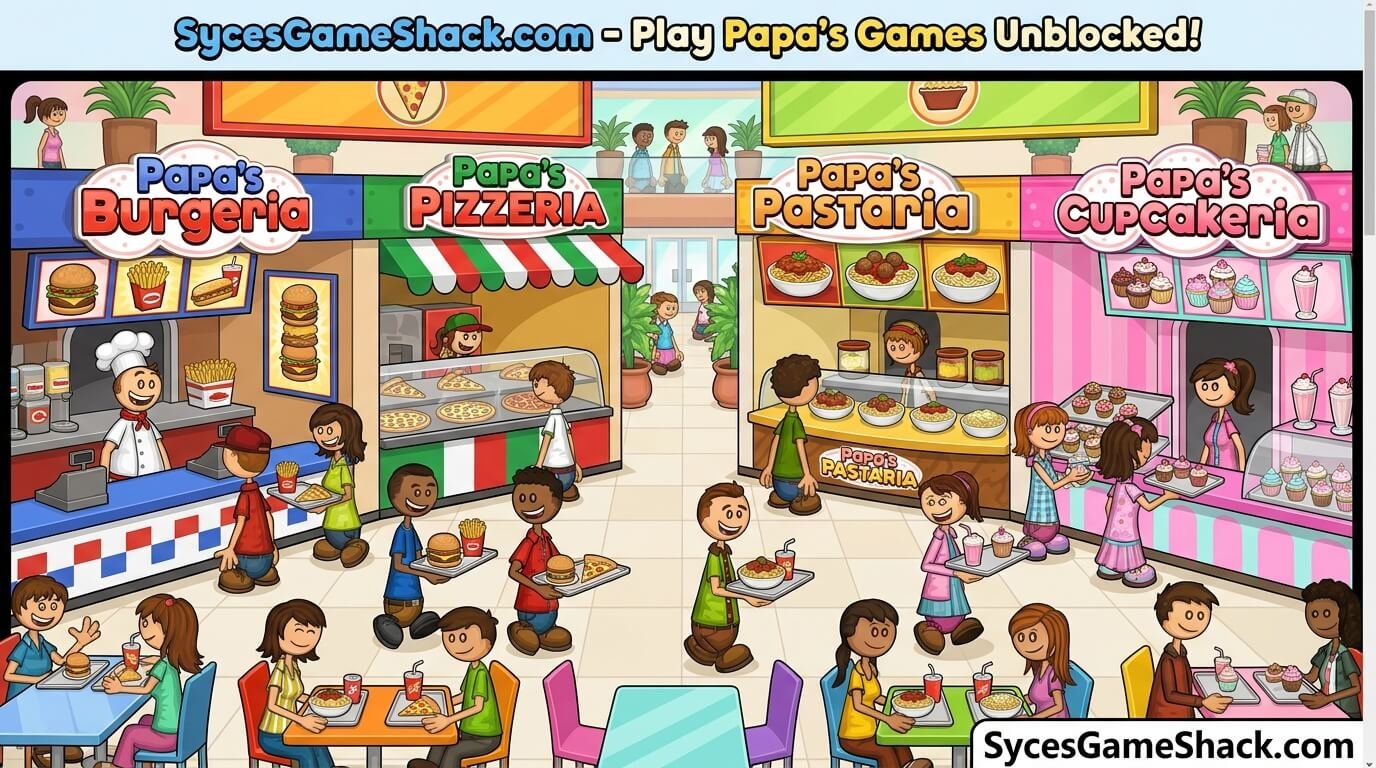
Papa’s Games is a series of time-management restaurant simulation games created by Flipline Studios, starring the recurring character Papa Louie. In each title, you run a different food business taking customer orders, cooking exactly to spec, and plating everything before time runs out to earn tips and unlock upgrades.
“Unblocked” simply means the games are hosted on a website that isn’t restricted by your school, workplace, or public network firewall. Many networks block popular gaming domains by name, so the actual Flipline or official game pages may be inaccessible — but the same games hosted through an unblocked-friendly site load normally because the domain isn’t on the network’s block list.
Why Are Papa’s Games Blocked at School and Work?
Most schools use content filtering software (like GoGuardian, Securly, or Lightspeed) that blocks entire categories of websites rather than individual games. Gaming sites are almost always on the “distraction” block list, regardless of whether the content itself is appropriate. This means even completely harmless cooking games like Papa’s Pizzeria get caught in the same filter as everything else labeled “Games.”
| Reason for Blocking | What It Means for You |
|---|---|
| Category-based filtering | The whole “Games” category is blocked, not specific titles — Papa’s Games gets blocked even though it’s harmless |
| Bandwidth management | Schools limit certain domains to preserve network speed for schoolwork |
| Focus policy | Some networks block anything non-academic during class hours only |
| Domain blacklists | Specific known gaming domains are blocked by name — unlisted mirror sites are not |
Because filters usually work off a domain blacklist rather than scanning game content itself, accessing the same games through a site that isn’t on that blacklist like SycesGameShack.com is normally enough to get things working again.
How to Play Papa’s Games Unblocked – Step-by-Step
Playing on a School Chromebook or PC
- Open your browser (Chrome, Edge, or whatever isn’t restricted)
- Go to SycesGameShack.com
- Use the search bar or browse the games menu and find the Papa’s title you want
- Click the game thumbnail it will load directly in your browser tab, no download required
- Wait for the loading bar to finish (usually 5–15 seconds depending on your connection)
- Click “Play” or anywhere on the game screen to start
- If a teacher or admin approaches, a single click on another browser tab instantly hides the game — no need to close anything
Playing on Mobile (iOS and Android)
- Open Safari or Chrome on your phone
- Visit SycesGameShack.com
- Tap the game you want to play most Papa’s titles are touch-optimized and playable directly on a phone screen
- Rotate your phone to landscape mode for the best view of the kitchen stations
- Tap “Add to Home Screen” from your browser menu if you want one-tap access next time
Important Rules Before You Start
- No downloads are ever required any site asking you to download an “app” or “launcher” to play a browser game is not legitimate
- Progress isn’t always saved some unblocked mirrors don’t save your rank between sessions unless you create an account, so don’t be surprised if you restart from Day 1
- Sound may be muted by default school networks sometimes mute audio automatically; look for a speaker icon in the game’s corner
- Full-screen mode helps most Papa’s games have a full-screen button in the bottom corner of the game window for a better view of ingredients
Complete List of Every Papa’s Game (Full Series)
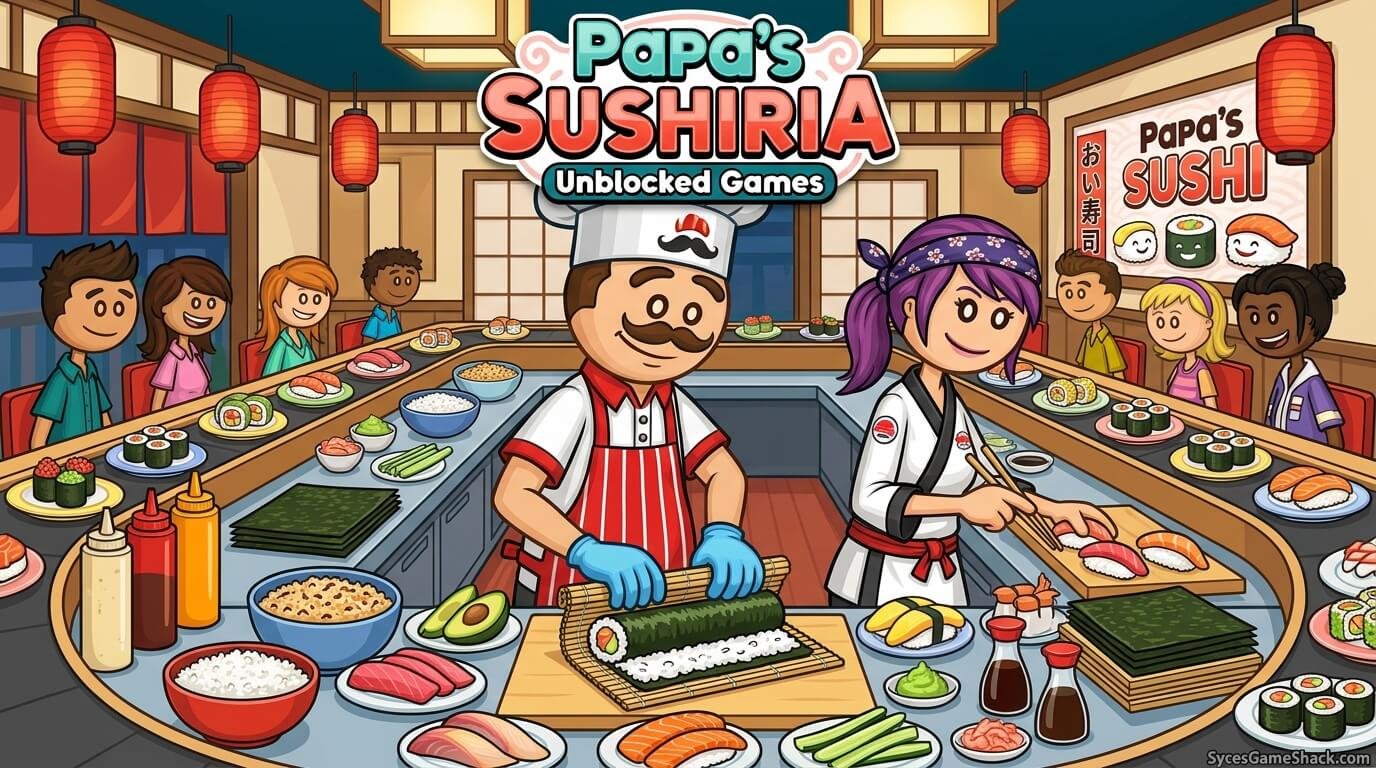
The Papa’s series has grown into one of the largest time-management game franchises ever made. Here is every mainline title, what you cook, and its difficulty level for new players:
| Game | What You Make | Difficulty | Stations |
|---|---|---|---|
| Papa’s Pizzeria | Custom pizzas | ⭐ Easiest — best for beginners | 3 |
| Papa’s Burgeria | Custom burgers | ⭐ Easy | 3 |
| Papa’s Taco Mia | Tacos and nachos | ⭐⭐ Easy-Medium | 4 |
| Papa’s Freezeria | Ice cream sundaes | ⭐⭐ Medium | 4 |
| Papa’s Pancakeria | Pancake breakfasts | ⭐⭐ Medium | 4 |
| Papa’s Wingeria | Chicken wings and dips | ⭐⭐ Medium | 4 |
| Papa’s Hot Doggeria | Custom hot dogs | ⭐⭐⭐ Medium-Hard | 5 |
| Papa’s Cupcakeria | Baked cupcakes | ⭐⭐⭐ Medium-Hard | 5 |
| Papa’s Pastaria | Custom pasta dishes | ⭐⭐⭐ Hard | 5 |
| Papa’s Donuteria | Fresh donuts | ⭐⭐⭐ Hard | 5 |
| Papa’s Cheeseria | Grilled cheese sandwiches | ⭐⭐⭐⭐ Hard | 6 |
| Papa’s Bakeria | Pies and pastries | ⭐⭐⭐⭐ Hard | 6 |
| Papa’s Sushiria | Sushi rolls and rice bowls | ⭐⭐⭐⭐ Very Hard | 6 |
| Papa’s Scooperia | Ice cream and toppings | ⭐⭐⭐⭐⭐ Very Hard | 6 |
New to the series? Start from the top of this table and work your way down each game introduces one or two extra mechanics on top of the last, so playing them in release order makes the learning curve much smoother.
How Papa’s Games Gameplay Actually Works
Every Papa’s game follows the same basic loop, even though the food changes from title to title. Understanding this loop is the single fastest way to get good at any game in the series:
1. Order Station
A customer walks up and tells you their order sometimes by pointing at ingredients, sometimes through speech bubbles. Some customers also have a “Closer Look” button that shows exact ingredient placement and amounts. Always check this before starting; guessing an order wrong instantly lowers your final rating.
2. Build/Cook Station
This is where you actually assemble or cook the food grilling a burger patty, layering a pizza, or mixing a sundae. Every ingredient has a specific cook time or placement pattern that the customer expects. Timing bars and visual cues (like browning color on a patty) tell you exactly when to move to the next step.
3. Topping/Build Station
After the base food is cooked, most games have you add extra toppings sauces, sprinkles, vegetables exactly as ordered. Precision here matters as much as cooking time; a burger with mustard placed wrong is treated the same as forgetting the mustard entirely.
4. Serve Station
The finished order goes to the customer’s table. Serving too slowly makes customers impatient (shown by a mood icon above their head), while serving quickly and accurately gives you the highest tip and star rating possible for that order.
Every Cooking Station Explained
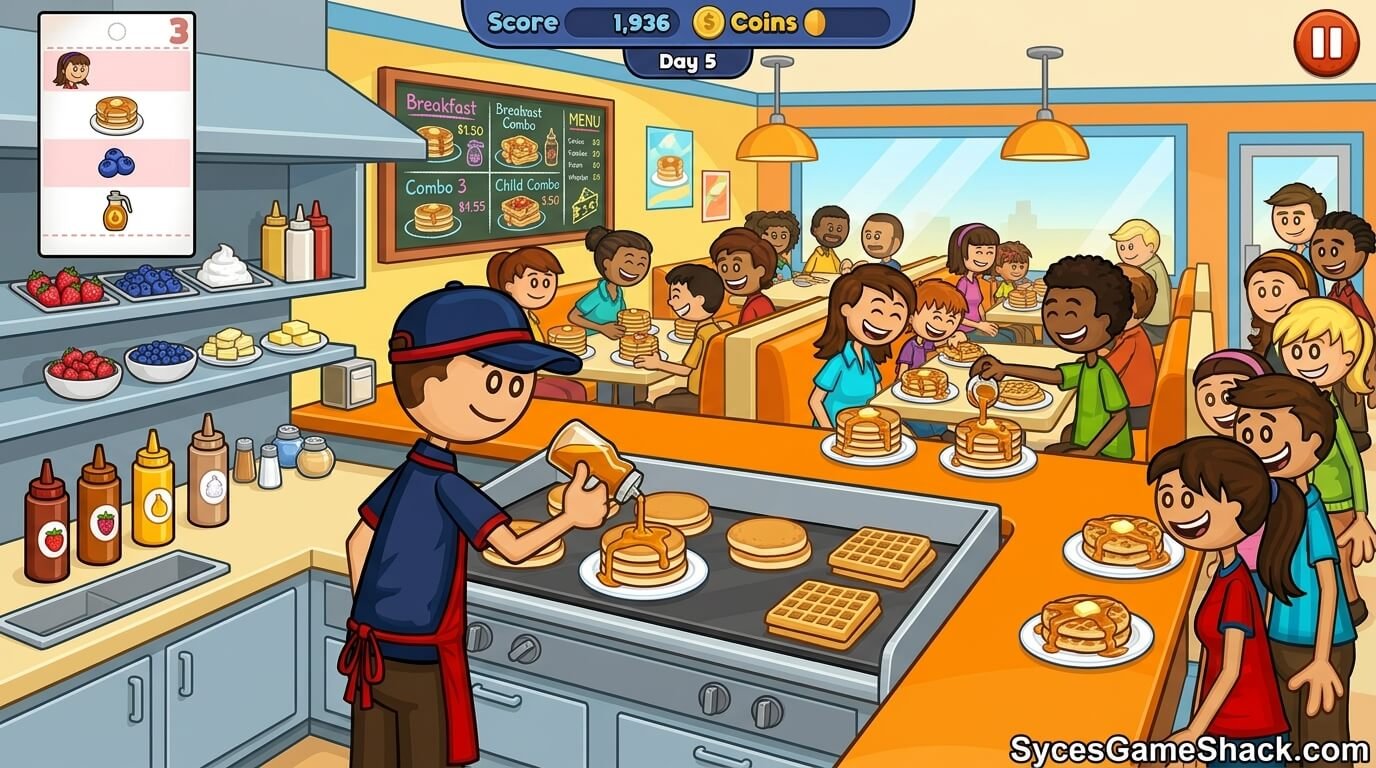
| Station | What Happens Here | Common Mistake to Avoid |
|---|---|---|
| Order Station | Take the customer’s order and note every ingredient requested | Rushing past without checking the “Closer Look” order details |
| Cook/Grill Station | Time-based cooking with a visual doneness bar | Pulling food off too early (undercooked) or too late (burnt) |
| Build Station | Add sauces, toppings, and extras in the correct order and amount | Adding toppings in the wrong sequence, which changes flavor pairing scores in some titles |
| Box/Plate Station | Final packaging and presentation, sometimes with a customizable box or plate design | Skipping this step entirely — it can still affect the “Perfect” bonus |
| Serve Station | Deliver the order and collect your tip | Letting customer patience run out while multitasking other orders |
The Rating and Tip System Explained
Every completed order earns a star rating from 0 to 5, based on three factors combined:
- Order Accuracy Did you include every ingredient the customer asked for, in the right amount?
- Cook Precision Was the food cooked to the exact doneness level shown on the timing bar?
- Speed Did you serve the order before the customer’s patience ran out?
Higher star ratings earn bigger tips, and accumulated tips let you buy restaurant upgrades — faster ovens, extra topping stations, and decorations that boost your reputation. Reaching a 5-star average across a full day unlocks bonus content in most titles, including new customers, ingredients, or holiday-themed order variations.
Best Papa’s Games to Start With (Ranked for Beginners)
1. Papa’s Pizzeria Best Overall Starting Point
Only three stations and a simple ingredient list make this the easiest entry into the series. It teaches the core order-cook-serve loop without overwhelming new players with extra mechanics.
2. Papa’s Freezeria Best for Casual Play
A relaxed pace with a satisfying “build-a-sundae” mechanic. Great for players who enjoy a slightly more creative, less time-pressured experience than the pizza or burger games.
3. Papa’s Burgeria Best for Quick Sessions
Short order cycles make this ideal for players with only a few free minutes between classes or during a short break — you can finish a full “day” in under 10 minutes.
4. Papa’s Cupcakeria Best for Longer Play Sessions
A deeper decorating system with more topping combinations gives experienced players something more complex to master once they’ve cleared the earlier titles.
Pro Tips to Get 100% Perfect Scores
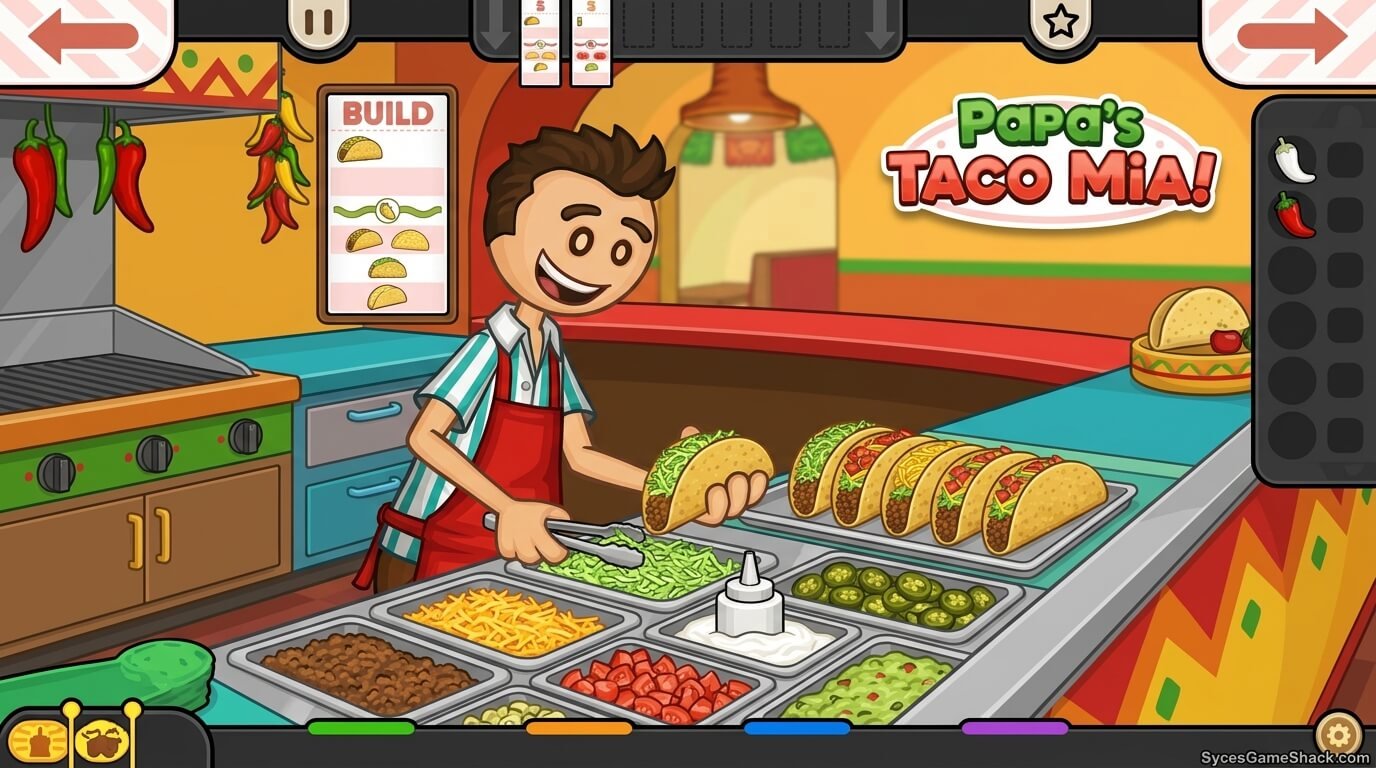
Tip 1: Always Use the “Closer Look” Button
Before building any order, click the magnifying glass or “Closer Look” icon if available. It shows exact ingredient placement, amounts, and cook preference; skipping this is the #1 cause of lost stars for new players.
Tip 2: Master the Cook Timing Bar Colors
Most games use a color-coded doneness bar (light, golden, perfect, burnt). Aim to remove food during the “perfect” zone every single time; this single skill affects more of your score than any other mechanic in the series.
Tip 3: Prep Ahead During Downtime
While one order is cooking, use the wait time to prep toppings or take the next customer’s order. Multi-tasking between stations is what separates 3-star days from 5-star days.
Tip 4: Upgrade Stations as Soon as You Can Afford To
Spend your tip earnings on station upgrades early rather than saving them. Faster ovens and bigger topping stations directly reduce the chance of missing timing windows during busy rushes.
Tip 5: Replay Earlier Days to Practice
If you’re struggling with a specific ingredient combo, most Papa’s games let you replay earlier unlocked days. Use this to drill difficult toppings or cook timings before attempting harder days with more simultaneous customers.
Tip 6: Watch for Special Order Customers
Certain recurring characters (like Foodini or Big Pauly) request signature combinations that are shown in a special popup. These orders often carry bonus tip multipliers, so prioritize getting them exactly right.
Unblocked Game Site Safety – What to Avoid
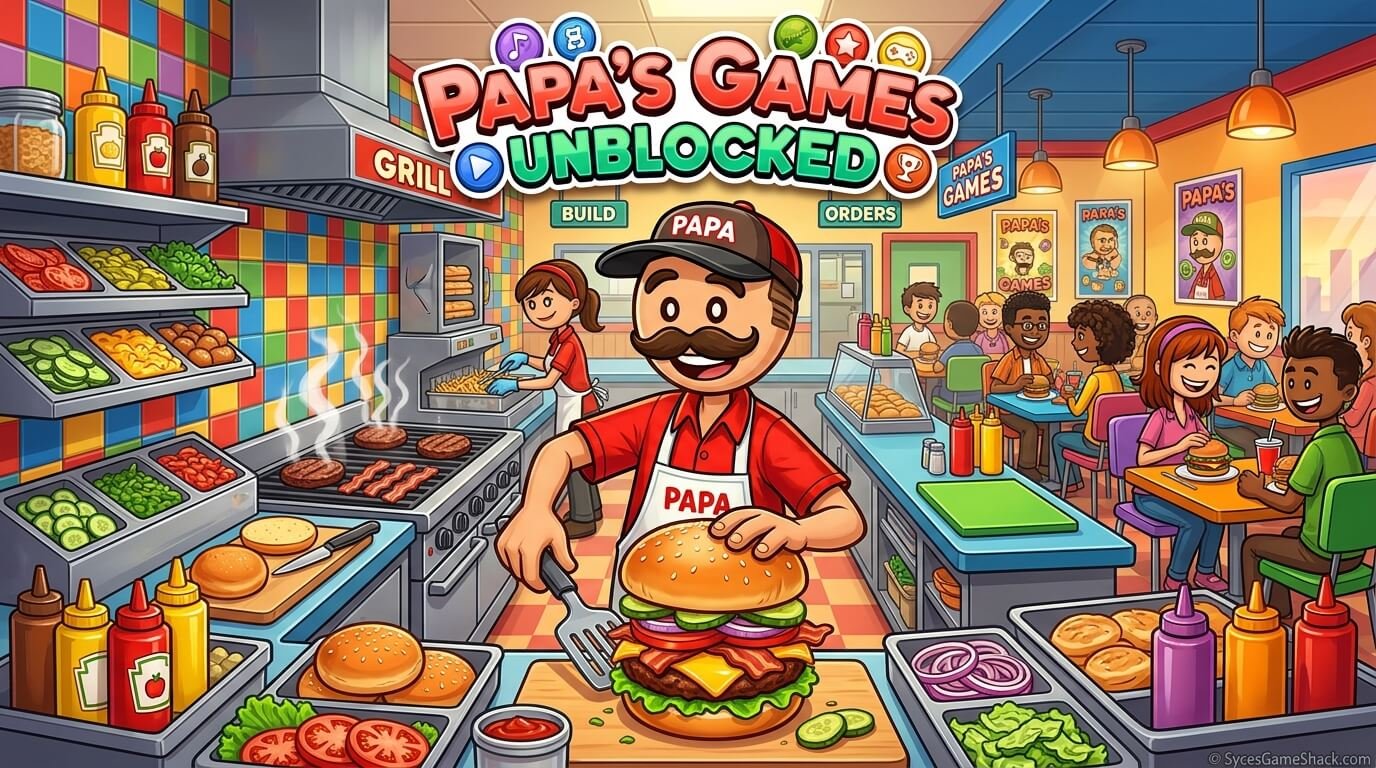
Not every “unblocked games” website is trustworthy. Because these sites are popular with students searching for a quick way around network filters, some low-quality or fake sites use the traffic to push harmful downloads or intrusive ads. Here’s what to watch out for:
| Warning Sign | Why It’s a Problem | What to Do Instead |
|---|---|---|
| Site asks you to download a “launcher” or “app” | Legitimate browser games never require a download this is a common malware trick | Close the tab immediately; play only through direct browser embeds |
| Constant pop-up redirects | Aggressive ad networks can redirect you to unsafe pages automatically | Use a site with clean, minimal ad placement |
| Asks for personal information to “unlock” a game | No free browser game legitimately requires personal details to play | Never enter your email, school login, or personal info to access a game |
| Game doesn’t match the screenshot/thumbnail | Some fake sites bait-and-switch with unrelated or inappropriate content | Leave the site and use a trusted source instead |
Golden rule: A genuine Papa’s game loads and plays instantly in your browser tab with zero downloads, zero personal information requests, and minimal ad interruption. SycesGameShack.com hosts the full library this way — clean, fast, and safe to use on any school or work network.
More Unblocked Games at SycesGameShack.com
Loved the Papa’s series? Here’s what else you can play unblocked at SycesGameShack.com:
- 🍕 Papa’s Pizzeria Play the original title that started the entire series
- 🍦 Papa’s Freezeria Build custom sundaes at a beachside ice cream shop
- 🍔 Papa’s Burgeria Grill and stack burgers to order
- 🧁 Papa’s Cupcakeria Bake and decorate cupcakes with endless topping combos
- 🍣 Papa’s Sushiria Roll sushi across six simultaneous stations
- 🎮 Full Unblocked Games Library Browse hundreds more titles across every genre, all playable instantly with no downloads
FAQs
Is Papa’s Games Unblocked free to play?
Yes, every game in the Papa’s series is completely free to play in your browser. No purchase, subscription, or account creation is required to start playing.
Do I need to download anything to play Papa’s Games?
No. Papa’s Games run entirely in your browser using standard web technology. Any site telling you to download a launcher, app, or “installer” to play is not a legitimate source close it immediately.
Can I play Papa’s Games at school on a Chromebook?
Yes. Since Papa’s Games run entirely in-browser with no installation, they work on locked-down school Chromebooks as long as the hosting site itself isn’t on your network’s block list, which is exactly what an unblocked gaming site solves.
Which Papa’s game should a complete beginner start with?
Papa’s Pizzeria is the best starting point. It has only three cooking stations and the simplest ingredient list in the series, making it the easiest way to learn the core order-cook-serve gameplay loop before moving to harder titles.
Does my progress save between sessions?
This depends on the hosting site. Some unblocked mirrors save your progress locally in the browser, while others reset each session unless you create an account. If keeping your rank matters to you, check whether the site offers a save/login option before starting a long play session.
Can I play Papa’s Games on my phone?
Yes, most Papa’s titles are touch-friendly and playable on both iOS and Android browsers. For the best experience, rotate your phone to landscape mode so you can see all the cooking stations clearly.
Why do some websites list a game as “Papa’s Games Unblocked” but it doesn’t load?
This usually happens on outdated or low-quality sites where the game files are broken, removed, or replaced with ads. Stick to actively maintained sites like SycesGameShack.com that regularly check and update their game library.
Are Papa’s Games Unblocked safe to play?
Yes, as long as you play through a trustworthy site that doesn’t ask for downloads or personal information. Avoid any unblocked game site that redirects you to external pop-ups or requests account details just to load a free browser game.
Is there a mobile app version of Papa’s Games?
Some individual Papa’s titles have official standalone mobile apps on the App Store and Google Play, but the browser-based unblocked versions do not require any app download and work directly through your phone or computer’s web browser.
How many Papa’s Games are there in total?
There are 14 mainline Papa’s titles covering everything from pizza and burgers to sushi and cupcakes, plus several spinoff and crossover titles that combine characters and ingredients from multiple games in the series.
Ready to Start Cooking?
Whether you’re new to the series or a returning fan chasing a 5-star perfect day, every Papa’s game is ready to play right now — no downloads, no restrictions, no waiting. Start with Papa’s Pizzeria if you’re a beginner, or jump straight into your favorite title from the full list above.
Head over to SycesGameShack.com to play the complete Papa’s Games library unblocked, along with hundreds of other free browser games all safe, fast, and ready to load in a single click.