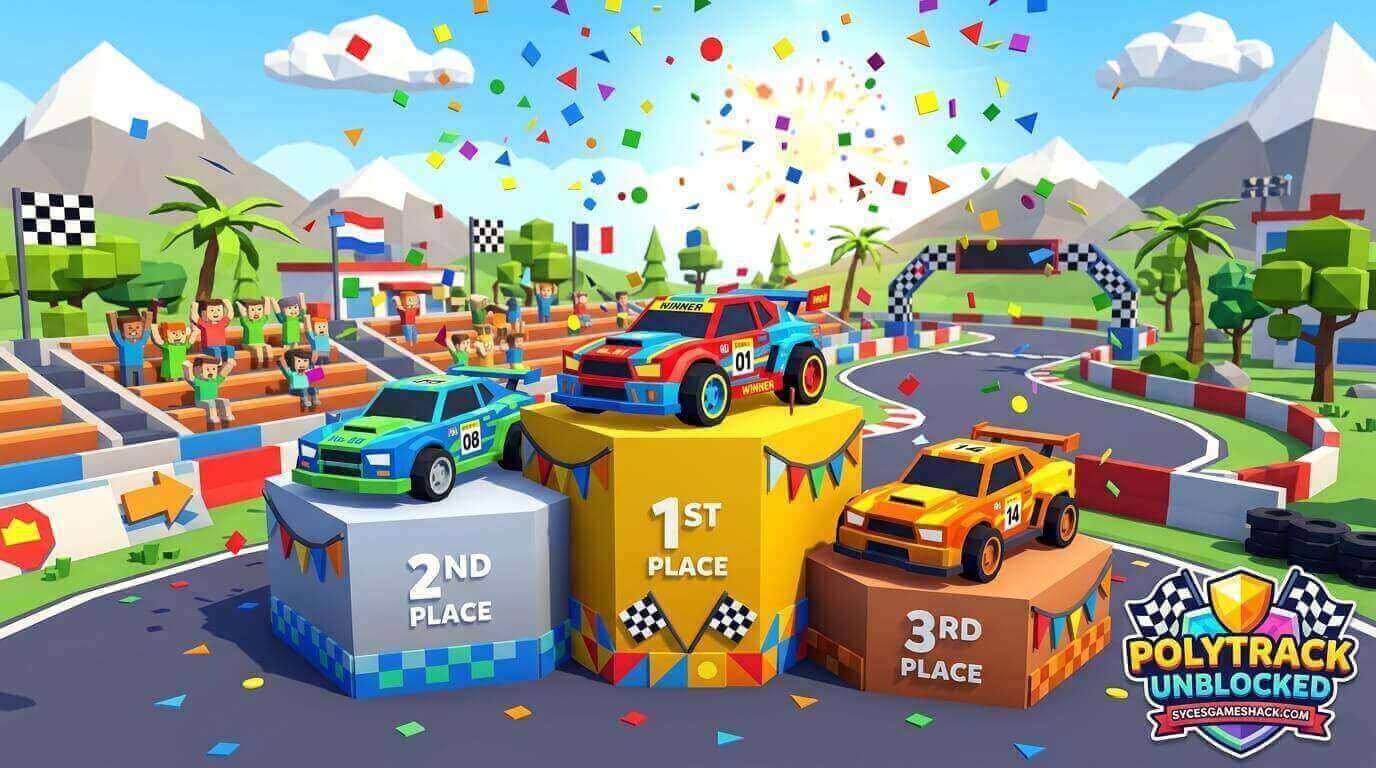
PolyTrack Unblocked | Play Free Racing Game at School 2026
Introduction
No story. No characters. No power-ups. Just you, a low-poly car, and a track that wants to throw you into a wall at 200 kilometers per hour.
PolyTrack is the racing game that strips everything back to the purest question in motorsport: can you find the perfect racing line and hold it all the way to the finish? And can you do it faster than every other player on the global leaderboard?
PolyTrack Unblocked loads instantly on any school Chromebook, library computer, or restricted network, no download, no login, no installation required. Open the browser, and you are on the starting grid in under five seconds.
What Is PolyTrack?
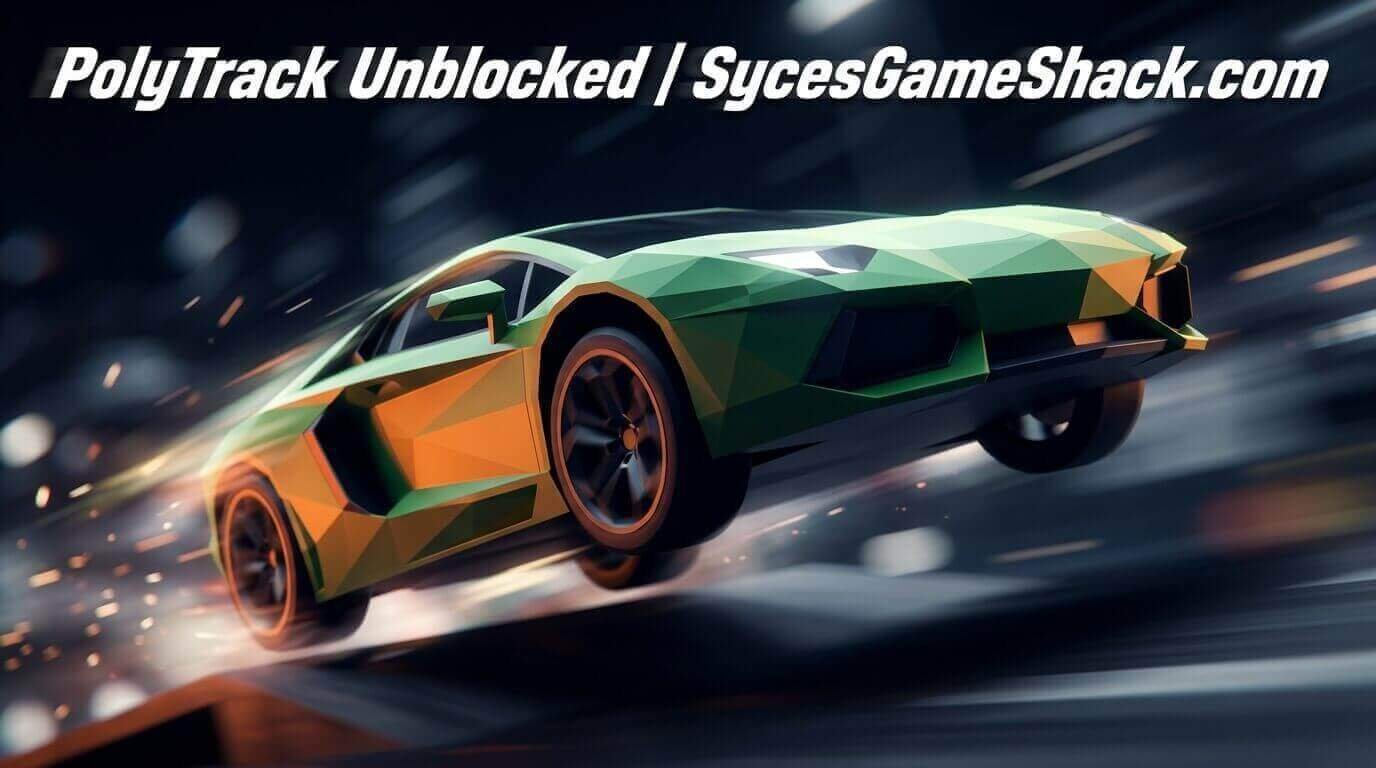
PolyTrack Unblocked is a free browser-based time-trial racing game created by a solo independent developer known as Kodub.
The game launched in December 2022 and has grown into one of the most played browser racing games in the world, with a vibrant global community of competitive players, custom track creators, and speedrunners.
The game features low-poly 3D graphics, simple geometric shapes in clean colors, and a physics engine built on the Bullet Physics system compiled to WebAssembly, delivering realistic vehicle dynamics that behave consistently and predictably.
Every lap, every corner, every jump follows real physics rules. There is no luck, no randomness, no RNG. Your lap time is exactly equal to your driving skill.
PolyTrack currently features 17 official tracks across three environments, Summer, Winter, and Desert, plus a full custom track editor that allows players to build, share, and import community-created tracks using simple track codes.
The game also includes global leaderboards for every track, ghost racing against other players’ best laps, and, as of version 0.6.0 in March 2026, real-time multiplayer.
Why Is PolyTrack Blocked at School?
School networks use content filtering tools, GoGuardian, Securly, and Lightspeed, that maintain blocklists of gaming domains. PolyTrack’s primary hosting on itch.io and CrazyGames gets flagged and blocked at many schools because both platforms are identified as gaming sites by content filters.
PolyTrack Unblocked versions are hosted on mirror domains that pass school content filters cleanly because they have not been added to blocklists.
These mirrors deliver the same game with identical physics, identical tracks, and identical leaderboard integration just through a web address that school filters allow. Syces Game Shack provides a clean, permanently available unblocked version that works on every school Chromebook.
How to Play PolyTrack Complete Controls Guide
Keyboard Controls
- W / Up Arrow: Accelerate
- S / Down Arrow: Brake / Reverse
- A / Left Arrow: Steer Left
- D / Right Arrow: Steer Right
- Space Bar: Handbrake (for tight corners and drifting)
- R or Enter: Restart lap instantly
Air Controls
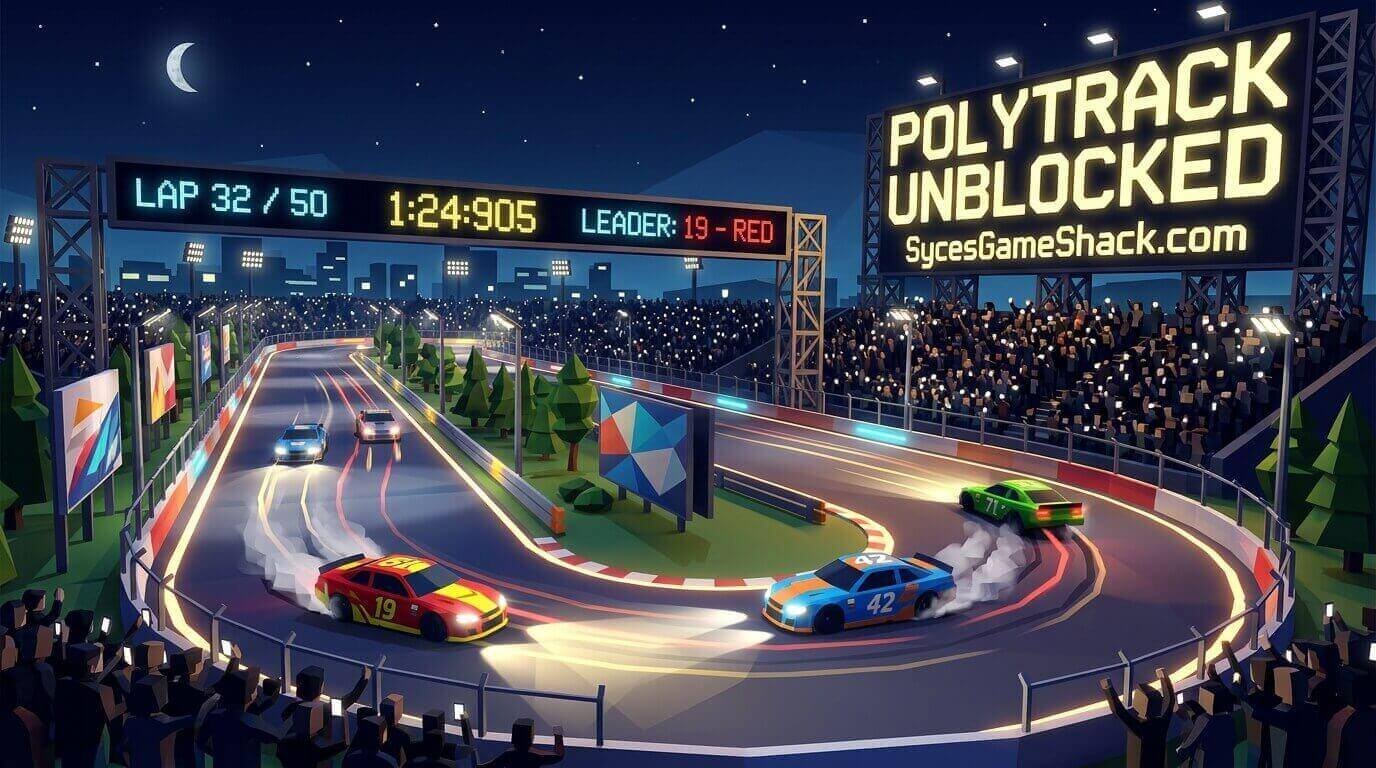
While airborne after a jump, the steering keys still function and tilt the car in the air. Using air control to land flat on all four wheels rather than nose-first or sideways is one of the most important skills in PolyTrack.
A bad landing kills momentum and bounces the car unpredictably. A clean flat landing preserves speed and allows immediate acceleration out of the impact.
The Restart Key
R or Enter instantly restarts your current lap from the beginning with zero loading time. In time-trial play, using a restart aggressively the moment a lap goes wrong is the correct strategy.
Finishing a bad lap wastes 30-60 seconds. Restarting immediately costs 2 seconds. Elite players restart constantly, chasing only clean laps that have genuine PB potential.
All 17 Official Tracks Complete Guide
PolyTrack ships with 17 official tracks organized across three terrain environments. Each environment introduces different surface characteristics and visual conditions that affect driving strategy.
Summer Tracks (1–6)
Summer tracks feature green terrain, clear visibility, and standard grip surfaces. These are the foundational tracks every player should master before attempting other environments.
Summer 1 is specifically designed as the tutorial track, with short, forgiving corners and one significant jump. Start here regardless of experience.
Summer 2 and 3 add complexity progressively. Summer 4, 5, and 6 introduce faster sections, tighter chicanes, and more demanding jump sequences.
Winter Tracks (7–11)
Winter tracks feature snow and ice terrain with reduced grip on certain surface sections. The visual conditions of white terrain with reduced contrast make upcoming corners slightly harder to read at speed.
Winter tracks require earlier braking points than equivalent Summer corners because the grip level is lower on snow sections. The most important adjustment for Winter tracks is trusting your brake inputs earlier than feels necessary.
Desert Tracks (12–17)
Desert tracks feature sand and rock terrain. Sand sections have slightly different grip characteristics from standard asphalt, not dramatically reduced like ice, but noticeably less predictable under high-speed cornering.
The Desert environment also features the game’s most demanding jump sequences and the tightest technical corners in the official track set. Tracks 15, 16, and 17 are the hardest official tracks in the game and are where the most competitive leaderboard battles occur.
The Physics Engine: Understanding How PolyTrack Works
PolyTrack uses the Bullet Physics Engine compiled to WebAssembly. Understanding how this engine behaves helps you drive faster and stop making mistakes that feel random but are actually caused by predictable physics interactions.
- Grip Limit: Every car in PolyTrack has a grip limit, the maximum lateral force the tires can handle before sliding. Exceeding the grip limit causes the car to understeer (push wide) or oversteer (snap sideways). The grip limit is consistent and predictable. Finding it on each corner, driving right at the edge without exceeding it, is the fundamental skill of PolyTrack.
- Weight Transfer: The car’s weight shifts forward under braking and backward under acceleration. Braking into a corner shifts weight to the front wheels, increasing front grip and reducing rear grip. Accelerating out shifts the weight to the rear wheels. Understanding weight transfer explains why braking later than the ideal point causes the car to understeer on corner entry, as the rear has more grip than the front at that moment.
- Jump Physics: After leaving a ramp, the car maintains its trajectory based on the speed and angle at the ramp’s exit. Air control (steering while airborne) rotates the car but does not change its overall trajectory. Using air control to level the car before landing prevents the bounce and speed loss of a nose-first impact.
Pro Racing Techniques: How to Get Faster
Technique 1: Find the Racing Line
The racing line is the path through a corner that allows the highest possible speed. On a standard corner, the racing line enters wide, hits the apex at the inside of the corner at the midpoint, and exits wide again.
This creates the largest possible radius for the car’s arc through the corner. A larger radius allows a higher speed without exceeding grip limits.
Every corner in PolyTrack has an optimal racing line. Finding it and consistently hitting it is worth more time improvement than any other single technique.
Technique 2: Brake Before the Corner, Not During
The most common time loss in PolyTrack happens in the braking zone. Players who begin braking too late arrive at the corner with too much speed, run wide, and lose more time correcting than they saved by braking late.
Brake in a straight line before the corner turn-in point, reach your target speed before turning, then release the brakes and apply smooth acceleration from the apex. Braking while turning simultaneously loads the outside tires asymmetrically and destabilizes the car.
Technique 3: Use the Handbrake for Tight Hairpins Only
The Space Bar handbrake locks the rear wheels and rotates the car rapidly. It is useful for very tight hairpin corners where normal braking cannot scrub enough speed while also turning sharply.
For all other corners, especially medium and high-speed corners, the handbrake kills too much speed and is slower than a proper trail-braking entry. Use handbrake sparingly and only when the corner geometry genuinely requires it.
Technique 4: Restart Aggressively
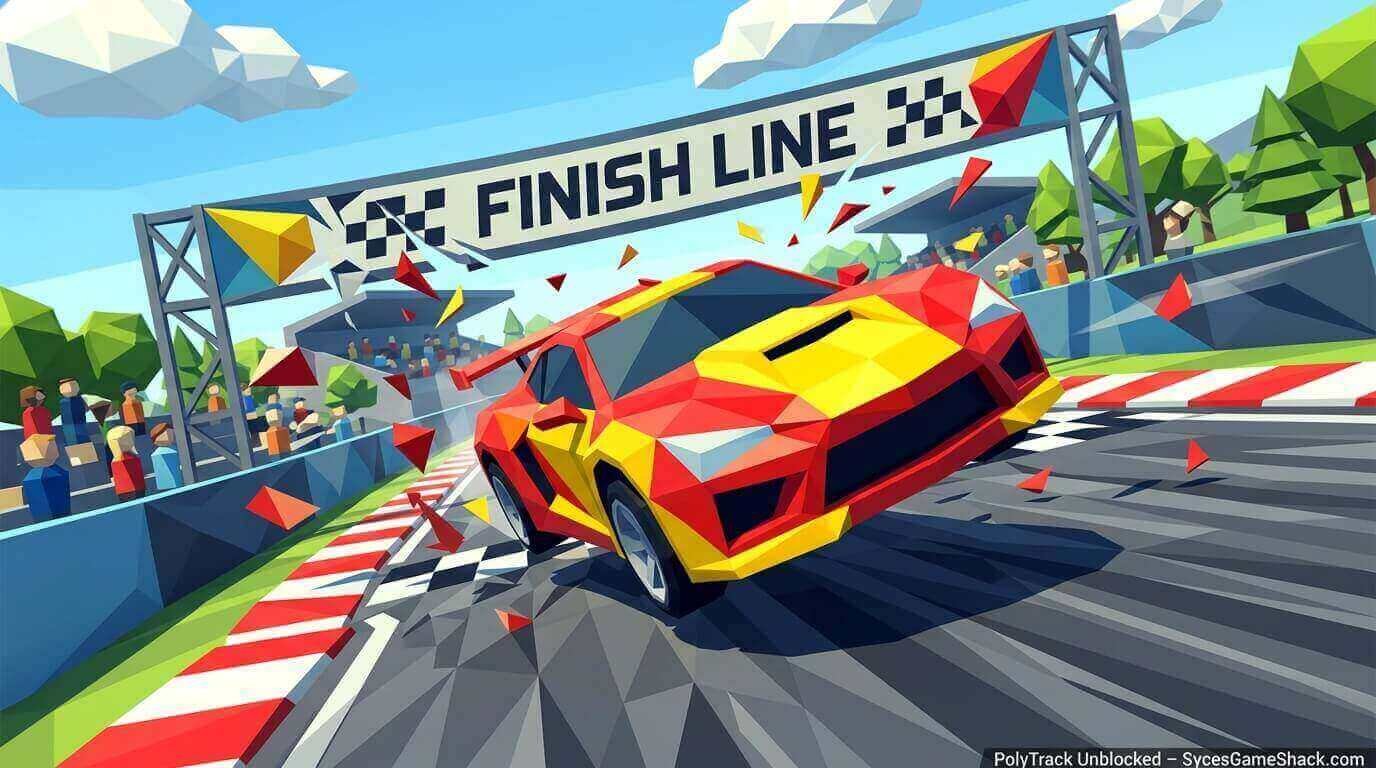
In time-trial racing, a lap is either a potential personal best or it is a practice lap. If your first sector is significantly slower than your best, restart immediately.
Finishing bad laps builds no useful muscle memory for the clean lap you actually want. Elite players have a very low tolerance for bad lap openings and restart constantly. This feels wasteful but produces faster improvement than grinding through compromised laps.
Technique 5: Race the Ghost
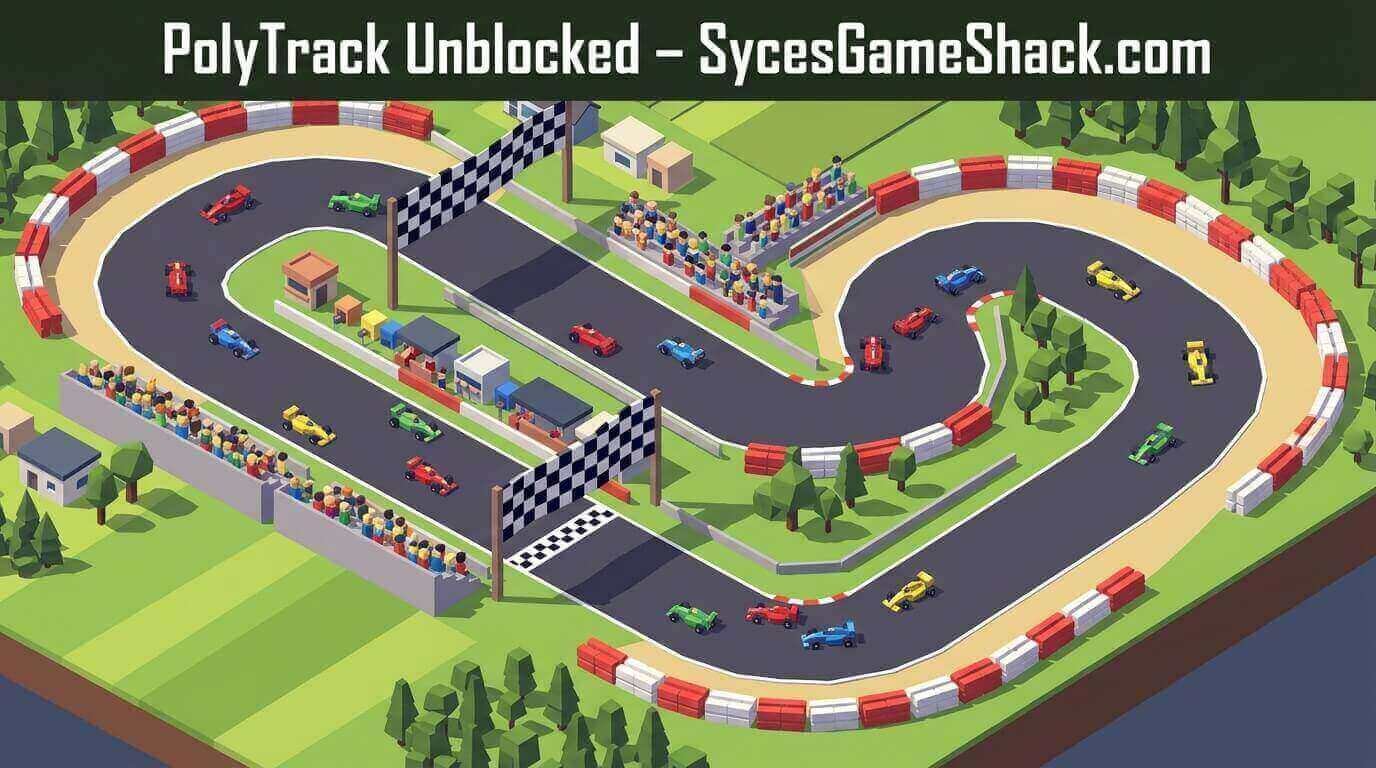
PolyTrack’s ghost system shows you a transparent replay of your previous best lap while you drive your current lap. Racing the ghost is the single most effective training tool in the game.
When the ghost is ahead of you entering a corner, it tells you exactly where you are losing time. Follow the ghost’s line, match its braking point, copy its apex.
The ghost is a free, always-available coach that shows you precisely what a faster version of yourself does differently.
Technique 6: Master Summer 1 Before Anything Else
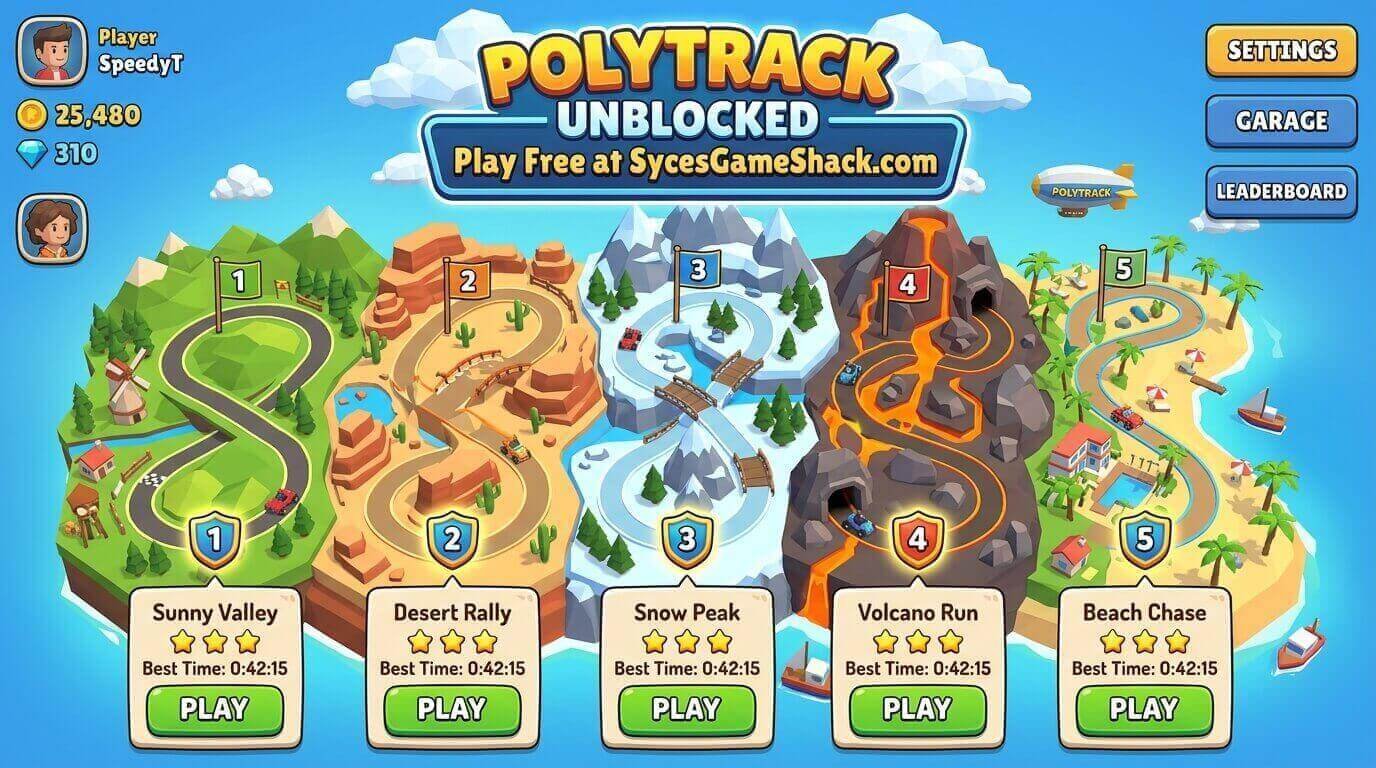
Summer 1 is the tutorial track, but it is also a perfect physics laboratory. Every fundamental technique, the racing line, brake points, jump landings, and weight transfer can be practiced in a track short enough to complete in under 30 seconds.
Spend your first hour exclusively on Summer 1, chasing a clean lap rather than a fast one. The muscle memory built in Summer 1 transfers directly to every other track in the game.
The Track Editor: Build and Share Your Own Tracks
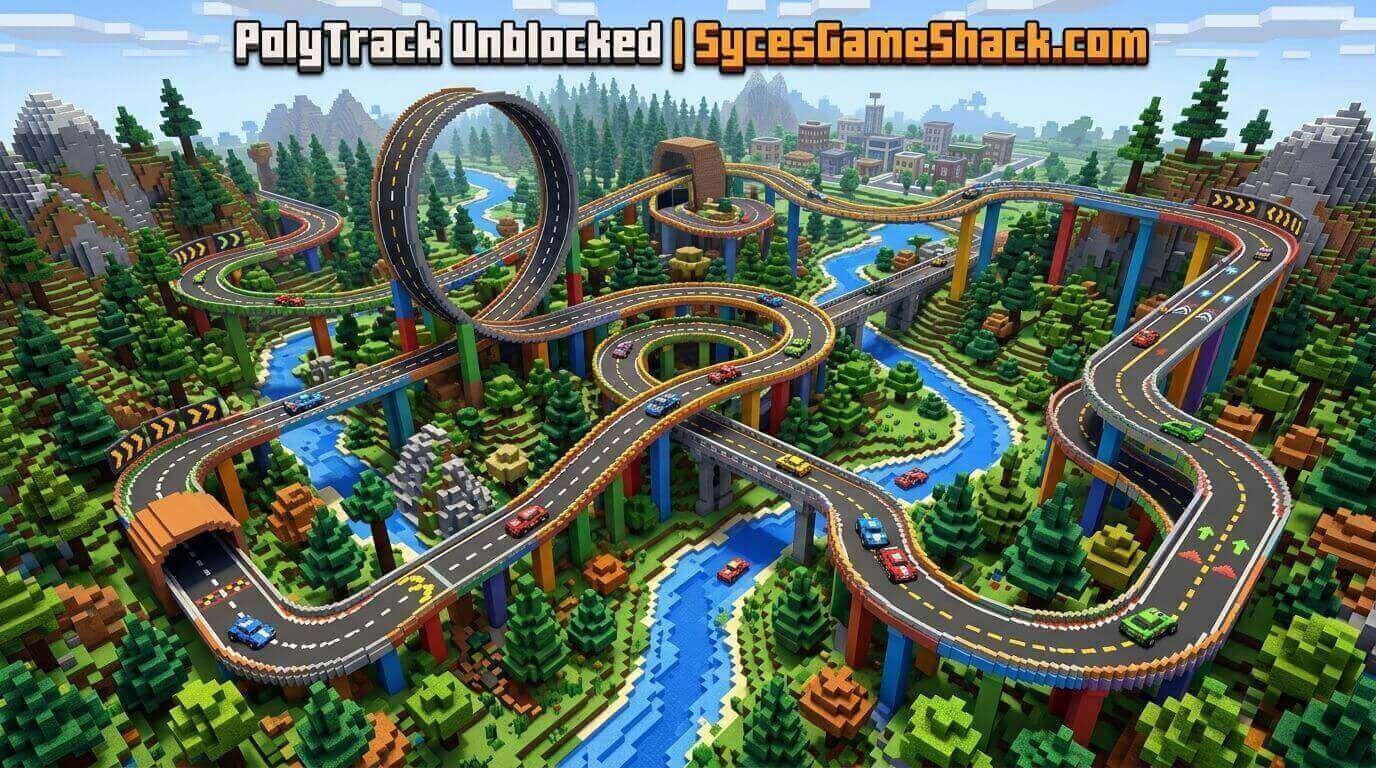
PolyTrack includes a full custom track editor that allows players to design, build, and share their own racing tracks using a library of road pieces, terrain sections, loops, jumps, and chicanes.
How to Import Community Tracks
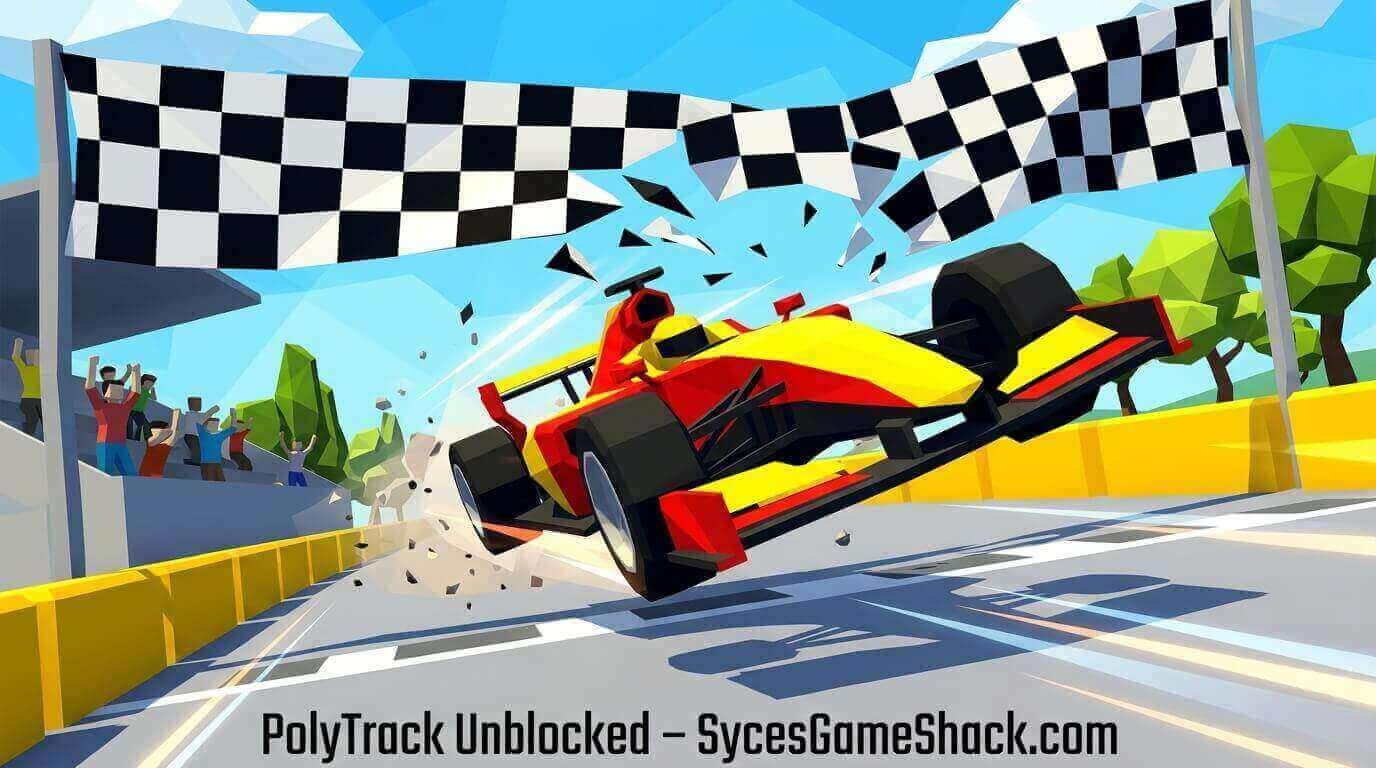
- Find a track code from the PolyTrack community (Reddit r/PolyTrack is the main source)
- Open PolyTrack and navigate to Custom Tracks → Import
- Paste the track code using Ctrl+V
- Confirm the track appears in your custom library instantly
Community tracks range from gentle beginner-friendly circuits to physics-defying challenge maps that the official tracks never attempt. The custom track ecosystem adds essentially unlimited content to a game that already has 17 official tracks to master.
Leaderboards and Ghost Racing: The Competitive System
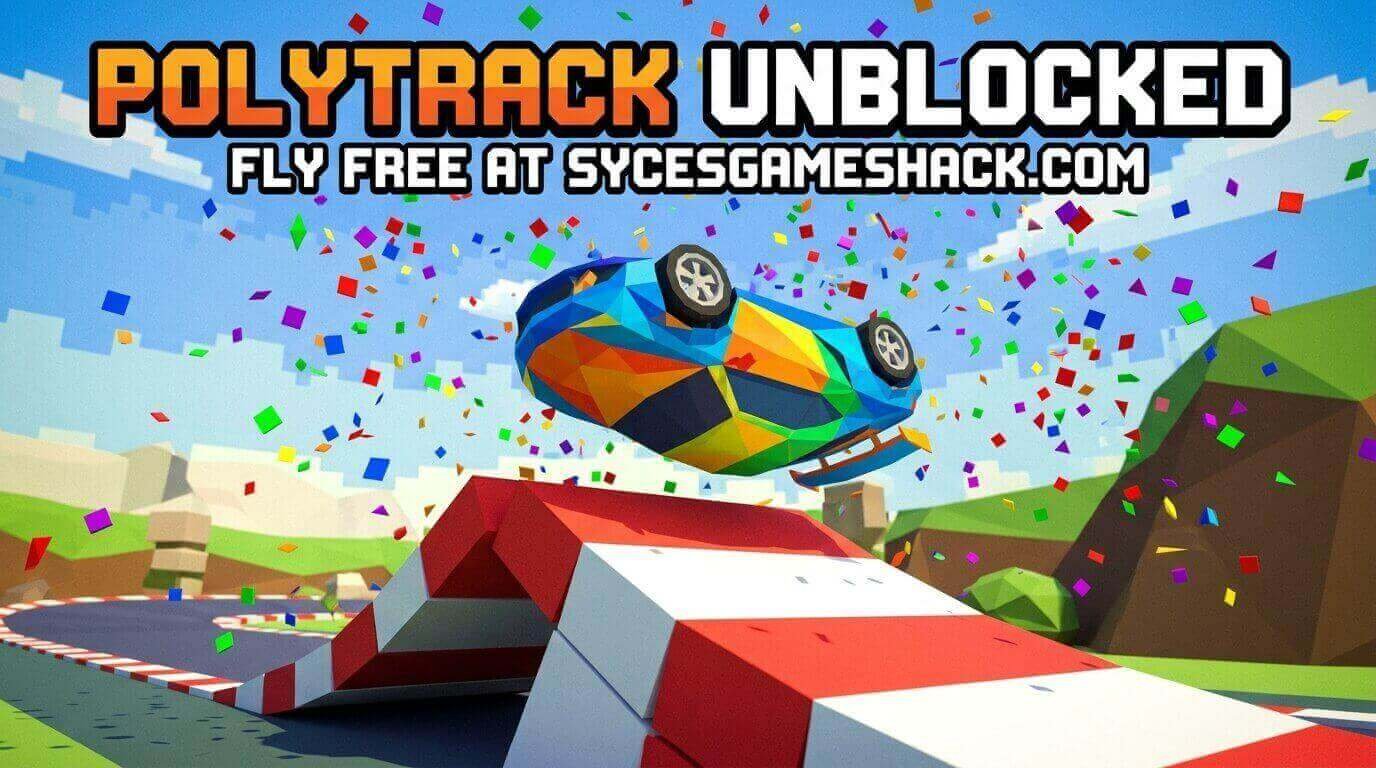
Every official PolyTrack track has a global leaderboard showing the fastest verified lap times from every player in the world. The leaderboard updates in real time every time you set a new personal best; it is immediately visible to every other player globally.
Ghost racing allows you to download any player’s best lap as a transparent ghost car and race against it directly. You can ghost race against the current world record holder, against a friend’s best time, or against your own previous personal best.
The ghost system is the most powerful competitive feature in PolyTrack because it transforms abstract leaderboard numbers into a visible, raceable presence in front of you on the track.
PolyTrack vs Similar School Racing Games
| Feature | PolyTrack | Moto X3M | Drift Hunters | Happy Wheels |
|---|---|---|---|---|
| Physics Realism | ✅ High | Medium | Medium | Ragdoll |
| Global Leaderboard | ✅ Yes | ❌ No | ❌ No | ❌ No |
| Ghost Racing | ✅ Yes | ❌ No | ❌ No | ❌ No |
| Track Editor | ✅ Full editor | ❌ No | ❌ No | ❌ No |
| Multiplayer | ✅ Real-time | ❌ No | ❌ No | ❌ No |
| School Chromebook | ✅ Yes | ✅ Yes | ✅ Yes | ✅ Yes |
| Official Tracks | 17 tracks | Many levels | Open world | Many levels |
PolyTrack is the only free browser racing game that combines a genuine physics engine, global leaderboards, ghost racing, real-time multiplayer, and a full custom track editor. No other school browser racing game comes close to this feature set.
Why Students Love PolyTrack in 2026
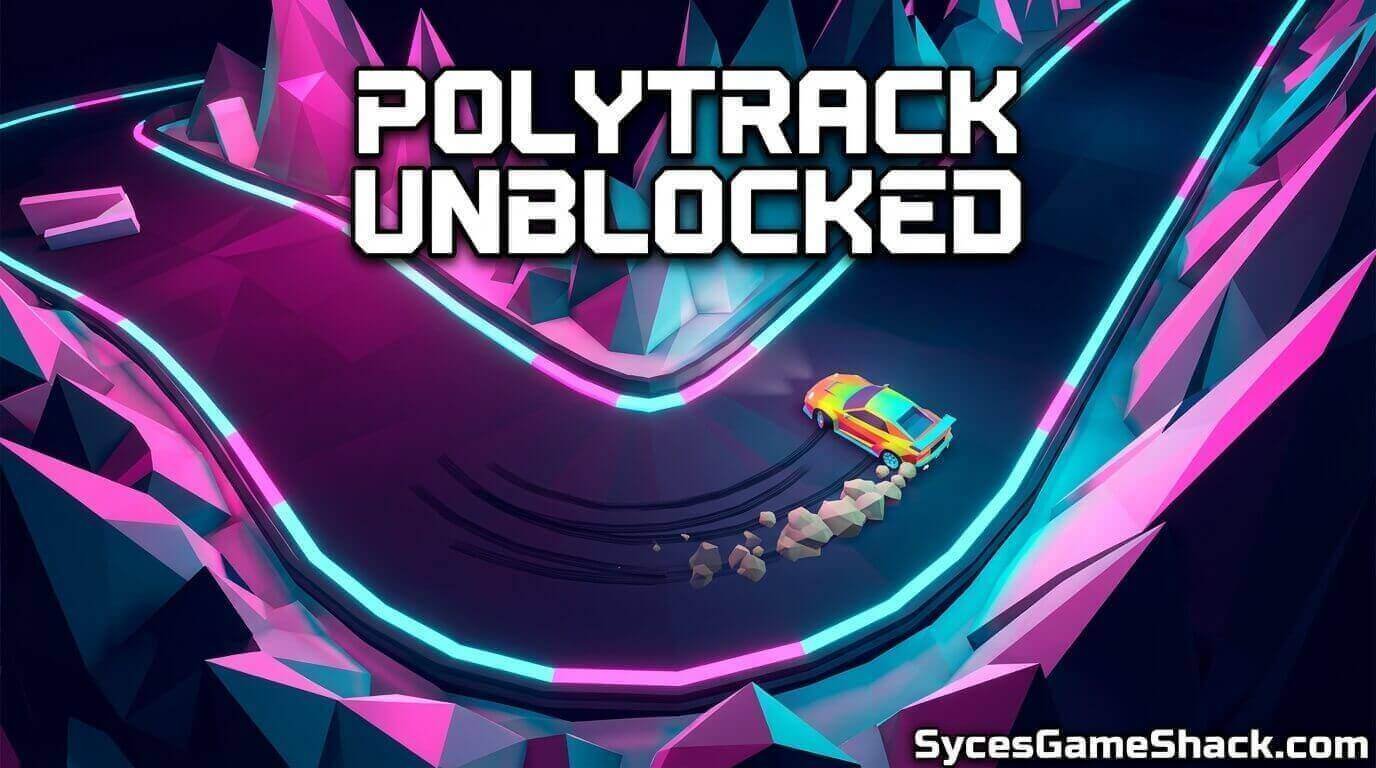
PolyTrack was released in December 2022 and has been one of the fastest-growing browser games in schools worldwide every year since. In 2026, it was established as the premier skill-based racing game in the unblocked games space, and its player base keeps growing rather than declining.
The reason is that PolyTrack offers something almost no other free browser game provides: a genuinely competitive environment where improvement feels tangible and measurable.
Every time you set a new personal best, a number changes. Every time the ghost racing shows you gaining on the world record holder through a corner you finally nailed, the improvement is visible in real time.
That feedback loop try, improve, see the improvement is extremely powerful and completely absent from most casual school games. For students who enjoy competitive games rather than casual entertainment, PolyTrack occupies a unique position in the school gaming ecosystem.
It is free, it loads in seconds, it requires no download, and it offers as much competitive depth as any paid racing game on any platform. The gap between PolyTrack and a paid racing simulator is smaller than anyone who has not played it would expect.
Play PolyTrack Unblocked right now on Syces Game Shack no login, no download, completely free, works on every school Chromebook.
FAQs
1. Is PolyTrack Unblocked completely free?
Yes. One hundred percent free with no purchases, subscriptions, or hidden fees. The full game, including all 17 official tracks, the track editor, leaderboards, ghost racing, and multiplayer, is available without spending anything.
2. Does PolyTrack work on a school Chromebook?
Yes. PolyTrack runs on WebGL and WebAssembly technology that is fully compatible with the Chrome browser on all Chromebook models. The game is specifically optimized for low-spec hardware and runs smoothly even on older school-issued Chromebooks.
3. How many official tracks does PolyTrack have?
PolyTrack has 17 official tracks across three environments: Summer, Winter, and Desert. Beyond official tracks, thousands of community-created custom tracks are available for free via track code import.
4. What is ghost racing in PolyTrack?
Ghost racing lets you download any player’s best lap time as a transparent ghost car and race directly against it on the track. You can ghost race against the world record, a friend’s best time, or your own previous personal best.
5. Does PolyTrack have multiplayer?
Yes. PolyTrack version 0.6.0, released in March 2026, added full real-time multiplayer, allowing players to race against each other live on the same track simultaneously.
6. What is the hardest official track in PolyTrack?
Desert tracks 15, 16, and 17 are the most demanding official tracks. They feature the tightest technical corners, the most complex jump sequences, and the highest speeds of any official track in the game.
7. How do I import custom tracks in PolyTrack?
Open PolyTrack, go to Custom Tracks, select Import, paste your track code using Ctrl+V, and confirm. The track appears in your custom library instantly with no additional steps.
8. Is PolyTrack appropriate for school?
Yes. PolyTrack contains no violence, no inappropriate content, and no age-restricted material. It is a clean racing game suitable for all ages in school environments.