Unblocked Games No WiFi Play Free Offline Anywhere
Introduction
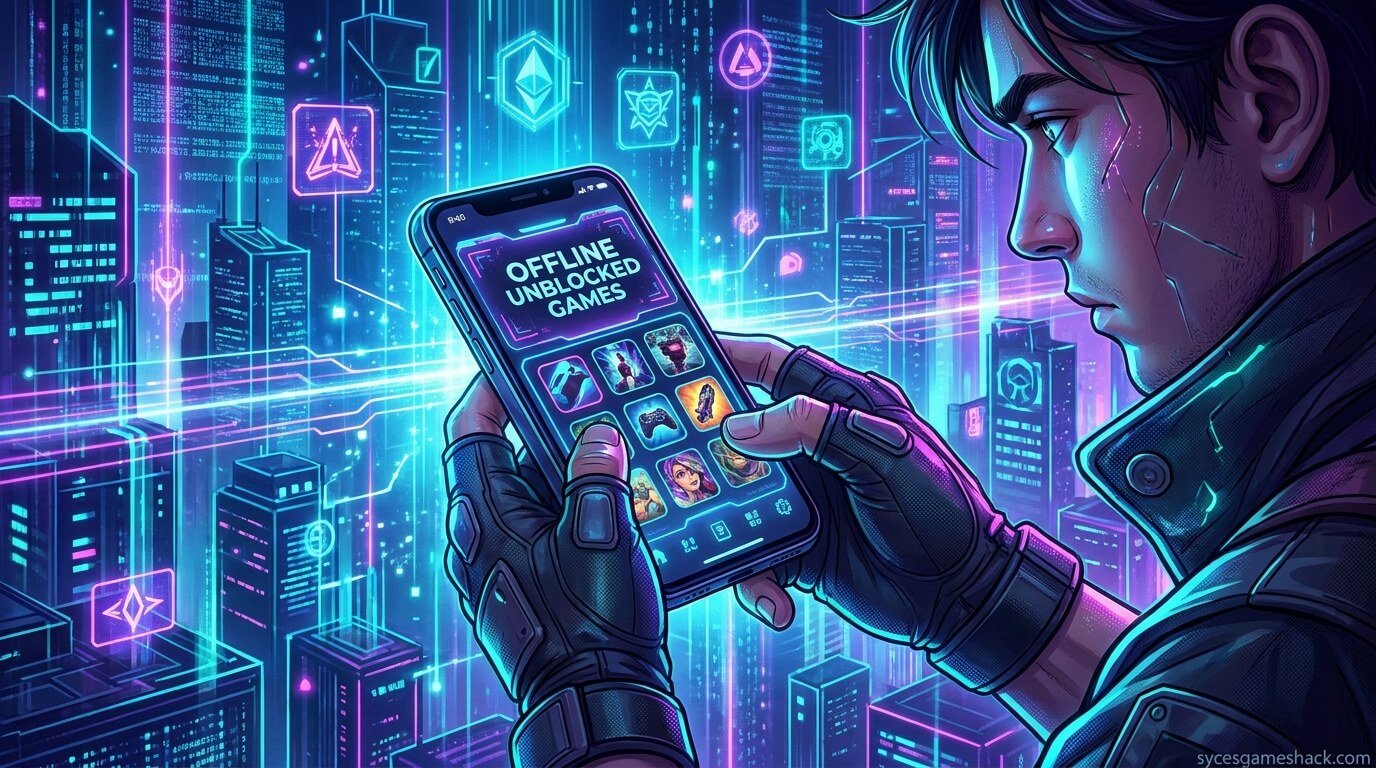
Looking for unblocked games no WiFi that you can actually play anywhere at school, at work, during a long trip, or when the internet goes down? You’ve landed in the right place. In this complete guide, we’ll show you the best offline unblocked games, how to access them, why they work without WiFi, and how to get started in seconds. No internet? No problem. Let’s dive in.
What Are Unblocked Games No WiFi?
Unblocked games are online or offline games that bypass school or workplace network restrictions. When these games are also designed to work without a WiFi connection, they become the perfect solution for gamers who want to play anytime, anywhere.
Most schools and offices block gaming websites using firewalls. But many modern games especially browser-based and downloadable ones — can run entirely offline after a one-time setup. This means you don’t need to be connected to the internet to enjoy hours of gameplay.
Whether you’re on a Chromebook, Windows PC, Android, or iOS device, there are plenty of unblocked offline games built specifically for you.
Why Players Search for Unblocked Games Without WiFi
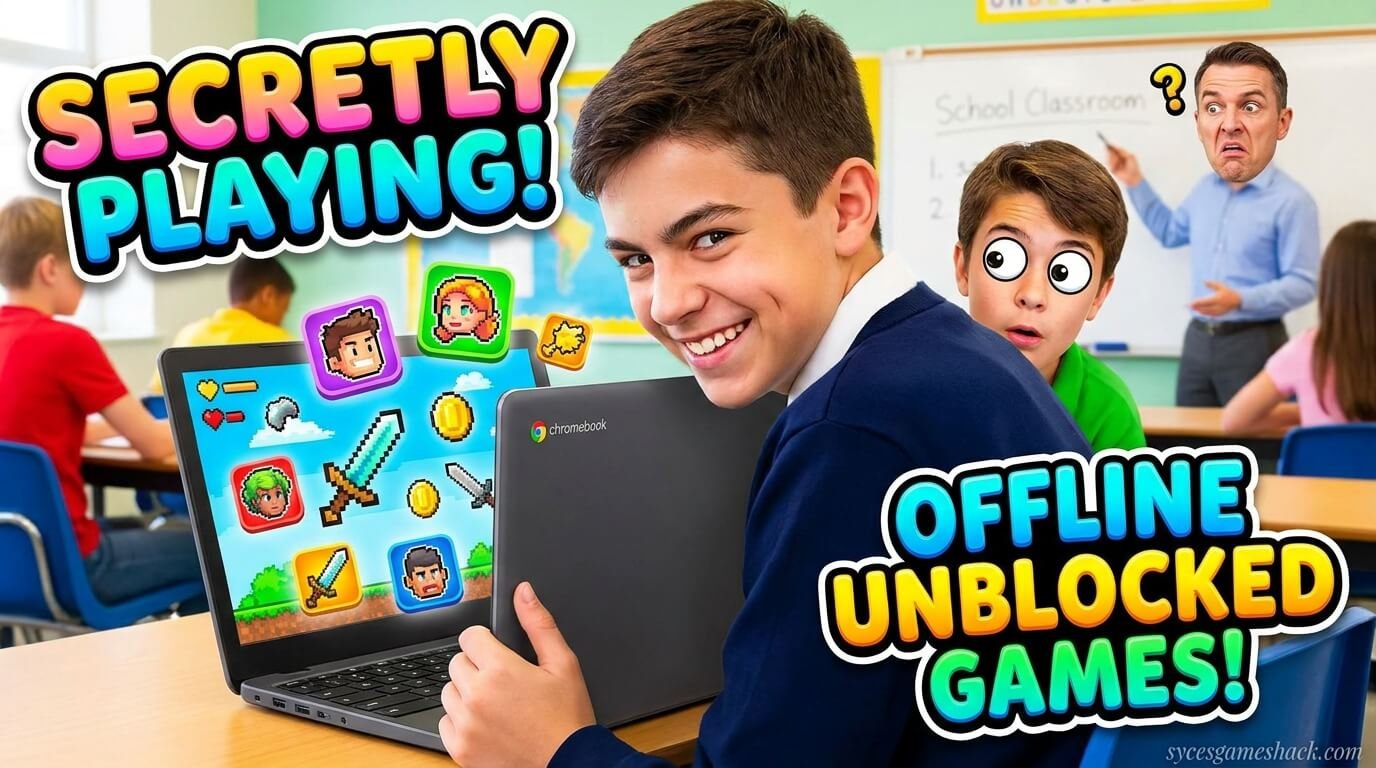
There are many reasons why millions of players around the world search for “unblocked games no WiFi” every single day:
- School blocks gaming sites: Most educational institutions use content filters that prevent students from accessing gaming platforms.
- No internet access: Many people don’t always have a reliable WiFi connection, especially in rural areas or during travel.
- Data saving: Playing offline means no data usage — perfect for users on limited mobile data plans.
- Slow internet: Even with WiFi, a slow connection can ruin the gaming experience. Offline games eliminate lag completely.
- Work or library restrictions: Office environments and public libraries often restrict recreational websites.
Top 20 Best Unblocked Games No WiFi (Free to Play)
Here is our carefully curated list of the best unblocked games that work without WiFi. These games are free, fun, and accessible on most devices:
1. Chrome Dinosaur Game (T-Rex Runner)
The most famous offline game in the world. Built directly into Google Chrome, this classic endless runner game starts automatically when you lose internet connection. Press spacebar to jump over cacti and dodge obstacles. Zero setup required.
2. 2048
A highly addictive number puzzle game. Combine matching numbers by sliding tiles across a 4×4 grid to reach the number 2048. Completely offline and available on almost every platform.
3. Sudoku
One of the most popular logic-based puzzle games ever made. Fill a 9×9 grid with numbers from 1 to 9 following specific rules. Available offline on every device and all difficulty levels.
4. Minesweeper
A timeless classic. Reveal tiles on a grid while avoiding hidden mines. Uses logic and deduction to clear the board without triggering explosives. Works completely offline.
5. Solitaire
Card game enthusiasts love classic Solitaire. Sort cards in descending order by alternating colors and move all cards to foundation piles. Pre-installed on Windows devices and available offline everywhere.
6. Tetris
One of the most iconic video games ever created. Rotate and stack falling blocks to complete horizontal lines. Multiple offline versions are available for free on PC, Android, and iOS.
7. Snake Game
Guide a growing snake to eat food pellets while avoiding walls and your own tail. This nostalgic game is lightweight and works perfectly without internet on any device.
8. Stickman Hook
Swing through levels using a grappling hook mechanic in this super satisfying physics-based game. Downloadable offline version available on Android and iOS.
9. Hill Climb Racing
Drive your vehicle up procedurally generated hills, collect coins, and upgrade your car. This physics-based offline racer is hugely popular and fully playable without WiFi.
10. Geometry Dash
A rhythm-based platformer with thousands of levels. Jump, fly, and flip your way through dangerous obstacles timed to music. Available offline after installation.
11. Minecraft (Offline Mode)
The world’s most popular sandbox game can be played offline in single-player mode. Build, survive, explore, and create without any internet connection required.
12. Alto’s Odyssey
A beautifully designed infinite snowboarding game with stunning visuals and relaxing gameplay. Fully offline and available on Android and iOS for free.
13. Cut the Rope
Feed the little monster Om Nom by cutting ropes and collecting stars. Hundreds of physics-based puzzle levels playable without internet.
14. Temple Run 2
Run from a terrifying monster while collecting coins and power-ups. An iconic endless runner that works completely offline on mobile devices.
15. Subway Surfers
Dash through subway tracks, dodge trains, and collect coins in this incredibly popular endless runner. Fully offline after the initial download.
16. Plants vs. Zombies
Defend your garden from zombie invasions using a variety of plants with special abilities. A classic tower defense game fully playable without a connection.
17. Candy Crush Saga (Offline Levels)
Match colorful candies to complete levels. Many early levels of Candy Crush are available offline, making it a great choice for commuters.
18. Traffic Racer
Drive through endless traffic on highways and collect money to upgrade your cars. Smooth gameplay fully available without WiFi.
19. Paper.io (Offline Version)
Expand your territory by drawing lines and enclosing areas. Highly competitive and addictive, with offline single-player modes available.
20. Chess
Challenge an AI opponent in the world’s greatest strategy game. Every chess app works fully offline and provides hours of mental challenge and entertainment.
How to Play Unblocked Games Without WiFi on Any Device

Getting started with offline unblocked games is easier than you think. Follow these simple steps based on your device:
On PC or Laptop (Windows/Mac)
- Open your browser (Google Chrome recommended)
- Visit a trusted unblocked games site
- Download or bookmark the game you want
- Once cached or downloaded, you can play offline anytime
- For Chrome users: type chrome://dino in the address bar for instant offline play
On Android Phone or Tablet
- Open the Google Play Store
- Search for the game you want
- Check that it says “Offline” or “No internet required” in the description
- Download while connected to WiFi
- Play anywhere without internet after installation
On iPhone or iPad (iOS)
- Open the Apple App Store
- Search for offline unblocked games
- Read reviews to confirm offline functionality
- Download and enjoy without needing WiFi
On Chromebook (at School)
- Use Chrome’s built-in dinosaur game — it works instantly offline
- Visit unblocked games sites before your WiFi is cut off to cache them
- Use the Google Play Store (if enabled) to download offline Android games
Best Websites for Unblocked Games No WiFi

There are many websites that host unblocked games. Here are some of the most trusted platforms where you can find games that work without WiFi:
- Unblocked Games 66 EZ – Huge library of Flash and HTML5 games, many cacheable for offline play
- Unblocked Games 77 – Classic games accessible even on school networks
- Coolmath Games – Educational and puzzle games that often work offline after first load
- Hooda Math – Math-based games accessible in school environments
- Scratch.mit.edu – User-created games often playable without continuous internet
- Google Sites Unblocked – Games hosted on Google Sites bypass most school firewalls
Pro Tip: Load these websites while connected to WiFi so your browser caches them. Many HTML5 games will continue to work even after you go offline!
Unblocked Games No WiFi for School – What Works Best?
Students are the biggest audience for unblocked offline games. Here’s what works best in a school environment:
Games That Work on School Chromebooks Without WiFi
- Chrome Dinosaur Game (built-in, always available)
- 2048 (HTML5, caches in browser)
- Sudoku (lightweight, no server needed)
- Minesweeper (pre-installed on many systems)
- Chess (downloadable Chromebook apps)
Browser Games That Cache for Offline Use
Many modern browser-based games use Progressive Web App (PWA) technology or service workers, which means they save themselves to your device after the first visit. This allows them to load and run even without internet later.
Games built with HTML5 Canvas are particularly good at this. They’re self-contained files that don’t need a server to run once cached.
Unblocked Games No WiFi for Kids – Safe and Fun Options
Parents and teachers looking for safe offline games for kids that are also unblocked should consider the following age-appropriate options:
- Toca Boca Games – Creative play apps for young children, fully offline
- Khan Academy Kids – Educational offline app for ages 2–8
- Endless Alphabet – Vocabulary building game that works without internet
- Monument Valley – Beautiful puzzle game safe for all ages
- Thinkrolls – Logic puzzles designed for children ages 3–8
All of these games are free or low-cost, educational, and completely offline-compatible — making them perfect for classrooms or trips without WiFi.
Unblocked Games No WiFi on Mobile – Android & iOS

Mobile gaming without internet has never been easier. Both Android and iOS have enormous libraries of offline games. Here are tips to find the best ones:
How to Find Offline Games on Google Play Store
- Open Play Store and tap the search bar
- Type your game name + “offline”
- Look for the “Offline” tag or badge
- Read the app description for mentions of “no internet required”
- Check user reviews for offline confirmation
How to Find Offline Games on Apple App Store
- Open App Store
- Search for games with “offline” in the title or tags
- Look at the “Works Without Internet” label
- Download before you lose connection
Tips to Get the Most Out of Unblocked Offline Games
Follow these expert tips to make your offline gaming experience even better:
- Download before you travel: Always download your games while you still have WiFi access
- Clear cache carefully: Clearing browser cache may delete your offline games — be careful
- Use airplane mode to test: Before you leave the house, turn on airplane mode and test if the game loads
- Keep apps updated while connected: Update your offline games when WiFi is available to get new content
- Check storage space: Make sure your device has enough storage for offline game files
- Use a VPN for school networks: A VPN can help access unblocked game websites that are filtered by school firewalls
Are Unblocked Games Safe to Play Without WiFi?
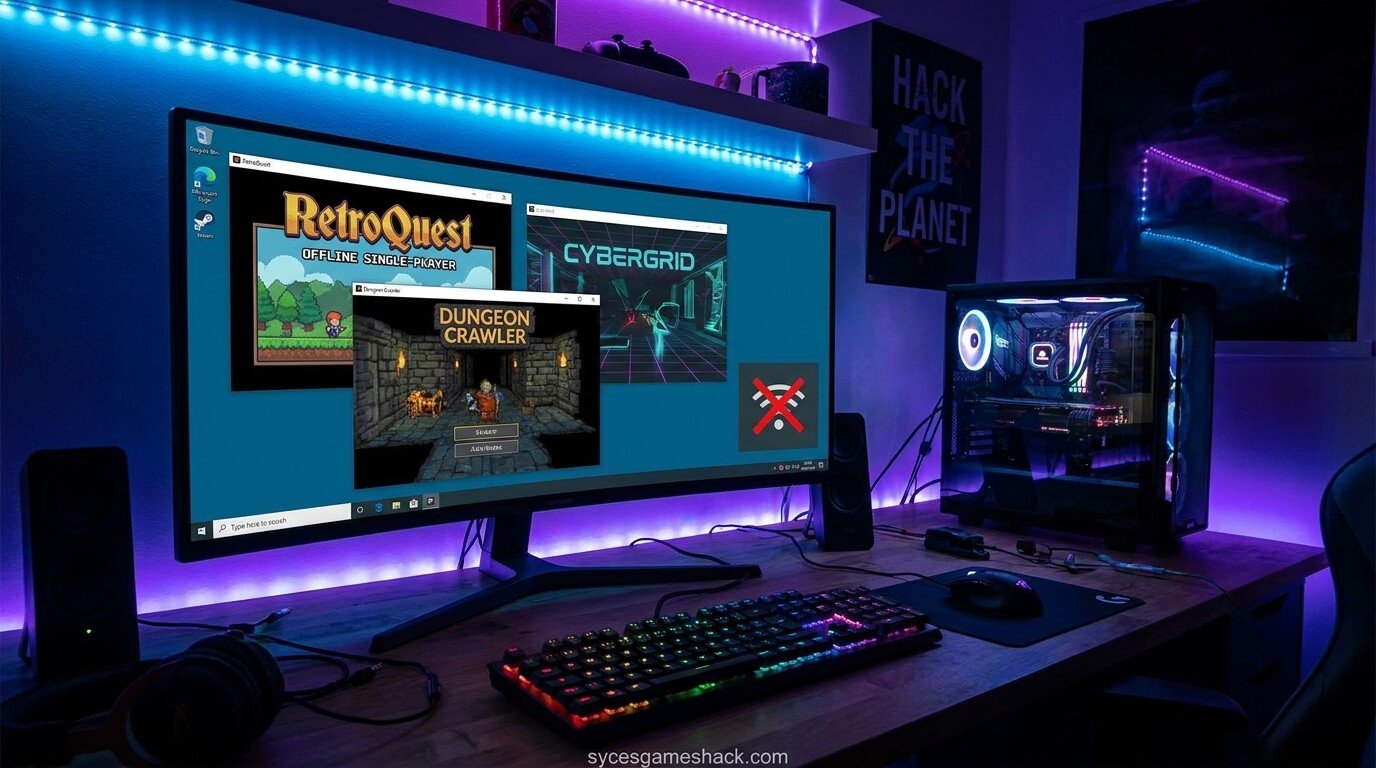
Yes in most cases, offline unblocked games are very safe to play. Here’s why:
- They don’t require an internet connection, which means fewer chances of encountering online threats
- Offline games can’t transmit your data to external servers while you’re playing
- Games downloaded from official stores (Play Store, App Store) go through security screening
- No multiplayer features means no exposure to toxic players or predators
Safety Warning: Only download games from official, trusted sources. Avoid downloading APK files from unknown third-party websites, as these can contain malware.
Unblocked Games No WiFi vs. Online Unblocked Games – Key Differences
| Feature | Unblocked Games No WiFi | Online Unblocked Games |
|---|---|---|
| Internet Required | No | Yes |
| Works at School | Yes (always) | Sometimes (depends on firewall) |
| Multiplayer | Usually No | Yes |
| Data Usage | Zero | Medium to High |
| Setup Required | One-time download | None (browser-based) |
| Game Variety | Large | Very Large |
| Safety | Very High | Moderate |
Final Thoughts

Whether you’re a student trying to sneak in some fun between classes, a commuter looking for entertainment on a long journey, or simply someone without reliable internet access, unblocked games no WiFi are your best friend.
The gaming world has expanded massively in the offline space. From classic puzzle games like 2048 and Sudoku to full adventure games like Geometry Dash and Minecraft, there is something for everyone completely free, completely offline, and completely unblocked.
Bookmark this page, share it with your friends, and never be bored again even when the WiFi is gone!
Ready to start playing? Pick any game from our list above, download it today, and enjoy unlimited gaming no WiFi needed!
FAQs
Q1: What are unblocked games no WiFi?
Unblocked games no WiFi are video games that can be played without an internet connection and are not restricted by school or workplace firewalls. They work on any device — phone, tablet, laptop, or desktop — completely offline.
Q2: Can I play unblocked games on a school Chromebook without internet?
Yes! The Chrome Dinosaur Game works without internet directly in your browser. Other HTML5 games can also be cached and played offline on Chromebooks. Some schools also allow Android app installation, giving access to thousands of offline games.
Q3: Are unblocked games without WiFi free?
The vast majority of unblocked offline games are completely free to play. Games like Subway Surfers, Temple Run, 2048, Sudoku, Minesweeper, Chess, and many others have free versions with no WiFi required.
Q4: What is the best unblocked game that works without WiFi?
The Chrome Dinosaur (T-Rex) game is the most universally accessible offline game — it’s built into every Chrome browser and requires zero setup. For more variety, Hill Climb Racing, Geometry Dash, and Alto’s Odyssey are excellent choices.
Q5: How do I make browser games work offline?
Visit the game’s website while connected to WiFi. Your browser will cache the game files. If the game uses HTML5 and service workers (PWA technology), it may load automatically even when you’re offline. Some games need to be bookmarked and pre-loaded to work offline.
Q6: Can I play unblocked games without WiFi on my phone?
Absolutely. Download offline games from the Google Play Store or Apple App Store. Search for “offline” in the game description. Once downloaded, these games run without any internet connection.
Q7: Are offline unblocked games safe for kids?
Yes, offline games are generally very safe for kids because there’s no online interaction, no strangers, and no risk of inappropriate content from multiplayer chat. Always stick to age-appropriate games from official stores.
Q8: Do unblocked games work on airplane mode?
Yes! That’s the whole point of offline games. Once downloaded or cached, they work perfectly on airplane mode — making them ideal for flights, road trips, and other travel without WiFi.
Q9: What’s the difference between unblocked games and offline games?
Unblocked games are games that bypass network restrictions (like school firewalls). Offline games are games that don’t need internet. When a game is both unblocked AND offline, it gives you the best of both worlds — accessible and playable anywhere without any connection.
Q10: Why won’t my unblocked game load without WiFi?
If a game doesn’t load offline, it may not support offline play — some games require server communication even for single-player modes. Try switching to a different game, or pre-load the game while connected so your browser caches it for later use.