Death Run 3D Unblocked | Play Free Online 2026
Introduction
If your school or office Wi-Fi has blocked every fun site on the internet, Death Run 3D Unblocked is your escape hatch. It’s a lightning-fast, first-person tunnel runner that loads instantly in your browser, no downloads, no sign-ups, and no “access denied” screens standing between you and a quick adrenaline hit during a break.
You control a cube racing endlessly forward through a glowing neon tunnel, dodging walls, spinning blades, and moving blocks that appear faster than you can blink. It sounds simple.
It is simple. But mastering it, surviving thirty seconds, then a minute, then two, is a completely different story, and that’s exactly why the game has built such a loyal following on unblocked games sites.
In this guide, you’ll get a complete breakdown: what the game is and who made it, exactly how to play Death Run 3D unblocked at school or work, every one of the four game modes explained in detail, a full strategy section with pro-level tips, how the game compares to similar unblocked titles, common technical issues and fixes, and answers to the questions players search for most.
What Is Death Run 3D?
Death Run 3D Unblocked is a browser-based obstacle-dodging game created by developer Filippo Ceffa and first released in 2018.
Since then, it’s become a staple on unblocked games sites because it runs entirely in HTML5, meaning it works on Chromebooks, school PCs, and locked-down office networks without needing Flash, plugins, or admin permissions to install anything.
The core concept is deliberately minimal: your character automatically moves forward through an endless neon tunnel. Your only job is to steer left, right, up, or down to avoid crashing into obstacles.
The catch is pacing of the game gets faster the longer you survive, turning a calm ten-second start into a frantic reflex test that separates casual players from genuine speedrunners.
Visually, the game leans hard into a synthwave, Tron-inspired aesthetic: bright pink, cyan, and purple tunnels lit up against total darkness, paired with a pumping electronic soundtrack that ramps up right alongside your speed.
It’s a small detail, but it’s a big part of why the game feels so much more intense than its simple mechanics would suggest on paper.
Who Made Death Run 3D and Why Is It So Popular in Schools?
The game’s popularity in classrooms and offices isn’t an accident; it’s a direct result of how it was built.
Because Death Run 3D Unblocked uses lightweight HTML5 and WebGL rendering instead of a heavy game engine, it loads in seconds even on underpowered Chromebooks with restricted permissions, which is exactly the hardware most students are handed at school.
On top of that, the game requires no login, no personal data, and no in-app purchases on the vast majority of unblocked mirrors, which makes it one of the lowest-friction games a student or employee can pull up during a five-minute break without raising any red flags.
How to Play Death Run 3D Unblocked
Controls are intentionally minimal so anyone can pick up the Death Run 3D Unblocked in seconds. There’s no lengthy tutorial standing between you and the tunnel:
- Arrow Keys / WASD steer your cube left, right, up, or down
- Mouse (on some versions) fine-tunes your movement for tighter, more precise dodges
- Touch controls swipe to steer on mobile and tablet versions
- Spacebar / Click to restart jump straight back into a fresh run after a crash
There’s no jump button, no pause menu clutter, and no forced cutscenes. You spawn straight into the tunnel, and survival depends entirely on how fast your reflexes are and how well you can read incoming obstacle patterns a split second before they arrive.
The 4 Game Modes Explained
One thing most “unblocked” listing sites skip entirely is a real breakdown of the actual game modes; most just say “play the game” and leave it at that.
Death Run 3D Unblocked actually includes four distinct modes, each with its own pacing and difficulty curve, and picking the right one for your skill level makes a massive difference in how long you’ll last.
1. Classic Mode
The standard experience steady acceleration, balanced obstacle spacing, and predictable patterns.
This is the best starting point for first-time players because it gives you time to learn how your cube responds to input before the game punishes hesitation.
2. Maelstrom Mode
A slightly gentler entry mode with an even smoother speed ramp than Classic. It’s recommended if you’re still building comfort with the steering feel before jumping into the harder, faster-paced modes. Think of it as the true tutorial mode, even though the game never labels it that way.
3. Superluminal Mode
Higher base speed from the very first second. Obstacles come at you with almost no warning window, so this mode rewards players who’ve already built muscle memory in Classic or Maelstrom.
Jumping straight into Superluminal as a beginner usually ends in a crash within the first five seconds.
4. Chaos Mode
The hardest setting in the game, and the one that separates casual players from the leaderboard regulars. Obstacle patterns here are dense, unpredictable, and relentless, with almost no breathing room between hazards.
Only attempt Chaos mode once you’ve comfortably cleared long runs in all three other modes; going in early is a fast way to rack up frustrating, single-digit-second runs.
Why Death Run 3D Is So Addictive
A handful of specific design choices make this Death Run 3D Unblocked nearly impossible to put down once you start:
- Instant restarts dying doesn’t mean sitting through a loading screen; you’re back in the tunnel in under a second, which keeps the “one more try” loop going far longer than you’d expect
- Global leaderboard: every run is scored, so there’s always a number above yours to chase, and always someone below you to stay ahead of
- Escalating speed, the tunnel never settles into one comfortable pace, keeping tension constant from the first second to the last
- Neon visual style, bright, synthwave-inspired tunnels paired with a pumping soundtrack create genuine arcade energy that’s rare in browser games this lightweight
- Zero setup friction, no accounts, no downloads, no waiting; the gap between “I want to play” and “I’m playing” is close to zero
Pro Tips to Get a Higher Score
Serious players use a handful of consistent habits to push their runs from a few seconds into a genuinely competitive score. Here’s the full breakdown:
- Focus on the next obstacle, not the score counter. Watching your score climb instead of the tunnel ahead is the single biggest reason players crash early. Your eyes should never leave the obstacle field.
- Use small, early corrections. Waiting until the last second to dodge leaves no room for error. Steer as soon as a pattern becomes visible, even if the movement feels early or unnecessary at first.
- Master Classic mode fully before switching. Muscle memory built in the easiest mode transfers directly into Superluminal and Chaos, so rushing past it actually slows your long-term progress.
- Play in short, focused bursts. Reflex games like this reward fresh concentration; five sharp, attentive attempts consistently beat thirty tired, distracted ones.
- Keep your hand relaxed on the keys. Tension physically slows your reaction time; a loose, relaxed grip on the keyboard actually helps you steer faster and more accurately.
- Learn the obstacle rhythm, not individual obstacles. The game’s patterns repeat in cycles more than they appear random; after a few runs, you’ll start anticipating clusters rather than reacting to single obstacles one at a time.
- Take breaks after repeated crashes. If you’re crashing at the same point three or four runs in a row, that’s a sign of fatigue, not difficulty. A short break resets your reaction time noticeably.
How Death Run 3D Compares to Similar Unblocked Games
Death Run 3D sits in a specific niche of “endless obstacle runner” games alongside titles like Slope and Run 3, but it distinguishes itself in a few clear ways.
Unlike Slope’s ball-physics chaos, Death Run 3D Unblocked gives you precise, direct control over your cube’s position, which makes losses feel earned rather than random.
Compared to Run 3’s platform-jumping mechanics, Death Run 3D is entirely about lateral and vertical dodging rather than timing jumps over gaps, giving it a distinctly different and arguably more intense pace once speed ramps up in Superluminal or Chaos mode.
If you enjoy games that test raw reflex speed over strategic planning, Death Run 3D Unblocked is generally considered one of the purer, more replayable options in the unblocked runner category.
Where to Play Death Run 3D Unblocked
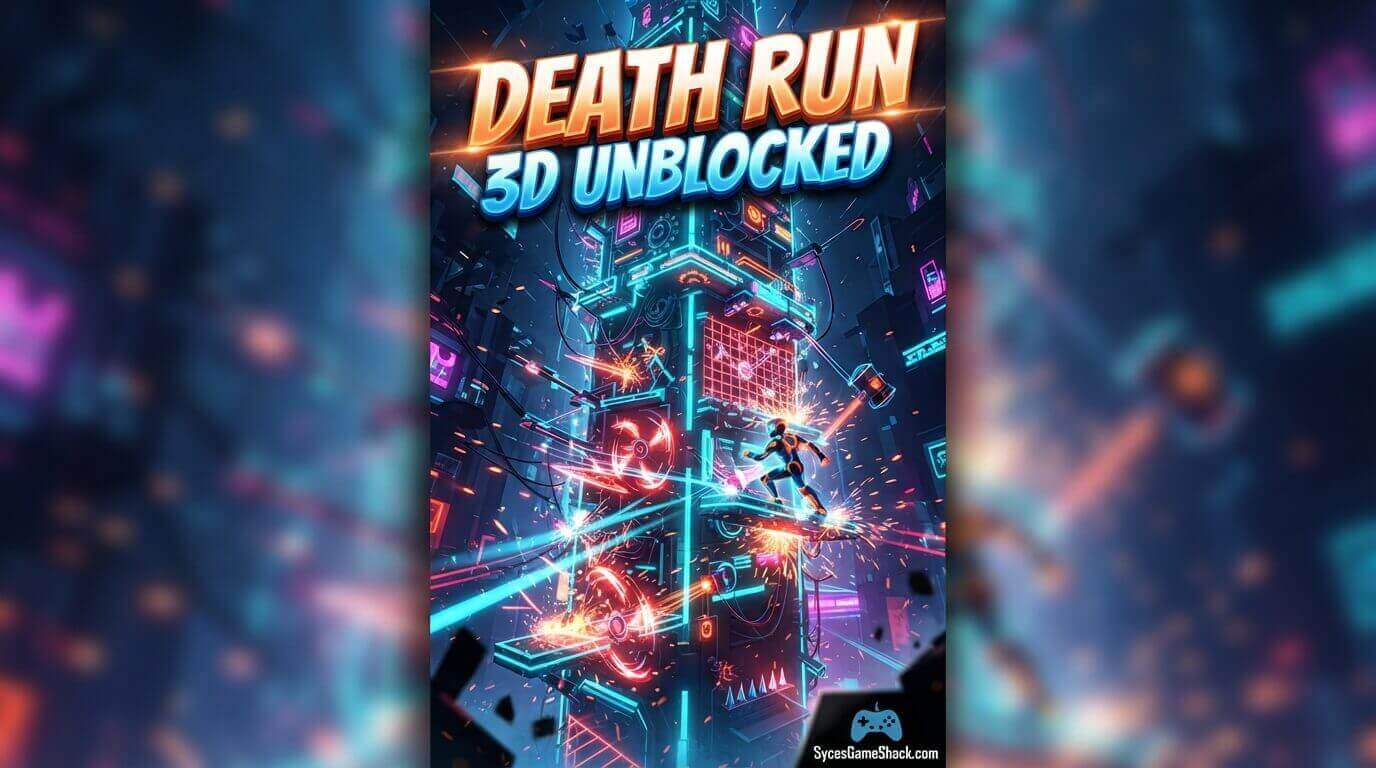
Because the game runs on HTML5, it’s mirrored across dozens of unblocked games sites that work on school and office networks. Look for versions that load directly in the browser without asking for downloads.
Any site requesting an installer, executable file, or browser extension before you can play is not a legitimate way to access the game and should be avoided entirely.
Is Death Run 3D Safe to Play at School?
Yes, the Death Run 3D Unblocked itself contains no violence beyond dodging geometric obstacles, no chat features, and no in-game purchases on most unblocked mirrors.
It’s built entirely in the browser, so nothing is installed on the device, which is exactly why it passes most school content filters when accessed through a legitimate unblocked games portal rather than a suspicious third-party download link.
Troubleshooting: Common Issues and Fixes
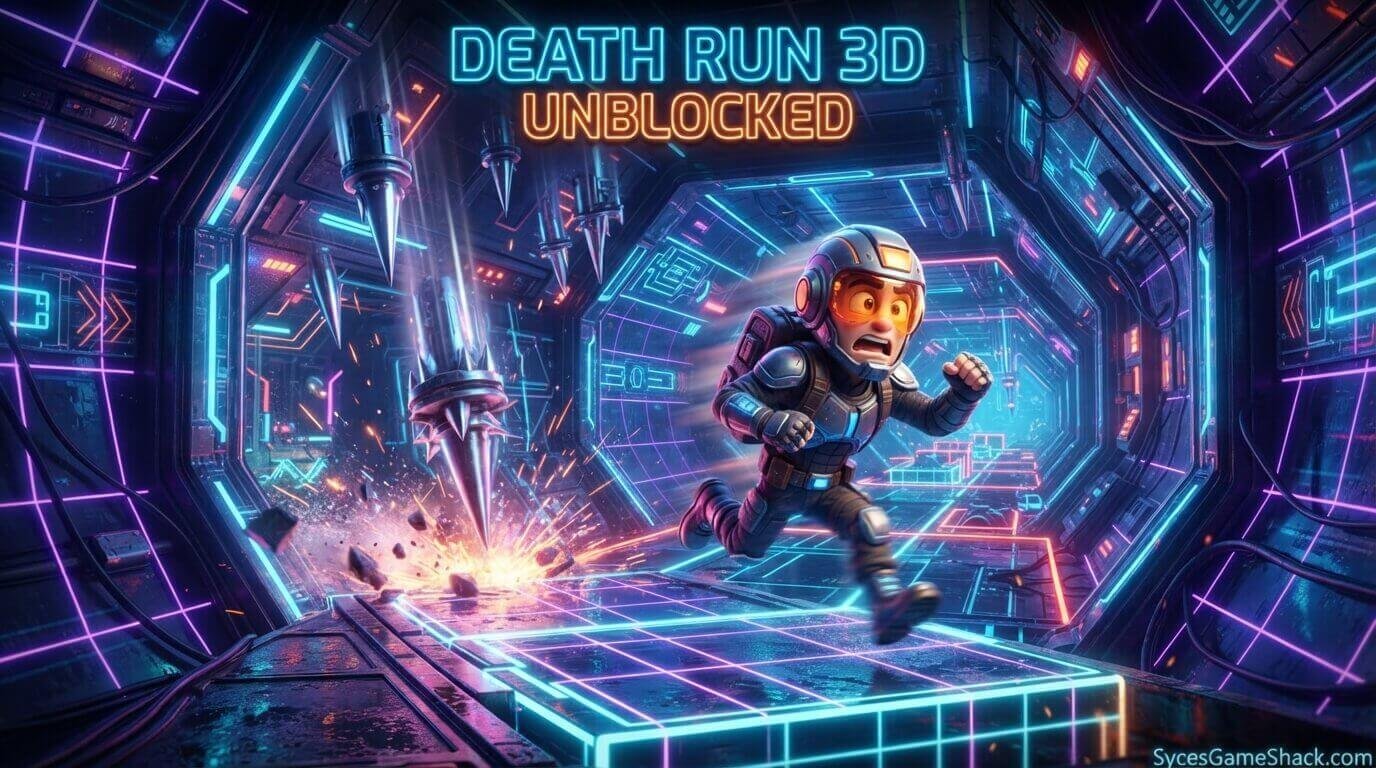
Even a lightweight browser, Death Run 3D Unblocked runs into occasional hiccups. Here are the most common problems players report, along with quick fixes:
- Game won’t load or shows a blank screen: Try refreshing the page or switching to a different unblocked mirror. Some school networks throttle specific domains even within an unblocked games listing.
- Controls feel delayed or unresponsive: Close other browser tabs running in the background, since Death Run 3D’s fast pace makes even small amounts of lag noticeable.
- Game runs choppy on Chromebooks: Lower your browser’s zoom level or close resource-heavy extensions. The game itself is lightweight, but a cluttered browser session can still slow rendering.
- Sound isn’t playing: Some school network filters mute autoplay audio by default; click directly inside the game window once to enable sound manually.
FAQs
1. Is Death Run 3D unblocked and free to play?
Yes, Death Run 3D is completely free on every unblocked games site. There’s no download, no account creation, and no hidden paywall; you click play, and you’re instantly in the tunnel.
2. What devices can I play Death Run 3D on?
The game works on Chromebooks, Windows and Mac PCs, tablets, and smartphones. Since it runs in HTML5, any modern browser like Chrome, Edge, or Safari can handle it without extra plugins.
3. Why is Death Run 3D blocked on my school Wi-Fi?
Schools often block the original game domain through content filters, but unblocked mirror sites host the same game on different servers, which typically bypass those restrictions without needing any special software.
4. Which game mode should beginners start with?
Start with Classic or Maelstrom mode. Both offer a gentler speed ramp, letting you learn the steering feel before facing the relentless pace of Superluminal or Chaos mode.
5. Can I play Death Run 3D with friends?
Death Run 3D is primarily a single-player, score-chasing game. The competitive element comes from comparing your leaderboard score with friends rather than playing together in the same live match.
6. Does Death Run 3D save my high score?
Most versions track your best run locally in the browser session or through an on-screen leaderboard, though scores may reset if you clear your browser cache or switch devices.
7. Is there a way to slow the game down?
No, the escalating speed is a core part of the challenge. There’s no difficulty setting to reduce pace mid-run, which is exactly what makes long survival runs so satisfying to pull off.
8. How long does an average Death Run 3D run last?
Beginner runs often last only 10-20 seconds, while experienced players in Classic mode can regularly push past two to three minutes before crashing.
9. Is Death Run 3D the same on every unblocked site?
The core game is identical across mirrors since they all host the same underlying HTML5 file, though loading speed and ad placement can vary between individual unblocked games sites.




2 Comments