Run 3 Unblocked | Play Free Space Tunnel Runner at School | No Download
Introduction
Run 3 Unblocked is one of the most beloved and most played browser games ever created. Guide your runner through endless tunnels floating in outer space, rotate gravity to avoid gaps, unlock new characters with unique abilities, and choose between a structured level campaign or an infinite endless runner, all running perfectly in your browser with zero downloads required.
The unblocked version on Syces Game Shack lets you access the complete Run 3 experience at school, on a Chromebook, at home, or on any device instantly, with no ads and no setup time.
This complete guide covers everything about Run 3 Unblocked, every game mode, all characters and their abilities, controls, pro tips, and answers to every common question.
What Is Run 3?
Run 3 Unblocked is a browser-based endless runner and platformer game developed by Joseph Cloutier (Player03) and released in 2014. It is the third installment in the Run series and represents a massive expansion over its predecessors in terms of content, characters, and gameplay depth.
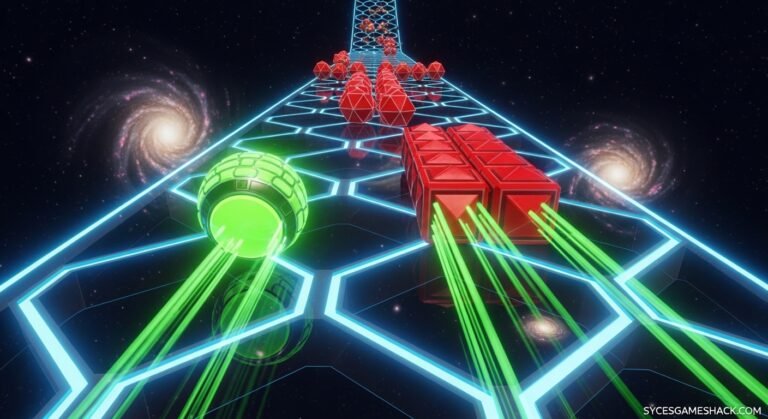
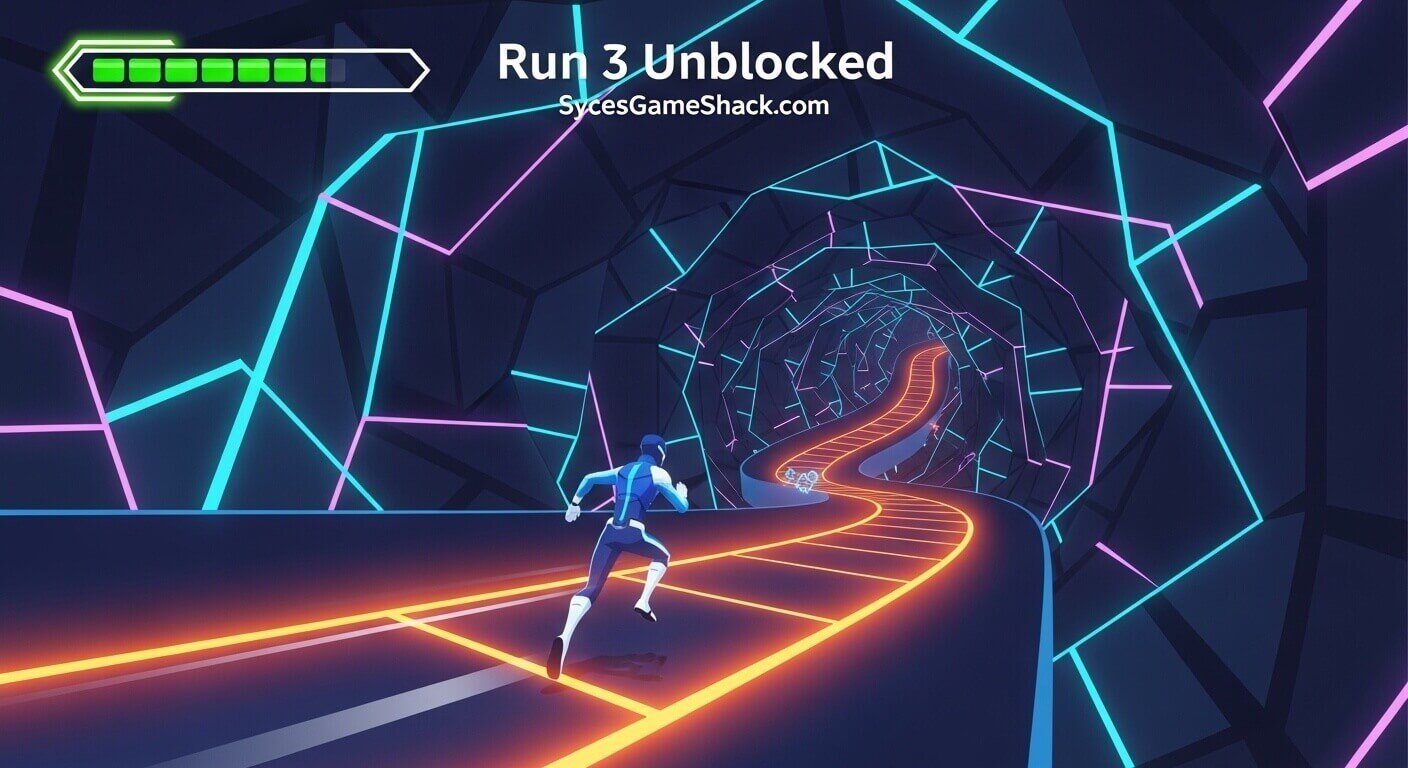
The game places your character inside three-dimensional space tunnels that float in the void of outer space. The tunnels are made up of platform tiles, some solid, some crumbling, some missing entirely.
Your character runs forward automatically, and your job is to steer left and right, jump over gaps, and rotate the tunnel by running along its walls to avoid falling into space.
What makes Run 3 distinctive among browser games is the combination of its two game modes, multiple unlockable characters with genuinely different abilities, a galaxy map progression system, and an endless runner mode that provides infinite replayability without any paywall or account requirement.
The game is built in Flash originally but has been ported and adapted for modern HTML5 browsers, allowing it to run on any device, including Chromebooks, without any plugins or special software.
Why Is Run 3 Blocked at School?
School network content filtering systems, including GoGuardian, Securly, Bark, and Lightspeed, automatically detect and block websites categorized as entertainment or gaming.
The primary Run 3 Unblocked hosting domains get flagged by these filters on most school Wi-Fi networks and managed Chromebook profiles.
The unblocked version on Syces Game Shack bypasses these filters because the platform uses hosting infrastructure that school content filters do not automatically categorize as blocked gaming content. No downloads, no VPNs, no special extensions, just open the page, and the game plays immediately.
How to Play Run 3 Unblocked on Syces Game Shack
Starting your first run takes under 30 seconds:
- Step 1: Open any browser, Chrome, Edge, Firefox, or Safari, all of which work on any device.
- Step 2: Navigate to Syces Game Shack and find Run 3 in the game library.
- Step 3: Click the game to launch it instantly in your browser.
- Step 4: Select your game mode, Explore Mode or Infinite Mode.
- Step 5: Choose your starting character and begin running.
- Step 6: No account, no registration, no email required. Bookmark the page for instant future access.
Run 3 Controls Complete Guide
Run 3 uses simple controls that are easy to learn but require precise timing to master at advanced levels.
Keyboard Controls (PC and Chromebook)
| Key | Action |
|---|---|
| Left Arrow or A | Move Left |
| Right Arrow or D | Move Right |
| Up Arrow, W, or Space | Jump |
| Left/Right Arrow (while on wall) | Rotate Tunnel |
Mobile and Tablet Controls
On touchscreen devices, swipe left or right to move your character. Tap the screen to jump. The tunnel rotation happens automatically when your character runs to the edge of the tunnel wall.
Understanding Tunnel Rotation
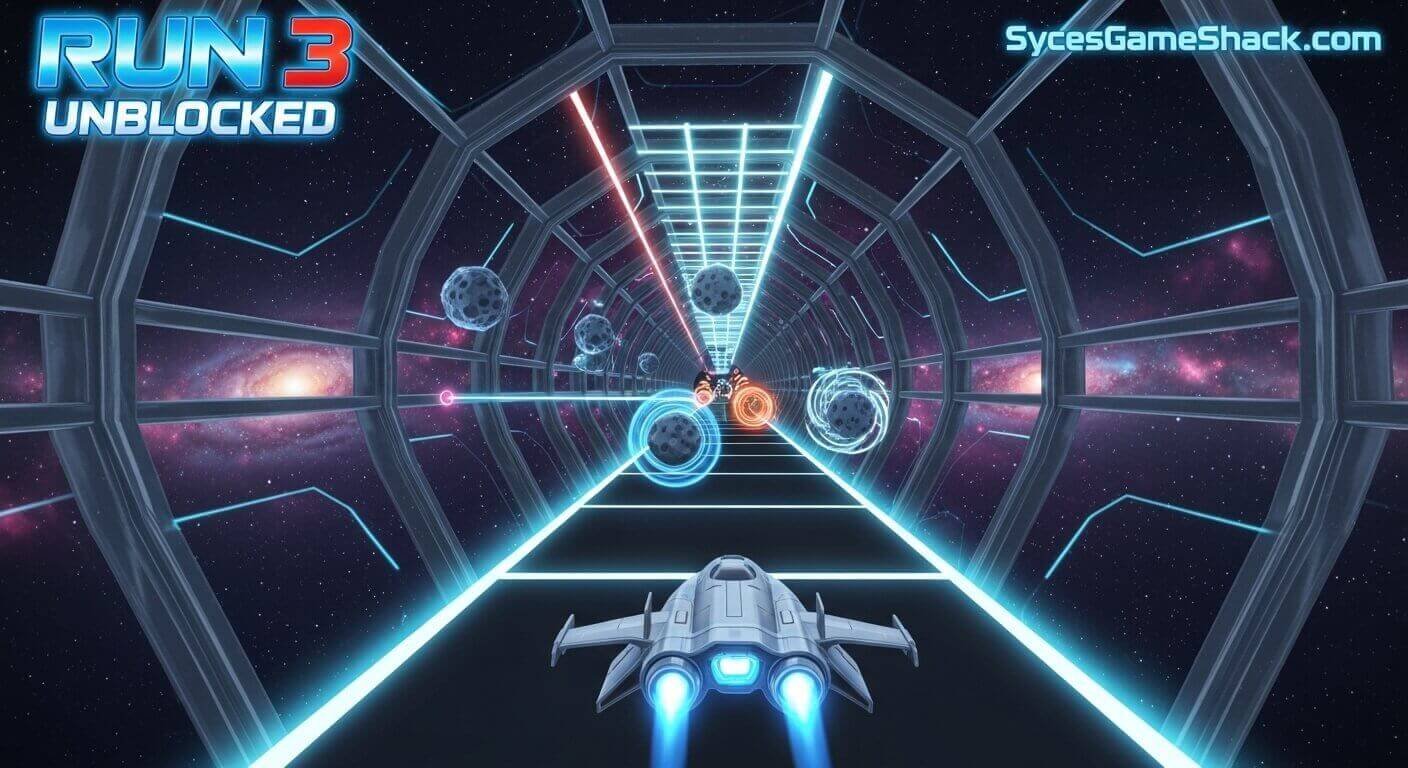
The tunnel rotation mechanic is what makes Run 3 unique. When you run to the left or right edge of the tunnel and continue in that direction, your character transitions onto the wall and then the ceiling, effectively rotating the entire tunnel from your perspective.
This allows you to access platform tiles on different sections of the tunnel and avoid gaps that would otherwise be unavoidable from a single fixed angle.
Mastering tunnel rotation is the single most important skill in Run 3 Unblocked. Many gap sequences that appear impossible from a straight-on view become easily navigable by rotating the tunnel so that solid platform tiles align with your running path.
Game Modes: Explore Mode vs Infinite Mode
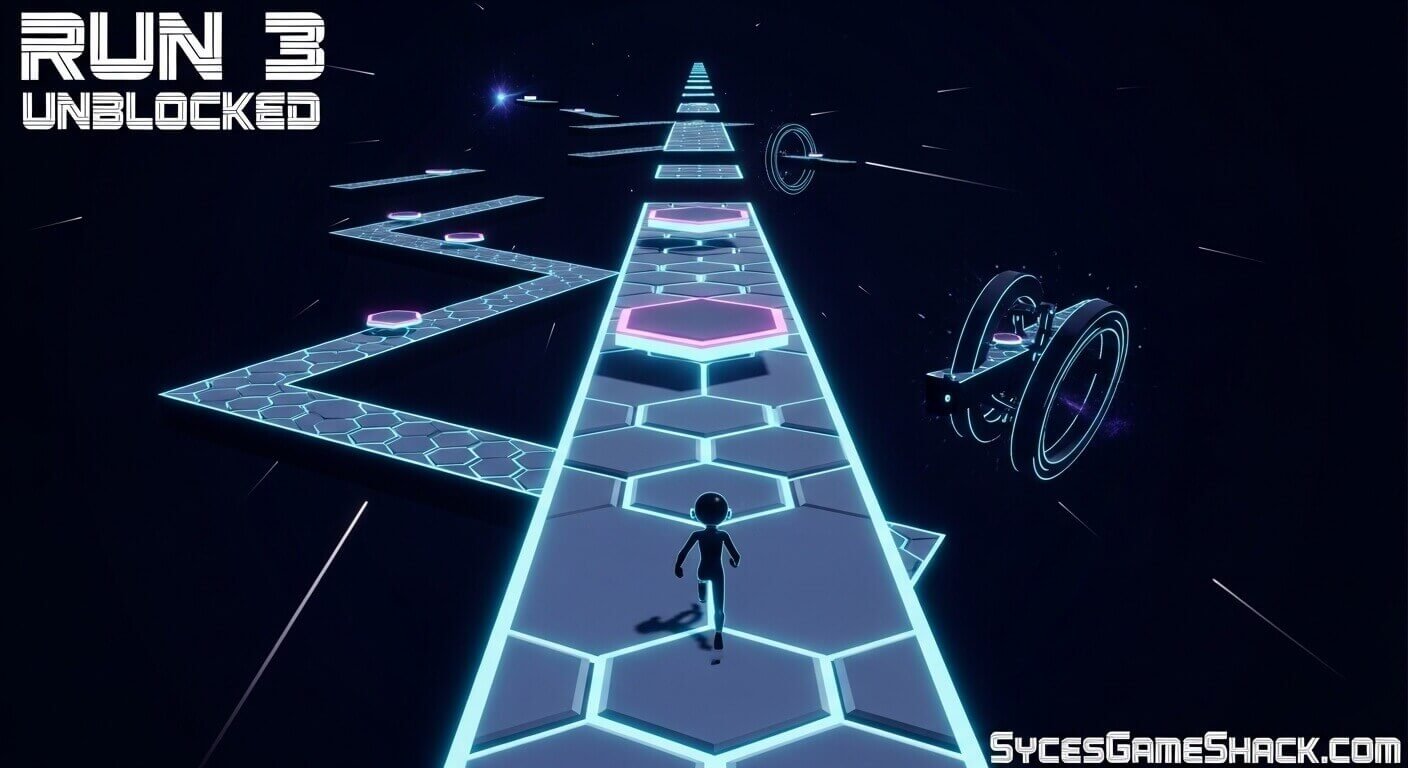
Run 3 offers two completely different ways to play, each suited to different moods and session lengths.
Explore Mode
Explore Mode is the structured campaign mode. It features a Galaxy Map showing a branching network of numbered tunnels.
You start at Tunnel 1 and progress forward by completing each tunnel successfully. The Galaxy Map expands as you complete tunnels, revealing new paths, optional side routes, and story moments involving the different characters you encounter along the way.
Explore Mode is the best starting point for new players because tunnel difficulty increases gradually. Early tunnels are short and simple, teaching the rotation mechanic and basic movement.
Later tunnels introduce crumbling tiles, faster speeds, unusual tunnel shapes, and longer gap sequences that demand precise tunnel rotation and jump timing.
Completing Explore Mode tunnels also earns Power Cells, the in-game currency used to unlock new playable characters.
Infinite Mode
Infinite Mode removes all structure and generates tunnels procedurally forever. There is no finish line, no level progression, and no story, just continuous running until you fall into space. The tunnel gets progressively faster and more complex the longer your run continues.
Infinite Mode is perfect for competitive players who want to chase high scores and compare running distances with friends. It is also ideal for quick gaming sessions where you want immediate action without navigating menus or level selections.
Power Cells collected in Infinite Mode can be saved and used to continue your run after falling, or accumulated toward character unlocks.
All Characters in Run 3 Complete Guide
One of Run 3 Unblocked’s strongest features is its roster of unlockable characters, each with genuinely different abilities that change how you approach tunnels. Starting with only the Runner, you gradually unlock more characters by spending Power Cells earned through gameplay.
The Runner (Default Free)
The default character is the most balanced option in the game. The Runner has average speed, average jump height, and no special abilities.
She is the best character for learning the game’s core mechanics because her predictable movement makes it easier to develop consistent jump timing and rotation control.
The Skater (Unlockable)
The Skater moves significantly faster than the Runner and has momentum-based movement. He slides when you stop pressing directional keys rather than stopping instantly.
This makes him more challenging to control precisely but much faster through straightforward tunnel sections. The Skater excels in Infinite Mode sessions aimed at maximum distance.
The Runner Boy (Unlockable)
A faster variant of the default Runner with slightly higher jump capability. Best used in Explore Mode tunnel sections that require quick horizontal movement combined with precise jump placement.
The Child (Unlockable)
The Child moves slowly but jumps very high, the highest jump height of any character in the game. The Child is invaluable for tunnel sections with large vertical gaps that are impossible for characters with standard jump height.
Many advanced Explore Mode tunnels have specific sections where the Child’s jump height provides the only feasible solution.
The Lizard (Unlockable)
The Lizard moves at medium speed but has a unique ability: she can cling to walls briefly, giving you extra time to plan your next jump before sliding off.
This ability makes her extremely forgiving in tight wall-jump sections and is particularly helpful in narrow tunnels with complex obstacle patterns.
The Gentleman (Unlockable)
The Gentleman moves at average speed but has the widest jump arc in the game, allowing him to cover horizontal distances that other characters cannot reach in a single jump. This makes him exceptionally powerful in tunnel sections with widely spaced platforms.
The Duplicator (Unlockable)
The Duplicator’s unique ability lets him create a duplicate copy of himself that runs alongside him for a limited time. This effectively gives you two chances to land on any platform; if the original misses, the duplicate may still connect.
He is one of the most creative characters in the game and is particularly useful in sections with random crumbling tiles.
The Student (Unlockable)
The Student has above-average speed and jumps with a unique, floaty arc that carries her further horizontally than the standard jump trajectory.
Her jump physics make her unpredictable to use initially, but extremely powerful once mastered for long gap sections.
Pro Tips to Master Run 3
Tip 1: Learn Tunnel Rotation Before Anything Else
New players instinctively try to jump over every gap. In Run 3, rotating the tunnel to align solid tiles with your path is more effective than jumping most of the time.
When you see a gap sequence ahead, immediately assess whether rotating left or right would bring solid tiles into your running path before attempting a jump.
Tip 2: Slow Down on Difficult Sections
Run 3 does not penalize you for moving slowly. Players who rush through difficult tunnel sections miss the visual information they need to plan rotations and jumps correctly.
When approaching a new complex section, move more slowly and study the tunnel layout before committing to a path.
Tip 3: Choose Characters for Specific Tunnels
No single character is optimal for every tunnel. Before starting a difficult Explore Mode tunnel, review the tunnel’s characteristics and select the character best suited for its specific challenges.
Large vertical gaps call for the Child. Wide horizontal distances favor the Gentleman. Sections requiring precise wall timing work best with the Lizard.
Tip 4: Collect Power Cells Consistently
Power Cells are the only currency for unlocking characters, and unlocking characters dramatically improves your ability to complete difficult tunnels.
Prioritize collecting Power Cells in every run, both in Explore Mode and Infinite Mode, to build toward character unlocks as quickly as possible. The Skater and Child are the highest-priority unlocks for most players.
Tip 5: Use Infinite Mode to Improve Core Skills
Explore Mode progression can feel slow when you repeatedly fail the same tunnel. Switching to Infinite Mode between Explore Mode sessions builds core movement skills, rotation timing, jump distance judgment, and tunnel reading that directly transfer back to Explore Mode performance.
Tip 6: Study Crumbling Tile Patterns
Crumbling tiles in Run 3 collapse after you step on them once. They appear in mid to late Explore Mode tunnels and create situations where reusing your exact path is impossible.
When you reach a crumbling tile section, plan your entire path through the section before starting to move, accounting for which tiles will disappear as you traverse them.
Tip 7: The Galaxy Map Has Multiple Paths
The Galaxy Map in Explore Mode is not a single straight line; it branches. Some paths skip particularly difficult tunnels by routing around them.
When you are stuck on a specific tunnel, check whether the Galaxy Map offers an alternative route that avoids that tunnel while still progressing the overall map.
Run 3 vs Run 1 and Run 2: What Changed?
- Run 1 was the original game with basic tunnel running mechanics, a fixed single path, and one character. Simple but groundbreaking for browser games at the time.
- Run 2 added new level designs and an additional character but maintained a relatively straightforward structure without a branching progression system.
- Run 3 transformed the series entirely with the Galaxy Map progression system, multiple unlockable characters with distinct abilities, the Infinite Mode addition, Power Cell economy, and a significantly expanded content scope. Run 3 contains more content than Run 1 and Run 2 combined and represents the definitive version of the series.
Why Run 3 Is Perfect for School
Infinite Mode lets you play for exactly as long as you have available. One minute, five minutes, or an entire free period, Run 3 fills any session length perfectly.
- No Account Required. Select your mode and start running immediately. No registration, no email address, no personal information of any kind needed.
- Works on School Chromebooks. Runs in any modern browser with no downloads, extensions, or plugins required on any Chromebook.
- Multiple Characters Keep It Fresh. With eight unlockable characters each playing differently, Run 3 provides genuinely new experiences every time you try a character you have not used before.
- Zero Ads on Syces Game Shack. No interruptions, no pop-ups, no video ads. Your full screen is dedicated to the game from launch to exit.
- Improves Spatial Reasoning. The tunnel rotation mechanic develops genuine spatial reasoning and three-dimensional thinking skills that are directly applicable to academic subjects, including mathematics and physics.
Final Words
Run 3 Unblocked on Syces Game Shack delivers one of the deepest and most replayable browser gaming experiences available anywhere online.
Two complete game modes, eight characters with genuinely different abilities, a branching Galaxy Map campaign, and infinite procedurally generated content, all accessible instantly with zero downloads and zero ads.
Whether you have 60 seconds for a quick Infinite Mode run or an entire free period to progress through Explore Mode tunnels, Run 3 has exactly the right content for your session. Choose your runner, enter the tunnel, and do not look down.
FAQs
1: Is Run 3 Unblocked free to play?
Yes, completely free on Syces Game Shack. No payments, subscriptions, or purchases of any kind are required to access any part of the game.
2: Does Run 3 work on school Chromebooks?
Yes. Run 3 runs in your browser with no downloads or extensions needed. It works on any Chromebook with a standard browser and internet connection.
3: Who developed Run 3?
Run 3 was developed by Joseph Cloutier, also known as Player03, an independent game developer who also created Run 1 and Run 2. The game was originally released in 2014 and has been updated and adapted for modern browsers since then.
4: How many characters are in Run 3?
Run 3 features eight playable characters, including the default Runner and seven unlockable characters: the Skater, Runner Boy, Child, Lizard, Gentleman, Duplicator, and Student. Each character has distinct movement characteristics and abilities.
5: What is the difference between Explore Mode and Infinite Mode?
Explore Mode is the structured campaign with a Galaxy Map, numbered tunnels, and a story. Infinite Mode generates random tunnels forever with no endpoint, designed for high score chasing and competitive distance running.