Terraria Unblocked: Can You Play It for Free? Safe Options & Alternatives
Introduction
Searching for Terraria unblocked? Terraria is one of the most loved sandbox games ever made, so it is no surprise that players want to play it on any device and anywhere.
Before you click the first website that promises a free copy, though, you should know the facts.
This guide explains what “Terraria unblocked” really means, why many of these sites are risky, and the safe ways to play Terraria or get a similar experience.
Is There an Official Free Unblocked Terraria?
No. Terraria is a paid game made by Re-Logic, and as far as we know, there is no official free browser version. Websites that claim to offer “Terraria unblocked” are usually unofficial copies, copies that bypass the normal purchase, or simple pages that use the name to attract visitors.
These pages can be outdated, broken, or unsafe, so it is better to use a legitimate way to play.
What Does “Terraria Unblocked” Mean?
“Unblocked” is a word players add when a game or site is restricted on a school, library or work network. When people search for “Terraria unblocked“, they usually want one of these things:
- A browser version of Terraria they can play without installing anything.
- A way to play Terraria on a school Chromebook.
- A free copy of the game.
- Access to Terraria guides or the wiki on a restricted network.
Each of these has a different answer, and we cover them below.
Why Unofficial “Terraria Unblocked” Sites Are Risky
Here is why you should be careful with unofficial Terraria pages:
- They are not the real game. Many pages only show a short description of Terraria and no working game at all.
- Malware risk. Some pages ask you to download a file or install software. Never run unknown .exe files.
- Intrusive ads and scams. Fake pages often use misleading buttons, pop-ups, and surveys.
- Outdated or broken versions. Unofficial copies often miss new content and may crash.
- No support for the developers. Terraria is built by a small, well-regarded team that is known for fair pricing and years of free content updates. Playing a pirated copy takes revenue away from them.
- No multiplayer and no cloud saves. Official versions give you stable online play and proper saving, which unofficial ones usually cannot.
Safe Ways to Play Terraria
1. Buy Terraria on PC
Terraria is available on PC through Steam and other official stores. It is often discounted during seasonal sales, so wait for a sale if you want to save money.
2. Play on Console
Terraria is available on major consoles. This is a good option if you prefer a controller or want to play on a TV.
3. Play on Mobile
Terraria is available on iOS and Android and is usually priced lower than the PC version. It is a good way to play on the go.
4. Use Terraria on a Chromebook (If Supported)
If your Chromebook supports the Google Play Store, you may be able to install the Android version. Check whether your device allows Android apps. If it is a school device, ask your school’s IT team first, because many schools block app installs.
Important: Prices and availability change by region and platform, so check the official store page before you buy.
Can You Play Terraria at School?
This depends on your school’s rules. School networks and devices are usually set up to limit games, and installing software on a school device is often not allowed.
If you want to play Terraria, the best choice is to play at home on your own device. If you think Terraria could support learning, such as creativity or planning, you can ask a teacher or IT department whether it can be approved.
Terraria Guides and the Wiki
If your real goal is to read Terraria guides, boss strategies, or crafting recipes, you do not need the game itself.
The community wiki is the best source for item lists and recipes. Sources note that the main Terraria wiki is hosted on wiki.gg, and the developer supports it as the main community wiki.
Be careful with random pages that offer “unblocked wiki” links or ask you to download files.
Free Games Like Terraria
If you cannot buy Terraria right now, you can still enjoy the same kind of play with free browser games. Look for these types of games:
- 2D mining and digging games: dig deep, collect resources, and upgrade your tools.
- Survival sandbox games: gather materials, build a shelter, and survive the night.
- Crafting and building games: make tools, build structures, and explore.
- Pixel adventure games: explore maps, fight monsters and find loot.
- Minecraft Classic: a free browser version of the classic building game offered by its developer (if it is still available).
Browse our Unblocked Games section on Syces Game Shack for browser games in these styles that you can try for free.
Why Is Terraria So Popular?
Terraria is a 2D sandbox adventure where you dig, build, craft, and fight your way through a huge world. You can build a house, explore deep caves, collect resources, and take on bosses, and you can do all of it alone or with friends.
The pixel art style keeps it light enough to run on many devices, which is also why so many players search for ways to play it on school laptops and older computers. Its mix of freedom, depth, and constant updates has kept players coming back for years.
How to Spot a Fake Terraria Website
Since fake pages are common, here are warning signs that a “Terraria unblocked” site is not trustworthy:
- It asks you to download a file. A real browser game does not need an installer.
- It promises the full game for free. Terraria is a paid game, so a free full version is a red flag.
- It asks for a survey or personal information. Real game pages do not require these.
- The page is full of pop-ups. Heavy ads and fake buttons are common on scam pages.
- The game never actually loads. Many fake pages only show text and a blank screen.
- The address looks strange. Misspelled or very long domain names are a warning sign.
What to Do If You Downloaded a Suspicious File
If you already downloaded something from a “Terraria unblocked” page, act quickly:
- Do not open or run the file.
- Delete it and empty your recycle bin or trash.
- Run a full scan with your antivirus or built-in security tool.
- Change the passwords for important accounts if you ran the file.
- Tell a parent, teacher, or IT team if it is a shared or school device.
Terraria Platforms Compared
| Platform | Best For | Things to Know |
|---|---|---|
| PC | Full experience and mods | Bought through official stores such as Steam |
| Console | Controller and TV play | Check which consoles and versions are available |
| Mobile | Playing on the go | Usually the cheapest option |
| Chromebook (Android app) | Students with Play Store access | Depends on your device and school rules |
How to Choose a Terraria Alternative
If you decide to try a similar game instead, pick one that fits what you enjoyed about Terraria:
- If you liked building: choose a sandbox or creative building game.
- If you liked exploring: choose an adventure game with caves, maps, and loot.
- If you liked fighting bosses: choose an action platformer with strong combat.
- If you liked playing with friends: choose a multiplayer survival game.
Always play browser games from reputable sites, and never download extra files to “unlock” a game.
Terraria Beginner Tips
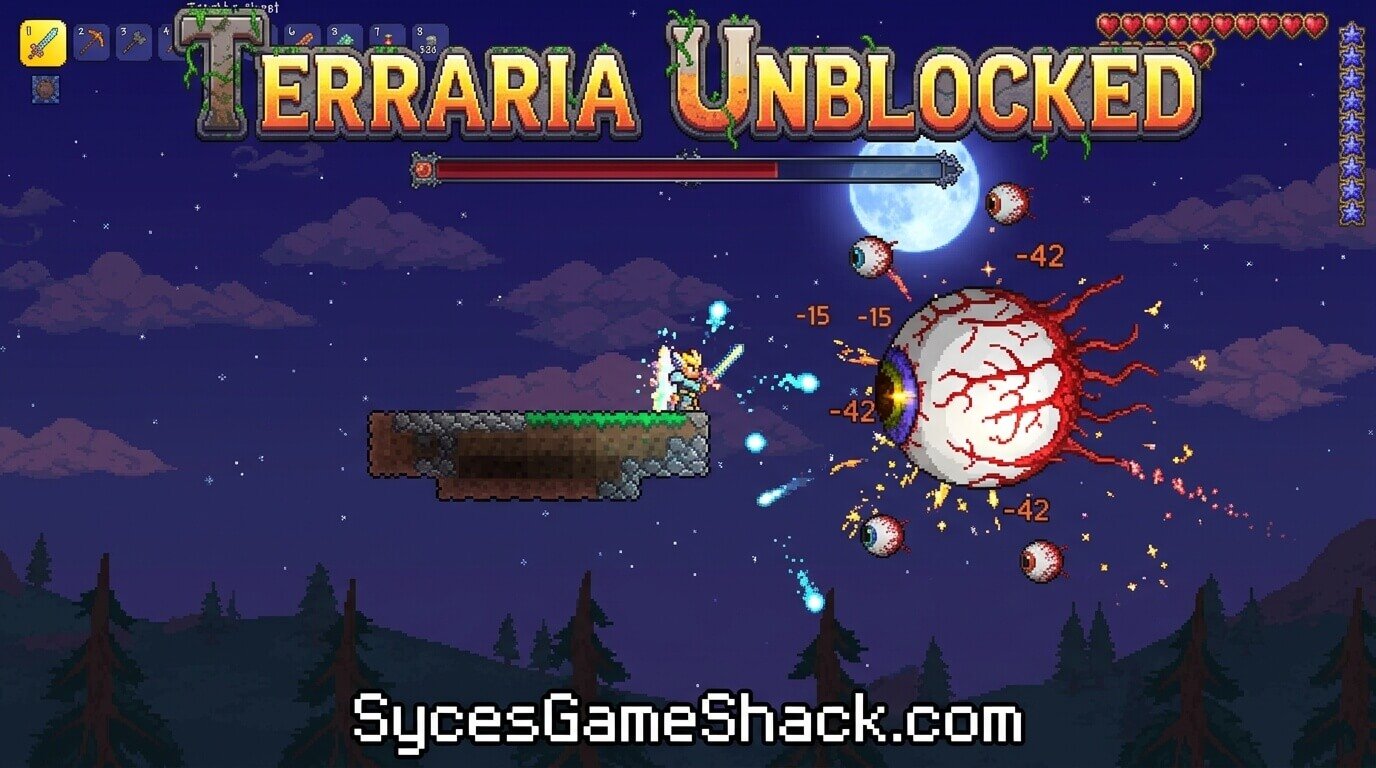
Already own Terraria, or planning to buy it? These tips will help you start well:
- Gather wood first. Wood gives you a workbench, a shelter, and basic tools.
- Build a shelter before night. Enemies become more dangerous after dark.
- Build houses for NPCs. Townspeople move in when they have a proper house, and they offer useful services.
- Explore caves carefully. Bring torches, healing items, and a good weapon.
- Keep a backup of your world. Make copies of your saves before big changes.
- Use the wiki. It is the fastest way to find recipes and boss tips.
Terraria Unblocked vs Official Terraria
| Feature | Unofficial “Unblocked” Pages | Official Terraria |
|---|---|---|
| Price | Free, but often fake or risky | Paid, often on sale |
| Safety | Risk of malware and scams | Safe, from official stores |
| Updates | Usually outdated | Regular updates |
| Multiplayer | Usually not working | Stable online play |
| Supports the developers | No | Yes |
Final Thoughts
There is no official way to play Terraria unblocked for free. Unofficial pages can be unsafe and rarely deliver the real game.
The best options are to buy Terraria on your platform, wait for a sale, read the wiki for guides, or try free sandbox games in the meantime. Check our Unblocked Games section for more browser games like Terraria.
FAQs
1. Is there an official unblocked Terraria?
No. As far as we know, Terraria has no official free browser version. It is a paid game on PC, console, and mobile.
2. Is Terraria unblocked safe?
Unofficial pages that claim to offer Terraria unblocked are often risky. They may be fake, full of ads, or ask you to download unsafe files.
3. Can I play Terraria for free?
Not legally in its full form. You can watch for sales on official stores, or play free games in a similar style.
4. Can I play Terraria on a school Chromebook?
Only if your school allows it and your Chromebook supports Android apps. Ask your IT team first.
5. Is Terraria available on mobile?
Yes. Terraria is available on iOS and Android through the official app stores.
6. Can I play Terraria in my browser?
There is no official browser version. Be careful with sites that claim otherwise.
7. What is the best free game like Terraria?
Look for free 2D mining, survival, and sandbox games. Minecraft Classic is also a free browser option offered by its developer, if it is still available.
8. Where can I find Terraria guides?
The community wiki hosted on wiki.gg is the main source for recipes, items, and boss guides.
9. Why do people add “unblocked” to Terraria?
They want to play or read about it on school or work networks that restrict games. The safest approach is to play at home on a device you own.
10. Is Terraria worth buying?
Many players say yes. It offers a lot of content, regular updates, and long-term value for the price, especially when it is on sale.