Unblocked Games 100 | Play 100+ Free School Games on Chromebook 2026 (Complete List)
Introduction
Stuck at school or in the office with gaming sites blocked? Unblocked Games 100 gives you instant access to 150+ free browser games no downloads, no installs, and no firewall headaches.
Whether you’ve got five minutes between classes or a full lunch break, this guide covers every category of game available, how to play safely on a locked-down network, and the exact tips you need to jump in right now.
What Is Unblocked Games 100?

Unblocked Games 100 is a collection site that hosts lightweight, browser-based (usually HTML5 or WebGL) games that run entirely inside a web browser tab.
Because the games don’t require installing an .exe file or an app from a store, they typically load even on school Chromebooks, library computers, and office laptops where IT departments restrict downloads.
The “100” in the name originally referred to the first 100 games added to the collection, though most versions of the site today host well over that number.
Why These Games Load When Others Don’t
Most school and office networks block specific categories of sites and downloadable files, not every single webpage. Unblocked Games 100 sites work around this because:
- No installation is required; everything runs as JavaScript/HTML5 inside the browser tab.
- The games are embedded, so the site itself often isn’t flagged the same way a dedicated gaming platform would be.
- They use standard web protocols, so no special ports or plugins are needed that a firewall would typically catch.
Top Game Categories on Unblocked Games 100
1. Sports & Random Games
Basketball Random, Boxing Random, Soccer Random, and Volley Random are consistently the most played titles: quick, funny, physics-based matches perfect for a short break.
2. Racing & Driving Games
Titles like Moto X3M, Drift Hunters, and Traffic Jam 3D give you fast-paced, arcade-style driving without needing a console or PC install.
3. Shooting & Action Games
Fast reflex games and top-down shooters dominate this category, offering quick rounds that fit into a 5–10 minute break.
4. Puzzle & Skill Games
Games like 2048, Run 3, and Tunnel Rush test timing and problem-solving rather than reflexes, making them ideal for a calmer break.
5. Simulator & Idle Games
Business, idle mining, and life-simulation style games let you build and progress slowly over multiple short sessions.
How to Play Unblocked Games 100 Step by Step
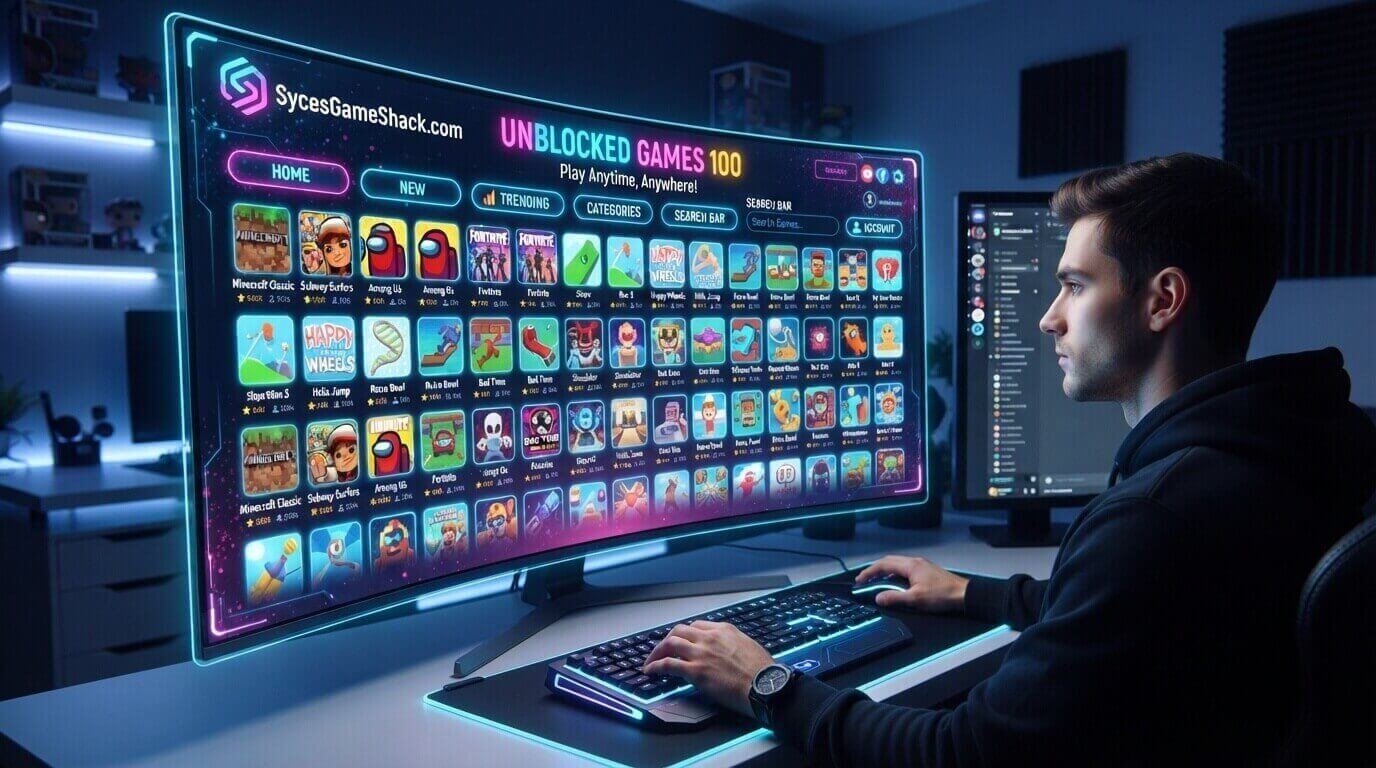
- Open your browser (Chrome, Edge, or Firefox work best).
- Go to the Unblocked Games 100 homepage.
- Browse by category or use the search bar to find a specific title.
- Click on the game thumbnail; it loads directly in the browser, with no download prompt.
- Use the on-screen or keyboard controls listed on the game page to start playing.
Features That Make It Worth Bookmarking
- Huge library: 150+ games spanning nearly every genre.
- No downloads: Everything runs instantly in-browser.
- Low ad clutter: Built to load fast even on slower school/office connections.
- Mobile-friendly options: Many titles also work on touchscreens.
- Regularly updated: New games are added as older ones get removed or replaced.
Is It Safe to Play Unblocked Games 100 at School or Work?
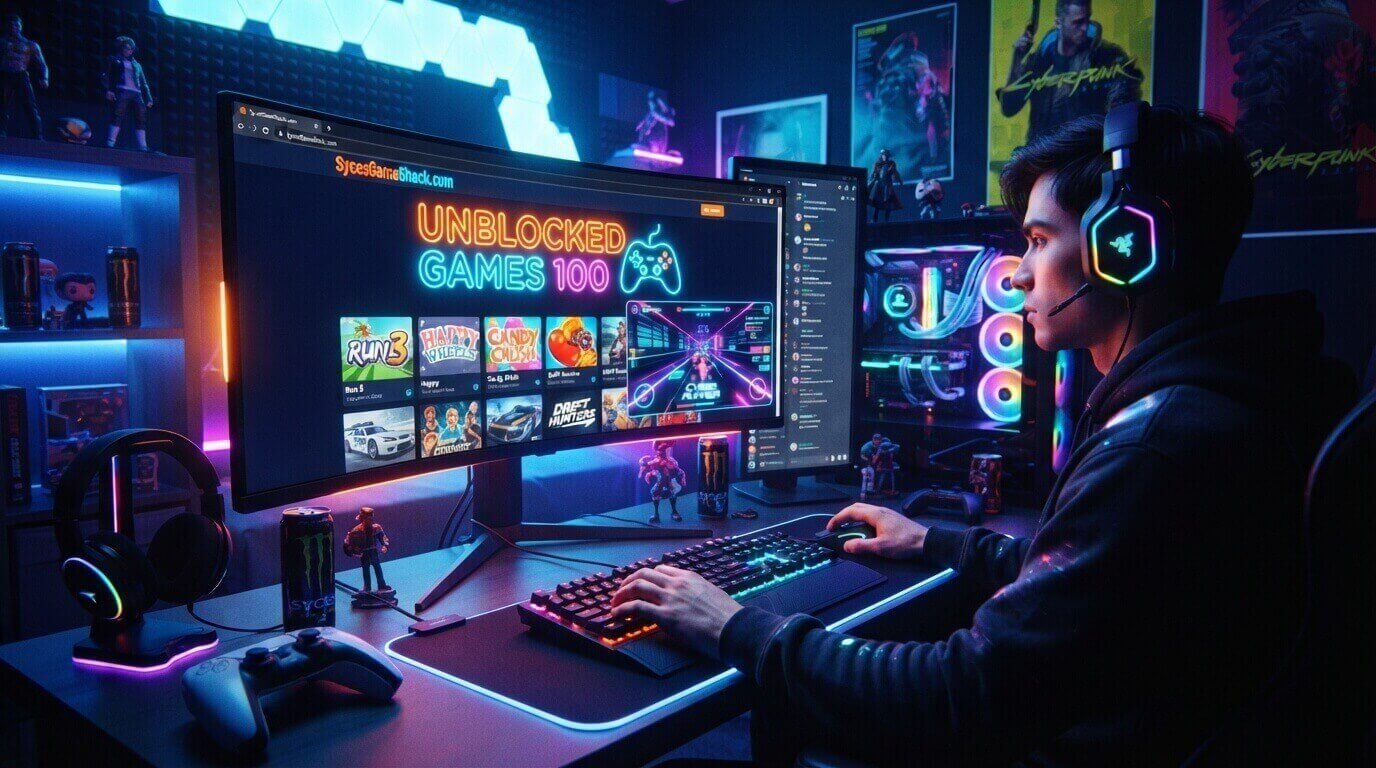
The Unblocked Games 100 themselves are standard HTML5/WebGL titles and don’t require downloading any executable files, which is why they tend to load on restricted networks.
That said, always follow your school or workplace’s acceptable-use policy; play during breaks, not class or work time, and avoid any site asking you to download software, since legitimate unblocked game sites never require that.
5 Tips to Get the Most Out of Unblocked Games 100
- Bookmark the categories you play most so you’re not searching from scratch every time.
- Start with shorter games (2–5 minutes) if you only have a quick break.
- Check for a fullscreen button; most games perform better and look sharper in fullscreen mode.
- Clear your browser cache occasionally if games start loading slowly.
- Try multiplayer titles like Basketball Random or Boxing Random if you’re playing with a classmate or coworker nearby.
FAQs
1. Is Unblocked Games 100 free to play?
Yes, every game on the platform is completely free with no sign-up or payment required.
2. Do I need to download anything to play?
No. All games run directly in your browser using HTML5 or WebGL, so there’s nothing to install.
3. Can I play Unblocked Games 100 on a school Chromebook?
Yes, the games are built to run on standard school hardware since they don’t require admin permissions or downloads.
4. Which browser works best for Unblocked Games 100?
Google Chrome and Microsoft Edge offer the most consistent performance, though Firefox and Safari generally work too.
5. Are the games safe for kids?
Most titles on the platform are arcade, sports, or puzzle games suitable for a general audience, but it’s always worth checking a game’s description before letting younger kids play.
6. Why do some games stop working?
Games can be removed or replaced as the library updates, or a specific game may temporarily break due to a browser update refreshing the page; trying a different browser usually fixes this.
7. Can I play with friends?
Yes, several titles like Basketball Random and Boxing Random support local or online multiplayer so you can play against friends directly.

2 Comments