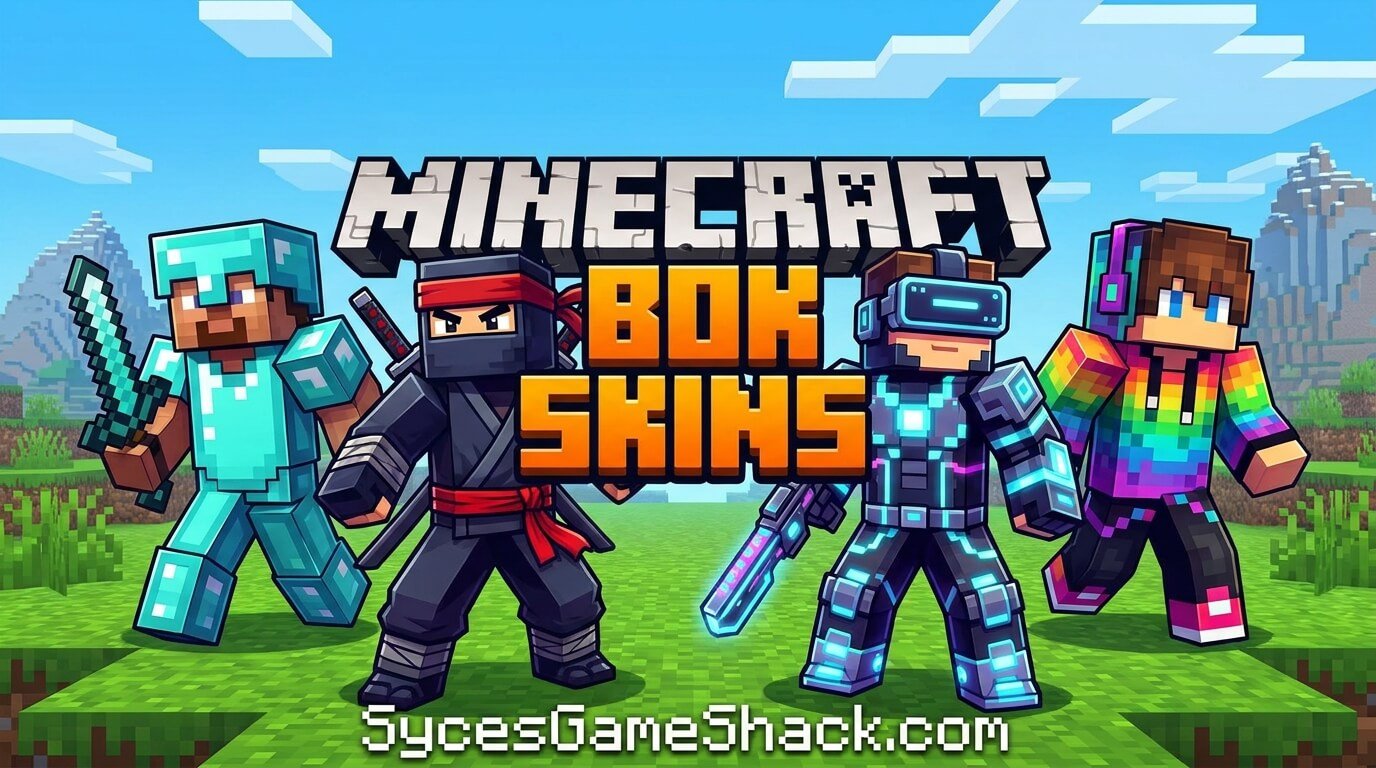
Minecraft Skins: Best Skins and How to Change Them
Introduction
Looking for the best Minecraft skins? This is the most complete Minecraft skins guide available. The best skins by category, how to change your skin on every platform, where to download free skins, and how to create your own custom skin everything is right here. Bookmark SyceGameShack.com for the best Minecraft guides, seeds, cheats, house ideas, and 200+ free unblocked games.
The right skin expresses your personality, marks you as part of a community, or simply makes you smile every time you look at your character. Minecraft has millions of skins available from every theme imaginable cool warrior designs, funny meme skins, aesthetic pastel characters, anime inspired looks, famous YouTuber skins, animal characters, and endless creative designs.
This guide covers the best Minecraft skins in every category plus exact step-by-step instructions for changing your skin on PC, console, and mobile.
Table of Contents
- How to Change Your Minecraft Skin – All Platforms
- Best Cool Minecraft Skins
- Best Aesthetic Minecraft Skins
- Best Funny Minecraft Skins
- Best Anime Minecraft Skins
- Best Girl Minecraft Skins
- Best Boy Minecraft Skins
- Best Animal Minecraft Skins
- Famous YouTuber and Streamer Skins
- Where to Download Free Minecraft Skins
- How to Create Your Own Minecraft Skin
- Java vs Bedrock Skins – Key Differences
- More Minecraft Guides at SyceGameShack.com
- FAQs
How to Change Your Minecraft Skin – All Platforms
How to Change Skin on PC – Java Edition
| Step | Action | Note |
|---|---|---|
| Step 1 | Open the Minecraft Launcher on your PC | Make sure you are logged into your Microsoft or Mojang account |
| Step 2 | Click the Skins tab at the top of the Launcher | The Skins tab shows all your current saved skins |
| Step 3 | Click New Skin or the plus icon | This opens the skin upload and customization screen |
| Step 4 | Click Browse and select your downloaded skin PNG file | Skin files must be PNG format, 64×64 pixels for modern skins |
| Step 5 | Choose your model type – Classic (wide arms) or Slim (thin arms) | Most skins specify which model they are made for |
| Step 6 | Click Save and Use | Your new skin appears immediately when you next log in to any server or world |
How to Change Skin on PC – Bedrock Edition
| Step | Action |
|---|---|
| Step 1 | Open Minecraft Bedrock and go to the main menu |
| Step 2 | Click your character icon or the hanger/wardrobe icon on the main screen |
| Step 3 | Click Edit Character to open the character creator |
| Step 4 | Click Classic Skins tab at the top |
| Step 5 | Click Import or Choose New Skin to upload your PNG file |
| Step 6 | Select your skin file and click Confirm to apply |
How to Change Skin on PS4 and PS5
| Step | Action |
|---|---|
| Step 1 | Launch Minecraft on your PS4 or PS5 and go to the main menu |
| Step 2 | Press Square to open the Profile menu |
| Step 3 | Select Edit Character from the profile options |
| Step 4 | Navigate to Classic Skins using L1/R1 buttons |
| Step 5 | Browse owned skins or select Get More Skins to access the marketplace |
| Step 6 | Select your desired skin and press X to apply it |
How to Change Skin on Xbox
| Step | Action |
|---|---|
| Step 1 | Launch Minecraft on Xbox and go to the main menu |
| Step 2 | Press X button to open the Profile menu |
| Step 3 | Select Edit Character |
| Step 4 | Navigate to Classic Skins using LB/RB |
| Step 5 | Choose from owned skins or browse the marketplace for new ones |
| Step 6 | Press A to confirm your skin selection |
How to Change Skin on Mobile (iOS and Android)
| Step | Action |
|---|---|
| Step 1 | Open Minecraft on your phone or tablet and tap Play |
| Step 2 | Tap your character icon or the hanger icon on the main screen |
| Step 3 | Tap Edit Character |
| Step 4 | Tap the Classic Skins tab |
| Step 5 | Tap Import and select a PNG skin file from your phone’s storage |
| Step 6 | Tap Confirm to apply the new skin |
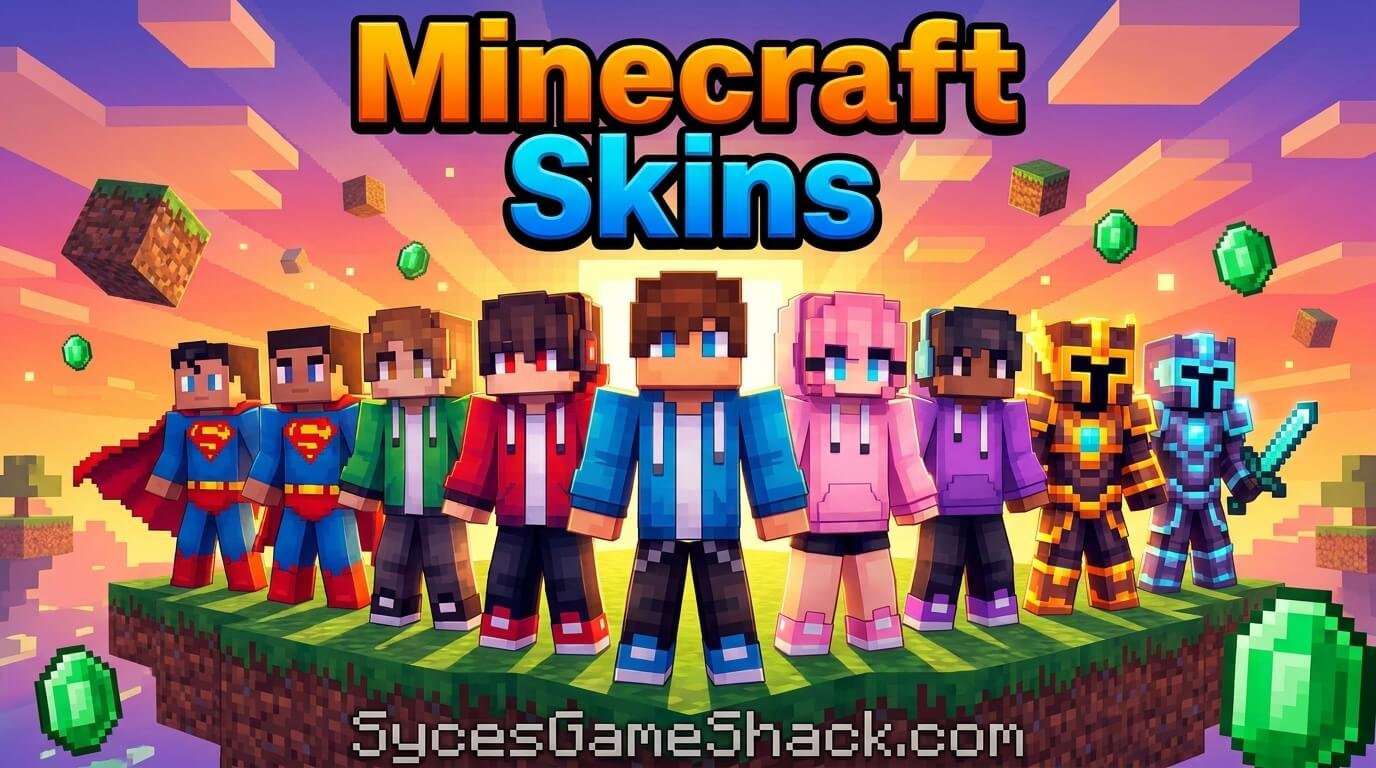
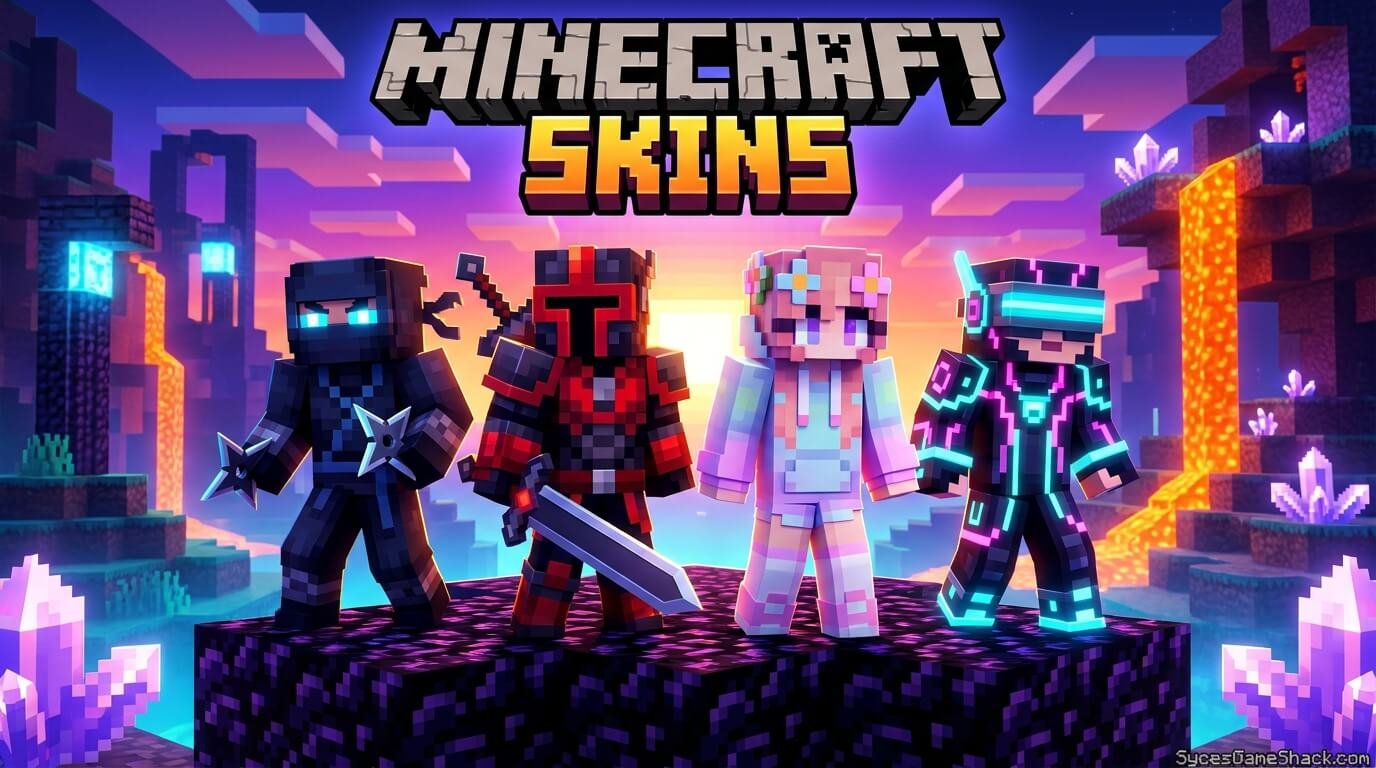
Best Cool Minecraft Skins
These are the most popular and stylish cool Minecraft skins that look impressive on any server:
| Skin Name | Description | Best For |
|---|---|---|
| Dark Knight | Black armored warrior with cape and glowing eyes – one of the most downloaded skins ever | PvP servers and survival worlds |
| Galaxy Warrior | Deep space themed skin with nebula colors, stars, and cosmic armor | Creative servers and aesthetic builds |
| Shadow Ninja | All-black ninja outfit with red accents and mask – clean minimalist design | Competitive PvP and stealth builds |
| Void Walker | Dark purple and black skin inspired by the End dimension with particle effects on the cape | End dimension explorers |
| Neon Samurai | Cyberpunk samurai with glowing neon blue and pink armor over a dark base | Modern city builds and server standout |
| Crystal Knight | Translucent crystal-textured armor in icy blue and white with diamond effects | Ice builds and winter themed worlds |
| Fire Demon | Red and orange demon skin with flame effects on the cape and glowing orange eyes | Nether builds and adventure maps |
| Dragon Rider | Dragon scale armor in deep green or black with draconic facial features | Ender Dragon enthusiasts |
Best Aesthetic Minecraft Skins
Aesthetic Minecraft skins are among the most searched skin types. Soft colors, cottagecore vibes, and pastel designs define this category:
| Skin Name | Aesthetic Style | Colors |
|---|---|---|
| Cottagecore Girl | Soft floral dress with flower crown and warm natural colors | Sage green, cream, dusty rose |
| Dark Academia | Brown sweater, plaid skirt or trousers, book tucked under arm | Brown, dark green, gold, cream |
| Pastel Soft Girl | Light pastel outfit with soft clouds and rainbow accents | Baby pink, lavender, sky blue, mint |
| Cherry Blossom | Pink kimono style outfit with sakura petals and soft pink hair | Pink, white, soft coral |
| Midnight Aesthetic | Dark navy and purple outfit with star and moon details | Navy, deep purple, silver, white stars |
| Vintage Retro | 70s and 80s inspired outfit with warm retro colors and vintage patterns | Mustard, burnt orange, teal, brown |
| E-Girl Style | Striped shirt, chain accessories, hearts, and bold eyeliner on the skin face | Black, red, pink, white stripes |
| Coastal Grandma | Linen style casual outfit in coastal neutral tones | White, beige, soft blue, tan |
Best Funny Minecraft Skins
Funny Minecraft skins are perfect for making friends laugh on servers:
| Skin Name | Why It Is Funny |
|---|---|
| Dirt Block Head | Your character has a giant dirt block as a head – the classic meme skin |
| Among Us Crewmate | The iconic sus bean from Among Us squeezed into Minecraft proportions |
| Grumpy Cat | The famous internet Grumpy Cat meme perfectly recreated as a Minecraft skin |
| Thomas the Tank Engine | The classic cursed Thomas face mod recreated as a wearable player skin |
| Shrek | Everyone’s favorite green ogre – always gets a reaction on multiplayer servers |
| Minecraft Steve in a Suit | Default Steve but wearing a formal business suit – the corporate Steve meme |
| Floating Baby | A tiny floating baby illusion skin that tricks other players with the camera angle |
| The Rock | Dwayne Johnson’s face and muscular build recreated in Minecraft pixel art |
| Troll Face | The classic internet troll face meme as a full Minecraft character skin |
| Noob Skin | An intentionally terrible skin that looks like a drawing a 5-year-old made |
Best Anime Minecraft Skins
| Anime | Popular Skins | Style |
|---|---|---|
| Naruto | Naruto Uzumaki, Sasuke Uchiha, Kakashi, Itachi, Minato | Orange jumpsuits, sharingan eyes, headbands |
| Demon Slayer | Tanjiro, Nezuko, Zenitsu, Inosuke, Rengoku | Haori patterns, demon marks, flame effects |
| Dragon Ball | Goku, Vegeta, Gohan, Piccolo, Frieza | Orange gi, Saiyan armor, aura effects |
| One Piece | Luffy, Zoro, Nami, Sanji, Law, Ace | Straw hat, swords, Devil Fruit effects |
| My Hero Academia | Deku, Bakugo, All Might, Todoroki, Uraraka | Hero costumes, quirk effects, U.A. uniforms |
| Attack on Titan | Eren, Levi, Mikasa, Armin, Historia | Survey Corps uniform, ODM gear, Titan effects |
| Jujutsu Kaisen | Gojo, Itadori, Megumi, Nobara, Sukuna | Black uniforms, cursed energy effects, blindfold |
| One Punch Man | Saitama, Genos, Speed-o-Sound Sonic | Yellow costume, cyborg armor, ninja outfit |
Best Girl Minecraft Skins
| Skin Name | Description | Style |
|---|---|---|
| Classic Alex | The default female skin in Minecraft – simple and clean green shirt | Default casual |
| Witch Outfit | Stylish witch with purple hat, dark dress, and magical accessories | Halloween fantasy |
| Pink Princess | Elegant princess dress in pink with crown and sparkle details | Fantasy royalty |
| Magical Girl | Magical girl anime inspired outfit with wand, stars, and bright colors | Anime magical |
| Streetwear Girl | Modern streetwear outfit with hoodie, sneakers, and cap | Modern casual |
| Fairy | Delicate fairy with wings, nature themed outfit, and flower details | Fantasy nature |
| Pirate Girl | Adventure pirate with hat, eyepatch, and nautical outfit | Adventure pirate |
| Space Girl | Astronaut or cosmic themed outfit with galaxy colors and star patterns | Sci-fi space |
Best Boy Minecraft Skins
| Skin Name | Description | Style |
|---|---|---|
| Classic Steve | The iconic original Minecraft default skin – always recognizable | Default classic |
| Creeper Hoodie | Steve wearing a green Creeper hoodie – the most popular casual skin | Minecraft themed |
| Space Explorer | Astronaut suit with NASA inspired design and visor | Sci-fi adventure |
| Zombie Steve | Classic Steve but as an undead zombie with torn clothes and green tint | Horror undead |
| Medieval Knight | Full plate armor with sword and shield details on the skin | Fantasy medieval |
| Gamer Boy | Gaming chair, headset, and hoodie skin – the classic gamer setup | Gaming culture |
| Skater Boy | Skateboard inspired outfit with cap, sneakers, and casual clothes | Street casual |
| Minecraft Steve Evolved | A redesigned modern Steve with better detail and updated look | Modern classic |
Best Animal Minecraft Skins
| Animal Skin | Description | Popularity |
|---|---|---|
| Cat | Adorable cat skin in tabby, black, orange, or white varieties | Most popular animal skin |
| Fox | Cute orange and white fox with fluffy tail details on the back | Very popular |
| Wolf | Gray wolf inspired skin with fur texture and yellow eyes | Very popular |
| Panda | Classic black and white panda with sad or happy face variations | Popular |
| Bunny | Cute rabbit skin in white or brown with floppy ears on the head | Popular |
| Duck | Yellow duck skin – simple and instantly recognizable from above | Meme popular |
| Axolotl | Pink axolotl inspired skin – extremely popular since the Caves and Cliffs update | Trending since update |
| Dragon | Full dragon skin in green, red, blue or black with scales texture | Classic fantasy |
| Bear | Brown or polar bear with realistic fur texture and cute face | Popular casual |
| Frog | Green frog skin inspired by the Minecraft Frog mob added in 1.19 | Trending post-1.19 |
Famous YouTuber and Streamer Skins
| Creator | Skin Description | Known For |
|---|---|---|
| Dream | Simple green hoodie with smiley face mask – one of the most copied skins | Manhunt series and speedrunning |
| GeorgeNotFound | Blue and white outfit with distinctive blue color scheme | Dream SMP and colorblind content |
| Technoblade | Pink crown and pig themed skin with cape – legendary Minecraft PvP player | Potato wars and Hypixel Skyblock |
| Ph1LzA | Salmon colored casual skin with distinctive appearance | Hardcore Minecraft and Dream SMP |
| Sapnap | Orange and white skin with signature appearance from Dream SMP | Dream SMP and PvP |
| Tommyinnit | Red and white striped shirt skin from his Dream SMP character | Dream SMP storylines |
| Ranboo | Half black half white skin with green eyes from Dream SMP | Dream SMP and enderman hybrid character |
Where to Download Free Minecraft Skins
| Website | What It Offers | Best For |
|---|---|---|
| NameMC.com | Millions of skins, player skin lookup, trending skins, easy download | Best all-round free skin library |
| Planet Minecraft | Community-uploaded skins with ratings and categories | Finding popular and creative skins |
| Minecraft.net | Official Minecraft website skin library including default Steve and Alex variations | Official and classic skins |
| Skindex (theskindex.com) | Large skin library with skin editor and 3D preview | Finding and previewing skins before downloading |
| MinecraftSkins.com | Dedicated skin site with categories including anime, funny, cool, aesthetic | Category browsing for specific skin types |
| Nova Skin (novaskin.me) | Advanced skin editor with 3D preview – good for both finding and editing | Customizing existing skins |
How to Create Your Own Minecraft Skin
Creating a custom Minecraft skin lets you have something completely unique. Here is how to do it:
| Step | Action | Tool to Use |
|---|---|---|
| Step 1 | Choose a skin editor tool to work in | Nova Skin, Skindex editor, or Minecraft’s built-in editor |
| Step 2 | Start from a blank template or edit an existing skin as a base | Download a blank 64×64 skin template from NameMC |
| Step 3 | Design the head, body, arms, and legs sections separately | The skin template maps specific areas to body parts |
| Step 4 | Use the 3D preview to see how your skin looks on the actual character model | Nova Skin has the best real-time 3D preview |
| Step 5 | Add details to the outer layer for accessories, hair, and extra clothing details | Modern 64×64 skins have two layers – base and outer |
| Step 6 | Save your finished skin as a PNG file | File must be exactly 64×64 pixels |
| Step 7 | Upload to Minecraft following the platform guide above | Java Launcher or Bedrock character creator |
Skin Design Tips
| Tip | Detail |
|---|---|
| Start with the head | The head is the most visible part – get the hair and face right first before working on the body |
| Use limited colors | Minecraft skins look best with 5-8 colors maximum – too many colors creates visual noise at small size |
| Make the silhouette readable | Your skin should be recognizable as a tiny pixel art character from a distance in-game |
| Test at small size | Zoom out your skin editor to see how it looks at actual in-game size before finalizing |
| Use the outer layer | The outer layer gives extra depth for hair, hats, jackets, and accessories without wasting base layer space |
| Check arm type | Decide Classic or Slim arms before starting – Slim arms are narrower and affect how arm details look |
Java vs Bedrock Skins – Key Differences
| Feature | Java Edition | Bedrock Edition |
|---|---|---|
| Custom skin upload | Yes – any PNG file uploaded via Launcher | Yes – PNG file via character creator on PC and mobile |
| Skin size | 64×64 pixels (modern) or 64×32 (legacy) | 64×64 pixels only |
| Console skin upload | Java not available on console | Only marketplace skins on PS4/PS5 and Xbox – no custom upload |
| Marketplace skins | Not available | Yes – paid skins from Minecraft Marketplace |
| Character creator | No – skin only | Yes – mix and match body parts, accessories, outfits |
| Cape support | Yes – capes from Optifine or official events | Capes available from marketplace |
| Skin visible to others | Yes – other Java players see your custom skin | Yes – other Bedrock players see your skin |
| Cross-platform skins | Java and Bedrock skins do not transfer between editions | Bedrock skins do not show on Java players |
More Minecraft Guides at SyceGameShack.com
- ⛶ Best Minecraft Seeds – Top seeds for Java and Bedrock
- ⛶ Minecraft House Ideas – 50+ best house designs
- ⛶ Minecraft Cheats – All commands and cheat codes
- ⛶ Minecraft Unblocked School – Play free on Chromebook
- ⛶ Minecraft Classic Unblocked – Free browser Minecraft
- ⛶ Paper Minecraft Unblocked – 2D Minecraft free
- ⛶ Minecraft Survival Tips – Complete beginner guide
- 🎰 SyceGameShack.com – 200+ free games and complete Minecraft guides
FAQs
1. How do you change your Minecraft skin?
On PC Java Edition, open the Minecraft Launcher, click the Skins tab, click New Skin, browse for your PNG skin file, and click Save and Use. On PC Bedrock Edition, open the game, click the character icon, select Edit Character, click Classic Skins, and import your PNG file. On console, press Square (PS) or X (Xbox) from the main menu to access the skin menu. On mobile, tap the hanger icon and import from your phone’s files.
2. Where can I download free Minecraft skins?
The best websites for free Minecraft skins are NameMC.com which has millions of community skins, Planet Minecraft for creative and themed designs, Minecraft.net for official skins, Skindex for category browsing with 3D preview, and MinecraftSkins.com for organized categories including anime, funny, aesthetic, and cool skins. All of these offer completely free downloads with no account required for basic browsing.
3. What size does a Minecraft skin need to be?
Minecraft skins must be exactly 64×64 pixels for modern Java and Bedrock editions. The older 64×32 pixel format still works in Java Edition for legacy skins but the 64×64 format supports the outer layer for accessories and extra details. Skin files must be PNG format. Any image editing software or the built-in Minecraft skin editors on NameMC and Nova Skin automatically export in the correct 64×64 format.
4. What is the most popular Minecraft skin?
The most popular Minecraft skin of all time is the default Steve skin which every player starts with. Among custom skins, Dream’s green hoodie with smiley face mask became the most recognizable non-default skin ever thanks to his massively popular YouTube channel. Among aesthetic skins, cottagecore and dark academia styles are consistently the most downloaded. The Creeper hoodie skin is the most popular Minecraft-themed custom skin.
5. Can you use Minecraft skins on console?
On PS4, PS5, Xbox One, and Xbox Series you cannot upload custom PNG skin files like you can on PC. Console Bedrock Edition uses the Minecraft Marketplace for skin packs which must be purchased with Minecraft Coins. Some classic skins come pre-installed. If you want full custom skin support, PC Bedrock Edition and Java Edition on PC both allow importing any PNG skin file you create or download.
6. What is the difference between Classic and Slim Minecraft skins?
Classic and Slim refer to the arm model type your Minecraft skin uses. Classic arms are the original width – 4 pixels wide – which is the Steve model. Slim arms are 3 pixels wide – the Alex model. The difference is subtle but matters for skin design because arm sleeve and clothing details look different between the two widths. Most skin download sites specify which model a skin is designed for. You can change between Classic and Slim in the Java Launcher skin settings.
7. How do I make my own Minecraft skin?
To make your own Minecraft skin, use a free skin editor like Nova Skin at novaskin.me, Skindex’s editor, or Minecraft’s built-in editor. Download a blank 64×64 skin template as a starting base, design each section of the character including head, torso, arms, and legs, use the real-time 3D preview to check how it looks on the actual character model, save as a PNG file, and upload through your platform’s skin menu. The process takes 30 minutes for simple skins and hours for detailed designs.
8. Are Minecraft skin websites safe?
The major Minecraft skin websites are safe – NameMC, Planet Minecraft, Minecraft.net, Skindex, and MinecraftSkins.com are all well-established trusted sites used by millions of players. Always download skins only from these well-known sites rather than random Google results. Skin PNG files themselves cannot contain viruses since they are simple image files. Be cautious of skin sites that ask you to download executable files or install software rather than just providing a PNG download.
9. Can other players see my Minecraft skin?
Yes – other players can see your custom Minecraft skin on multiplayer servers. In Java Edition all players with the same game edition see each other’s custom skins automatically. In Bedrock Edition other Bedrock players see your skin. Java and Bedrock players in cross-play situations may not see each other’s custom skins correctly since the two editions handle skin rendering differently. On some servers with custom resource packs your skin may appear differently within that server’s visual theme.
10. What are the best anime Minecraft skins?
The most popular anime Minecraft skins come from Demon Slayer, Naruto, and My Hero Academia. For Demon Slayer, Tanjiro’s checkered haori and Nezuko’s bamboo muzzle design are among the best recreated. For Naruto, Itachi Uchiha with his Akatsuki cloak is the most downloaded. For My Hero Academia, Deku’s hero costume and All Might in his powered form are most popular. These are all available free on NameMC and Planet Minecraft with thousands of versions to choose from in each series.
Find Your Perfect Minecraft Skin Today
Whether you want a cool warrior, cute aesthetic character, funny meme skin, detailed anime design, or your own completely custom creation, the perfect Minecraft skin is out there. Use NameMC or Planet Minecraft to find it and follow the platform guide above to apply it in minutes.
Bookmark SyceGameShack.com for more Minecraft guides including the best seeds, house ideas, cheats, and 200+ free unblocked games – completely ad-free.