
Gartic Phone Unblocked | Play Free Drawing Game With Friends at School 2026 (Full Guide)
Introduction
Someone writes “a dog riding a skateboard through a grocery store.” The next person draws what they imagine. The third person looks at that drawing and writes what they think it shows: “a wolf falling down stairs in a supermarket.”
The fourth person draws that. By the time the prompt gets back to the original person, the dog has become an elderly penguin and the skateboard has become a shopping cart explosion.
Everyone in the room is laughing. This is Gartic Phone Unblocked, the funniest multiplayer browser game you can play with your friends during school breaks in 2026, and it runs on any Chromebook without a single download.
What Is Gartic Phone?
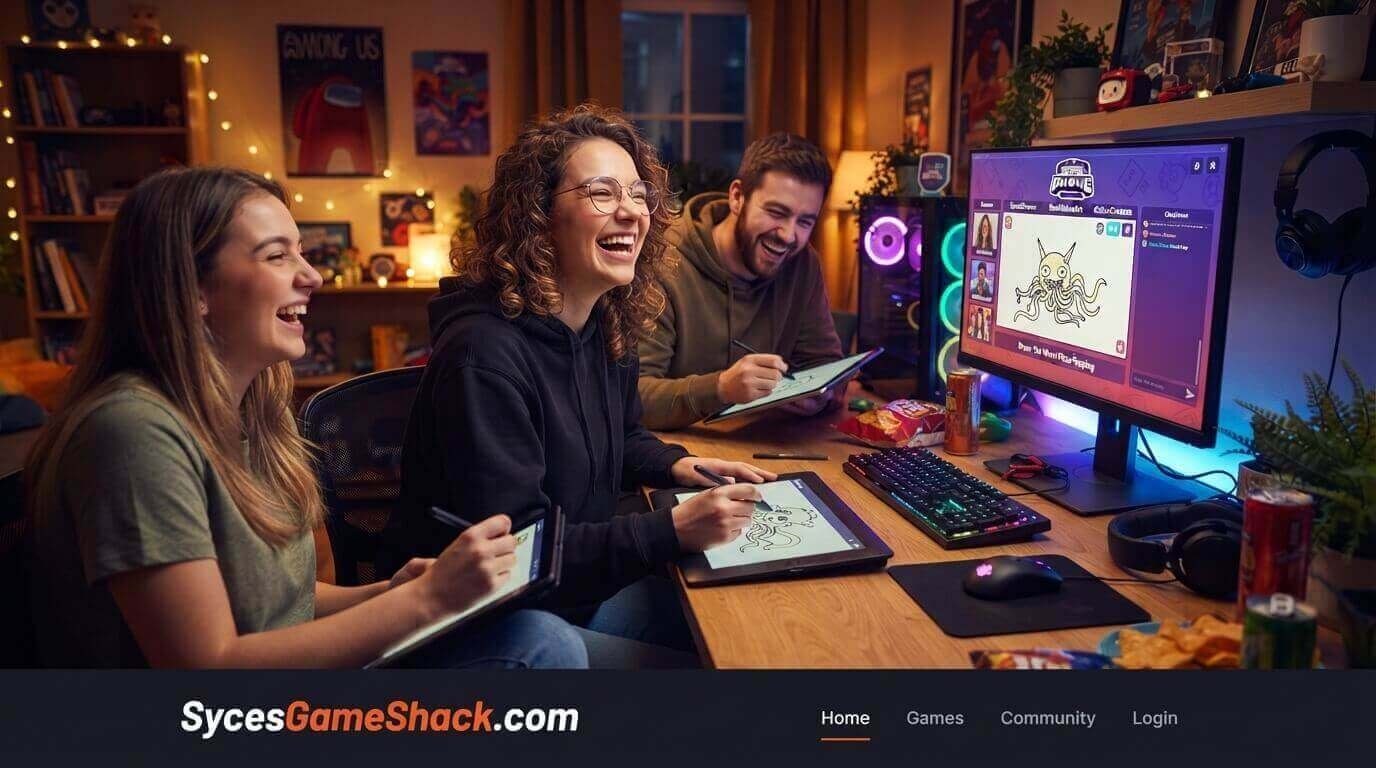
Gartic Phone Unblocked is a browser-based multiplayer game that combines two classic party games, Telephone and Pictionary, into one ridiculous experience. Players take turns writing phrases and drawing pictures in alternating rounds.
Each player only sees the previous player’s contribution, not the full chain. The result is that simple ideas transform into something completely unrecognisable and consistently hilarious by the end of each round.
The game was developed by Gartic, a Brazilian game studio, and released in 2020. It immediately became one of the most popular online party games in the world, especially during the pandemic when friend groups were looking for ways to play together remotely.
In 2026, it continues to be one of the most-played multiplayer browser games among students because it works on school networks, requires no download, and produces funnier moments the more people you play with.
Unlike most school browser games that are designed for solo play, Gartic Phone Unblocked is fundamentally a social game. It is best with 4 to 8 players in the same room or in a shared online session.
Every round produces unique results because every player’s drawing style, interpretation, and imagination are different.
Why Gartic Phone Is the Best School Group Game in 2026
Every Round Is Completely Unique
Because each player brings their own drawing skill, interpretation style, and sense of humour to each prompt, no two rounds of Gartic Phone ever produce the same result.
Even if you play with the same group every day, the combinations of drawing and guessing always create something new and unexpected. The game has essentially infinite replay value because the content is generated by the players themselves.
You Do Not Need to Be Good at Drawing
In fact, being bad at drawing makes Gartic Phone funnier. When someone draws a horse that looks like a melting table, the next player’s interpretation of that drawing produces something even further from the original prompt.
Bad drawings are not a problem; they are the main source of the game’s comedy. Gartic Phone Unblocked is one of the few games where skill level does not determine enjoyment. Everyone has a good time regardless of artistic ability.
No Account, No Download, No Cost
You go to the website, create a room, share a link, and everyone joins. No account creation for any player. No download for anyone. No payment.
The entire game runs in a browser tab. For a school setting where getting everyone set up quickly matters, this frictionless access is invaluable.
Scales Perfectly for School Groups
Gartic Phone works with as few as 2 players and as many as 30. During a lunch break with three friends, it is intimate and fast.
During a class period with a full group, it becomes a spectacular shared experience. Very few games scale across such a wide range of group sizes without changing what makes them fun.
All Gartic Phone Game Modes Explained
Classic Mode Where Everyone Starts
The standard Telephone + Pictionary experience. Each player writes a starting prompt. The prompts rotate: the next player draws the prompt, the player after them writes what they see in the drawing, and so on, alternating between drawing and writing until the prompt has passed through everyone.
At the end, the original prompt is revealed alongside the full chain of drawings and guesses. Classic Mode is the best starting point for any group new to the game.
Knock-Off Mode: Same Game, Faster Pace
Knock-Off Mode keeps the classic alternating drawing and writing structure but reduces the number of rounds, making sessions faster.
Perfect for short school breaks when you want the full Gartic Phone Unblocked experience without a long session commitment.
Icebreaker Mode: Best for New Groups
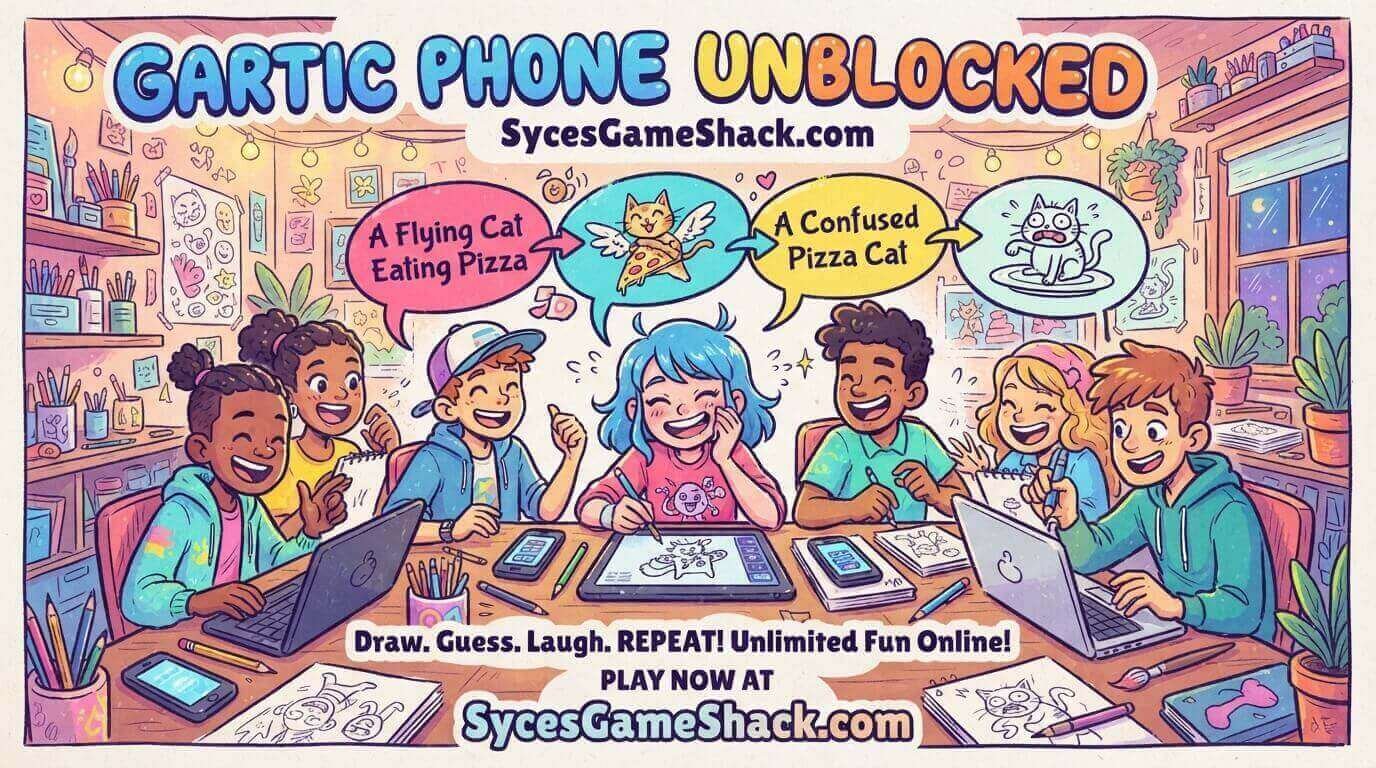
In Icebreaker Mode, all players draw the same prompt simultaneously and then everyone votes on which drawing best represents it.
This mode works excellently when a group is new to the game or when players are meeting for the first time. It is less chaotic than Classic and gives everyone a chance to participate from the first round without waiting for prompts to reach them.
Animation Mode: Draw Multiple Frames
Animation Mode lets players draw multiple frames that play as a short animation. The resulting animations from a telephone-style chain produce some of the most creative and bizarre content the game generates.
This mode takes longer than Classic, but the results are consistently impressive and funny.
Solo Mode: Practice Your Drawing
Solo Mode lets you practice drawing prompts alone without other players.
This is useful for players who want to improve their drawing before joining a group session, or for students who want to play something quick and creative when friends are not available.
How to Set Up a Gartic Phone Game at School Step by Step
- Step 1: Open Chrome on your school Chromebook and go to Syces Game Shack.
- Step 2: Find the Gartic Phone page and click Play. The game opens directly in your browser.
- Step 3: Click Create Room. Choose your game mode; start with Classic if this is your group’s first time.
- Step 4: A room link is generated. Share this link with your friends; they can join on their own Chromebooks by clicking the link, or you can all crowd around one screen for local play.
- Step 5: Set the drawing time limit. 60 seconds works well for most groups. Reduce to 45 seconds for faster, more chaotic rounds.
- Step 6: Click Start when everyone has joined. The game handles everything from here; it tells each player when to write and when to draw.
Tips for Getting the Most Out of Gartic Phone
Write Specific, Detailed Prompts
The funniest Gartic Phone Unblocked chains start with very specific, unusual prompts. “A cat” produces boring chains. “A cat in a business suit arguing with a vending machine” produces extraordinary chains.
The more specific and unusual your starting prompt, the more dramatic the transformation is by the end of the round.
Interpret Generously When Guessing
When you are writing what you think a drawing shows, commit fully to your interpretation even if you are not sure.
Hedging guesses like “maybe a dog?” produce less interesting chains than committed guesses like “a wolf attacking a kitchen appliance.” Bold incorrect guesses produce the best subsequent drawings.
Use Simple, Clear Drawing Techniques
The best Gartic Phone Unblocked drawings are not the most artistic; they are the clearest.
Simple shapes with clear labels, arrows pointing to important elements, and stick figures with distinguishing features are more useful than elaborate artistic drawings that are hard to interpret quickly. The goal is communication, not beauty.
Save Your Favourite Chains
At the end of each round, Gartic Phone Unblocked shows the complete chain from original prompt to final result. Screenshot the funniest chains to share later.
The best Gartic Phone moments are worth saving; they are genuinely funny outside the context of playing the game.
Does Gartic Phone Work on School Chromebooks?
Yes, and this is one of the reasons Gartic Phone Unblocked has become so popular at school specifically. The game runs entirely in the browser: no download, no account, no plugin.
It communicates through standard web protocols that school content filters do not flag as gaming traffic. The drawing canvas uses HTML5 canvas technology that works on every modern Chromebook browser.
Even schools with strict GoGuardian or Securly configurations generally find that Gartic Phone loads without restriction because it does not fit the typical profile of a blocked gaming site.
What Else Is Worth Playing on Syces Game Shack

Gartic Phone Unblocked players enjoy social and creative games. These four offer something different but equally worth playing:
- Google Slides Games: Jeopardy, escape rooms, and trivia built inside Google Slides, perfect for larger class groups
- Tube Jumpers Unblocked: Four players, one keyboard, chaotic local multiplayer fun
- Wobbly Life Unblocked: Open-world ragdoll chaos that is funnier with more people watching
- All Unblocked Games 2026: Complete list of everything confirmed working at school
FAQs
1. What is Gartic Phone Unblocked?
Gartic Phone Unblocked is the browser version of Gartic Phone, a multiplayer game combining Telephone and Pictionary. Players alternate between writing prompts and drawing what they see, creating hilarious chains where simple ideas transform into something completely different. It works on any school Chromebook with no download or login needed.
2. How many players does Gartic Phone need?
Gartic Phone Unblocked works with as few as 2 players and as many as 30. The sweet spot for the funniest Classic Mode chains is 5 to 8 players. With fewer players, the chains are shorter. With more players, the transformation from original prompt to final result is more dramatic and usually funnier.
3. Is Gartic Phone free to play?
Yes, completely free. No account required for any player. No download. No payment. Go to the website, create a room, share the link, and everyone can join instantly with nothing but a browser.
4. Does Gartic Phone work on school Chromebooks?
Yes. Gartic Phone uses standard browser technology and communicates through normal web protocols that most school content filters do not flag. It works on school Chromebooks without downloads or special permissions. Schools with GoGuardian and Securly generally find it loads without restriction.
5. What are the different game modes in Gartic Phone?
Classic Mode alternates drawing and writing in a telephone chain. Knock-Off Mode is faster than Classic. Icebreaker Mode has all players draw the same prompt simultaneously. Animation Mode creates multi-frame animated drawings. Solo Mode lets you practice drawing alone. Classic Mode is the best starting point for any new group.
6. Do you need to be good at drawing to enjoy Gartic Phone?
No bad drawings often make the game funnier. When drawings are unclear, interpretations diverge further from the original prompt, creating more dramatic and hilarious transformations by the end of each chain. Gartic Phone Unblocked is one of the few games where artistic skill level genuinely does not affect how much fun you have.
7. Can I play Gartic Phone in a private room with just my friends?
Yes. When you create a room, you get a private link that only people you share it with can use to join. Your game is completely private; random strangers cannot enter your room unless they have your specific link. This makes it perfect for playing with a small, specific group during lunch or a free period.
8. How long does a Gartic Phone game last?
A Classic Mode game with 6 players and 60-second drawing rounds takes approximately 10 to 20 minutes from start to finish, including the reveal phase. You can shorten sessions by reducing drawing time to 45 seconds or using Knock-Off Mode. Sessions fit comfortably within a standard school lunch break.
9. Who made Gartic Phone?
Gartic, a Brazilian game studio, developed Gartic Phone. It was released in 2020 during the pandemic and became one of the world’s most popular online party games within weeks of launch. The studio has continued updating the game with new modes and features since its original release.



One Comment