Bad Time Simulator Unblocked | Play Sans Fight Free at School 2026 (Full Guide)
Introduction
Sans looks at you. “You know what’s great about being me?” he says. Then the fight starts, and suddenly the entire screen is filled with bones, Gaster Blasters, and a small red heart that you need to keep alive through one of the most brutal bullet hell fights ever designed. You die in three seconds.
You try again. You die in five seconds. You try again. This is Bad Time Simulator Unblocked, a free browser recreation of the legendary Sans boss fight from Undertale, and right now you can play it on any school Chromebook with no download and no login.
What Is Bad Time Simulator?
Bad Time Simulator Unblocked is a fan-made recreation of the Sans boss fight from Undertale, specifically the fight that happens if you complete a genocide run, killing every monster in the game.
This fight is widely considered one of the hardest boss battles in all of gaming history. Sans breaks the rules of the game, uses player-character mechanics against you, and has more tricks up his sleeve than any other boss Undertale has to offer.
The original Bad Time Simulator was created by jcw87 as a standalone web version of this fight. You do not need to own or play Undertale to experience it. The browser version gives you the complete Sans fight, all his attacks, all his phases, and all his dialogue, completely free, right in your browser.
Why is it called “bad time”? Because Sans warns you at the beginning of the genocide route: “you’re gonna have a bad time.”
Students who have heard about this fight but never played Undertale use Bad Time Simulator Unblocked to finally experience what everyone is talking about. Students who have played Undertale use it to practice the fight without replaying the entire game first.
Before You Play: What You Need to Know About This Fight
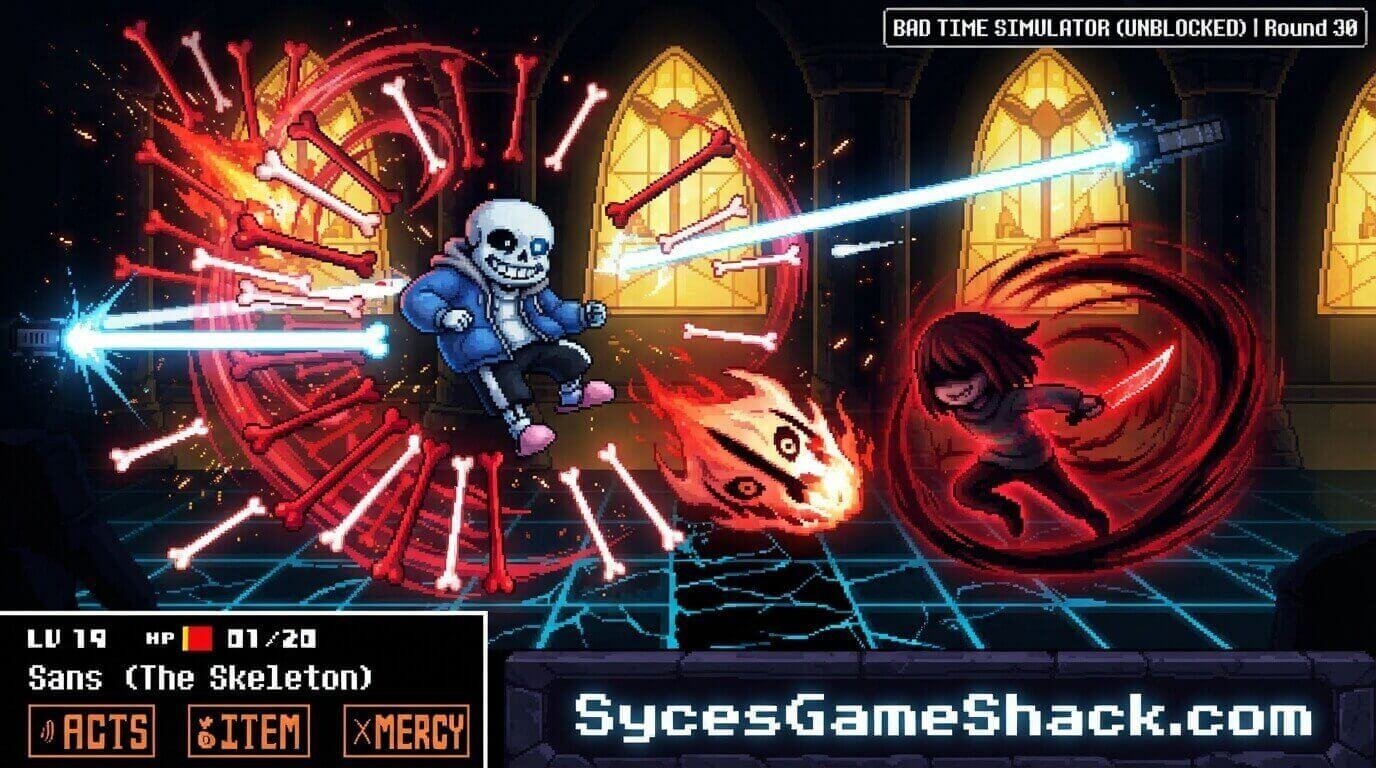
Bad Time Simulator Unblocked is not a typical school browser game. It is genuinely, deliberately, and unapologetically difficult. Here is what to expect before you start:
- You will die. A lot. Most first-time players die within 10 seconds of the fight starting. This is completely normal. The fight has a steep learning curve, and every attack requires either memorisation or very fast reflexes.
- The fight has no checkpoints. If you die, you start from the beginning. Every attempt is a full run from the opening dialogue through every attack phase.
- Completion takes time. Most players who successfully finish the fight spend between 2 and 10 hours of total attempts. This is a game where improvement is gradual, and satisfaction comes from progress, not instant success.
- The fight is fair. Every attack Sans uses has a pattern. Every pattern can be learned. Every death is caused by something you could have done differently. The difficulty is great, but the design is perfectly fair.
Controls: Simple to Learn
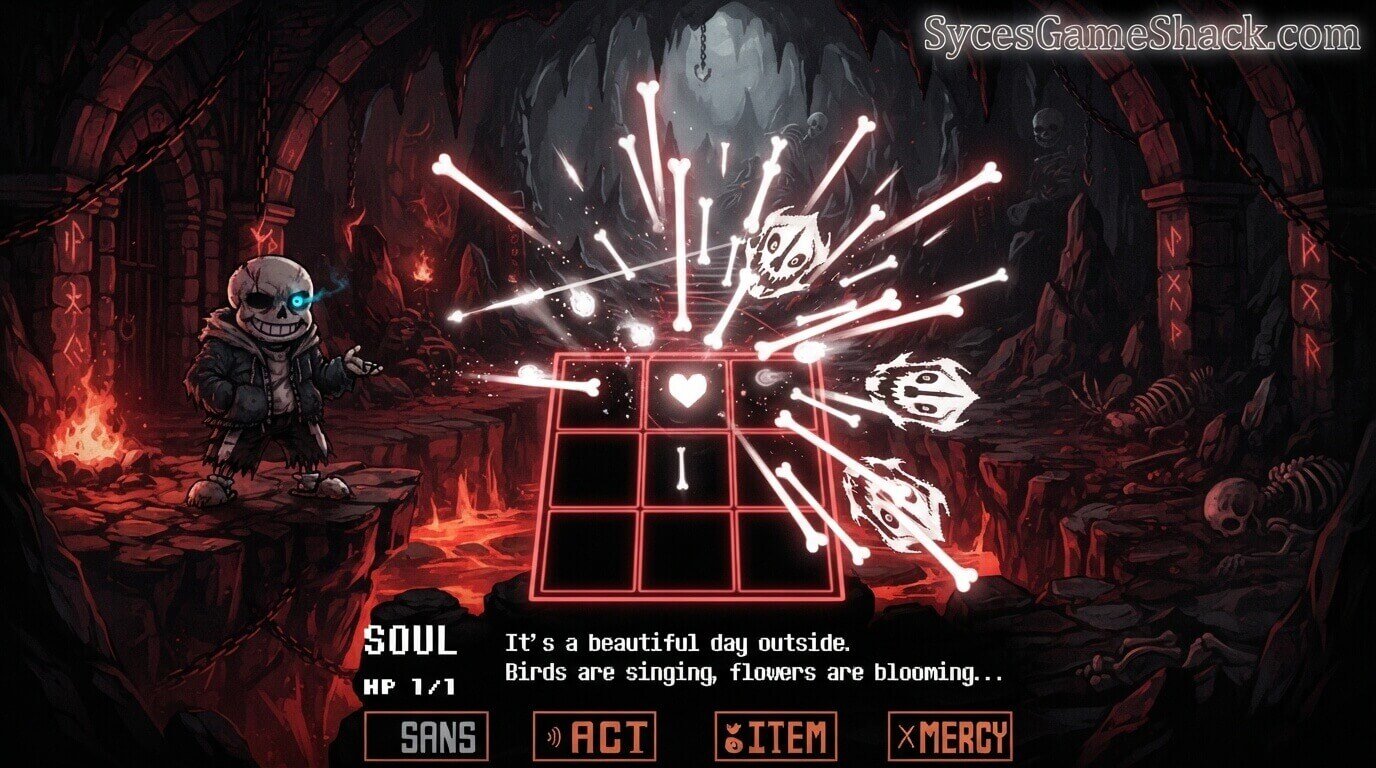
- Arrow Keys: Move your heart in any direction to dodge attacks
- Z Key: Confirm selections in the battle menu
- X Key: Cancel or go back in the menu
- Battle Menu Options: Fight, Act, Item, and Mercy are accessed at the bottom of the screen during your turn
The controls are identical to Undertale. If you have played Undertale before, everything will feel immediately familiar.
If you have not, spend your first few attempts just getting comfortable with how the heart moves before worrying about dodging specific attacks.
How the Fight Works: The Basic Structure
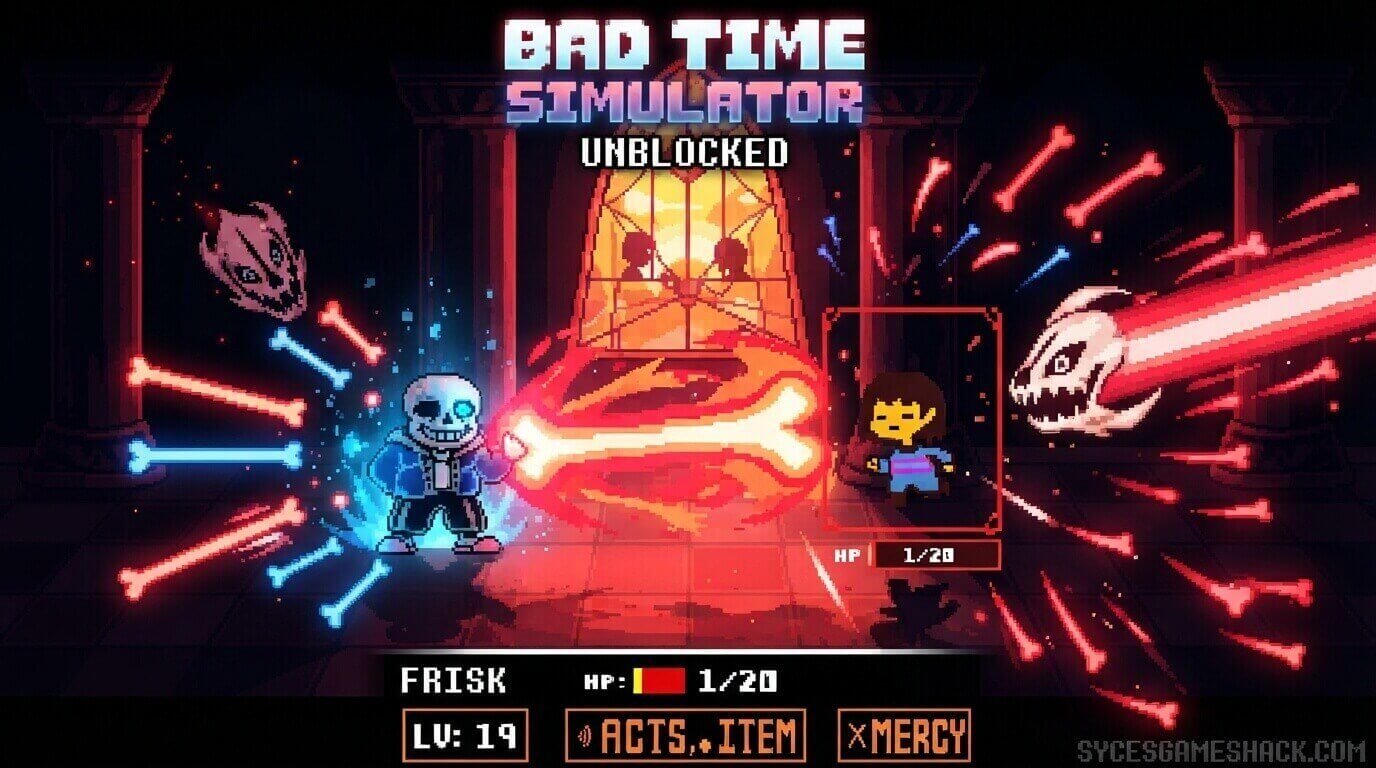
Bad Time Simulator Unblocked follows the same turn structure as Undertale combat. Each round has two parts:
- Your Turn: The battle menu appears at the bottom. You can choose Fight to attack Sans, Act to try various actions, Item to use a healing item, or Mercy to spare him. To actually end the fight, you need to choose Fight and time your attacks correctly. Act options do not work the way you expect; Sans has prepared for them.
- Sans’s Turn: Sans attacks you. A rectangular box appears on screen in your battle arena, and your heart must dodge everything Sans throws at you until his attack phase ends. The attacks vary enormously across the fight. Some are simple bone patterns. Some involve Gaster Blasters. Some change the colour of your heart and change the rules of how you move entirely.
Every Attack Sans Uses Complete Guide
Blue Bones: The Rule Changer
Sans turns your heart blue, which means gravity applies to it. Your heart falls downward unless you jump over incoming bones instead of moving around them.
When your heart is blue, the controls feel completely different; you need to jump over low attacks rather than dodge around them. Getting used to the blue heart mechanic is one of the biggest early learning curves in the fight.
Gaster Blasters
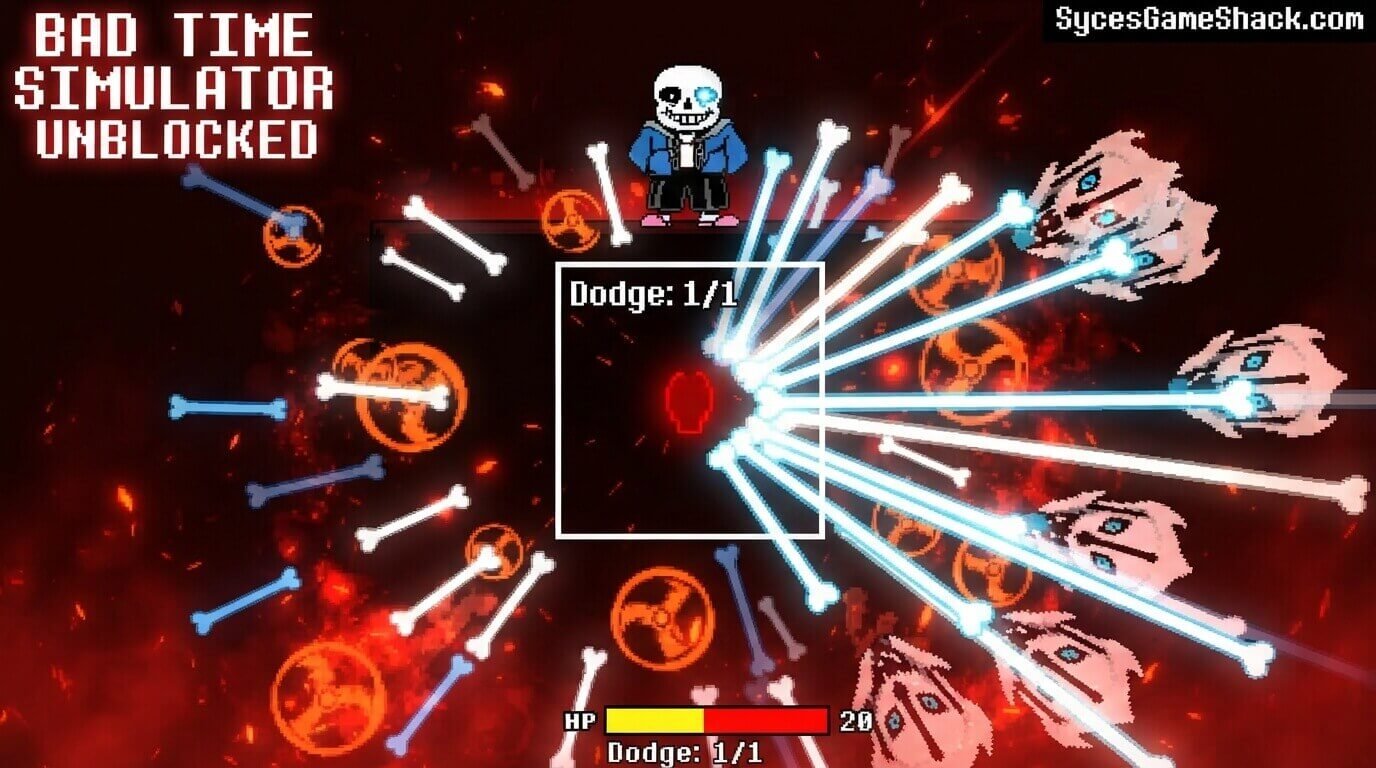
Large skull-shaped weapons that fire powerful laser beams across the screen. Gaster Blasters telegraph their shot: a thin beam appears briefly before the full blast fires.
Move out of the path of that thin preview beam before the full blast hits. Gaster Blasters deal massive damage if they connect. Learning to read their telegraph is essential for surviving mid and late fight phases.
Bone Walls and Corridors
Rows of bones that sweep across the screen with gaps you need to navigate through. The gaps are visible; find them and position yourself inside them before the wall reaches your position.
Later in the fight, bone corridors combine with Gaster Blasters, requiring you to be inside a gap while also not standing in a laser path.
The Knockout Attack
Sans has an attack that leaves you with exactly 1 HP, one hit from death. This happens at specific points in the fight and is intentional.
After surviving it, you need to immediately use a healing item on your next turn, or the next attack will finish you.
The Sleep Trap
Sans will appear to fall asleep during the fight. Nothing happens for several seconds. First-time players wait patiently. Then Sans attacks immediately when you let your guard down.
After you experience this once, you will always stay alert during the sleep; it is one of the most famous moments in the entire fight.
How to Actually Beat Bad Time Simulator
Phase 1: Survive and Learn
Do not try to win your first 20 attempts. Use them to learn what each attack looks like, how much time you have to react, and how the blue heart gravity mechanic works.
Every death teaches you something specific. Players who approach early attempts as learning sessions improve much faster than players who approach each attempt as a win attempt.
Phase 2: Memorise Attack Sequences
Sans’s attacks follow patterns. After many attempts, you will start to recognise which attack comes after which.
When you can predict what is coming before it appears on screen, your survival rate increases dramatically. At this point, you are no longer reacting; you are preparing.
Phase 3: Manage Your Items
Bad Time Simulator Unblocked gives you healing items. Using them at the right moment immediately after the 1 HP knockout attack is often the difference between completing the fight and dying in the final phase.
Do not waste items early. Save them for the moments you know you will need them.
Phase 4: The Final Push
The last phase of the fight is the hardest. Everything Sans has shown you throughout the fight comes together.
Players who reach the final phase for the first time after many hours of attempts often still die here multiple times. Stay calm. You know his patterns by now. Apply what you have learned, and you will complete it.
Bad Time Simulator Game Modes
Normal Mode
The standard Sans fight experience. Full damage from attacks, all items available, complete fight sequence from start to finish. This is the mode everyone should start with.
Practice Mode
Practice Mode lets you replay individual attack sections without running the entire fight. If there is one specific attack you keep dying to, use Practice Mode to drill that attack until you can survive it consistently before returning to normal mode.
Practice Mode is one of the most useful features in the simulator and dramatically reduces the total time needed to complete the fight.
Custom Mode
Custom Mode allows you to adjust various parameters of the fight, attack speed, player health, and damage values to create a version of the fight suited to your current skill level.
Beginners who find normal mode too overwhelming can use custom mode to learn the attack patterns with reduced damage before gradually increasing the difficulty.
Does Bad Time Simulator Work on School Chromebooks?
Yes. Bad Time Simulator Unblocked was built specifically as a browser game from the start. It runs in Chrome as a normal webpage with no downloads, no Flash, no plugins. School content filters see regular web traffic.
The game is lightweight and loads in seconds even on slow school networks. Every Chromebook we have tested it on in 2026 runs it without any performance issues.
What Else to Play on Syces Game Shack
Players who enjoy the challenge and precision of Bad Time Simulator Unblocked usually appreciate these games for different reasons:
- Deltarune Unblocked: The full RPG from the same Undertale universe, by the same developer, Toby Fox
- Hollow Knight Unblocked: Atmospheric adventure with boss fights that reward the same kind of patient pattern learning
- Geometry Dash Unblocked: Precision rhythm platformer where memorisation and persistence are the keys to completion
- All Unblocked Games 2026: Every game confirmed working on school networks right now
FAQs
1. What is Bad Time Simulator Unblocked?
Bad Time Simulator Unblocked is a free browser recreation of the Sans boss fight from Undertale. It was created by developer jcw87 and is now playable on any school Chromebook with no download or login required. It includes Normal Mode, Practice Mode, and Custom Mode.
2. Do I need to play Undertale first?
No. Bad Time Simulator Unblocked is a standalone browser game that includes the complete Sans fight with all dialogue and attacks. You do not need to own Undertale or have played it before. However, players who have experienced Undertale’s story will understand the context and significance of the fight more deeply.
3. How hard is Bad Time Simulator?
Extremely hard. It is widely considered one of the most difficult boss fights in gaming history. Most first-time players die within 10 seconds of the fight starting. Completing it typically requires between 2 and 10 hours of total attempts. Every attack has a learnable pattern; the difficulty is great but always fair.
4. What are the controls for Bad Time Simulator?
Arrow keys to move your heart and dodge attacks. Z key to confirm menu selections. X key to cancel. The battle menu at the bottom gives you Fight, Act, Item, and Mercy options on your turn. Controls are identical to Undertale.
5. What is Practice Mode in Bad Time Simulator?
Practice Mode lets you replay individual attack sections from the fight without running the entire encounter. If you keep dying to a specific attack, use Practice Mode to drill that attack in isolation until you can survive it consistently. It is the fastest way to improve at the game.
6. What is the blue heart in Bad Time Simulator?
When Sans turns your heart blue, gravity applies to it. Your heart falls downward, and you jump over bones instead of moving around them. The controls feel completely different in blue heart mode. Getting comfortable with gravity-based movement is one of the most important early skills to develop.
7. Does Bad Time Simulator work on school Chromebooks?
Yes. The game loads as a regular HTML5 webpage in Chrome. No downloads, no plugins, no special permissions. School content filters see normal web traffic. Works on every school Chromebook in 2026.
8. Is Bad Time Simulator the same as the Undertale Sans fight?
It is a faithful recreation, not the original. The attack patterns, dialogue, and fight structure are recreated to match the Undertale Sans genocide fight as closely as possible. The experience is essentially identical to the original fight for players who want to practice or experience it without playing through all of Undertale first.
9. Who created Bad Time Simulator?
Bad Time Simulator Unblocked was created by jcw87, a developer who built the browser version as a fan recreation of the Undertale Sans fight. It has since been updated and maintained by the fan community and remains one of the most visited Undertale fan projects on the internet.



2 Comments