Angry Birds Unblocked | Play Free Online (2026 Guide)
Introduction
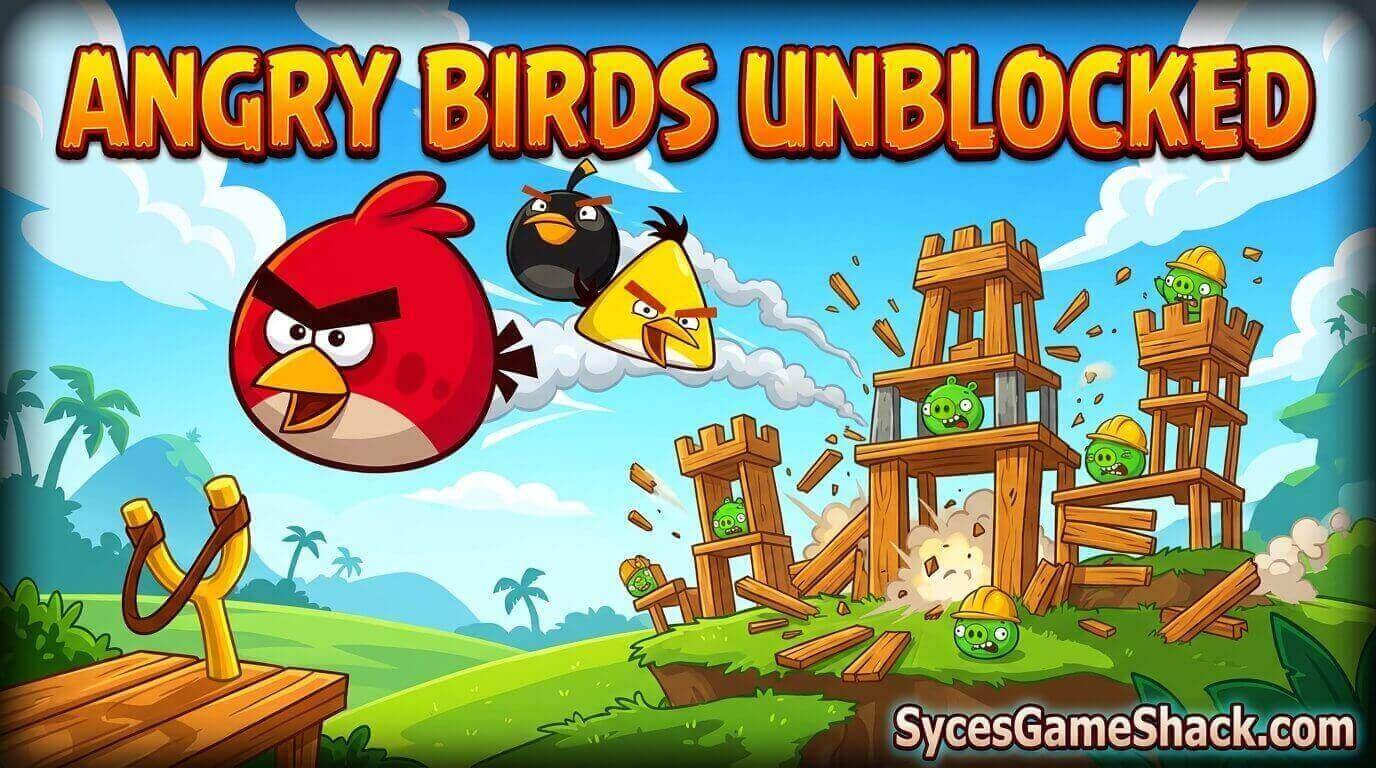
Few games capture “just one more level” energy quite like Angry Birds Unblocked, the slingshot classic that turned physics-based destruction into a worldwide phenomenon.
Play it for free in your browser during a school break or a slow afternoon at work, with no downloads and no restrictions.
This complete guide covers every bird’s special ability, how to earn three stars on every level, slingshot mechanics, and a full FAQ so you can topple pig fortresses like a pro.
Table of Contents
- What Is Angry Birds?
- How to Play Angry Birds Unblocked
- Full Controls Guide
- Bird Types and Abilities
- Scoring and the Three-Star System
- Winning Strategy for Every Level
- Key Features
- Advanced Tips and Tricks
- Why Angry Birds Works So Well as an Unblocked Game
- Troubleshooting Common Issues
- Is Angry Birds Unblocked Safe?
- FAQs
What Is Angry Birds?
Angry Birds Unblocked is the physics-based puzzle game originally developed by Rovio Entertainment that became one of the best-selling mobile franchises of all time.
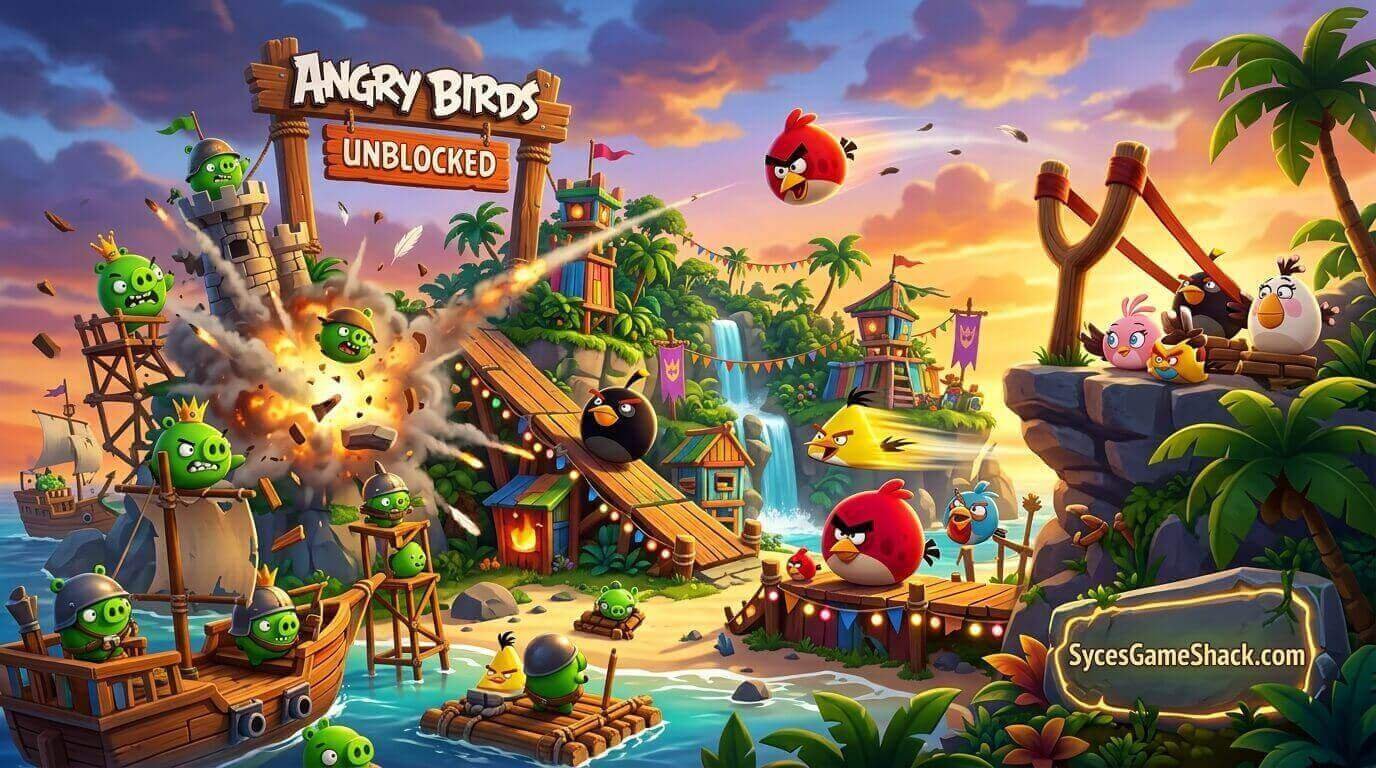
The premise is simple to explain but endlessly replayable in practice: a flock of birds is furious that pigs have stolen their eggs, and it’s up to you to launch each bird from a slingshot into elaborate fortresses made of wood, glass, and stone to take the pigs down.
What keeps players coming back level after level is the puzzle layer hidden underneath that simple premise: every structure has weak points, and figuring out the single most efficient shot to bring the whole thing crashing down is where the real fun lives.
How to Play Angry Birds Unblocked
Open the game page in any modern browser; Chrome, Edge, and Firefox all work well, and click Play. There’s no account creation, no app-store download, and no installer to wait on, since browser versions run entirely on HTML5.
It loads quickly even on restricted school or office Wi-Fi and performs just as well on a Chromebook as it does on a full gaming desktop.
Full Controls Guide
| Action | Input |
|---|---|
| Aim the Slingshot | Click and drag the bird backward with your mouse |
| Set Power and Angle | Pull further back for more power; adjust the drag angle for trajectory |
| Launch | Release the mouse button |
| Activate Special Ability | Click or tap the screen once the bird is mid-flight |
| Mobile / Touch | Tap and drag the bird, release to launch, tap again to activate its ability |
Bird Types and Abilities
| Bird | Special Ability | Best Used On |
|---|---|---|
| Red Bird | No special ability, pure mass and impact | Cleaning up remaining debris or a strong initial hit on dense structures |
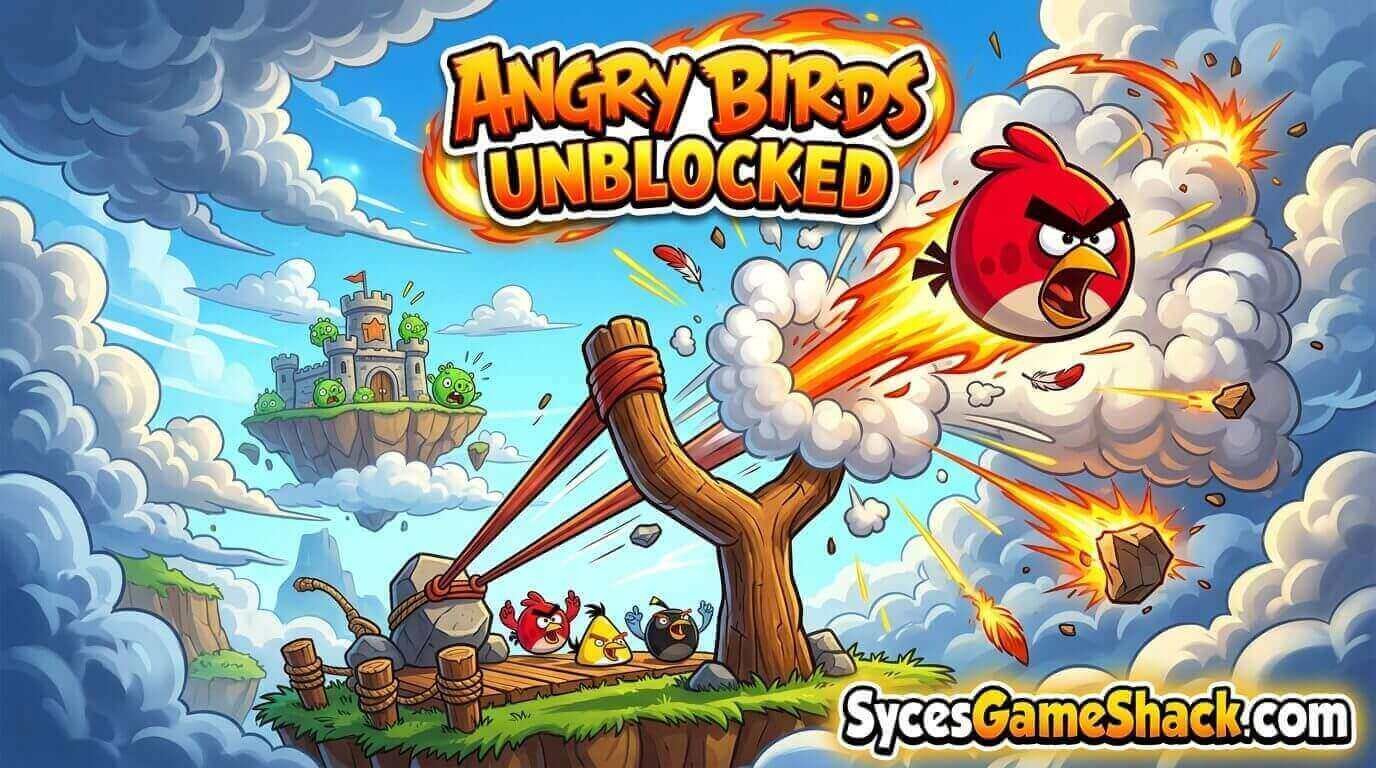
| Blue Bird | Splits into three smaller birds on tap | Thin, wide structures made of glass or ice |
| Yellow Bird | Speeds up sharply on tap | Pierces thick wooden barriers with extra kinetic force |
| Black Bird | Explodes on tap | Deep inside fortresses for maximum internal collapse damage |
| White Bird | Drops an explosive egg on tap | Structures below the bird’s flight path, including stone blocks |
Scoring and the Three-Star System
Every level rewards you with up to three stars based on your final score, which is driven by how much damage you deal and how efficiently you clear the level.
Using fewer birds to defeat every pig on the level is the single biggest factor in maximizing your score, since leftover Angry Birds Unblocked convert into bonus points once the level ends.
A level “won” with every pig defeated but several birds wasted along the way will almost always fall short of the coveted three-star rating, which is exactly why efficient, well-aimed shots matter more than simply clearing the level by any means necessary.
Winning Strategy for Every Level
- Aim for structural joints and supports, not the pigs directly. Collapsing a structure’s foundation often takes out multiple pigs at once far more efficiently than a direct hit.
- Match the bird to the material. Blue birds shred glass, yellow birds punch through wood, and black birds devastate enclosed spaces. Using the wrong bird on the wrong material wastes a shot.
- Time your special ability precisely. Activating a bird’s ability too early or too late drastically reduces its effectiveness; the sweet spot is almost always right at or just before impact.
- Restart early if your first shot misses badly. Since bird order is fixed per level, a poor opening shot rarely recovers into a three-star finish; it’s usually faster to restart than to fight through a bad start.
- Study the level before your first launch. A few seconds spent identifying where the pigs are clustered pays off far more than rushing your first shot.
Key Features of Angry Birds Unblocked
- Hundreds of physics-based puzzle levels across wood, glass, and stone-themed fortresses.
- Five distinct bird types, each with a unique special ability suited to different structure materials.
- A three-star scoring system that rewards efficient, well-planned shots over brute force.
- No downloads or installs; the entire game runs inside a browser tab.
- Cross-device support for Chromebooks, desktops, tablets, and touch-friendly mobile play.
- Colorful, family-friendly presentation suitable for players of nearly any age.
Advanced Tips and Tricks
- Use the Red Bird as a finisher, not an opener. Since it has no special ability, save it for cleaning up whatever debris and pigs remain after your specialist birds have done the heavy lifting.
- Watch the trajectory preview line if your version shows one; small angle adjustments make a bigger difference than most players expect.
- Don’t overcommit to full power every shot. Sometimes a gentler, more precisely aimed shot topples a structure more efficiently than a maximum-power launch that overshoots the target.
- Replay three-star levels for practice. Since layouts are fixed, revisiting an already-cleared level is a low-pressure way to sharpen your aim before tackling a harder one.
- Look for chain reactions. The most efficient clears usually involve one shot triggering a structural collapse that takes out multiple pigs; always look for that domino opportunity before firing.
Why Angry Birds Works So Well as an Unblocked Game
Angry Birds unblocked versions are hosted on sites built specifically to load past standard school and workplace network filters, which is exactly why it’s remained one of the most searched “unblocked” puzzle games for well over a decade.
Because each level typically takes under a minute to attempt, it’s easy to squeeze in a quick round and close the tab the moment you need to get back to class or work.
Troubleshooting Common Issues
| Issue | Likely Cause | Fix |
|---|---|---|
| Game won’t load | Ad-blocker or strict network filter | Try a different browser tab, disable aggressive extensions, or refresh the page |
| Slingshot drag feels unresponsive | Browser tab losing focus | Click directly inside the game window before dragging the slingshot |
| Choppy or laggy physics | Too many open tabs or extensions | Close unused tabs and reload the game page |
| Progress or stars not saving | Browser set to private/incognito mode | Play in a normal browser tab so local storage can save your progress |
Is Angry Birds Unblocked Safe?
Yes, browser versions of Angry Birds Unblocked run as standard HTML5 games, so there’s nothing to install and no executable file ever touches your device.
Stick to reputable unblocked-games hosting sites and avoid clicking pop-up-heavy ads for the smoothest, safest experience.
FAQs
1. Is Angry Birds Unblocked free to play?
Yes. Angry Birds is completely free to play in your browser, with every level and bird type available at no cost.
2. Do I need to download anything to play?
No downloads are required. The entire game loads and runs directly in your browser tab using HTML5.
3. Can I play Angry Birds unblocked on a Chromebook?
Yes. Browser-based versions run smoothly on Chromebooks, laptops, and desktops without needing any extra plugin.
4. What does each bird’s special ability do?
Blue splits into three, Yellow speeds up, Black explodes, and White drops an explosive egg, while Red has no ability and relies purely on mass and impact. Full details are in the bird table above.
5. How do I get three stars on a level?
Clear the level using as few birds as possible with well-aimed shots that target structural weak points rather than individual pigs.
6. Does Angry Birds work on mobile devices?
Yes. Most browser versions include touch controls, letting you drag and release the slingshot directly on phones and tablets.
7. Is Angry Birds unblocked safe for school networks?
Yes. Since it’s a lightweight browser game with no downloads, it’s a low-risk way to take a short break on a school-managed device.
8. What happens if I run out of birds before defeating all the pigs?
The level ends in failure and you’ll need to restart, so planning your shots carefully matters more than rushing through them.
9. Which bird is best for glass structures?
The Blue Bird, since splitting into three smaller birds spreads impact across multiple points, which is especially effective against thin, wide glass panels.
10. Can I replay levels I’ve already completed?
Yes. Replaying earlier levels is a great way to improve your star rating or simply practice your slingshot aim before tackling harder stages.


2 Comments