Squid Game Unblocked | Play Free Online Now (2026)
Introduction
The Netflix phenomenon that had the whole world talking is now a full lineup of free browser games you can play during a school break or a slow afternoon at work.
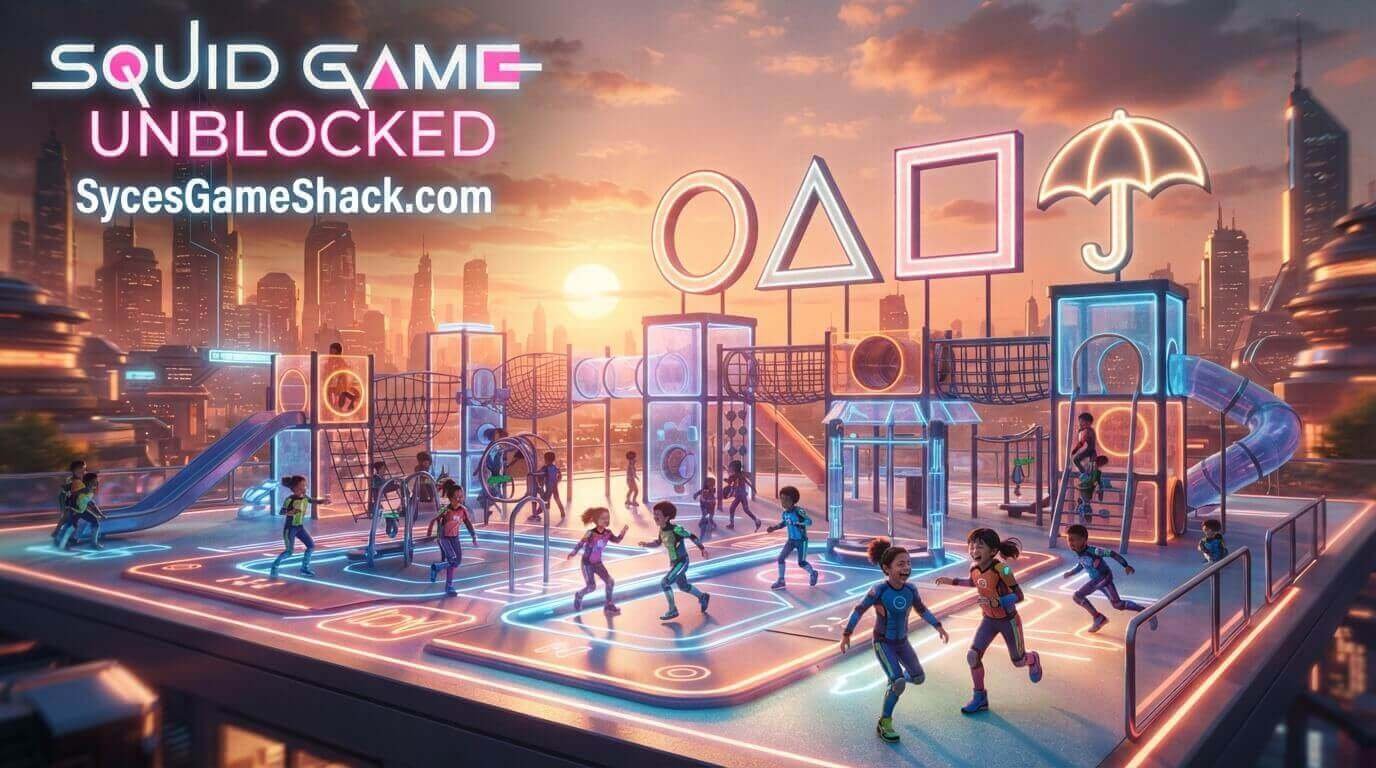
Squid Game Unblocked lets you compete in Red Light Green Light, the Glass Bridge, Dalgona candy carving, and Tug of Warall fan-made HTML5 adaptations inspired by the hit series, playable for free with zero downloads.
This complete guide covers every challenge, the strategy that keeps you from getting eliminated, and a full FAQ so you make it to the final round.
Table of Contents
- What Is Squid Game Unblocked?
- How to Play Squid Game Unblocked
- Full Controls Guide
- Every Challenge Explained
- Survival Strategy for Every Round
- Single-Player vs. Multiplayer
- Key Features
- Advanced Tips and Tricks
- Why Squid Game Works So Well as an Unblocked Game
- Troubleshooting Common Issues
- Is Squid Game Unblocked Safe?
- FAQs
What Is Squid Game Unblocked?

Squid Game Unblocked refers to a category of free, fan-made browser games inspired by the massively popular Netflix series, built by independent studios such as Multiverse ApS, Boss Fight Entertainment, and Dimofan.
Rather than the show itself, these are original HTML5 multiplayer survival games that recreate the series’ most iconic childhood challenges Red Light Green Light, Tug of War, the Glass Bridge, marbles, and Dalgona candy carving with real-time competition against other online players.
Matches typically pit dozens of players against each other in a single round, eliminating anyone who fails a challenge, with only the fastest and most composed players surviving to the end.
How to Play Squid Game Unblocked

Open the game page in any modern browser, Chrome, Edge, or Firefox; all work well, and click Play. There’s no mandatory account creation to start a match, no app-store download, and no installer to wait on, since the game runs entirely on HTML5.
It loads quickly even on restricted school or office Wi-Fi and performs well on Chromebooks, tablets, and phones in addition to full desktop setups.
Full Controls Guide
| Action | Input |
|---|---|
| Move | WASD or Arrow keys |
| Freeze / Stop Instantly | Release movement keys immediately when prompted |
| Interact / Carve (Dalgona) | Mouse movement and click to trace the shape carefully |
| Pull (Tug of War) | Rapidly tap or click the designated key |
| Mobile / Touch | On-screen virtual joystick and tap-based interaction buttons |
Every Challenge Explained

| Challenge | Objective | Key Skill |
|---|---|---|
| Red Light, Green Light | Reach the finish line without moving while the doll is watching | Reaction time and self-control |
| Dalgona (Honeycomb) | Carve a shape out of candy without breaking it | Slow, precise mouse control |
| Tug of War | Work with your team to pull the opposing team across the line | Timing and rapid input speed |
| Marbles | Outwit an opponent in a guessing or betting-based marble game | Strategy and reading your opponent |
| Glass Bridge | Cross a bridge of glass panels, choosing the correct panel that won’t shatter | Calculated risk-taking and memory |
Survival Strategy for Every Round

- Move in short, controlled bursts during Red Light, Green Light. Committing to full sprints makes it much harder to stop cleanly the instant the doll turns around.
- Trace slowly during Dalgona. Rushing the carving motion is the single most common reason the shape cracks patience matters more than speed here.
- Coordinate rhythm in Tug of War. Pulling in sync with teammates generates more effective force than everyone pulling at random intervals.
- Track pattern history on the Glass Bridge. Since some versions reuse similar panel layouts, paying attention to previous rounds can inform your panel choices.
- Stay calm under elimination pressure. Panicked, rushed decisions cause far more failures than the actual difficulty of each challenge.
Single-Player vs. Multiplayer

| Mode | What It Offers |
|---|---|
| Single-Player / Practice | Learn each challenge’s mechanics against AI or a timer before jumping into live competition |
| Multiplayer | Compete in real time against up to 30 other players per match, with elimination-based progression toward a final round |
Key Features of Squid Game Unblocked
- Multiple iconic challenges recreated faithfully in fast, browser-friendly HTML5 form.
- Real-time multiplayer supporting large player counts per match for genuine competitive tension.
- Simple, easy-to-learn controls paired with genuinely difficult execution under pressure.
- No downloads or installs the entire game runs inside a browser tab.
- Cross-device support for Chromebooks, desktops, tablets, and touch-friendly mobile play.
Advanced Tips and Tricks

- Practice Red Light, Green Light timing offline first. Getting comfortable with your own reaction delay before playing live matches prevents easy early eliminations.
- Watch top players in early rounds. Observing how skilled players approach the Glass Bridge or Dalgona challenge often reveals techniques you wouldn’t discover alone.
- Don’t overcommit early in Tug of War. Pacing your pulling effort across the full round often outperforms an early, exhausting burst.
- Play with friends when possible. Team-based challenges like Tug of War benefit enormously from coordinated, communicating teammates.
Why Squid Game Works So Well as an Unblocked Game
Unblocked hosting sites for Squid Game Unblocked games are built specifically to bypass standard school and workplace network filters, which is exactly why this category exploded in popularity alongside the show itself.
Because individual rounds are short and elimination-based, it’s easy to jump into one quick match and close the tab the moment you need to get back to class or work.
Troubleshooting Common Issues

| Issue | Likely Cause | Fix |
|---|---|---|
| Game won’t load | Ad-blocker or strict network filter | Try a different browser tab, disable aggressive extensions, or refresh the page |
| Movement or timing feels off | Browser tab losing focus | Click directly inside the game window before using keyboard controls |
| Choppy or laggy multiplayer | Too many open tabs or extensions | Close unused tabs and reload the game page |
| Can’t connect to a match | Network restrictions on real-time connections | Try single-player practice mode first, or switch to a less restrictive network |
Is Squid Game Unblocked Safe?
Yes, these are browser-based HTML5 Squid Game Unblocked, so there’s nothing to install and no executable file ever touches your device.
These are fan-made games inspired by the Netflix series, not the show itself, so stick to reputable unblocked-games hosting sites and avoid clicking pop-up-heavy ads for the smoothest, safest experience.
FAQs
1. Is Squid Game Unblocked free to play?
Yes. These browser-based Squid Game games are completely free to play, with no purchase required to join a match.
2. Do I need to download anything to play?
No downloads are required. The entire game loads and runs directly in your browser tab using HTML5.
3. Is this the actual Netflix show?
No. These are original, fan-made browser games inspired by the Netflix series, created by independent studios rather than the show’s official producers.
4. What challenges can I play?
Red Light Green Light, Dalgona candy carving, Tug of War, marbles, and the Glass Bridge are the most common challenges. Full details are in the challenges table above.
5. Can I play Squid Game with friends?
Yes. Many versions support real-time multiplayer matches with up to 30 players, including team-based challenges like Tug of War.
6. Can I play Squid Game unblocked on a Chromebook?
Yes. Browser-based versions run smoothly on Chromebooks, laptops, and desktops without needing any extra plugin.
7. Is Squid Game unblocked safe for school networks?
Yes. Since it’s a lightweight browser game with no downloads, it’s a low-risk way to take a break on a school-managed device.
8. What are the basic controls?
WASD or Arrow keys to move, and mouse or tap controls for challenges like Dalgona carving full details are in the controls table above.
9. Does Squid Game work on mobile devices?
Yes. Most versions include on-screen touch controls, making it playable on phones and tablets in addition to desktop.
10. What happens if I fail a challenge?
You’re eliminated from that match, similar to the show, and can typically join a fresh match immediately to try again.