Fall for Brainrots Codes: Free Rewards Today!
Introduction
Last checked today. Every Fall for Brainrots code on this page has been checked against the latest in game list. We update this guide regularly and remove expired codes the moment they stop working. Bookmark SycesGameShack.com and check back often, since new codes usually land around visit milestones, like and favorite goals, and content updates.
Table of Contents
- All Working Fall for Brainrots Codes
- Quick Copy: All Codes in One Table
- How to Redeem Fall for Brainrots Codes
- What Is Fall for Brainrots? Complete Game Guide
- Portals, Fall Power and Progression Explained
- Brainrots You Can Collect
- How to Progress Faster: Pro Strategy Guide
- Where to Find New Codes First
- Common Mistakes That Stop Codes From Working
- All Expired Fall for Brainrots Codes
- More Free Roblox Codes at SycesGameShack.com
- FAQs
All Working Fall for Brainrots Codes
All codes below are currently active. Codes are case sensitive, so always copy and paste directly from this page rather than typing them by hand. Open Fall for Brainrots, tap the Codes icon on the left side of your screen, and enter your code in the box that appears. New codes can drop at any time, so bookmark this page and check daily.
Reward Codes
| Code | Reward | Status |
|---|---|---|
| TRADEUPDATE | 500 Barrier Tokens, 50 Admin Coins, 1 Spin | Working |
| 100KLIKES | 5,000 Barrier Tokens, 100 Admin Coins, 3 Spins, 1 “67” Lucky Block | Working |
| 3NEWZONES | 50 Admin Coins, Galaxy Cappuccino Assassino | Working |
| 10MILVISITS | 100 Admin Coins, 1 “67” Lucky Block, Galaxy Chicleteira Bicicleteira | Working |
Milestone and Update Codes
| Code | Reward | Status |
|---|---|---|
| HACKEDUPDATE | Free reward bundle | Working |
| WOW1MILFAVS | Free reward bundle | Working |
| W3ATHERUPDATE | Free reward bundle | Working |
| 30MILVISITS | Free reward bundle | Working |
| TRAITSUPDATE | Free reward bundle | Working |
| 20MILLVISITS | Free reward bundle | Working |
Note: Several of these codes are tied to visit counts, likes, or favorites, which means the developers can retire them once a new milestone is reached. If one stops working, move on to the next code on the list rather than trying it repeatedly.
Quick Copy: All Codes in One Table
Copy every code below and redeem them one at a time inside Fall for Brainrots. Open the Codes menu on the left side of the screen, paste each code into the entry box, and press Confirm:
| # | Code | Main Reward | Priority |
|---|---|---|---|
| 1 | 100KLIKES | 5,000 Barrier Tokens plus a Lucky Block | Redeem first |
| 2 | 10MILVISITS | Galaxy Chicleteira Bicicleteira Brainrot | Rare spawn |
| 3 | 3NEWZONES | Galaxy Cappuccino Assassino Brainrot | Rare spawn |
| 4 | TRADEUPDATE | 500 Barrier Tokens, 50 Admin Coins | Currency |
| 5 | WOW1MILFAVS | Free reward bundle | Milestone |
| 6 | 30MILVISITS | Free reward bundle | Milestone |
| 7 | 20MILLVISITS | Free reward bundle | Milestone |
| 8 | TRAITSUPDATE | Free reward bundle | Update |
| 9 | W3ATHERUPDATE | Free reward bundle | Update |
| 10 | HACKEDUPDATE | Free reward bundle | Update |
How to Redeem Fall for Brainrots Codes
Redeeming codes takes less than a minute once you know where to look. Here is the exact process:
Standard Method
- Open Roblox and launch Fall for Brainrots
- Wait for your character to fully load into a server
- Look for the Codes icon or the Store menu on the left side of the screen
- Click or tap it to open the Codes window
- Find the box labeled Enter Code
- Copy and paste a code from the tables above rather than typing it manually
- Press Confirm to submit the code
- Watch for the confirmation message showing the rewards added to your account
- Repeat for every remaining code on the list
Mobile Method
- Open the Roblox app and launch Fall for Brainrots
- Tap the Codes icon on the left side of the screen
- Tap the entry box and paste your code using your phone’s keyboard
- Tap Confirm to claim your reward instantly
Critical Rules Before Redeeming
- Codes are case sensitive, so always copy and paste instead of typing from memory
- One use per account, since trying to reuse a code returns an “Already Redeemed” message
- No level requirement, so new and veteran players can redeem the same codes
- Some codes are milestone based and can be retired without warning once a new target is hit
- If a code fails in one server, try rejoining a fresh server before assuming it has expired
What Is Fall for Brainrots? Complete Game Guide
Fall for Brainrots is a Roblox tycoon and obstacle experience built around the viral brainrot meme trend. The official game description sums up the loop clearly: buy portals to train your Fall Power, crush barriers to reach the rarest Brainrots, collect Brainrots while escaping the in game Guard, upgrade your Brainrots to earn money, and keep earning even while you are offline.
The Core Gameplay Loop
Each run starts at your portal area, where you spend money to train Fall Power. Once your Fall Power is high enough, you head into the drop zone and fall through a series of barriers. Breaking through a barrier opens access to a new, rarer area where better Brainrots are waiting. Along the way you also need to dodge or escape the Guard, an obstacle that can end your run early if it catches you. Every Brainrot you successfully collect can be placed at your base, where it starts generating passive income automatically, including while you are away from the game.
Why Fall for Brainrots Caught On
| Reason | Why It Matters |
|---|---|
| Brainrot meme characters | The game leans on the same viral internet meme characters that power the wider brainrot genre on Roblox |
| Simple, addictive loop | Train, fall, break barriers, collect, repeat, with visible progress every single run |
| Offline income | Brainrots keep earning money even when you are not playing, which rewards regular check ins |
| Escaping the Guard | Adds a light skill and timing element on top of the collection loop, keeping runs from feeling passive |
| Frequent codes | Regular milestone and update codes give the community a reason to keep coming back |
Portals, Fall Power and Progression Explained
Progression in Fall for Brainrots revolves around three connected systems: portals, Fall Power, and Trails. Understanding how they work together makes it much easier to decide what to spend your money and Barrier Tokens on.
How Portals Work
Portals are the training stations you buy with in game money. Using a portal increases your Fall Power, which determines how far you can fall and which barriers you are strong enough to break through. As you progress, you will move through a series of increasingly powerful portals, with community guides referencing portal tiers such as Crystal, Galactic Wormhole, Void, Heavenly, Futuristic, and Celestial. Portal names and requirements can shift with updates, so always check the in game shop for the current lineup rather than relying on an older list.
Fall Power and Barriers
Fall Power is the stat that unlocks access to new zones. The stronger your Fall Power, the deeper you can fall and the tougher the barriers you can smash through, which in turn exposes you to rarer Brainrots. A good rule of thumb is to keep training at your current portal until progress noticeably slows down, then move on to the next portal tier rather than over investing in one stage.
Trails and Barrier Tokens
Barrier Tokens, the currency you earn from breaking barriers and redeeming codes, are spent in the Trail shop. Trails boost your Fall Speed multiplier, letting you descend faster and reach deeper zones more efficiently on every run. Instead of hoarding Barrier Tokens, most experienced players recommend saving enough for a meaningful Trail upgrade, then spending the rest as soon as you can afford another useful improvement.
Progression Checklist
| If Your Next Goal Is | Prioritize |
|---|---|
| Breaking through a tough barrier | Fall Power, by training at your current portal |
| Reaching deeper zones faster | Barrier Tokens, saved for a Trail upgrade |
| Building passive income | Upgrading the Brainrots already placed at your base |
| Recovering from a slow run | Redeeming any unused codes for a quick resource boost |
Brainrots You Can Collect
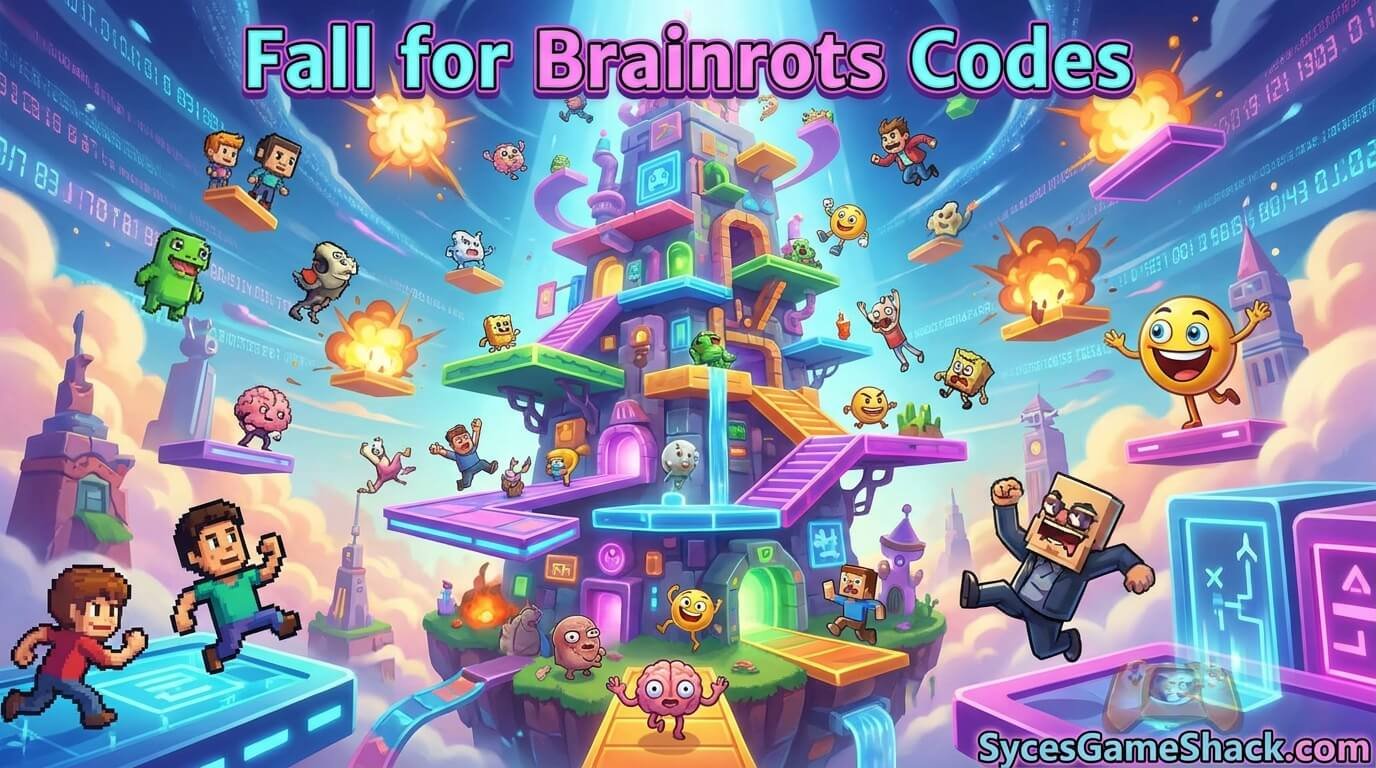
Fall for Brainrots features a growing roster of collectible Brainrot characters, ranging from common early finds to rare, code exclusive spawns. A few Brainrots that players have obtained through codes and regular play include:
| Brainrot | How to Get It |
|---|---|
| Strawberry Elephant | Standard collectible found while progressing through early zones |
| Galaxy Cappuccino Assassino | Code exclusive, unlocked with the 3NEWZONES code |
| Galaxy Chicleteira Bicicleteira | Code exclusive, unlocked with the 10MILVISITS code |
| “67” Lucky Block | Awarded by select codes such as 100KLIKES and 10MILVISITS, opens for a random Brainrot |
As the game receives more updates, expect the roster of collectible Brainrots to keep expanding, with rarer galaxy and event themed characters tied to future milestone codes.
How to Progress Faster: Pro Strategy Guide
These tips help you get more out of every run, whether you are just starting out or pushing toward the deepest zones:
Tip 1: Redeem Every Code Before You Start Playing
Free Barrier Tokens and Admin Coins from codes give you an immediate head start on Trails and upgrades. Work through every code from the tables above at the start of a new session at SycesGameShack.com before you begin grinding.
Tip 2: Do Not Over Invest in One Portal
Train at your current portal until progress noticeably slows, then move on. Sinking every resource into a single portal tier for too long is less efficient than upgrading to the next one when it becomes available.
Tip 3: Balance Barrier Tokens Between Saving and Spending
Save enough Barrier Tokens for a Trail that meaningfully boosts your Fall Speed, then spend the remainder once you can afford another useful upgrade. Hoarding tokens indefinitely slows your overall progress.
Tip 4: Place Every Brainrot at Your Base Immediately
Brainrots only generate passive income once they are placed and upgraded. A Brainrot left unused in your inventory earns nothing, even while you are offline.
Tip 5: Practice Escaping the Guard
Getting caught by the Guard can end a run early and cost you progress. Learning the timing and common patterns of the Guard helps you complete more runs successfully instead of losing them halfway through.
Tip 6: Check In Daily for New Codes
Since several codes are tied to visit counts, likes, and favorites, new ones can appear at any time. Checking in daily and redeeming fresh codes as soon as they go live keeps your resource stockpile growing steadily.
Where to Find New Codes First
| Source | What to Follow |
|---|---|
| Official Fall for Brainrots Discord | Announcements channel, where the developers post new codes and event updates |
| Official Roblox group | Group shouts sometimes carry code announcements and exclusive rewards |
| In game update notes | New zones, Trails, and features are often bundled with a celebratory code |
| SycesGameShack.com | We monitor all official sources and refresh this page whenever a new working code is confirmed |
Common Mistakes That Stop Codes From Working
- Typing a code by hand instead of copying it directly, which often introduces extra spaces or swapped characters
- Ignoring capitalization, since codes are case sensitive
- Trying to redeem the same code twice on one account
- Using outdated code lists instead of a page that is actively maintained
- Not rejoining the server after a fresh code fails, which can sometimes resolve loading issues
All Expired Fall for Brainrots Codes
These codes no longer work. Do not try to redeem them, since they will return an error every time:
| Expired Code |
|---|
| ADMINUPDATE |
| 1MILLIONMEMBERS |
| STORMY |
| 1MVISITS |
| TRAILUPDATE |
| RAINBOWUPDATE |
| WOW1000FAVS |
| RELEASEFFB |
Seeing how often older codes get retired is a useful signal on its own. It shows the developers release new codes fairly regularly around milestones and updates, so it is worth checking back often rather than assuming the list is final.
More Free Roblox Codes at SycesGameShack.com
For more Roblox game codes and guides, visit SycesGameShack.com, home base for all our Roblox codes and guides.
FAQs
How many Fall for Brainrots codes are working right now?
There are currently 10 verified working codes, covering Barrier Tokens, Admin Coins, Spins, and rare Brainrot spawns. Check SycesGameShack.com regularly, since we update this list as soon as new codes are confirmed.
What is the best Fall for Brainrots code right now?
100KLIKES is one of the strongest codes available, since it hands out 5,000 Barrier Tokens, 100 Admin Coins, 3 Spins, and a “67” Lucky Block all in one redemption. Codes like 3NEWZONES and 10MILVISITS are also worth prioritizing for their exclusive Brainrot spawns.
How do I redeem codes in Fall for Brainrots?
Open Fall for Brainrots in Roblox, tap the Codes icon on the left side of the screen, paste a code from this page into the Enter Code box, and press Confirm. Your reward is added instantly.
Are Fall for Brainrots codes case sensitive?
Yes. Always copy and paste codes directly from this page rather than typing them manually to avoid capitalization or spelling errors.
Why is my Fall for Brainrots code not working?
The most common reasons are an expired code, a typing error, or a code that has already been redeemed on your account. Try copying it directly from the list above and rejoin a fresh server if the issue continues.
Does Fall for Brainrots release codes often?
New codes tend to arrive around visit, like, and favorite milestones, as well as alongside content updates. There is no fixed schedule, so bookmarking a page that updates regularly, like this one, is the easiest way to keep up.
What do Barrier Tokens do in Fall for Brainrots?
Barrier Tokens are spent in the Trail shop to boost your Fall Speed multiplier, letting you fall through zones faster and reach rarer Brainrots more efficiently.
What are Admin Coins used for?
Admin Coins act as a secondary currency for special upgrades and unlocks that go beyond what standard in game money and Barrier Tokens cover.
Can I earn money while offline in Fall for Brainrots?
Yes. Once a Brainrot is collected and placed at your base, it continues generating passive income automatically, including while you are away from the game.
Where is the best place to find new Fall for Brainrots codes?
The official Discord server and Roblox group are the fastest official sources. You can also bookmark SycesGameShack.com, where we track all sources and update this page as soon as a new code is confirmed working.
Redeem All Fall for Brainrots Codes Right Now
There are 10 working Fall for Brainrots codes active right now, giving you Barrier Tokens, Admin Coins, Spins, and rare Brainrot spawns, all completely free.
Open Fall for Brainrots, head to the Codes menu, and start with 100KLIKES for the biggest resource boost, then work through every remaining code in the quick copy table above.
Bookmark SycesGameShack.com and check back regularly. We refresh this page whenever new codes go live so you never miss a free reward.


One Comment