Iron Snout Unblocked | Play Free Fighting Game at School No Download
Introduction
The wolves are coming from both sides. One swings an axe. You kick it back into his face. Another throws a chainsaw. You catch it mid-air and spin it into the wolf behind you.
A third wolf arrives carrying a rocket launcher, and you dodge the missile, grab the wolf, and throw him into his friends while simultaneously kicking a fifth wolf in the snout so hard he goes flying off-screen.
This is Iron Snout Unblocked, the most relentlessly fast, most satisfying, and most impressively smooth single-player fighting game you can play completely free in 2026, right in your browser, on any school Chromebook, with zero downloads and zero restrictions.
Iron Snout was created by SnoutUp Games, an independent developer who built this extraordinary browser fighting game and released it to the world completely free. The concept sounds simple: a pig fighting off an endless horde of wolves, but the execution is absolutely exceptional.
The combat system is deep enough to reward genuine skill and mastery while remaining immediately fun for complete beginners, which is an extremely rare combination in browser gaming.
In this complete 2026 guide, you will learn exactly what Iron Snout Unblocked is, every attack and combo available, the complete list of wolf enemy types and how to deal with each one, the best strategies for reaching the highest possible scores, and how to access the game completely free on any school device right now without downloading anything.
What Is Iron Snout Unblocked?
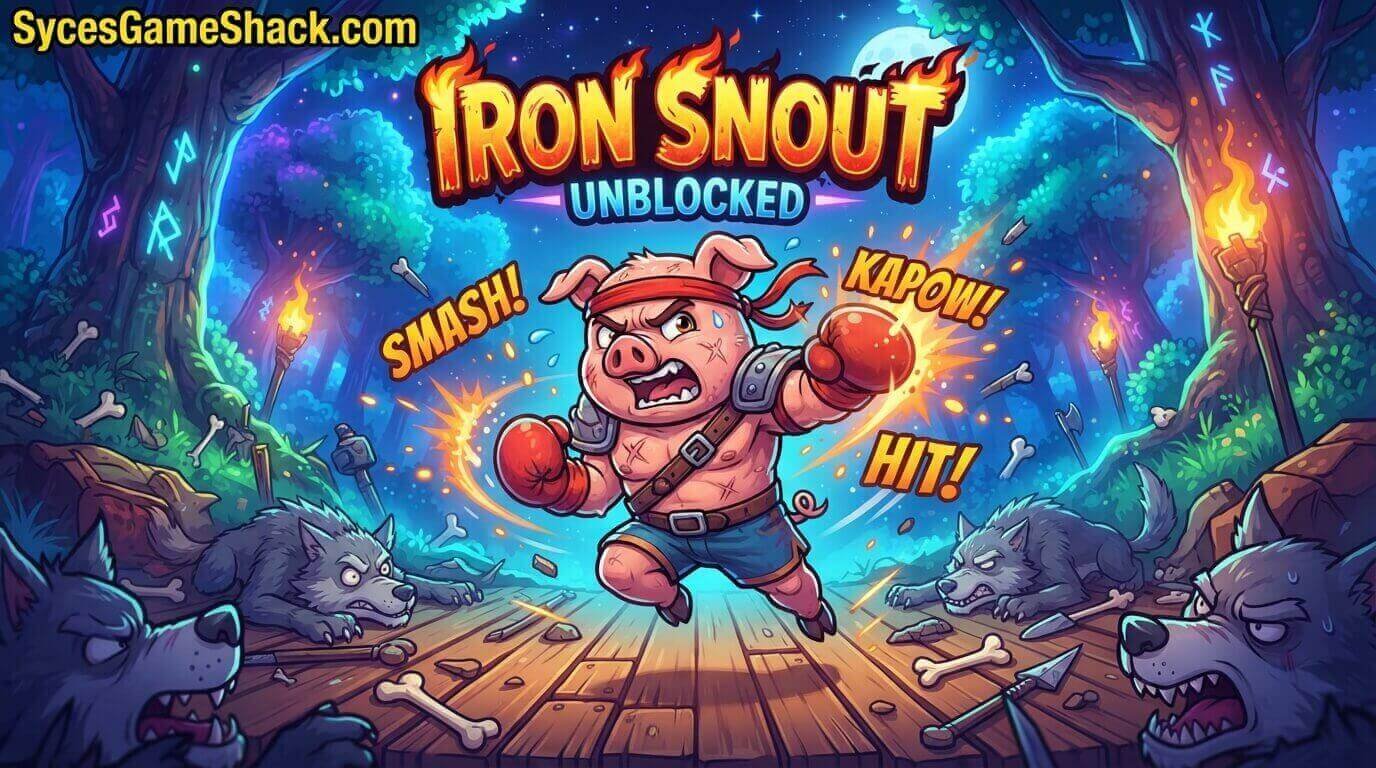
Iron Snout Unblocked is the browser-accessible version of Iron Snout by SnoutUp Games, playable on any school Chromebook, restricted school computer, or locked-down school network without needing a VPN, a proxy, a download, or any account or login.
The game runs entirely in your web browser using HTML5 technology and loads in seconds on any device. In the game, you control a pig standing alone in the centre of the screen as waves of increasingly dangerous and ridiculous wolves attack from both sides simultaneously.
Using only the arrow keys, you perform punches, kicks, aerial attacks, and special moves to defeat every wolf before they can hit you.
Each wolf eliminated adds to your score, and the game ends when your pig takes enough hits to be defeated. The goal is to survive as long as possible and reach the highest score you can achieve.
Why Iron Snout Unblocked Is One of the Best School Games in 2026
1. Combat That Feels Genuinely Exceptional for a Browser Game
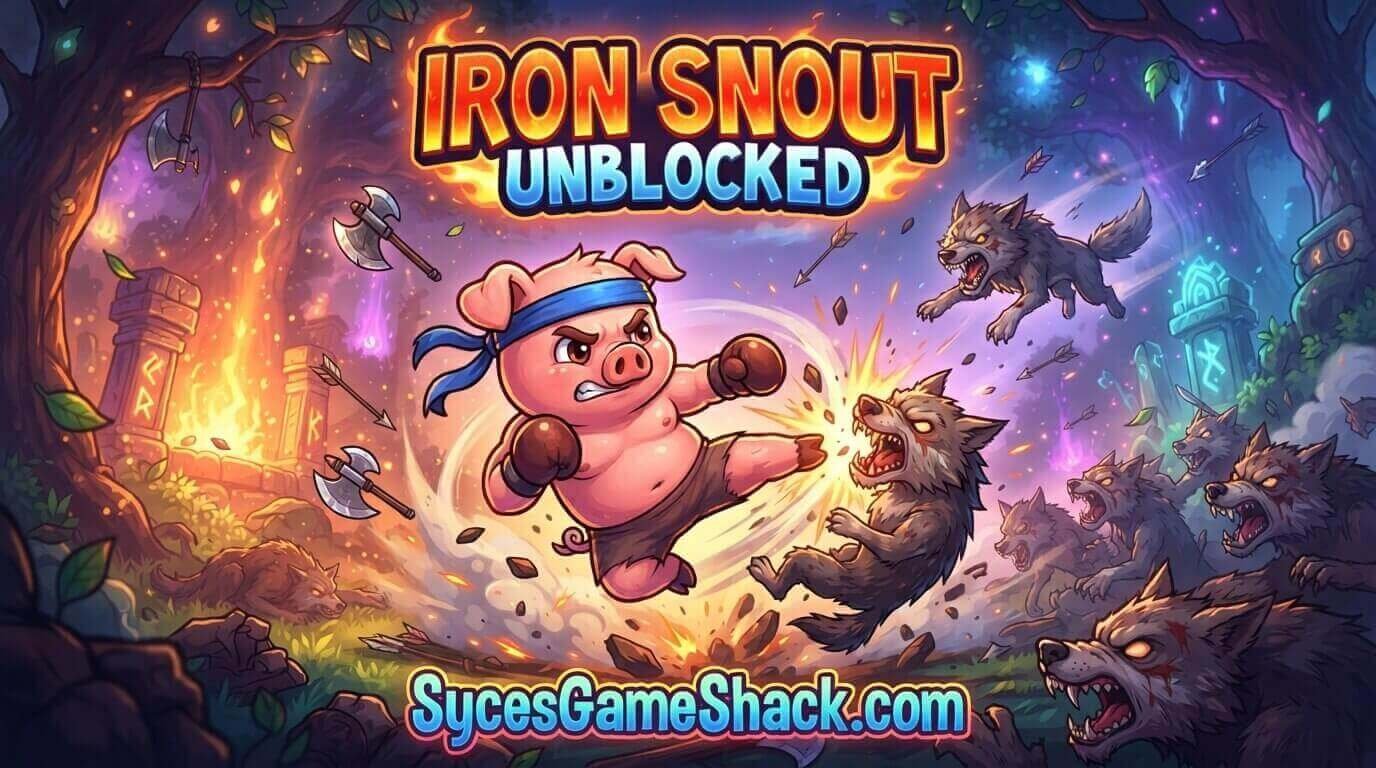
Iron Snout’s combat system is remarkably well-designed for a free browser game. The controls respond instantly, the attack animations are fluid and satisfying, and the enemy variety creates constantly changing combat scenarios that demand genuine adaptation and skill.
Most browser fighting games feel clunky and imprecise. Iron Snout feels like it belongs on a dedicated gaming platform.
2. Entirely Skill-Based With No Upgrades or Pay Mechanics
Iron Snout has no upgrade system and no currency. Your score is determined entirely by how skilled you are at the combat system.
This pure skill-based design creates a genuine and deeply satisfying competitive environment where the only way to improve your score is to genuinely get better at the game, a rarity among browser games in 2026.
3. Ridiculous Wolf Variety Keeps Every Session Fresh

The wolf enemy roster in Iron Snout is one of the most creative in browser gaming. Wolves arrive carrying axes, chainsaws, rocket launchers, umbrellas, giant hammers, spring boots, and dozens of other absurd weapons.
Each new weapon type requires a different response and keeps the game feeling fresh and surprising even across many play sessions.
4. No Download, No Login, Completely Free
Iron Snout Unblocked is 100% free with no account required and no download needed. Open the page and fight wolves immediately on any school device.
5. Perfect for Both Short and Long Sessions
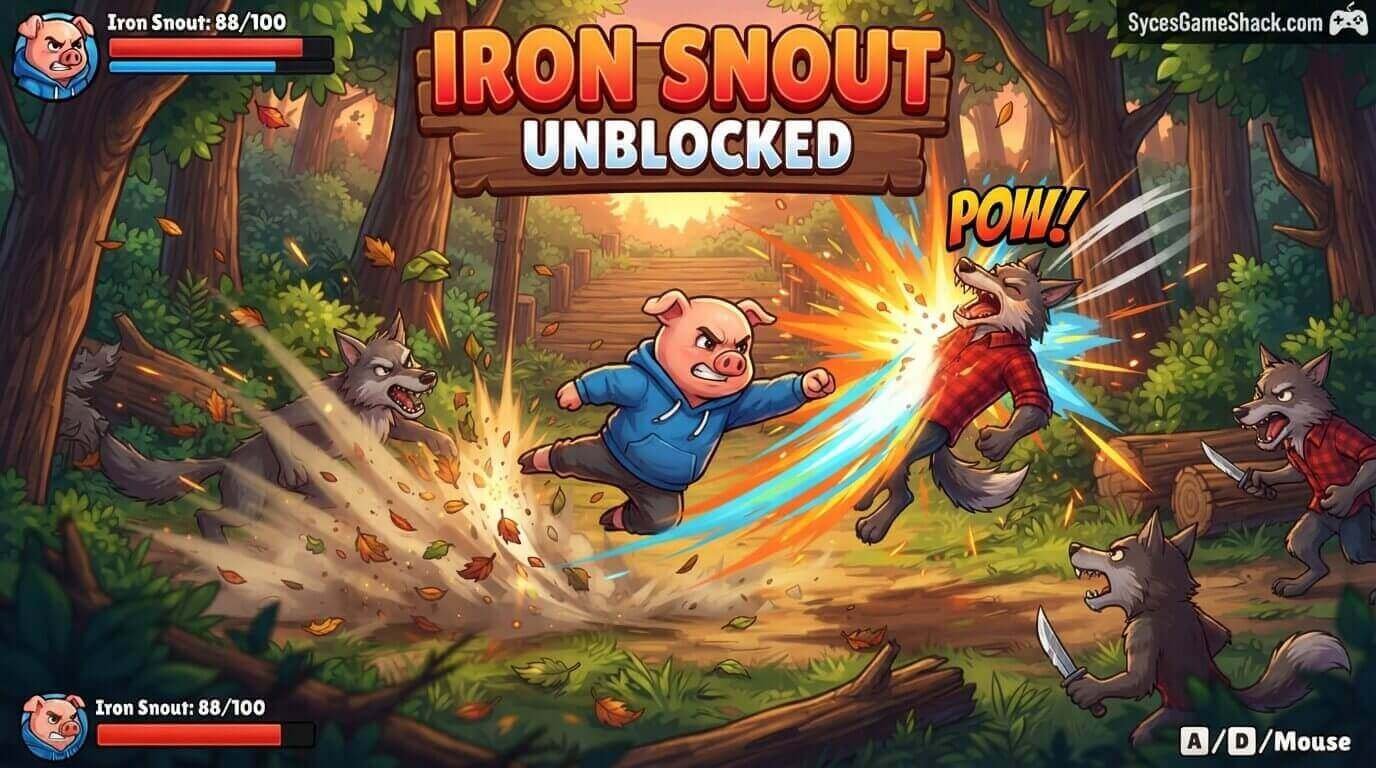
A beginner Iron Snout session might last 60 seconds. A skilled player can sustain a single session for 10 to 20 minutes.
This enormous range makes it equally suited for short school breaks and longer free periods, adjusting naturally to however much time you have available.
Iron Snout Unblocked Complete Controls and Attack Guide
Basic Movement and Attack Controls
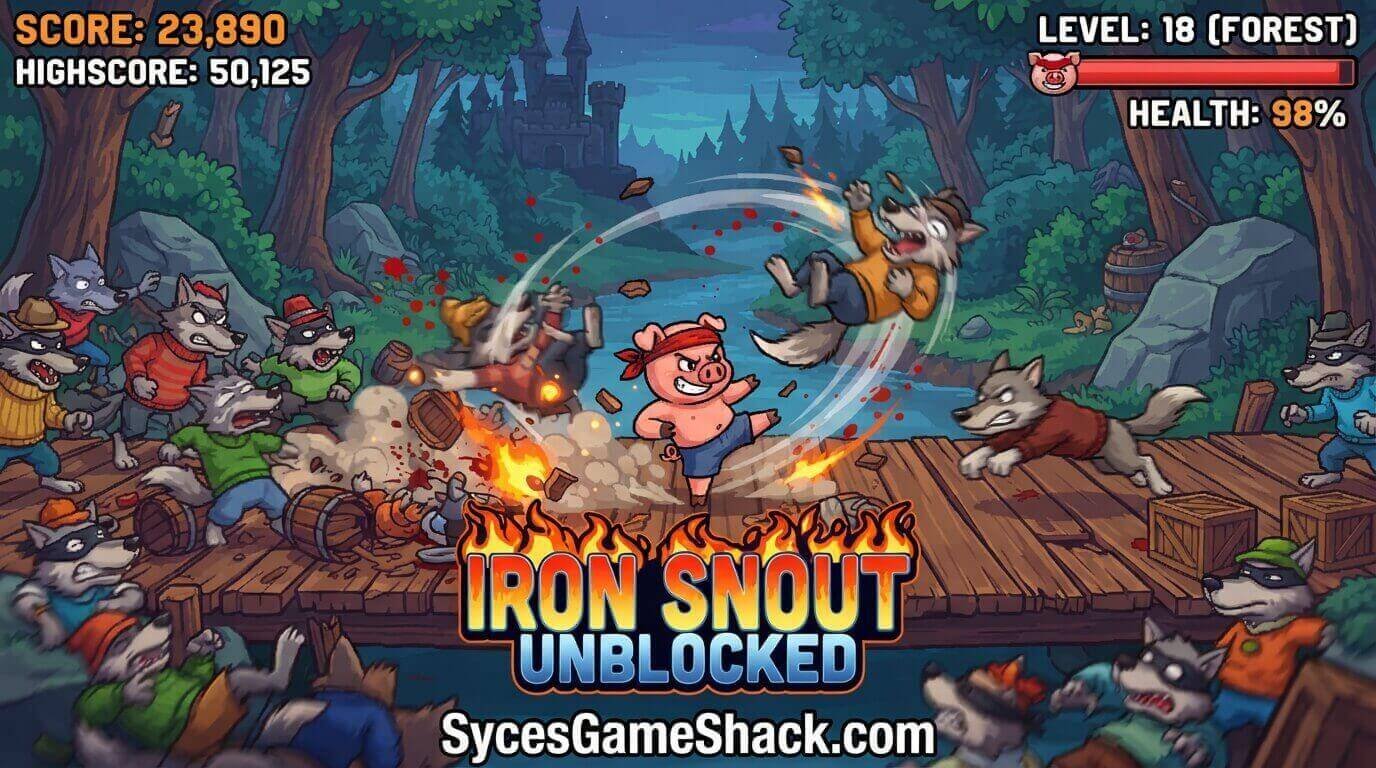
- Left Arrow: Punch left / Block incoming attacks from the left
- Right Arrow: Punch right / Block incoming attacks from the right
- Up Arrow: Jump / Aerial kick
- Down Arrow: Low kick / Sweep attack
Combo Attacks
Pressing arrow keys in combinations produces combo attacks that deal more damage and have different ranges than basic single-direction attacks. Here are the most important combos to master:
- Up + Left or Up + Right: Aerial jump kick launches your pig into the air for a high-damage kick in the chosen direction
- Down + Left or Down + Right: Low sweep kick hits wolves at ground level and has excellent horizontal range
- Rapid Left or Right: Rapid punch combo, multiple quick hits that can stagger wolves before they can attack
- Up then Down mid-air: Aerial slam drops your pig downward with a high-damage slam attack
The Weapon Catch Mechanic
One of Iron Snout’s most spectacular mechanics is the ability to catch weapons that wolves throw at you and redirect them into other wolves.
When a wolf throws a weapon, press the arrow key in the direction it is coming from at the right moment to catch it rather than taking damage.
The caught weapon is then automatically deflected back into the nearest enemy. Mastering weapon catching is the skill that separates average players from great ones.
The Aerial Combat System
Your pig can jump and perform aerial attacks that hit wolves at a completely different height than ground-level attacks.
Many wolves can only be effectively countered while you are airborne, particularly wolves who attack from above or use long weapons that hit at ground level.
Learning when to jump into aerial combat versus staying on the ground is a key strategic element of high-level Iron Snout play.
Iron Snout Unblocked Complete Wolf Enemy Guide
Basic Wolves
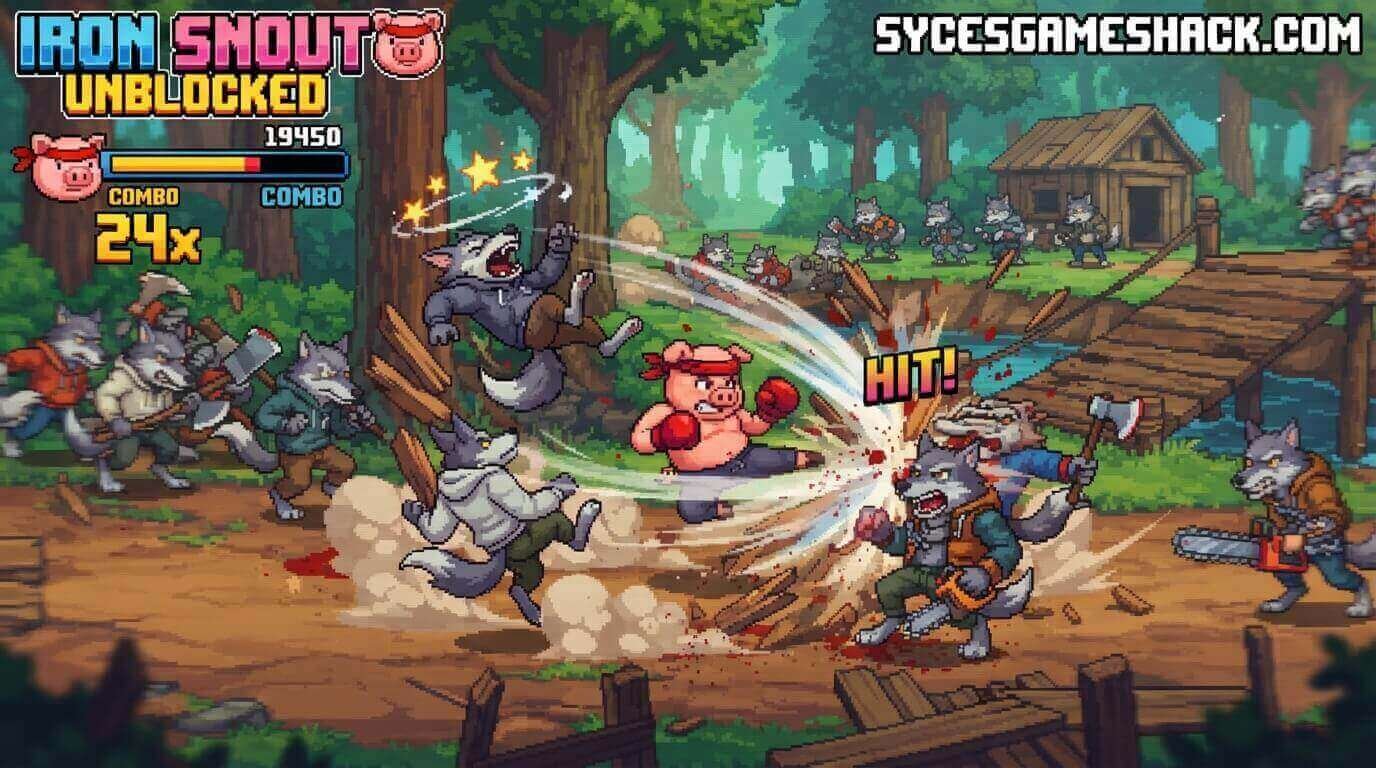
Standard wolves arrive from either side and attack with basic punches and kicks. They are the easiest enemies to deal with and appear frequently throughout all difficulty levels.
Deal with them using basic directional attacks, and do not waste special moves on enemies that basic punches can handle.
Axe Wolves
Axe-wielding wolves swing their axes in a wide arc that can hit you if you are directly in front of them. Counter axe wolves by jumping over the axe swing and attacking from above, or by using a low sweep kick that goes under the axe’s arc. Catching the axe and deflecting it is also possible with perfect timing.
Chainsaw Wolves
Chainsaw wolves are more dangerous than axe wolves because the chainsaw deals continuous damage if it makes contact, rather than a single hit. Jump over the chainsaw attack and counterattack from the air.
Alternatively, catch the thrown chainsaw version of the attack and redirect it for massive damage against nearby wolves.
Rocket Launcher Wolves
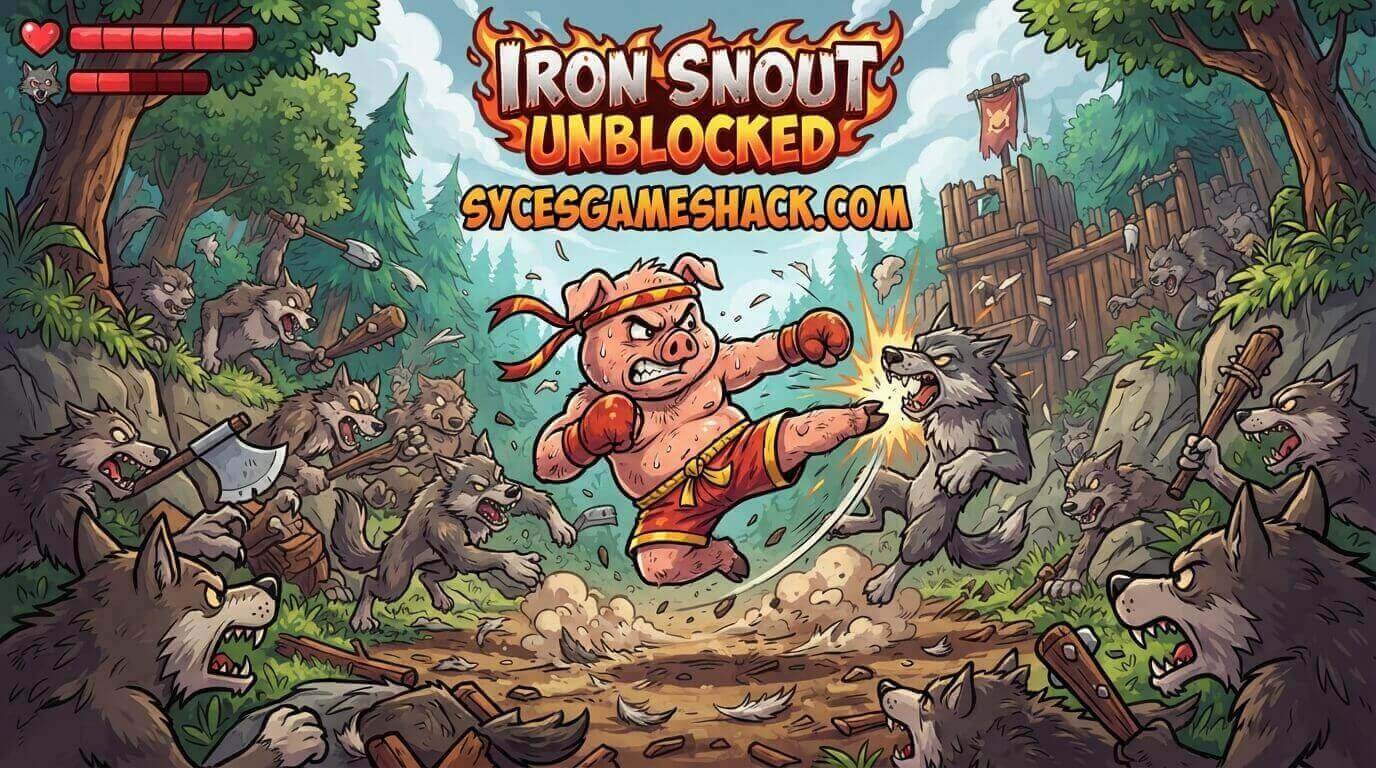
Rocket launcher wolves fire missiles that travel across the screen and require you to dodge them carefully. Jump over low missiles, duck under high ones, or catch them for a devastating redirect.
Rocket launcher wolves appear at higher difficulty levels and require quick reading of the missile trajectory to counter effectively.
Giant Boss Wolves
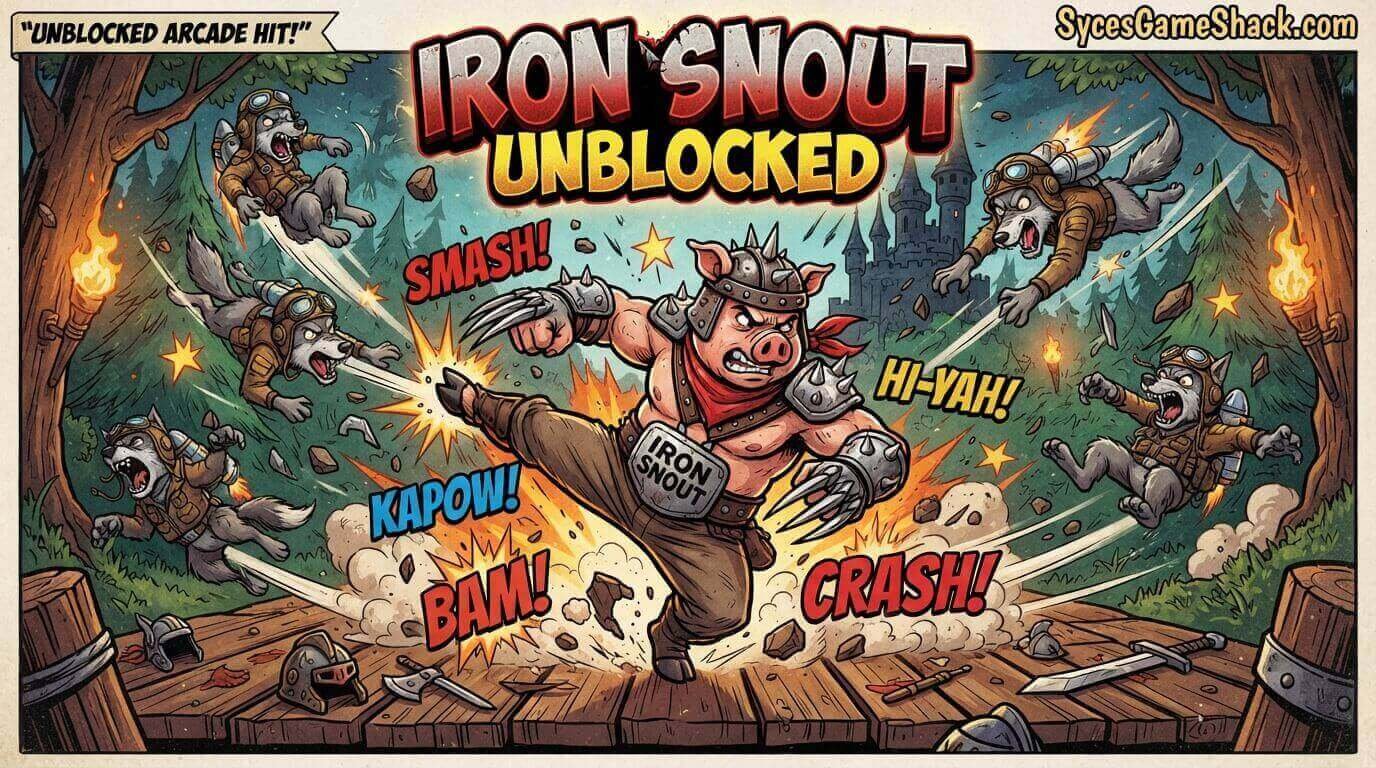
Giant wolves with enormous health bars appear as milestone enemies at certain score thresholds. They require significantly more hits to defeat than standard wolves and have more powerful attacks that are harder to dodge.
Use aerial combos and weapon catches to deal maximum damage during the windows between their attacks.
Iron Snout Unblocked Pro Tips for Maximum Score
Tip 1: Never Stop Moving
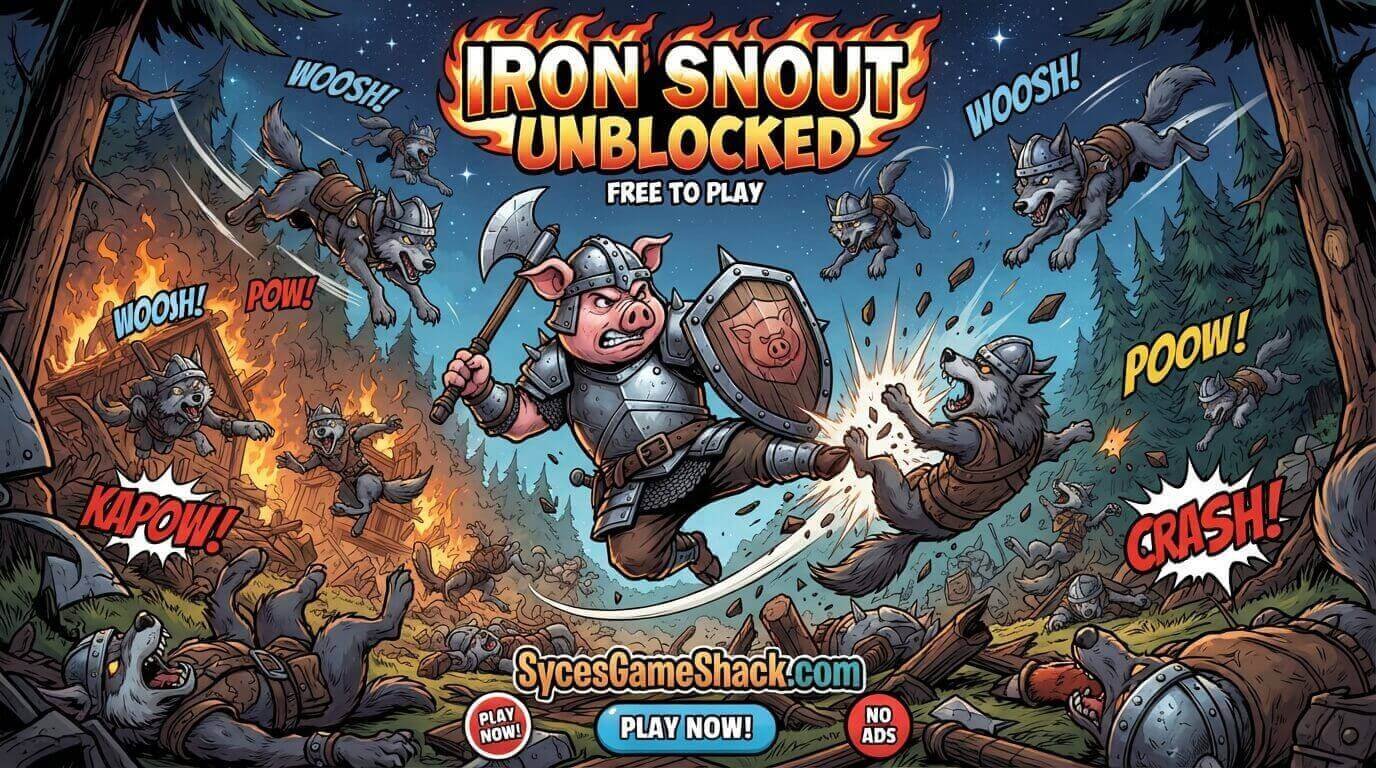
Standing still in the centre of the screen is the fastest way to take damage in Iron Snout. Wolves attack from both sides simultaneously, and a stationary pig gets hit by attacks it could have dodged with simple movement. Always be actively jumping, crouching, or attacking rather than waiting for wolves to come to you.
Tip 2: Prioritise Weapon Catches Over Direct Attacks
A successful weapon catch does two things simultaneously: it prevents you from taking damage and deals damage to nearby enemies without you having to spend any additional actions.
Weapon catches are the highest-efficiency action available in Iron Snout. Invest practice time into perfecting your catch timing, and your score will improve dramatically.
Tip 3: Watch Both Sides at Once
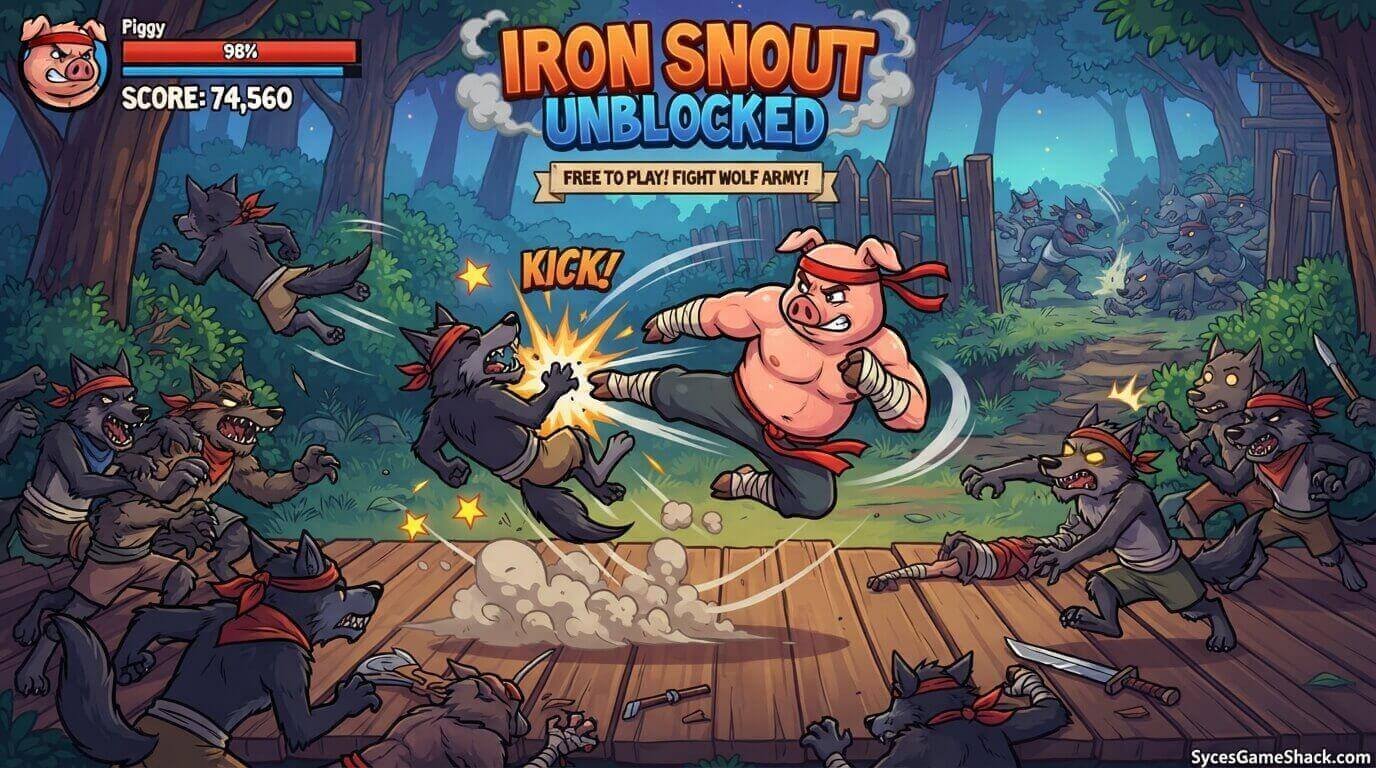
Wolves attack from both left and right simultaneously in Iron Snout. New players tend to focus on one side and get hit from the other.
Train yourself to track threats on both sides of the screen simultaneously by keeping your attention in the centre rather than locked onto any individual wolf.
Tip 4: Use Aerial Attacks When the Ground Gets Crowded
When multiple wolves are attacking from both sides at ground level, jumping into the air and using aerial attacks gives you a brief moment of safety while still dealing damage.
Aerial attacks hit wolves from above at an angle that many ground-level attacks cannot reach, giving you the ability to thin out a crowded ground situation from the safety of the air.
Tip 5: Learn the Cooldown Between Combos
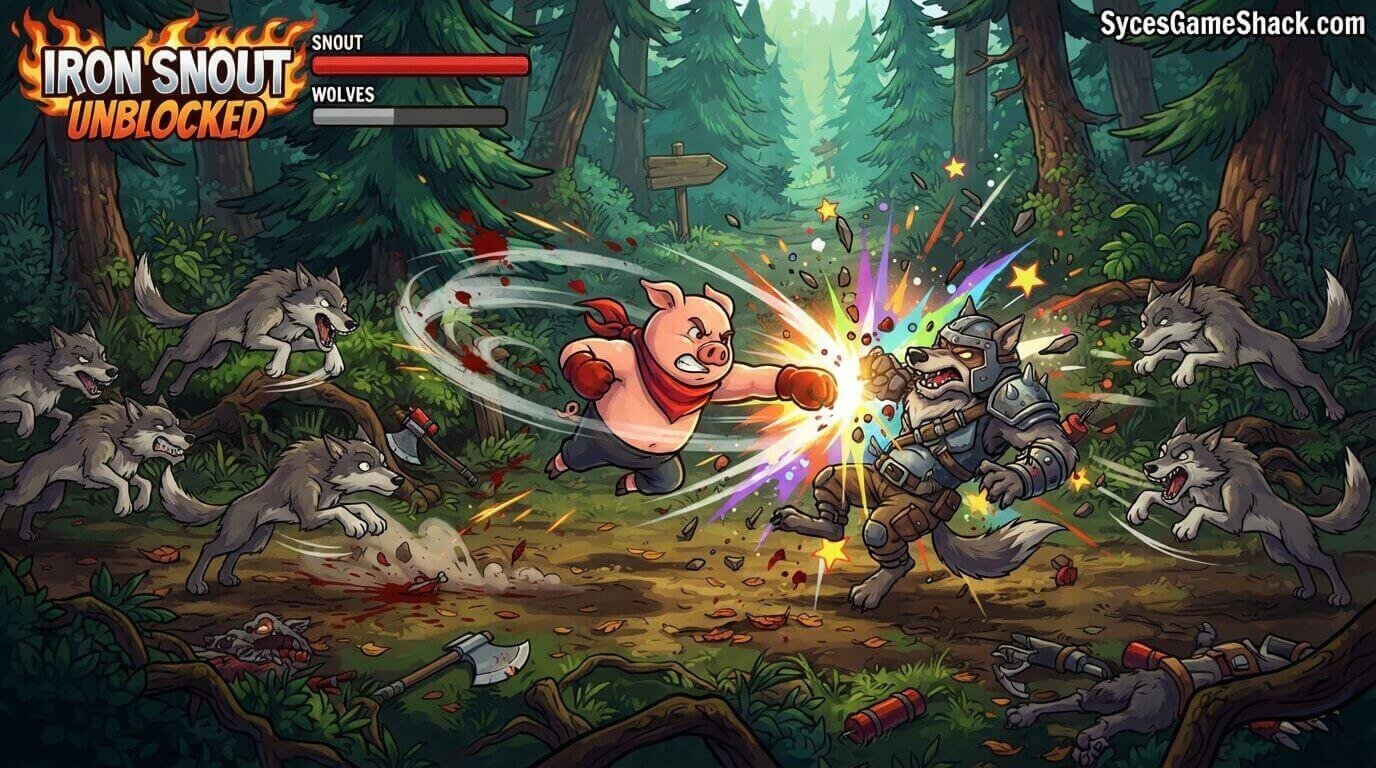
Every combo attack in Iron Snout has a brief recovery animation at the end. During this recovery, your pig cannot perform any actions and is vulnerable.
Learn the length of each attack’s recovery time so you can plan your next attack or dodge before the recovery even finishes. Players who minimise time spent in recovery animations sustain much higher damage output over time.
Is Iron Snout Unblocked Safe to Play at School?
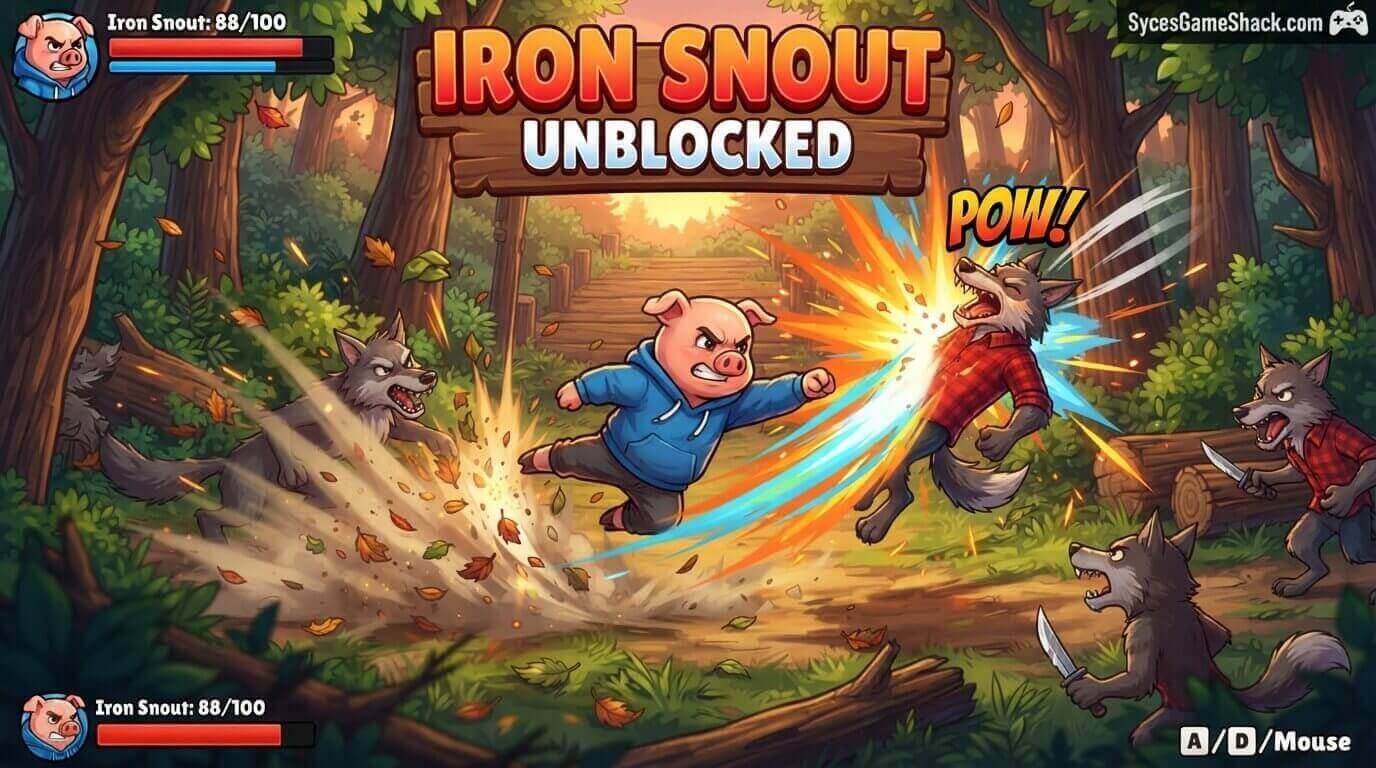
- Cartoon-style combat: The game features a cartoon pig fighting cartoon wolves with completely stylised, non-realistic combat animations. There is no blood, no graphic violence, and the visual style is entirely family-friendly.
- No communication features: No chat, no online social features, and no interaction with other players.
- No personal data required: No account or personal information needed to play.
- No downloads: Runs entirely in the browser with no installation required.
Similar Games to Iron Snout Unblocked on Syces Game Shack
- Happy Wheels Unblocked: Physics-based obstacle course mayhem with the same comedy-violence style as Iron Snout.
- Ragdoll Archers Unblocked: Physics-based archery combat with stickman characters and satisfying ragdoll mechanics.
- Getaway Shootout Unblocked: Chaotic 2-player action game with the same pick-up-and-play, immediate fun.
- Stickman Hook Unblocked: Fast-paced stickman skill game with similarly satisfying moment-to-moment gameplay.
FAQs
1. What is Iron Snout Unblocked?
Iron Snout Unblocked is a free browser fighting game playable on any school Chromebook without downloads or restrictions. You control a pig fighting endless waves of wolves using directional arrow key attacks, catching enemy weapons and redirecting them, and performing aerial combos to achieve the highest possible score.
2. Is Iron Snout Unblocked free to play?
Yes, completely free. No hidden costs, no upgrade purchases, and no pay-to-win elements of any kind. The game is entirely skill-based with no monetisation whatsoever.
3. Can I play Iron Snout at school on a Chromebook?
Yes. Iron Snout Unblocked runs in your browser using HTML5 technology. It works on school Chromebooks and restricted school networks without downloads or special permissions.
4. What are the controls for Iron Snout?
Iron Snout uses only the arrow keys. Left and right arrows punch in those directions. Up arrow jumps and performs aerial attacks. Down arrow performs low kicks and sweeps. Combining arrow keys produces combo attacks, and pressing the direction of an incoming weapon catches and deflects it.
5. How do I catch weapons in Iron Snout?
When a wolf throws a weapon at you, press the arrow key pointing toward the incoming weapon at the exact moment just before it reaches you. Successful timing catches the weapon and automatically deflects it back into nearby enemies. This mechanic is the most powerful defensive and offensive tool in the game.
6. Does Iron Snout have different game modes?
Iron Snout features a standard endless survival mode where you fight waves of wolves until you are defeated. The game also includes different arena layouts and visual themes that change the background and enemy appearance while keeping the core gameplay consistent. Some versions include a two-player local mode for competitive fighting against a friend.
7. Who created Iron Snout?
Iron Snout was created by SnoutUp Games, an independent game developer who released the game completely free on browser gaming platforms. Despite being a solo developer project available at no cost, Iron Snout’s quality rivals paid mobile fighting games in terms of its combat feel, animation quality, and overall polish.
8. What is the highest possible score in Iron Snout?
Iron Snout is an endless survival game with no score cap. The highest scores are achieved by skilled players who sustain very long sessions without taking enough damage to be defeated. Scores in the thousands of wolves defeated are considered exceptional. The combination of skill development, weapon catching mastery, and aerial combat proficiency is what separates average scores from truly extraordinary ones.
9. Can I play Iron Snout Unblocked on mobile?
Iron Snout was designed for keyboard play and is optimised for desktop and laptop computers. While mobile versions of Iron Snout exist with touch controls, the arrow key controls of the unblocked browser version work best with a physical keyboard. For the smoothest and most responsive experience, play on a school Chromebook or computer.





One Comment