Slope Unblocked: Play Free at School 2026
Introduction
Slope Unblocked is the most addictive and fast-paced browser game that millions of students play at school every single day in 2026. If your school blocks gaming sites, do not worry you can play Slope Unblocked right here on Syces Game Shack with zero downloads and zero restrictions.
This is the only complete guide you will ever need for Slope Unblocked covering how to play, pro tips to beat high scores, why it works on school Chromebooks, alternative versions, and everything in between.
⚡ Quick Game Info Slope Unblocked 2026
| Game Name | Slope Unblocked |
| Genre | Endless Runner / Arcade |
| Platform | Browser (PC, Chromebook, Mobile) |
| Download Required | NO Play Instantly |
| Cost | 100% FREE |
| Works at School | YES Always Unblocked |
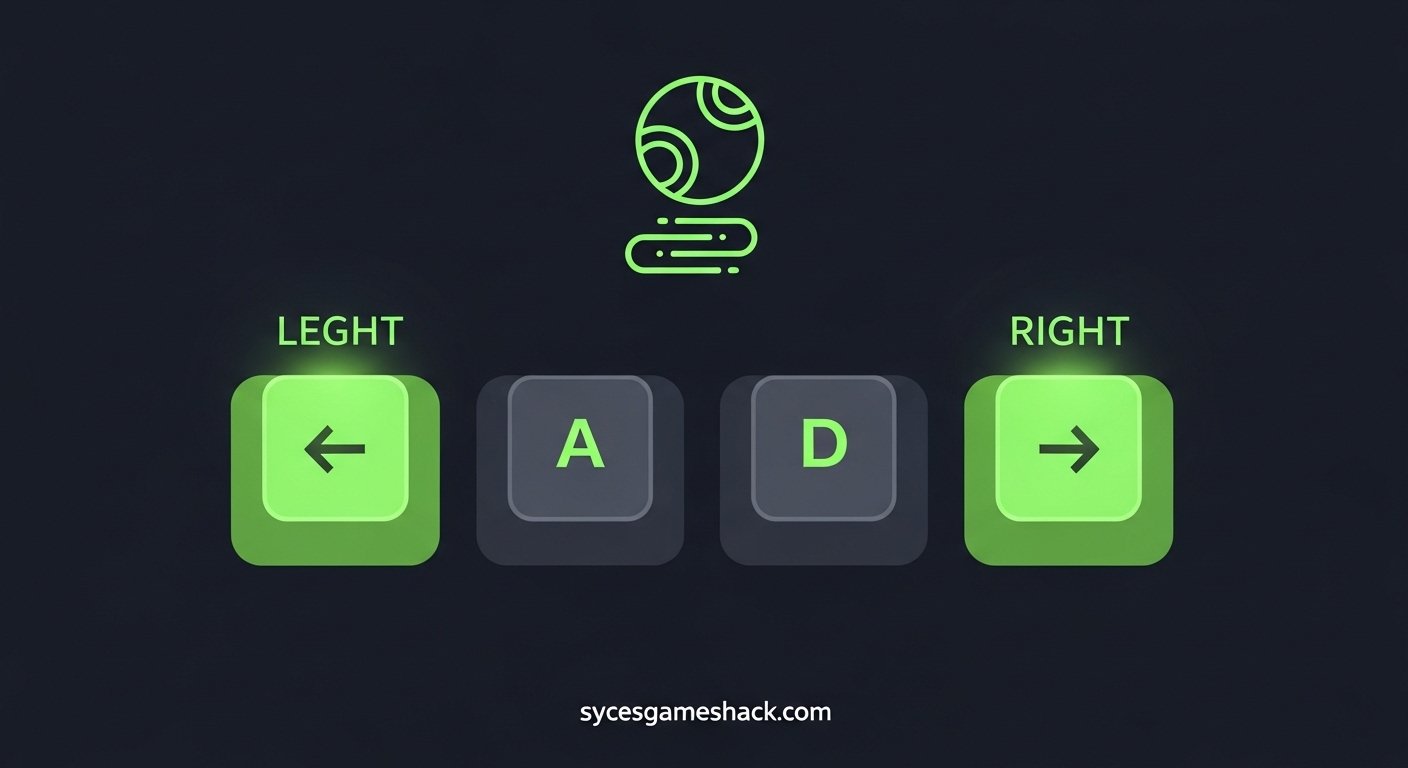
| Controls | Arrow Keys or A / D Keys |
📋 Table of Contents
- What Is Slope Unblocked?
- How to Play Slope Unblocked at School
- Slope Unblocked Controls Full Guide
- 10 Pro Tips to Get a High Score
- Why Is Slope Unblocked So Addictive?
- How to Play on Chromebook Without Lag
- Best Slope Unblocked Versions in 2026
- Best Games Similar to Slope Unblocked
- How to Play Slope Unblocked on Mobile
- Frequently Asked Questions
What Is Slope Unblocked?
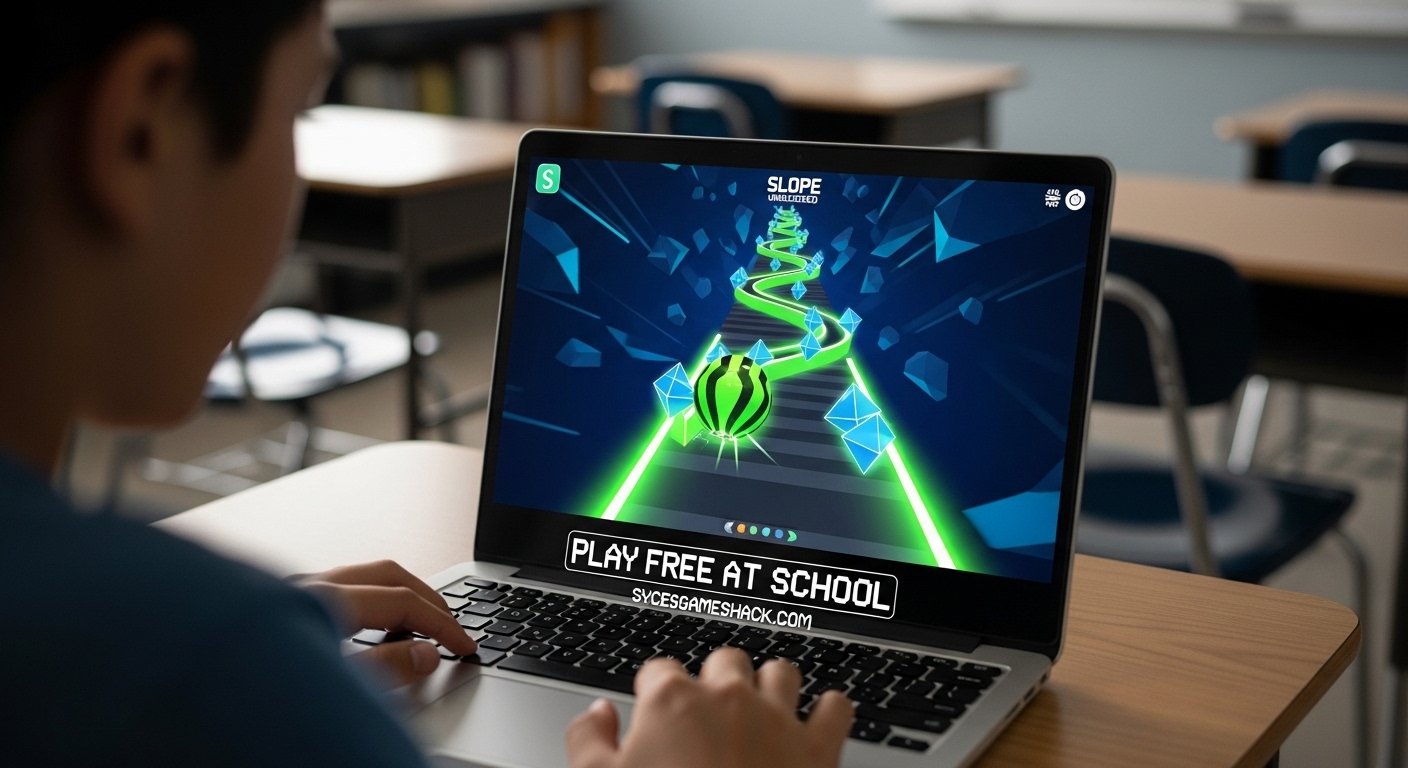
Slope Unblocked is a 3D endless runner game where you control a glowing neon ball rolling down a steep, never-ending track in space. Your only job is to steer left and right to avoid red obstacles and stay on the platform as long as possible.
The game was originally created by Rob Kay and became one of the most played browser games in the world because of its simple but incredibly challenging gameplay. The “unblocked” version means you can play it at school, at work, or anywhere even on networks that block regular gaming websites.
🎯 What Makes It Special
Every single run in Slope Unblocked generates a completely new track. No two runs are ever the same. This is why players keep coming back you can never memorize the course because it is always different.
The game has no levels and no finish line. It simply goes faster and faster until you crash. The best players in the world compete to see who can survive the longest and rack up the highest score.
On Syces Game Shack, you can play the full Slope Unblocked experience right in your browser with no ads interrupting your run and no login required.
How to Play Slope Unblocked at School Step by Step
Playing Slope Unblocked at school is incredibly simple when you use the right website. Here is exactly what you need to do to start playing right now.
- Open your browser Chrome, Firefox, Edge, or Safari all work perfectly.
- Visit sycesgameshack.com This site is always accessible, even on school networks.
- Find Slope Unblocked Use the search bar or find it in the Unblocked Games category.
- Click Play The game loads instantly inside your browser. No download needed.
- Use arrow keys or A/D keys Steer the ball left and right to avoid obstacles.
- Survive as long as possible The longer you stay on the track, the higher your score.
The entire process from opening the browser to actually playing takes less than 10 seconds. There is no account to create, no app to install, and no payment required it is completely free every single time.
✅ School Network Tip
Syces Game Shack uses a clean domain that is not flagged by most school network filters. The game runs using HTML5 technology, which looks identical to normal web browsing to school firewalls.
Slope Unblocked Controls Complete Control Guide 2026
One of the best things about Slope Unblocked is that it uses the simplest controls possible just two keys. But mastering those two keys at high speed is what separates beginners from experts.
| Platform | Move Left | Move Right | Restart |
|---|---|---|---|
| PC / Laptop | ← Arrow Key or A | → Arrow Key or D | Enter or Space |
| Chromebook | ← Arrow Key or A | → Arrow Key or D | Enter |
| Mobile / Phone | Tap Left Side | Tap Right Side | Tap Screen |
| Tablet | Tap Left Side | Tap Right Side | Tap Screen |
Pro Control Tip: Most expert players prefer using A and D keys instead of arrow keys. The reason is that A and D keys are positioned better for your left hand, which means your fingers are more relaxed during long runs. This small change can dramatically improve your reaction time.
10 Pro Tips to Get the Highest Score in Slope Unblocked

These are the exact tips used by the top-scoring Slope Unblocked players in 2026. Follow all of them and you will see your scores climb dramatically within just a few practice sessions.
Tip 1: Always Stay in the Middle of the Track
Keeping your ball in the center gives you the maximum amount of reaction time on both sides. If you hug one side of the track, you cut off half your escape routes.
Tip 2: Look Ahead, Not at the Ball
The biggest mistake beginners make is staring directly at the ball. Train your eyes to look about 3 to 5 seconds ahead of where the ball currently is so you can see obstacles before they arrive.
Tip 3: Use Small and Gentle Steering Inputs
The physics engine in Slope amplifies every movement you make. Small, gentle taps on the keys keep the ball stable. Hard, long key presses send the ball flying off the edge.
Tip 4: Never Hold the Key Down for Too Long
Holding left or right for more than 200 milliseconds at high speeds almost always results in oversteering and falling off. Tap and release quickly, then correct.
Tip 5: Use Walls as a Speed Brake
When the game gets dangerously fast, you can lightly brush against the tunnel walls to scrub off a tiny bit of speed. This buys you extra milliseconds to react to upcoming obstacles.
Tip 6: Play in Fullscreen Mode
Always press F11 to go fullscreen before playing. A larger view gives you more visual information about the track ahead and reduces the chance of missing obstacles at the edges of the screen.
Tip 7: Close All Other Browser Tabs
Other open tabs steal processing power from your Chromebook or PC. Close everything else before playing Slope to ensure the smoothest and fastest frame rate possible.
Tip 8: Practice Short Sessions, Not Marathon Sessions
Your reaction time drops sharply after 20 to 30 minutes of continuous play. Short focused sessions of 10 to 15 minutes with breaks in between will improve your skills faster than long, tired practice sessions.
Tip 9: Memorize the Color Signals
In Slope Unblocked, the neon green areas are safe track. The red areas are walls and obstacles you must avoid. Train your brain to react immediately when you see red appear anywhere on the screen.
Tip 10: Learn to Predict the Turns
Even though the track is randomly generated, certain patterns repeat more often than others. After 20 to 30 runs, you will start noticing these patterns and your brain will begin predicting turns before they happen this is when your scores will explode.
Why Is Slope Unblocked So Addictive? The Science Behind It
Slope Unblocked has one of the highest replaying rates of any browser game ever made. There are specific psychological and game design reasons why this game is almost impossible to put down once you start.
Instant Restart: When you crash, the game restarts in under 1 second. There is zero waiting time, zero loading screen, and zero penalty. This instant restart loop is one of the most powerful addiction mechanics in game design.
Always Increasing Speed: The ball gets faster the longer you survive. This creates a constant state of growing tension and excitement that keeps your adrenaline pumping throughout every single run.
Unique Track Every Time: Because the course is procedurally generated, no two runs are identical. This means the game never gets boring because you are always experiencing something new.
Personal Best Competition: Humans are naturally competitive with themselves. Every time you see your previous high score, your brain immediately wants to beat it. Slope exploits this perfectly because there is always a reason to play one more run.
Simple but Impossible to Master: The controls are so simple that a 5-year-old can understand them. But getting a truly great score requires hundreds of hours of practice. This gap between how easy it is to start and how hard it is to master is the definition of a perfect game.
How to Play Slope Unblocked on Chromebook Without Lag
Most students play Slope Unblocked on school-issued Chromebooks. These devices are not gaming computers, so you need to optimize your setup to get the best possible performance. Here is exactly how to do it.
Step 1: Close All Other Tabs: Open Chrome’s task manager (Shift + Esc) and close any tabs using more than 100MB of memory. Even one heavy tab can cut your frame rate in half.
Step 2: Enable Hardware Acceleration: Go to Chrome Settings, search for “hardware acceleration,” and make sure it is turned ON. This forces the Chromebook’s GPU to help render the 3D graphics instead of relying only on the CPU.
Step 3: Use Fullscreen: Press F11 or the full-screen key to enter full browser mode. This removes the browser toolbar and gives the game more screen real estate and processing power.
Step 4 Connect to Power: If your Chromebook is in battery-saving mode, it throttles the CPU to save energy. Plug in your charger before playing to unlock full performance speed.
Step 5: Use Chrome, Not Other Browsers. Chrome has the best WebGL and HTML5 support of any browser. On a Chromebook, Chrome will always give you the smoothest Slope Unblocked experience.
Best Slope Unblocked Versions in 2026

There are several different versions of Slope Unblocked available online in 2026. Each version has its own features, but the core gameplay remains the same. Here is a breakdown of the most popular versions.
| Version | What’s Different | Best For |
|---|---|---|
| Slope Classic | Original green neon track, standard speed | Beginners and casual players |
| Slope 2 | Updated graphics, more obstacle types | Intermediate players |
| Slope 3 | Full 3D graphics, wider track, more obstacles | Advanced players |
| Slope Tunnel | Plays inside tunnels, claustrophobic feel | Players who want a new challenge |
| Slope Ball | Different ball physics, bouncier movement | Experienced players wanting variety |
All of these versions are available completely free on Syces Game Shack. You can switch between versions anytime and they all work perfectly on school Chromebooks and PCs.
Best Games Similar to Slope Unblocked Play on Syces Game Shack
If you love Slope Unblocked, these similar games are guaranteed to give you the same kind of fast-paced, addictive experience. All of them are available free and unblocked on Syces Game Shack.
🏎️ Drift Boss Unblocked
One-button driving game on a twisting track. Simple to learn, incredibly hard to master. Perfect between classes.
🏃 Run 3 Unblocked
Run through tunnels in space, jump across gaps, and unlock new characters. Very similar feel to Slope.
🎮 1v1 LOL Unblocked
Competitive building and shooting game. Challenge your friends to 1v1 matches right in the browser.
🏈 Retro Bowl Unblocked
American football management and gameplay. Huge hit with USA students. Simple and deeply strategic.
🏍️ Moto X3M Unblocked
Motorcycle obstacle course game with increasingly crazy level designs. Very addictive and satisfying.
🍪 Cookie Clicker Unblocked
The most famous idle game ever made. Click cookies, buy upgrades, build an empire. Impossible to stop.
How to Play Slope Unblocked on Mobile Phone Full Guide
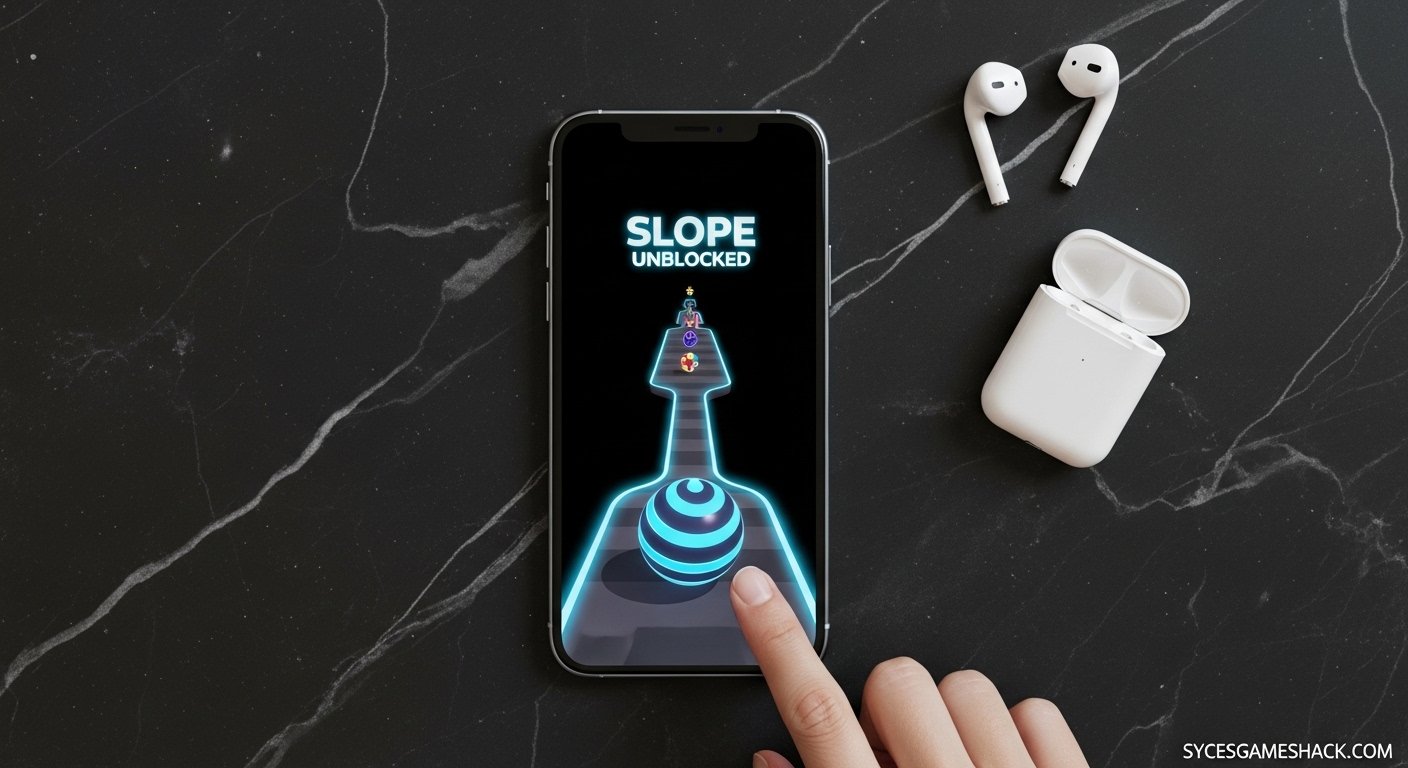
Yes Slope Unblocked works perfectly on your iPhone or Android phone. You do not need any app and you do not need to download anything. Here is how to play on mobile in 2026.
Step 1: Open Safari (iPhone) or Chrome (Android) on your phone.
Step 2: Go to sycesgameshack.com and find Slope Unblocked.
Step 3: Tap the game to load it. It will start automatically inside your browser.
Step 4: Tap the left side of your screen to steer left. Tap the right side to steer right. That is the entire control scheme on mobile even simpler than keyboard controls.
Step 5: For the best mobile experience, rotate your phone to landscape mode (horizontal). This gives you a wider view of the track and makes it much easier to react to obstacles.
📱 Mobile Performance Tip
Close all other apps before playing Slope on your phone. On mobile, background apps steal RAM and cause the game to lag or stutter at high speeds this will end your runs prematurely.
Final Thoughts Play Slope Unblocked on Syces Game Shack Today
Slope Unblocked is without question one of the greatest browser games ever made. Its combination of simple controls, endless challenge, instant restarts, and unique procedurally generated tracks creates a gaming experience that is genuinely impossible to put down.
Whether you have 2 minutes between classes or a full lunch break to kill, Slope Unblocked delivers non-stop excitement every single time you play. And on Syces Game Shack, it is always free, always unblocked, and always ready to play with zero downloads and zero ads interrupting your runs.
FAQs
Is Slope Unblocked free to play?
Yes, Slope Unblocked is 100% free to play on Syces Game Shack. There is no cost, no subscription, and no in-app purchases of any kind.
Do I need to download Slope Unblocked?
No. Slope Unblocked runs entirely inside your web browser using HTML5 technology. You do not need to download any app, plugin, or software. Just open the browser and play instantly.
Can I play Slope Unblocked at school?
Yes. Syces Game Shack hosts Slope Unblocked in a way that bypasses most school network filters. Thousands of students play it at school every day without any issues.
Does Slope Unblocked work on Chromebook?
Absolutely. Slope Unblocked is one of the best Chromebook games available because it uses lightweight HTML5 and WebGL technology that runs smoothly even on low-powered school Chromebooks.
What is the highest score ever in Slope Unblocked?
There is no official world record tracker for Slope Unblocked, but scores in the hundreds are considered expert level. Most casual players score between 10 and 50 on a good run. Getting above 100 consistently puts you in the top percentage of players worldwide.
Does the Slope Unblocked track change every time?
Yes. The track in Slope Unblocked is procedurally generated, meaning it is computer-created fresh for every single run. No two runs are ever identical. This is one of the main reasons the game never gets boring.
Does Slope Unblocked have an ending?
No. Slope Unblocked is an endless game. There is no finish line and no final boss. The game simply gets faster and faster until you crash or fall off the track. The goal is always to beat your own personal best score.
Is Slope Unblocked safe for kids?
Yes. Slope Unblocked contains no violence, no inappropriate content, and no chat features. It is a clean, skill-based arcade game that is appropriate for all ages. On Syces Game Shack it is also served without harmful ads.
Can I play Slope Unblocked with friends?
Slope Unblocked is a single-player game, but you can absolutely compete with friends by comparing high scores. Take a screenshot of your score, share it, and challenge your friends to beat it. This is how most students play competitively at school.
What should I do if Slope Unblocked is lagging?
If the game is lagging, close all other browser tabs, enable hardware acceleration in Chrome settings, make sure your device is plugged in and not in battery-saving mode, and refresh the page. These four steps fix lag issues in more than 95% of cases.
🎮 Ready to Play? Start Right Now!
Visit Syces Game Shack for Slope Unblocked and 160+ more free games all unblocked, all free, all working at school.