Super Mario Unblocked 2026 | Play Free at School, No Download
Introduction
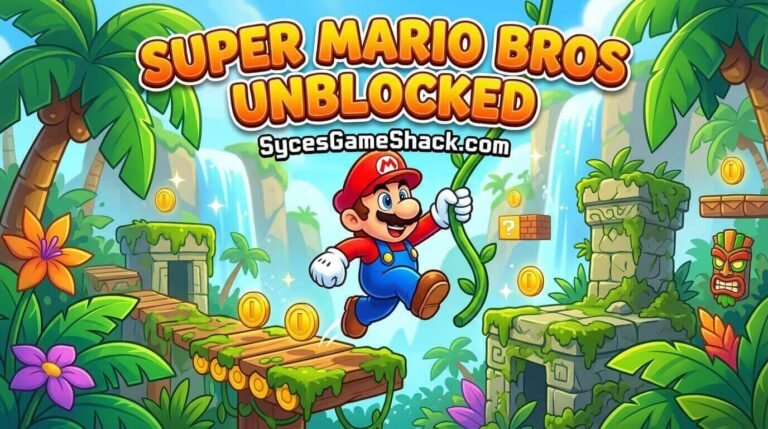
Forty years after his debut, Super Mario Unblocked still shows up on more school Chromebooks during free periods than almost any other game: same red hat, same mushroom kingdom, same satisfying crunch when you stomp a goomba.
If your network blocks the usual gaming sites, this guide covers everything you need to get Mario running instantly in your browser at Syces Game Shack: which version to pick, every control scheme, real strategy tips, and answers to the questions students actually search for.
Table of Contents
- What “Super Mario Unblocked” Actually Means
- A Quick History: Why This Game Still Matters
- Which Mario Game Should You Play?
- Full Controls for Every Version
- How the Unblocked Version Works on School Networks
- Power-Ups Explained (And Which Ones to Prioritize)
- Beginner Mistakes That Cost You Lives
- Advanced Tips: Warp Zones, Speedrun Tricks, and Secrets
- Super Mario vs. Other Platformers on Syces Game Shack
- FAQs
What “Super Mario Unblocked” Actually Means
“Super Mario Unblocked” isn’t one single game file; it’s a way of accessing the Mario library through your browser instead of a console or a downloaded ROM.
On Syces Game Shack, this runs through our built-in browser emulator, which loads the original game engine directly in your tab using WebAssembly rather than an installed program.
That distinction matters more than it sounds like it should. A downloaded emulator shows up as a file on your device, often triggers antivirus or admin-permission prompts, and leaves a trace your school’s device management software can flag.
A browser-based version does none of that; nothing is written to disk, nothing needs installation, and closing the tab removes any trace of the session.
A Quick History: Why This Game Still Matters
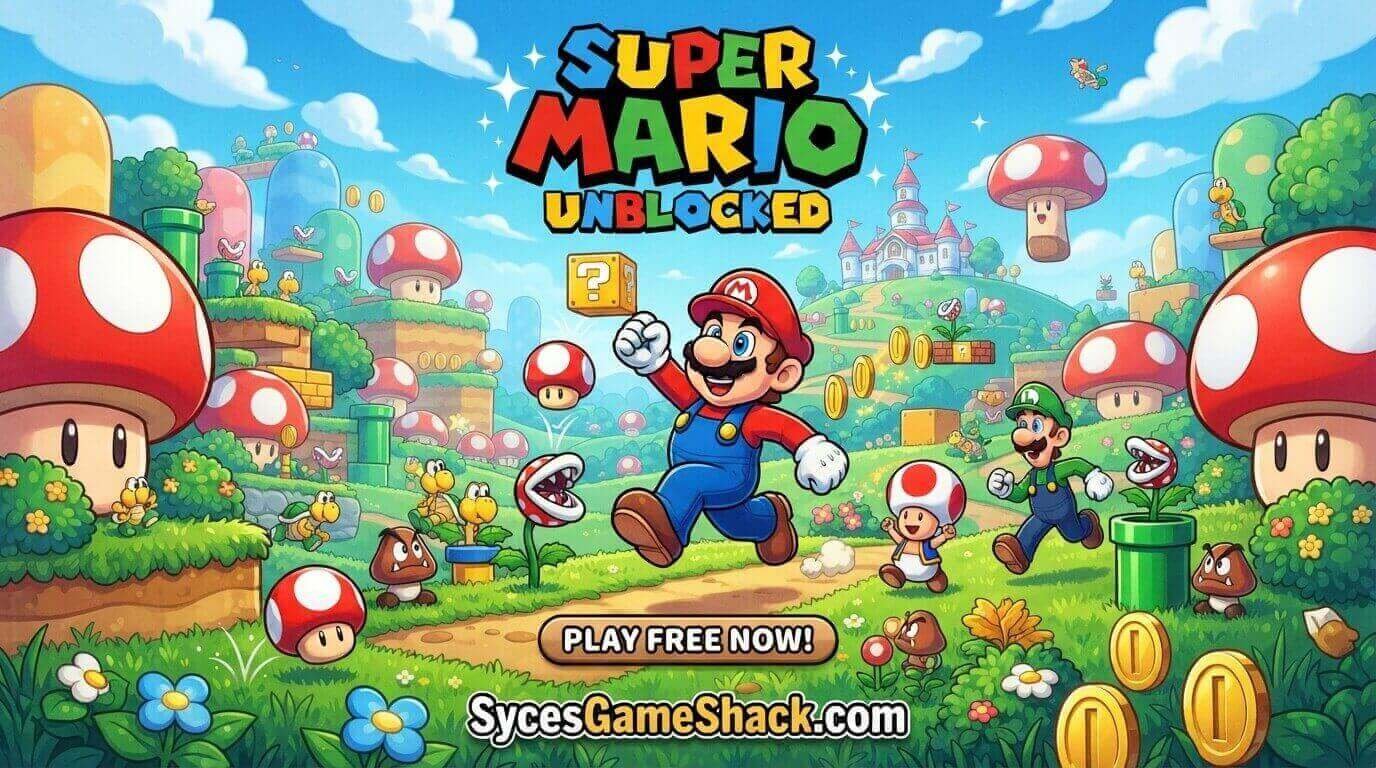
Super Mario Unblocked Bros. launched in 1985 for the NES and did something most games at the time didn’t even attempt: it taught players how to play without a single line of instruction text.
The first level, World 1-1, is famously designed so the layout itself teaches you to run, jump, and avoid the first goomba purely through level geometry, no tutorial popup required.
That single design decision is still studied in game design courses today. The series has released a new entry for nearly every Nintendo console since, but three versions dominate what students actually search for and play unblocked:
- Super Mario Bros. (1985), the original side-scroller
- Super Mario World (1990), introduced Yoshi and the cape power-up
- Super Mario 64 (1996), the series’ jump into full 3D movement
Each plays differently enough that “which Mario game” is actually a meaningful question, not just a preference.
Which Mario Game Should You Play?
If you’ve got a short free period and want something you can pick up in ten seconds, start with the original Super Mario Bros. The levels are short, the controls are dead simple, and a full playthrough of World 1 takes under five minutes.
If you want more depth, secret exits, a bigger moveset, Yoshi Super Mario World is the better pick. It rewards exploration more than the original does, and the cape power-up adds a layer of aerial movement the NES game never had.
If you’re after something that feels different from a typical browser game, Super Mario 64 is worth the learning curve. It’s slower to pick up because the camera and 3D movement take some adjustment, but it was genuinely groundbreaking, and playing it now still holds up better than most people expect.
Full Controls for Every Version
Super Mario Bros. / Super Mario World (2D games)
| Action | Key |
|---|---|
| Move left/right | Arrow keys |
| Jump | Spacebar or Up arrow |
| Run/throw fireball | Shift or Z (hold) |
| Crouch (enter pipes) | Down arrow |
| Fly (with cape, SMW only) | Hold run key while running, then jump |
Super Mario 64 (3D)
| Action | Key |
|---|---|
| Move Mario | Arrow keys |
| Camera control | W (zoom in) / S (zoom out) / A / D (rotate) |
| Jump | Enter |
| Interact / punch | C |
| Swim | X (hold to kick) |
| Enter a level | Enter, once standing on the star door |
Controls appear on-screen automatically the first time you load either version, so there’s nothing to memorize before you start playing.
How the Unblocked Version Works on School Networks
Most school filtering systems GoGuardian, Securly, Lightspeed Systems- block sites based on domain category and known gaming server IP ranges, not by scanning the actual content of the page.
Because Syces Game Shack’s emulator runs on the same domain as the rest of the site, which is registered under a general gaming-resource category rather than flagged as a dedicated “gaming portal,” it often avoids the blanket blocks that catch more obvious gaming domains.
That said, filtering policies differ from district to district, and IT departments update blocklists periodically. If a link doesn’t load, try refreshing or opening it in a new tab before assuming it’s blocked; a large share of “blocked” reports are actually just a slow first load on school Wi-Fi.
Power-Ups Explained (And Which Ones to Prioritize)
- Super Mushroom: Turns small Mario into Super Mario, giving you one extra hit before dying. Always grab this first; survivability matters more early on than offense.
- Fire Flower: lets you throw fireballs. Strong against most enemies, but you lose this power the moment you take a hit (reverting to Super Mario, not straight to Small Mario).
- Super Star: Temporary invincibility. Don’t waste it standing still; run straight through enemies while it lasts, since the effect is timed, not saveable.
- Cape Feather: (Super Mario World only) adds a spin attack and limited flight. Takes practice to use well but opens up entire secret areas the ground route can’t reach.
Beginner Mistakes That Cost You Lives
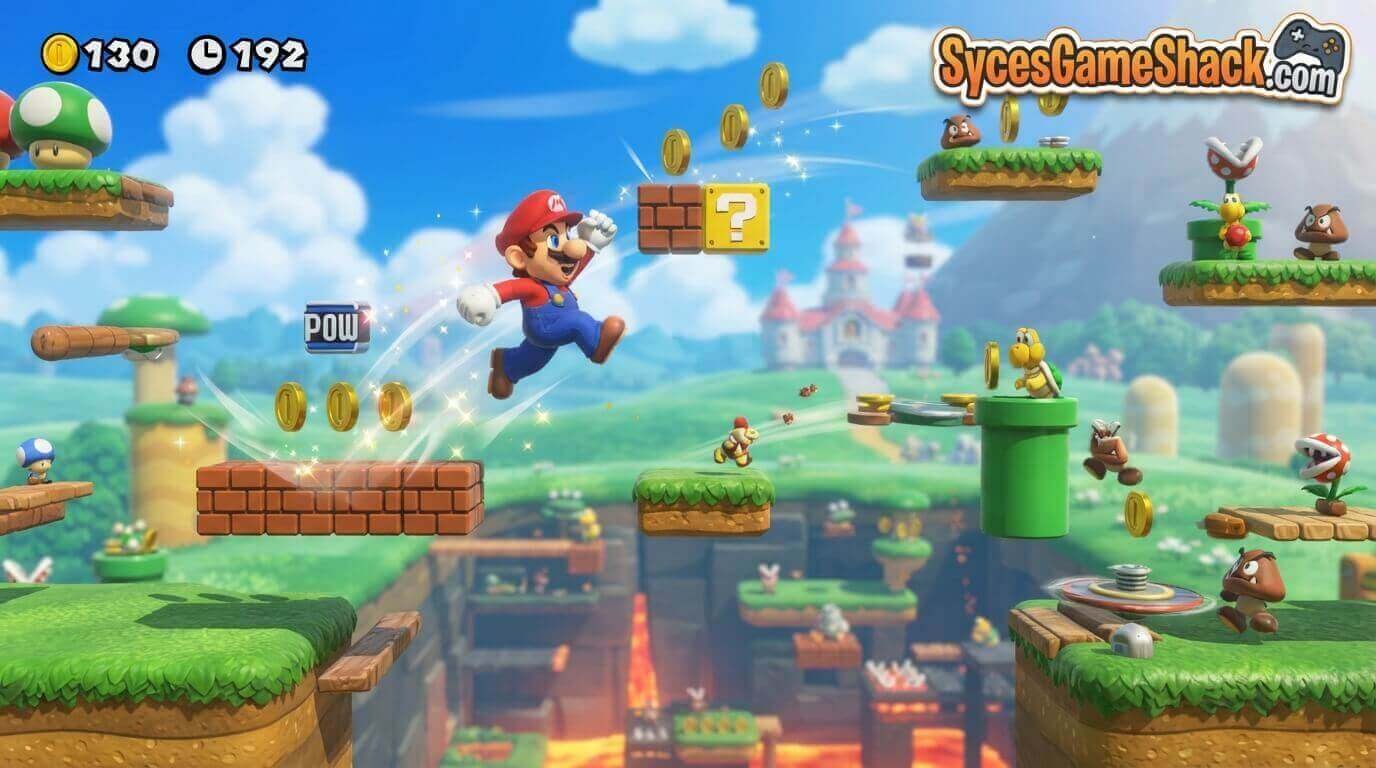
- Jumping too early on longer gaps. Most deaths in World 1-1 specifically come from jumping the instant a gap appears rather than running a few extra steps first to build momentum.
- Hitting blocks from the side instead of underneath. Question mark blocks only release their contents when hit from directly below.
- Panicking during Star power. Players often stop moving out of surprise when they first grab a star; the invincibility window is short, so movement matters more than caution here.
- Ignoring the timer. Each level has a hidden countdown; running out of time kills you instantly regardless of your health state. If the music starts speeding up, that’s your warning.
Advanced Tips: Warp Zones, Speedrun Tricks, and Secrets
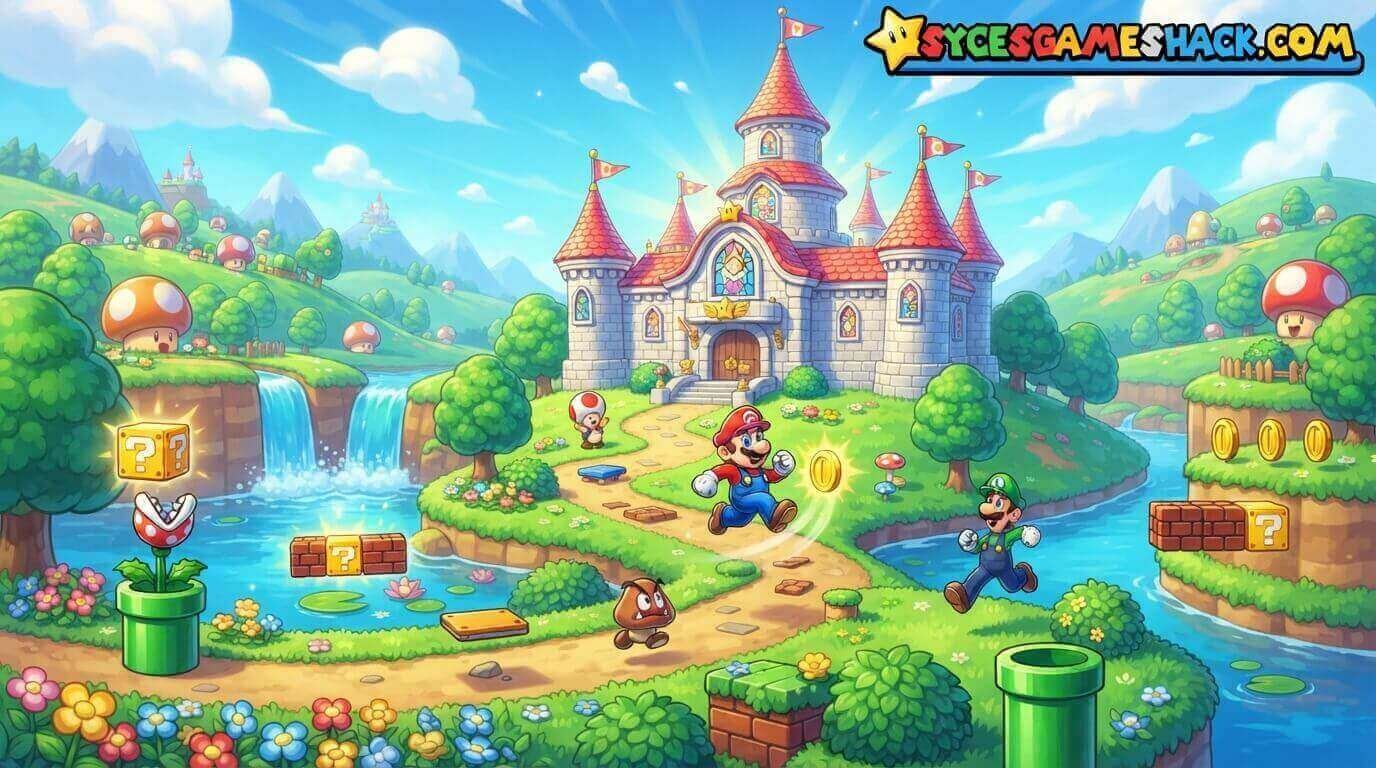
- World 1-2 Warp Zone: near the end of the underground level, there’s a hidden area above the visible ceiling accessible by climbing a vine near the exit pipe; it leads to Warp Zone pipes that skip straight to World 2, 3, or 4.
- Minus World (1-2 warp glitch): a well-known original-hardware glitch where an out-of-bounds jump near the warp zone triggers an infinitely looping “World -1.” Most browser emulators reproduce this faithfully, though it’s more of a curiosity than a useful trick.
- Flagpole height matters. Hitting the top of the flagpole at the end of a level grants bonus points and, in later games, extra lives jump for the top rather than just touching the pole.
- In Super Mario 64, long jumps (run, then crouch mid-sprint) cover far more distance than a standing jump and are essential for several of the harder star collection challenges.
Super Mario vs. Other Platformers on Syces Game Shack
If you’ve played through what you want from Super Mario Unblocked and are looking for something with a similar feel:
- Vex 5 / Vex 6: Much less forgiving, precision-focused platforming with instant-death traps rather than a health system.
- Doodle Jump: A vertical, momentum-based alternative if you want something faster-paced with simpler mechanics.
- Geometry Dash: For players who want rhythm-based timing layered on top of platforming.
Mario sits in the middle of that range: more forgiving than Vex, more mechanically varied than Doodle Jump.
FAQs
1. Is Super Mario Unblocked actually free?
Yes. No purchases, no subscription tier, no account creation required to play.
2. Does it save my progress?
No, because the game runs entirely in-browser without writing to local storage; closing the tab resets progress. Treat each session as a fresh run, and budget your time accordingly if you’re aiming to finish a specific world.
3. Can I play on my phone?
The emulator loads on mobile browsers, but the platforming games are noticeably harder to control with on-screen touch buttons than a physical keyboard. If mobile is your only option, expect a steeper learning curve.
4. Which version should a complete beginner start with?
The original Super Mario Bros. has shorter levels, simpler controls, and level design that was built specifically to teach new players without any instructions.
5. Is this legal to play at school?
Playing the game itself isn’t against the law; school policies about gaming during class time are a school-level rule, not a legal one. Always check your own school’s device-use policy before playing during instructional time.
6. Why does my school block some Mario sites but not this one?
Filtering software blocks based on domain reputation and category, which changes over time. A site being unblocked today doesn’t guarantee it stays that way; school IT departments update blocklists regularly.
7. Is there a two-player mode?
The original Super Mario Bros. supports alternating two-player turns (Player 1 as Mario, Player 2 as Luigi), but not simultaneous co-op. Super Mario World added simultaneous two-player in later re-releases.
2 Comments