Retro Bowl and Penalty Kick unblocked | Play Free No Download 2026
Introduction
Stuck at school with the wifi locking every fun site behind a filter? Retro Bowl and Penalty Kick are two of the most requested unblocked games of 2026 one puts you in charge of a pixel-art football franchise, the other tests your aim in a fast, one-tap penalty shootout. Both run straight in your browser, both save your progress, and neither needs a download, an account, or admin rights on a locked-down school laptop.
In this guide we’ll walk through exactly how to play Retro Bowl and Penalty Kick unblocked right now, plus controls, pro tips, and answers to the questions students ask most. If you want more games like these, our full Unblocked Games library has dozens of school-friendly picks updated every week.
What Is Retro Bowl Unblocked?
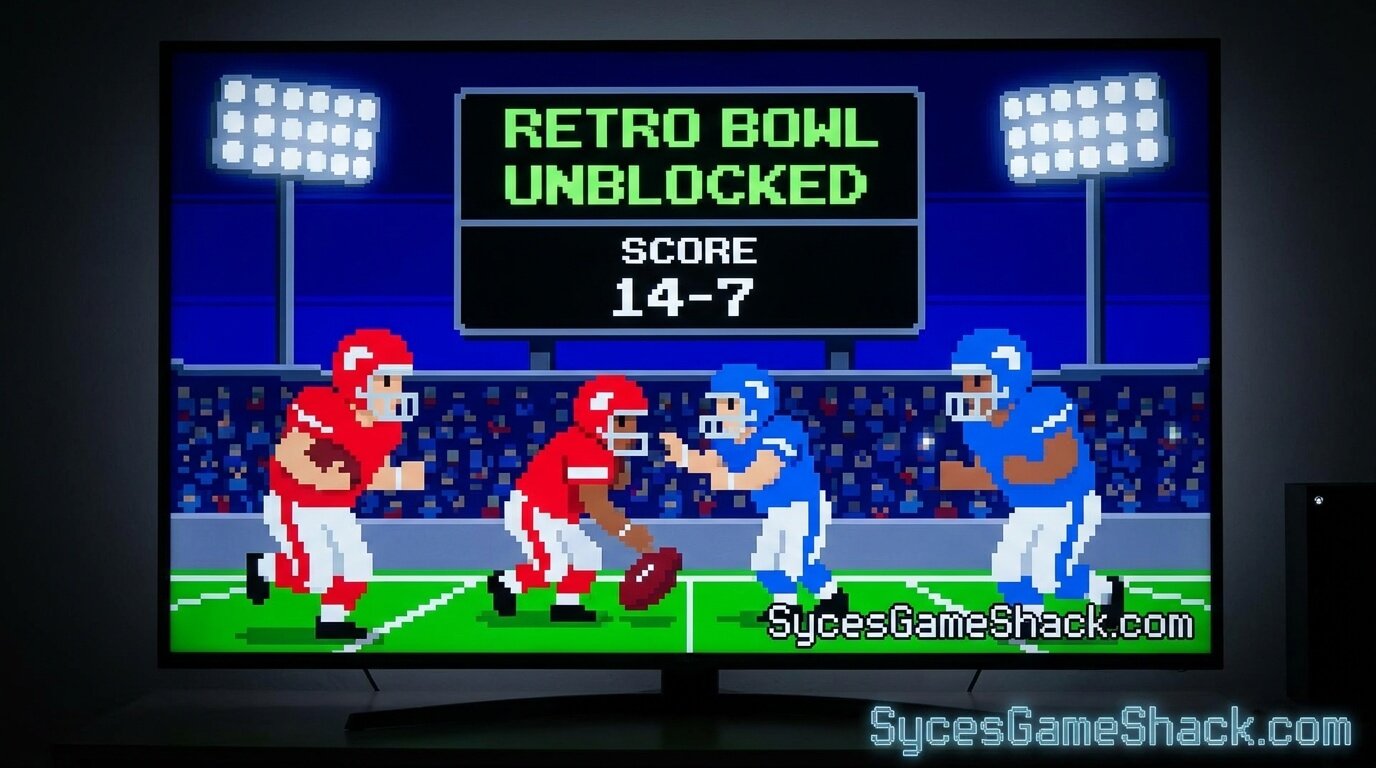
Retro Bowl is a retro-style American football game by New Star Games that mixes quick, arcade-style play-calling with deep franchise management. You’re not just throwing touchdowns you’re drafting players, balancing a salary cap, keeping your locker room happy, and building a roster that can carry a season for years. The “unblocked” version simply means you’re playing the same free browser game through a link that isn’t caught by school or office network filters, so it loads instantly on a Chromebook, laptop, or phone without needing an app store.
Retro Bowl Controls
- Passing: Tap and hold on your quarterback, then drag toward your receiver’s route and release. Aim slightly ahead of the runner, not directly at them.
- Running: Tap the QB to scramble, then swipe left or right to juke defenders.
- Short throws: Quick flicks work best for slants and screen passes.
- Deep throws: Hold a beat longer before releasing for a bomb downfield.
How to Play Retro Bowl Unblocked in 3 Steps
- Open the game link in your browser no login, no install, no extensions needed.
- Draft your team from the front office screen. Prioritize a solid QB and at least one reliable receiver before spending big elsewhere.
- Play your season game by game. Your progress autosaves in the browser, and you can note down your save code from the menu to continue later on any device.
Pro Tips to Win More Games in Retro Bowl
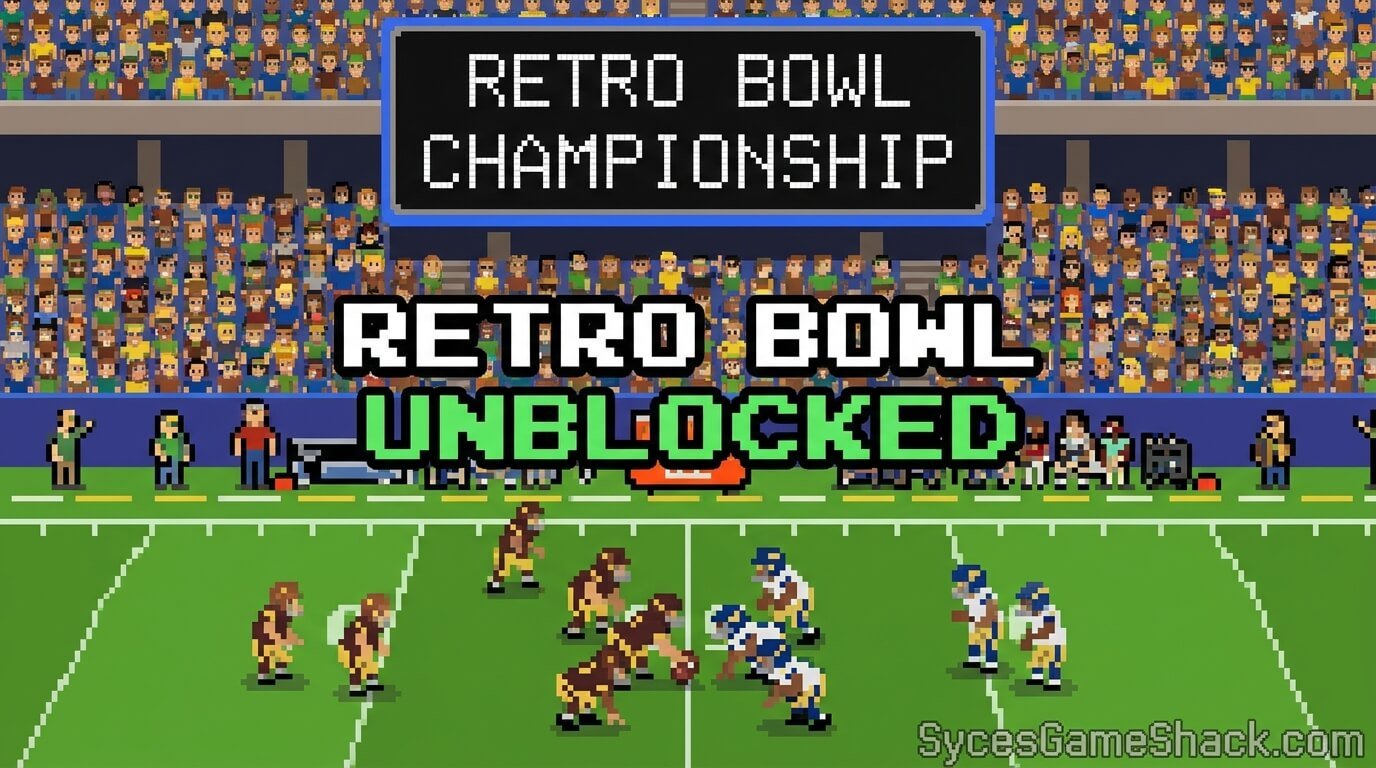
- Draft a mobile QB and a high-morale WR early this combo carries most winning teams.
- Take the safe check-down throw under pressure instead of forcing a risky deep ball.
- Don’t overpay one star player a blown salary cap forces cuts elsewhere mid-season.
- Upgrade your offensive coordinator before splurging on flashy skill players; it pays off over a full season.
- Check staff requests and press questions between games small choices affect team morale more than people expect.
What Is Penalty Kick Unblocked?
Penalty Kick is a fast, one-tap penalty shootout game pick your spot, time your shot, and try to beat the keeper before he dives the right way. It’s built for short bursts, which makes it one of the most played unblocked games during a five-minute break between classes. Like Retro Bowl, the unblocked version runs entirely in the browser, so there’s nothing to install and nothing for a school filter to flag.
Penalty Kick Controls
- Aim: Move your mouse or finger to pick a corner of the goal.
- Shoot: Click or tap to strike — timing matters more than power.
- Power meter: Watch the bar before you shoot; a rushed click usually sails wide.
How to Play Penalty Kick Online Unblocked in 3 Steps
- Load the game directly in your browser tab works on school Chromebooks and personal laptops alike.
- Pick your corner before the power meter fills, aiming for the top corners where keepers dive slowest.
- Mix up your shots round to round so the keeper can’t predict your pattern.
For a deeper breakdown of shootout strategy, check our full Penalty Kick Online Unblocked guide.
Pro Tips to Score Every Penalty
- Aim for the top corners first keepers dive there last and least often.
- Never repeat the same corner twice in a row once the keeper starts reading you.
- Watch the power bar, not the clock a controlled mid-power shot beats a rushed max-power one.
- Stay calm after a miss; the next round resets completely, so there’s no penalty for a bad shot.
Why Retro Bowl and Penalty Kick Are Perfect for School
Both games share three things that make them ideal for a locked-down network: they run in a plain browser tab with no downloads, they save progress locally so you can pick up later, and a single match or drive only takes a couple of minutes — perfect for lunch break, a free period, or a quick breather between assignments.
Is Retro Bowl and Penalty Kick Unblocked Safe to Play?

Yes, when you play through a clean browser link rather than a site pushing downloads or browser extensions. Legitimate unblocked versions run the original game inside your browser’s sandbox — the same way the developer intended it to be played — so there’s no software touching your device and nothing left behind after you close the tab.
Frequently Asked Questions
Is Retro Bowl unblocked free to play?
Yes, Retro Bowl is completely free to play in the browser, with no account or payment required to enjoy the full game.
Can I play Retro Bowl and Penalty Kick on a school Chromebook?
Yes, both games run directly in the browser, so they work on Chromebooks, school laptops, and most locked-down networks without needing admin permission.
Do I need to download anything to play Penalty Kick unblocked?
No download is needed. Penalty Kick loads and runs entirely inside your browser tab.
Will I lose my Retro Bowl progress if I close the tab?
Your season autosaves to the browser’s local storage, and you can also note your save code from the menu to restore progress on another device.
What’s the best strategy for beginners in Retro Bowl?
Focus your early draft picks on a QB and receivers, take safe short throws under pressure, and manage your salary cap carefully instead of overspending on one star player.
What’s the easiest way to score more in Penalty Kick?
Target the top corners of the goal and vary your shot placement each round so the goalkeeper can’t predict where you’ll aim next.
That’s everything you need to play Retro Bowl and Penalty Kick unblocked today — no downloads, no waiting, just quick access whenever you have a few free minutes. Ready for more? Browse our complete list of school-friendly Unblocked Games on Syces Game Shack and bookmark this page so you always have a quick, safe game ready for your next break.