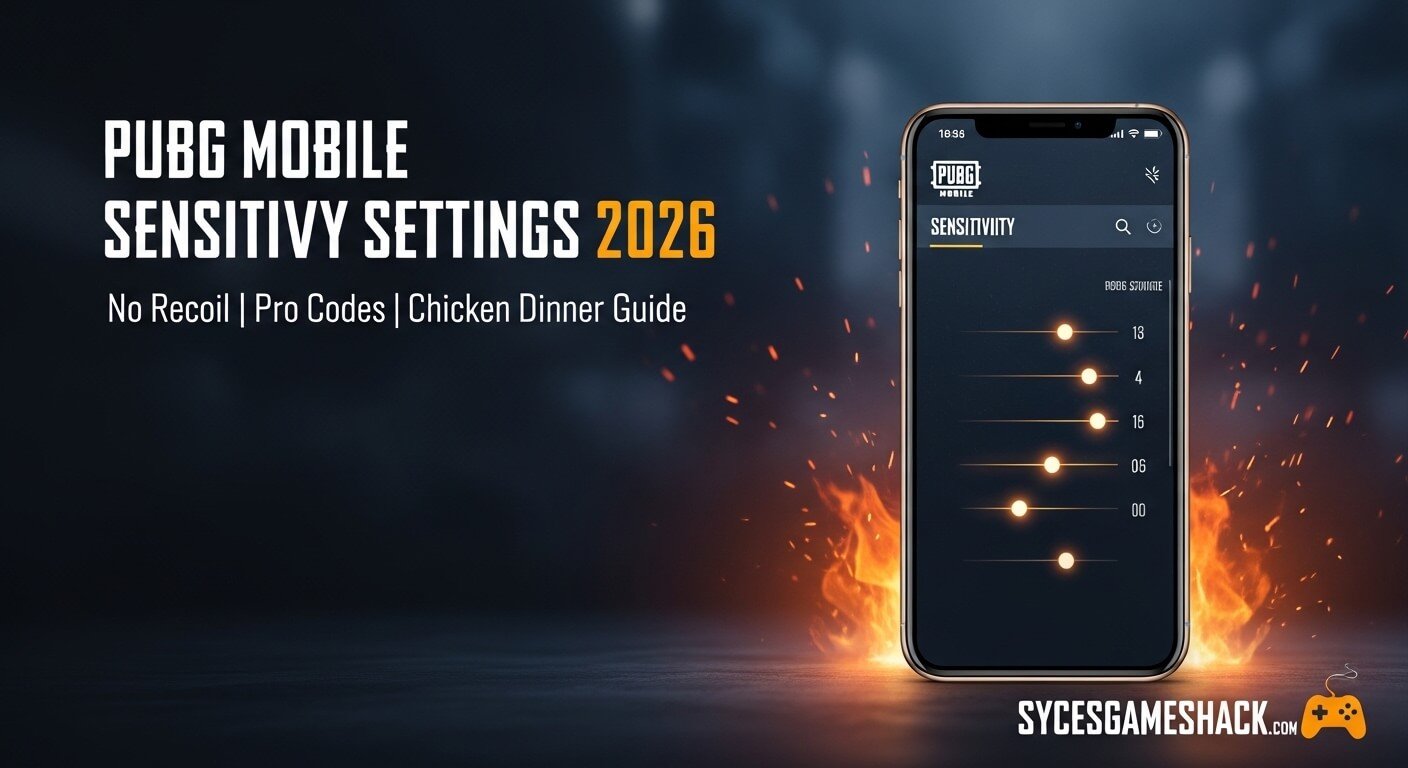
PUBG Mobile Sensitivity Settings 2026 Best Codes, No Recoil Guide

Introduction
PUBG Mobile sensitivity settings 2026 are the number one thing you need to fix right now if you want to win more matches and rank up faster. Every missed shot, every lost gunfight wrong sensitivity is almost always the real reason behind it.
In 2026, PUBG Mobile has changed a lot. New updates have shifted weapon recoil patterns and input response. Your old settings may no longer work the same way. This complete guide gives you the exact numbers used by top players fully tested and ready to apply today.
What Is Sensitivity in PUBG Mobile And Why Does It Matter?
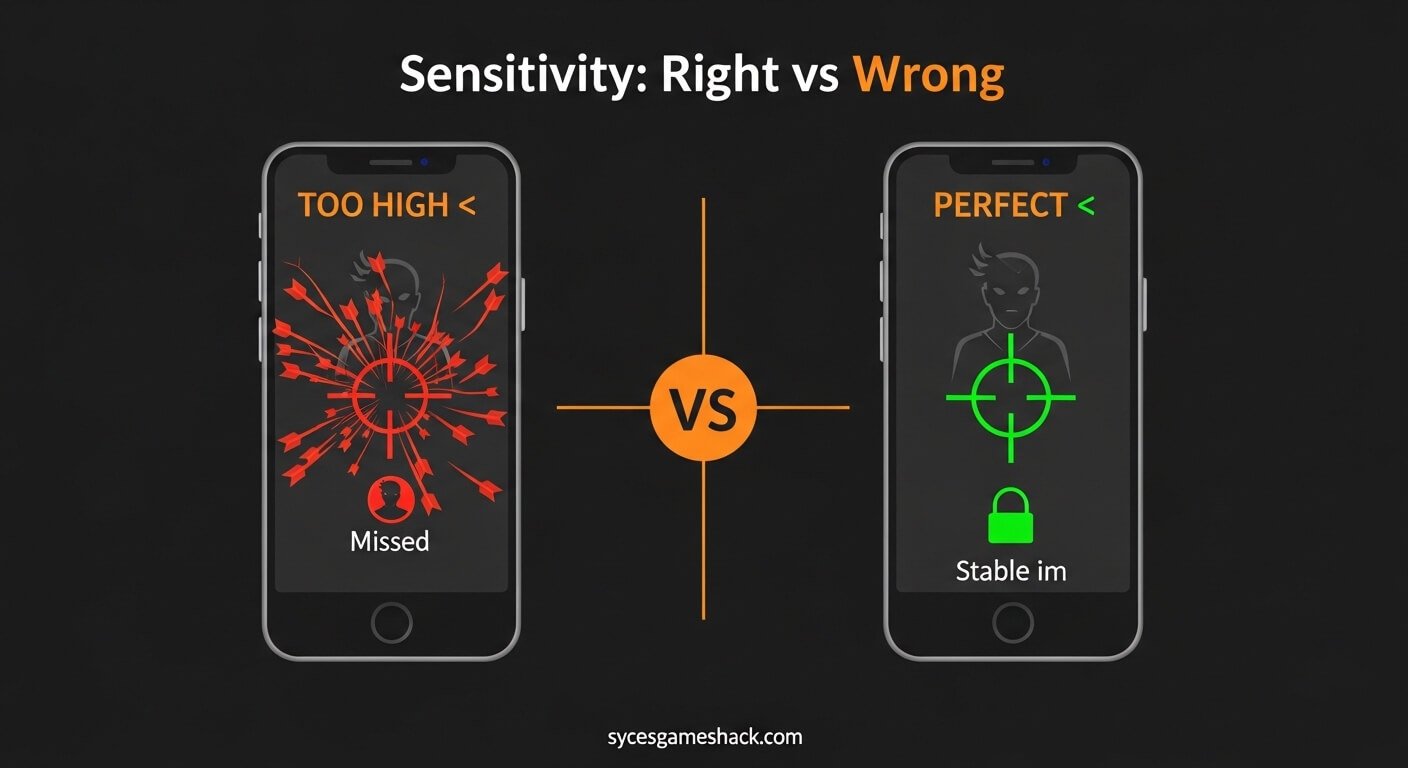
Sensitivity controls how fast your screen moves when you swipe or tilt your phone. If it is too high, your aim shakes and jumps past enemies. If it is too low, you react too slowly in close fights and lose every rush.
The right balance means your crosshair lands exactly where you want it, every single time. This one setting separates players who win Chicken Dinners from players who keep finishing in the top 20.
Three Types of Sensitivity You Must Know
PUBG Mobile has three separate sensitivity systems. You need to understand all three before changing any numbers.
| Type | What It Controls | When It Applies |
|---|---|---|
| Camera Sensitivity | How fast you look around freely | No scope general movement |
| ADS Sensitivity | Crosshair speed while aiming | When you hold the fire button |
| Gyroscope Sensitivity | Phone tilt controls recoil | When you tilt your device |
Best Camera Sensitivity Settings 2026 All Scopes
Camera sensitivity controls your view when you are not scoped in. These are the best tested values for 2026 based on the latest OB updates.
| View Type | Best Setting (Mobile) | Low-End Phone |
|---|---|---|
| TPP No Scope | 110–130% | 90–110% |
| FPP No Scope | 100–120% | 80–100% |
| Red Dot / Holo | 80–95% | 65–80% |
| 2x Scope | 65–80% | 50–65% |
| 3x Scope | 45–60% | 35–50% |
| 4x / ACOG | 35–50% | 25–40% |
| 6x Scope | 20–30% | 15–25% |
| 8x Scope | 10–18% | 8–15% |
Best ADS Sensitivity Settings 2026 Stop Missing Shots
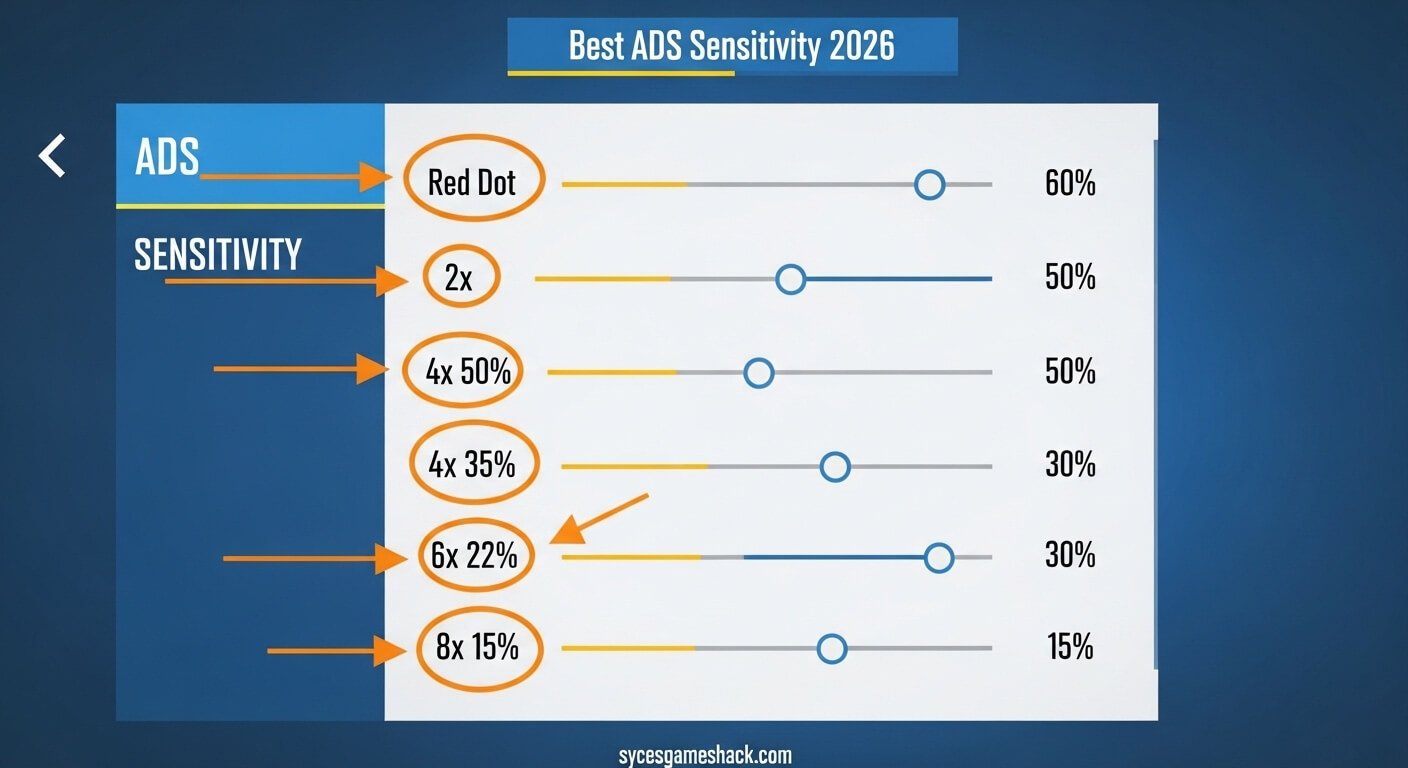
ADS (Aim Down Sights) sensitivity controls your crosshair when you press fire and aim at the same time. Getting this wrong sends your spray flying in every direction.
| Scope / View | Recommended % | Aggressive Style | Sniper Style |
|---|---|---|---|
| TPP No Scope | 110% | 130% | 90% |
| Red Dot / Holo | 55–65% | 70% | 45% |
| 2x Scope | 45–55% | 60% | 38% |
| 3x Scope | 35–45% | 50% | 28% |
| 4x Scope | 25–35% | 40% | 20% |
| 6x Scope | 18–25% | 28% | 14% |
| 8x Scope | 12–18% | 20% | 10% |
Gyroscope Sensitivity Settings 2026 The Biggest Secret
Gyroscope lets you tilt your phone to control recoil automatically. This is the biggest difference between average players and pro players in 2026. If you do not use it, you are already behind.
Start with Scope On mode it only activates when you aim, so it is easy to learn without affecting your normal movement.
| Scope | Gyro Scope On | Gyro Always On | Notes |
|---|---|---|---|
| No Scope | 300–350% | 250–300% | Quick turns and rushes |
| Red Dot | 300–350% | 250–300% | Best for M416 sprays |
| 2x Scope | 250–300% | 200–250% | Mid-range control |
| 3x Scope | 180–220% | 150–200% | Core spray range |
| 4x Scope | 120–150% | 100–130% | Burst and tap fire |
| 6x Scope | 80–100% | 60–80% | Precision drag shots |
| 8x Scope | 50–70% | 40–60% | Long range only |
Best Sensitivity Import Codes 2026 Copy and Apply
PUBG Mobile lets you import sensitivity codes directly into settings. These are the best working codes for 2026, tested across different phones and playstyles.
| Sensitivity Code | Best For | Play Style |
|---|---|---|
| 7435-8846-3421-0303-0728 | All devices universal baseline | Balanced no recoil |
| 7275-1794-4178-8556-303 | 4-finger claw players | Aggressive rusher |
| 7307-1085-6780-4282-435 | M416 and SCAR-L mains | Spray control |
| 7238-4245-4286-7096-036 | Long range DMR players | Sniper precision |
| 7527-1413-2691-7206-969 | Low-end phones only | Smooth and stable |
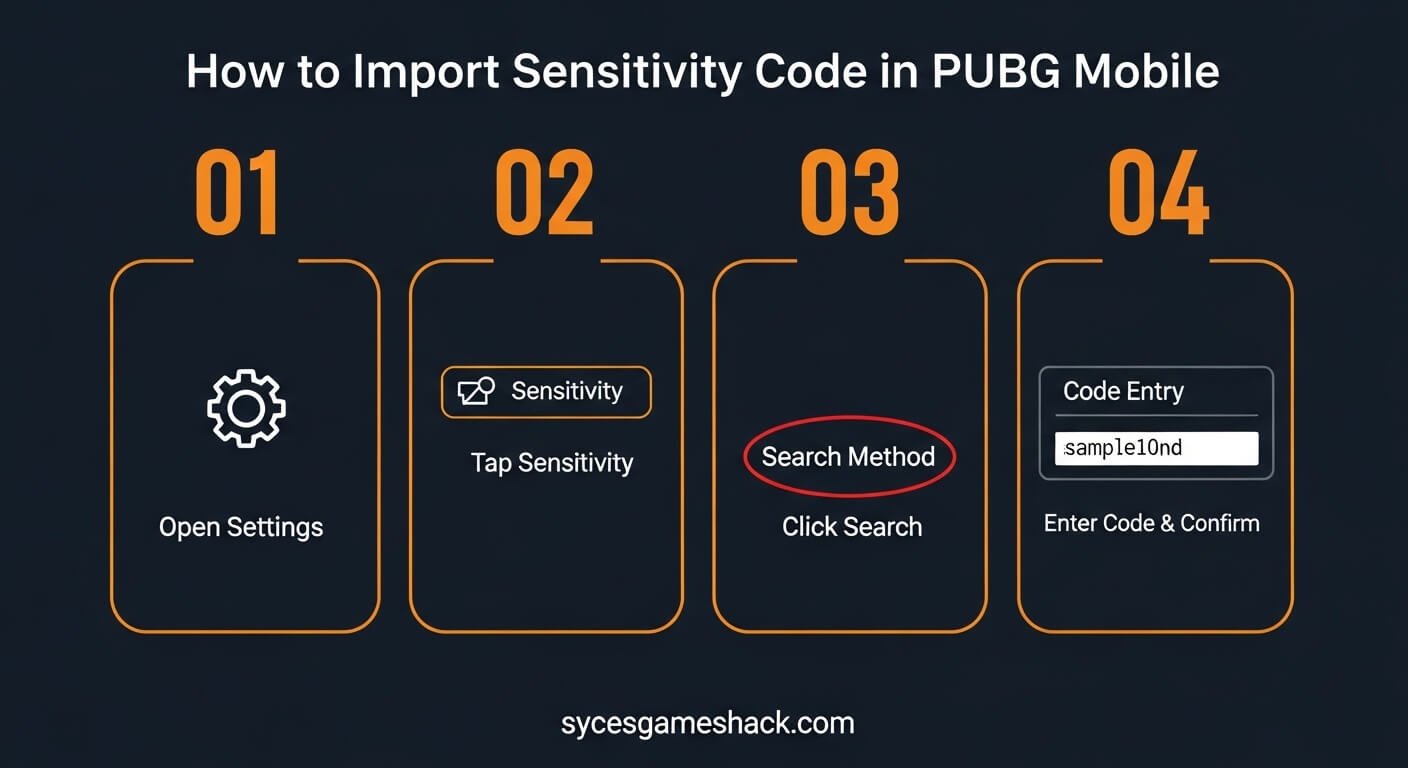
How to import: Settings → Sensitivity → Search Method → Enter Code → Preview → Use Layout → Confirm.
Sensitivity by Phone Type Low, Mid and High End
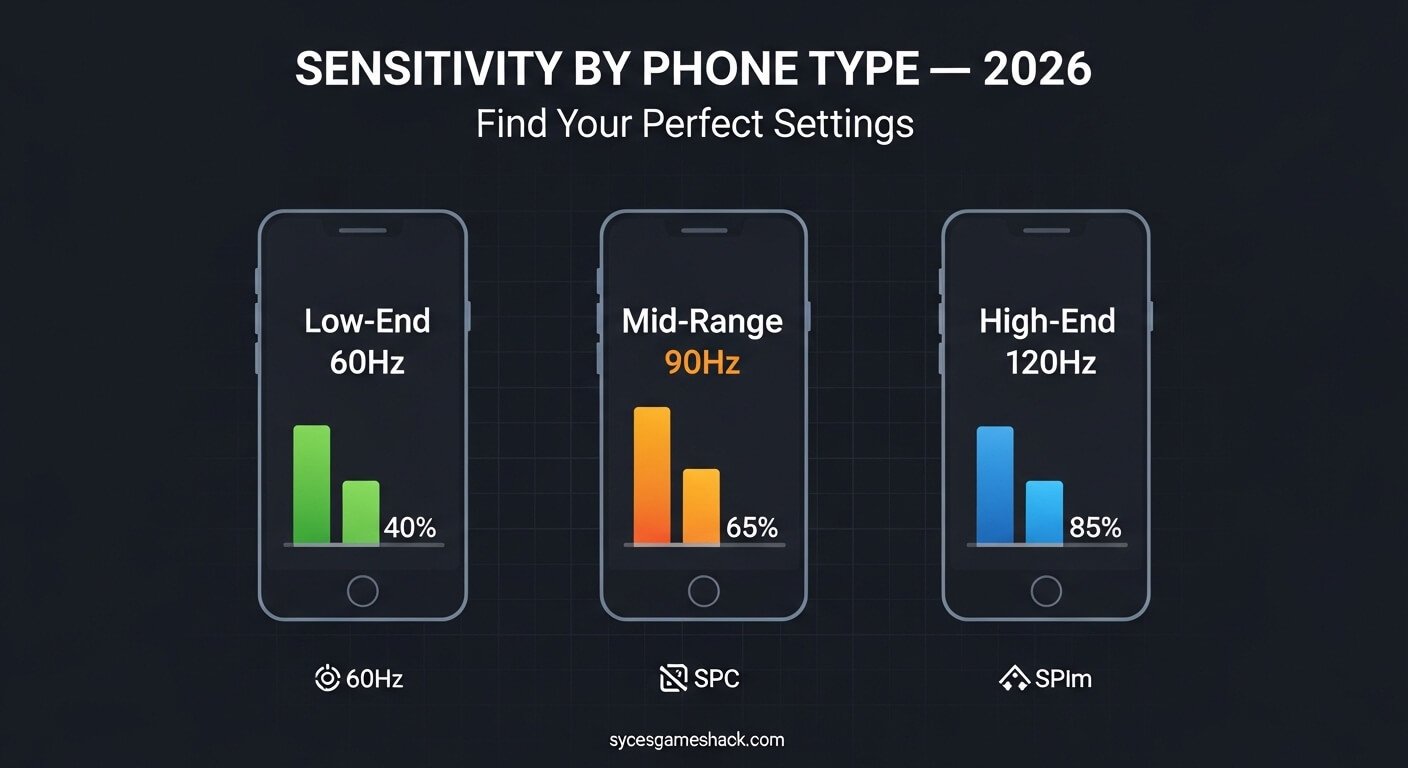
One setting does not work for every phone. Your screen refresh rate and processor directly affect how sensitivity feels inside the game.
Low-End Phone (2GB–4GB RAM, 60Hz)
- Lower all camera values by 10–15% from the standard table
- Use Gyroscope Scope On only Always On will feel too shaky
- Prioritize stable FPS over high sensitivity numbers
- Best code: 7527-1413-2691-7206-969
Mid-Range Phone (4GB–8GB RAM, 90Hz)
- Use the standard values from the tables above directly
- Gyroscope at Scope On works perfectly at this level
- Try 4-finger claw layout for better simultaneous control
- Best code: 7307-1085-6780-4282-435
High-End Phone (8GB+ RAM, 120Hz)
- Go 10–15% higher than standard values for faster response
- Use Always On gyroscope for maximum spray control
- Enable 120 FPS in graphics for the smoothest possible aiming
- Best code: 7435-8846-3421-0303-0728
How to Test New Settings the Right Way
Most players make one big mistake they test new settings in ranked matches. Never do this. Always use Training Ground first.
| Step | What to Do | Time Needed |
|---|---|---|
| Step 1 | Open Training Ground spray M416 at a wall from 30 meters | 5 minutes |
| Step 2 | Check if bullets drift left, right, or climb too fast | 2 minutes |
| Step 3 | Adjust only ONE setting by 5% never change two at once | 1 minute |
| Step 4 | Spray again and compare the result carefully | 5 minutes |
| Step 5 | Play 5 unranked matches to feel the settings in real fights | 30 minutes |
| Step 6 | Make final small adjustment then lock in your settings | 10 minutes |
Common Sensitivity Mistakes That Are Killing Your Rank
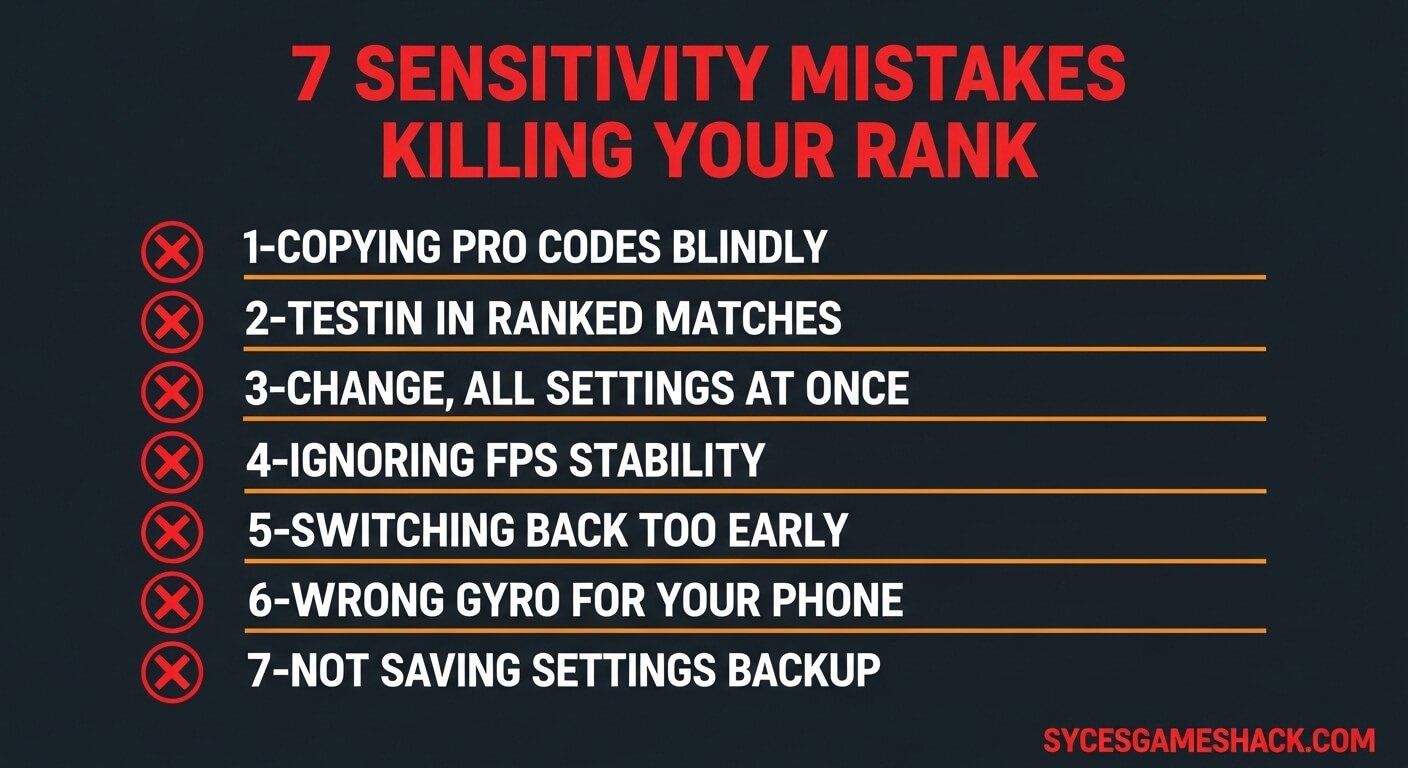
These are the biggest mistakes players make every day. Fix these and your kill count will improve within just a few days.
- Copying a pro player code without testing it on your own phone first
- Changing all settings at once after every update
- Testing new sensitivity in ranked matches instead of Training Ground
- Setting gyroscope too high on a low-end phone causing shaky aim
- Switching back to old settings after only two or three matches
- Ignoring FPS stability bad frame rate breaks any sensitivity code
- Using 90Hz values on a 60Hz screen and wondering why aim feels off
What to Do After Every PUBG Mobile Update
Every major update can change how weapons feel and how your input registers. After the 2026 Primewood Genesis update, AKM and Mk47 recoil increased noticeably.
Follow these three steps after any big update before you play ranked again.
- Step 1 Open Training Ground and spray M416 or AKM at a wall
- Step 2 If bullets drift more than before, raise ADS by 3–5% only
- Step 3 Test gyroscope separately if recoil feels stronger, raise gyro by 10–15%
Conclusion
PUBG Mobile sensitivity settings 2026 are not just numbers they are the foundation of every great play you will ever make in this game. The right settings will not win matches for you automatically, but they remove the biggest obstacle between your skill and your results.
You have now learned everything you need. You know the best camera values, the best ADS settings, the gyroscope numbers, the import codes, and the exact steps to test and lock in your settings the right way.
FAQs
1: Are sensitivity codes safe to use? Will I get banned?
2: Do these sensitivity settings work for BGMI players?
3: How long does it take to get used to new sensitivity?
4: Should I use a gyroscope if I am a beginner?
5: Which sensitivity code is best for low-end phones?
6: Why does my sensitivity feel different after an update?
7: What is the best sensitivity for no recoil M416?
8: Can I use the same sensitivity for both TPP and FPP?
9: How do I save my sensitivity settings so I never lose them?
10: Is there one perfect sensitivity that works for everyone?
Quick Summary Remember These Points:
Practice every day with these settings and you will see a clear difference within your first week. Better sensitivity means more confident aiming, faster reactions, and more Chicken Dinners on your record.
For more PUBG Mobile guides, weapon tier lists, and Free Fire tricks, visit us every week at sycesgameshack.com your number one gaming tips destination.