Capybara Clicker Unblocked | Play Free at School No Download 2026
Introduction
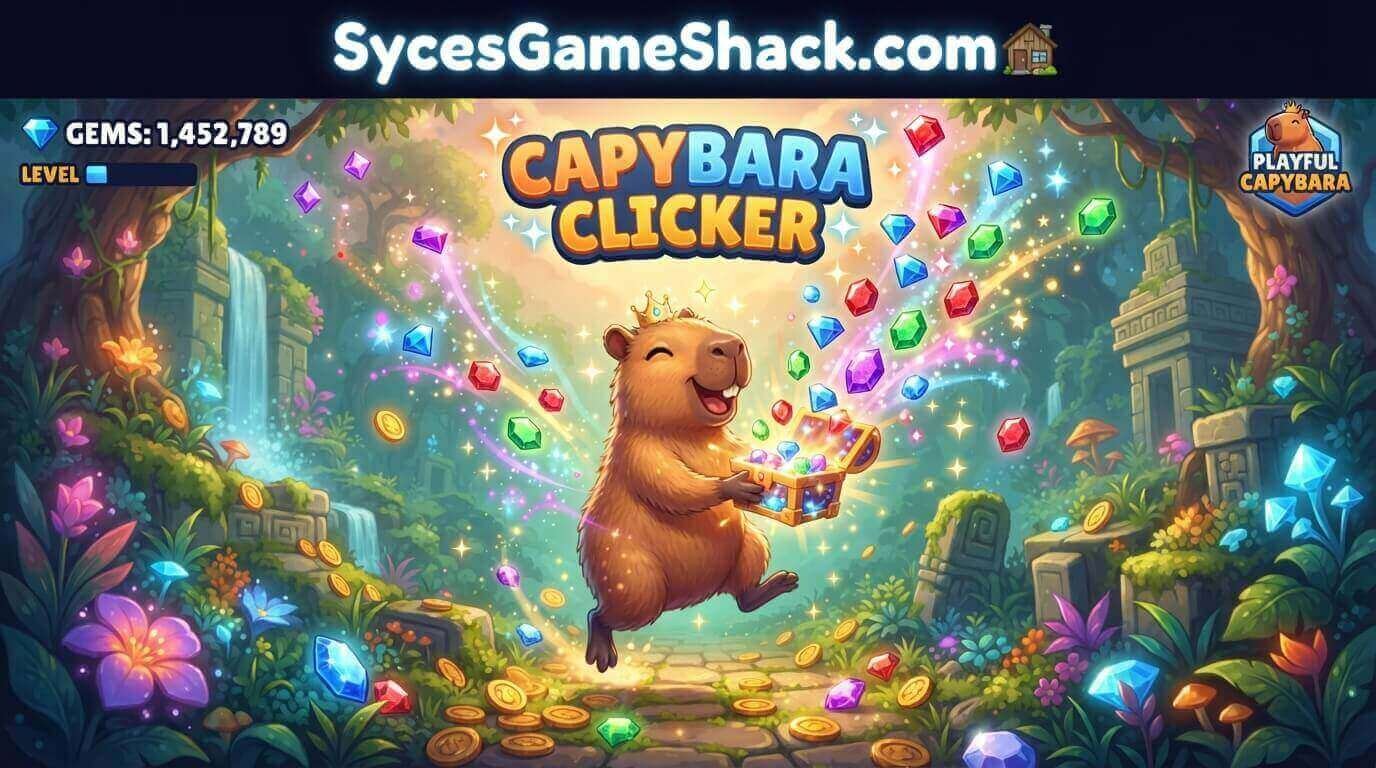
Capybara Clicker Unblocked is the most relaxing and addictive idle clicker game you can play at school right now for free.
Click on the adorable capybara, earn points, buy upgrades, and grow your capybara empire all inside your school browser with zero downloads.
What Is Capybara Clicker Unblocked?
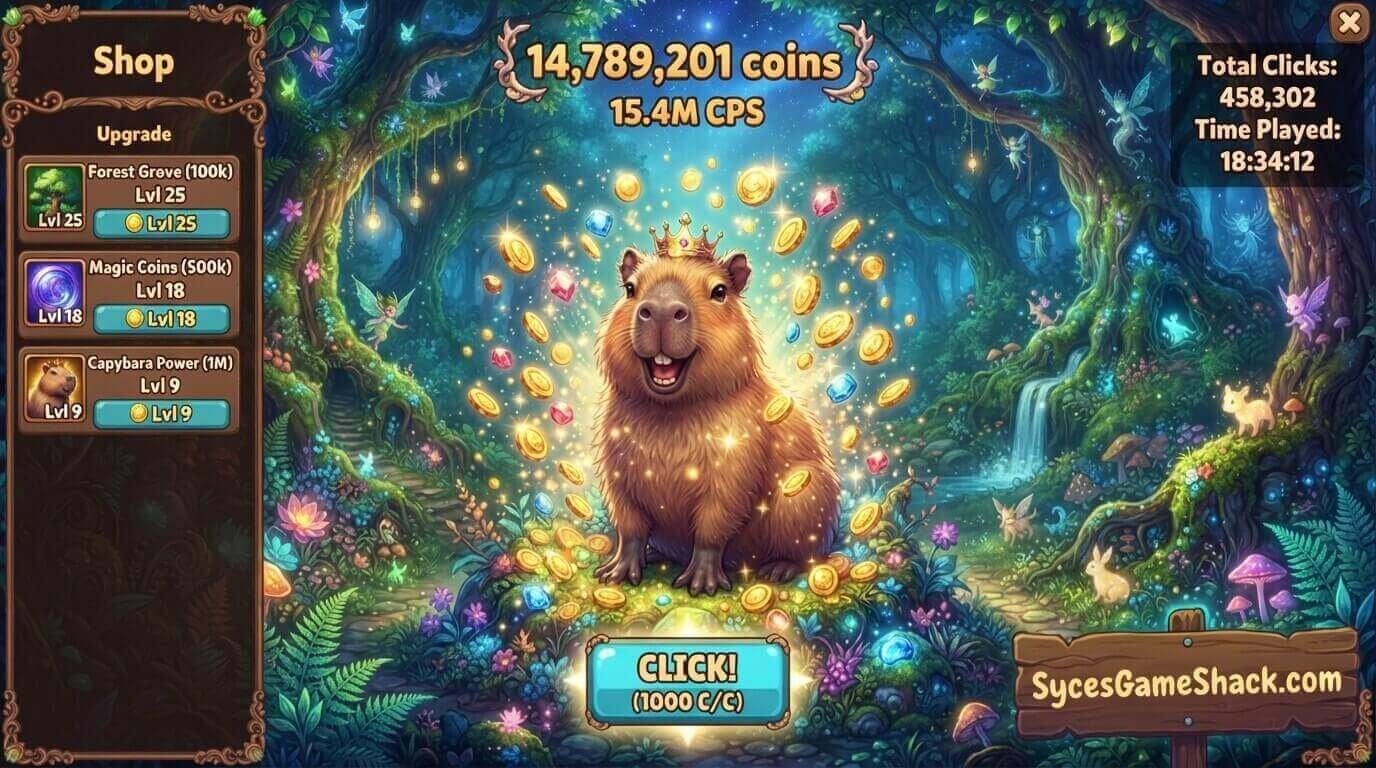
Capybara Clicker Unblocked is a free browser-based idle clicker game featuring the world’s most popular internet animal, the capybara.
Your goal is simple: click the capybara to generate more capybaras, then spend those points on upgrades that earn capybaras automatically.
How to Play Capybara Clicker Unblocked

Getting started is very easy. Here is exactly how to play:
- Click the big capybara on screen to earn capybaras
- Buy upgrades from the menu on the right side
- Unlock auto-clickers so the game earns for you automatically
- Collect moving capybaras that appear on screen for bonus points
- Keep the energy bar full by clicking continuously to double your earnings
The game runs in the background, too, so you can do other tasks while your capybara count grows automatically!
Why Is Capybara Clicker Unblocked So Popular at School?
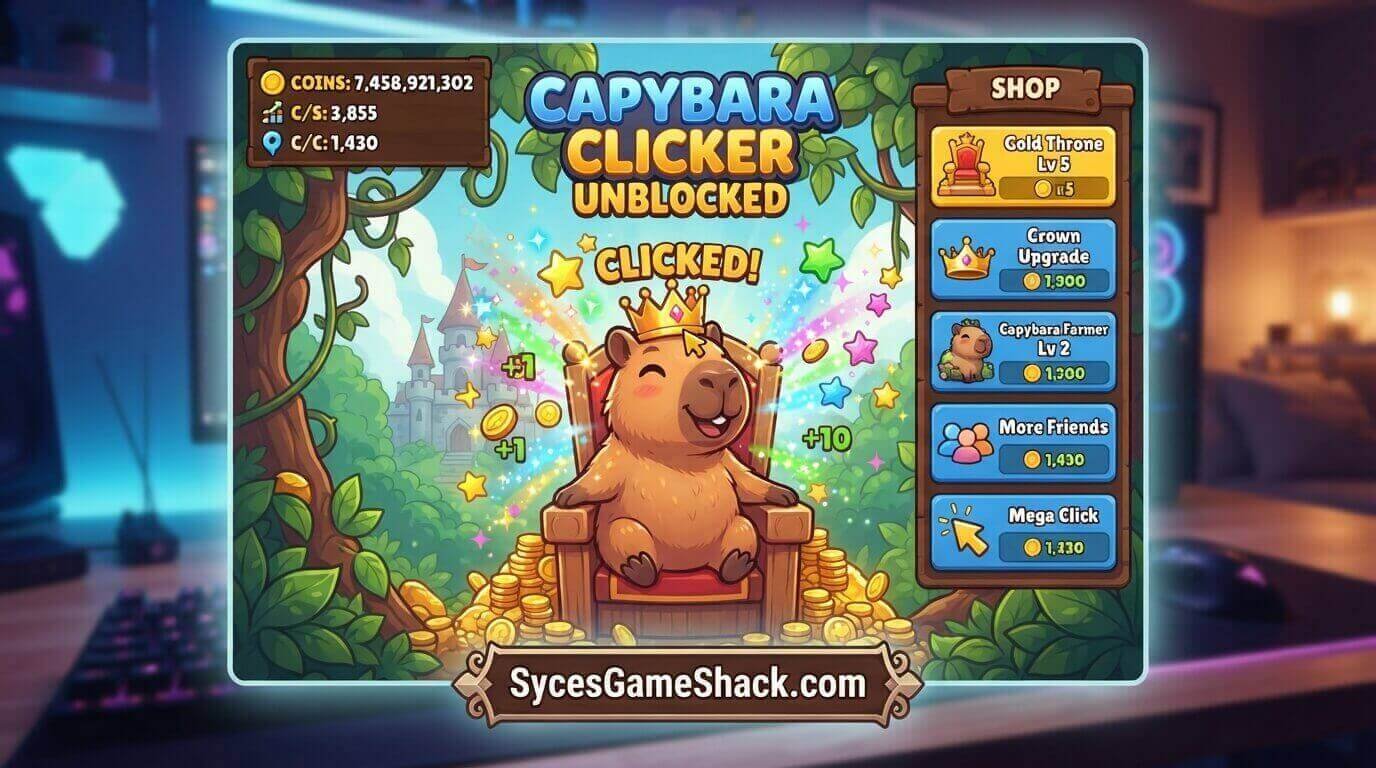
Capybara Clicker Unblocked became one of the most played school games in 2025 and 2026 because capybaras went viral on social media.
Students love the chill, relaxing gameplay; there is no pressure, no timer, and no way to lose.
Best Upgrades to Buy First in Capybara Clicker
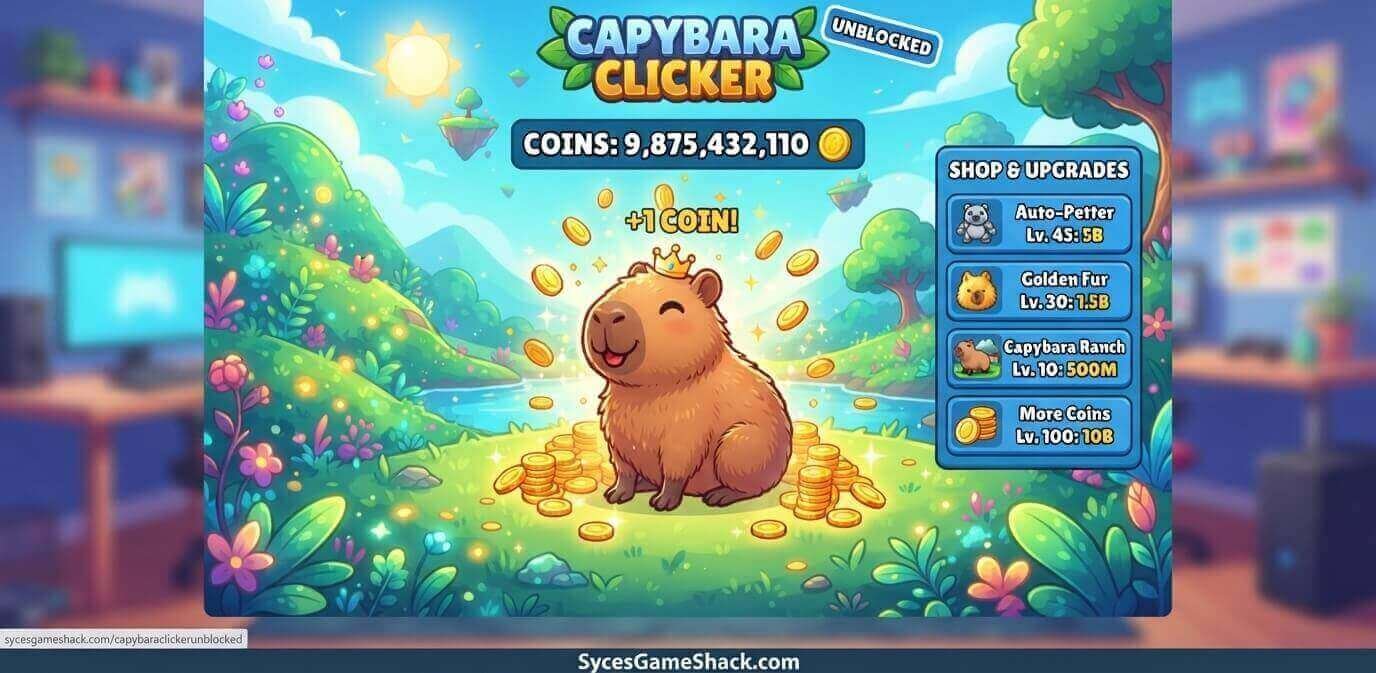
Buying the right upgrades early makes a huge difference. Here is the best order:
- Cursor Upgrade Buy First. This increases the number of capybaras you get per click. Always buy this as soon as you can afford it.
- Auto Clicker Buy Second. This earns capybaras automatically even when you are not clicking. This is the most important upgrade in the game.
- President Clicker Buy Third. Once you have the basic auto clicker, President Clicker multiplies your automatic earnings significantly.
- Multiplier Upgrades Buy When Available. Any upgrade that says “x2” or “multiplier” is worth saving up for. These double or triple your entire earnings rate.
Top Tips and Tricks for Capybara Clicker Unblocked
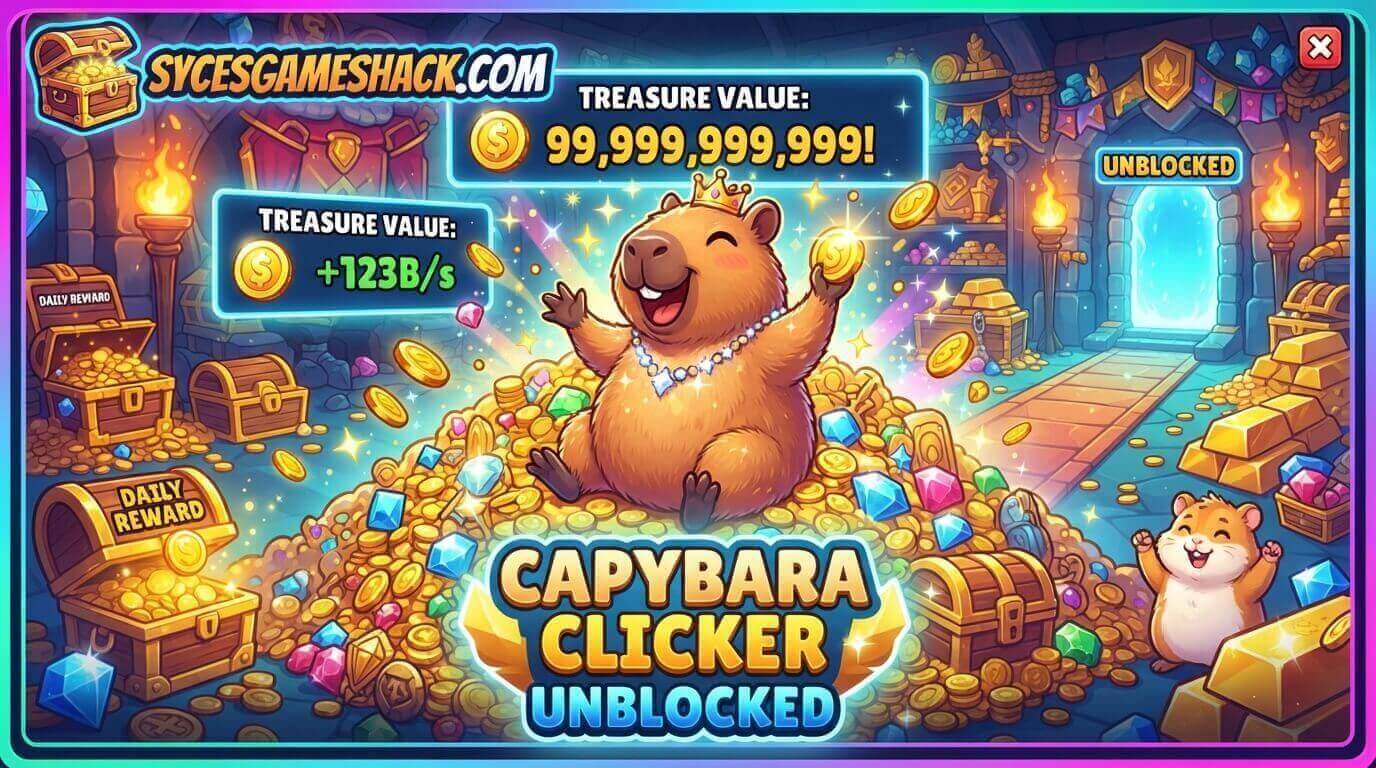
Use these tips to grow your capybara population faster than anyone else:
- Tip 1: Click the Moving Capybaras. Small capybaras randomly walk across your screen. Clicking them gives you big bonus points. Never ignore them!
- Tip 2: Keep the Energy Bar Full. If you click continuously for a few seconds, the energy bar fills up. A full energy bar doubles all your earnings. Keep it as full as possible.
- Tip 3: Balance Manual Clicking and Upgrades: Do not spend all your points on one type of upgrade. Balance between click power and auto-click upgrades for the fastest growth.
- Tip 4: Use the Ascend Button at the Right Time. The Ascend button resets your progress but gives you a permanent bonus for your next game. Use it when your growth starts slowing down.
- Tip 5: Leave the Game Open in a Background Tab. Auto clickers work even when you switch to another tab. Open Capybara Clicker in a background tab during class and come back to millions of capybaras!
Capybara Clicker Unblocked vs Cookie Clicker
Both are popular idle clicker games at school, but which one is better?
| Feature | Capybara Clicker | Cookie Clicker |
|---|---|---|
| Theme | Cute capybaras | Cookies and baking |
| Difficulty | Very Easy | Easy |
| Auto-Clicker | Yes | Yes |
| Prestige System | Yes | Yes |
| Works on Chromebook | Yes | Yes |
| Best For | Relaxing idle play | Deep long-term strategy |
Capybara Clicker is better if you want a fun, cute, and stress-free experience. Cookie Clicker is better if you want a deep, long-term strategy.
Does Capybara Clicker Unblocked Work on School Chromebooks?
Yes, Capybara Clicker Unblocked works perfectly on every school Chromebook.
It runs on HTML5 in your Chrome browser. No downloads, no plugins, and no account needed.
How to Open Capybara Clicker Unblocked at School
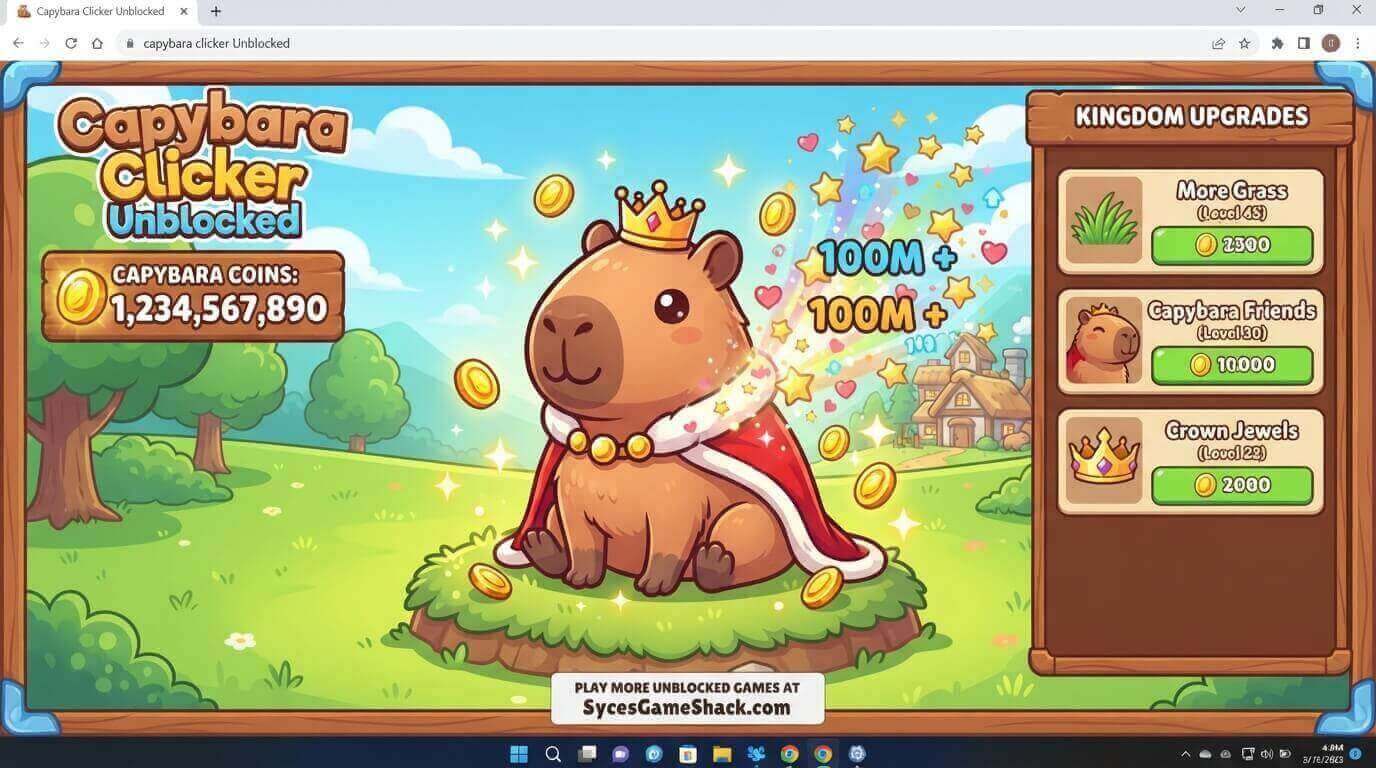
If your school blocks gaming websites, follow these steps:
- Step 1: Open Chrome on your Chromebook
- Step 2: Go directly to Syces Game Shack
- Step 3: Search for Capybara Clicker in the search bar
- Step 4: Click play, and the game loads instantly
No VPN. No download. No login. Just click and play.
All Capybara Clicker Versions Available
- Capybara Clicker Original: The classic version. Start here if you are a new player. Simple, fun, and completely free.
- Capybara Clicker 2: The upgraded sequel featuring more capybara types, new weather effects, additional skins, and improved upgrade options.
Both versions are free and unblocked on Syces Game Shack.
Capybara Clicker Unblocked Skins and Customization
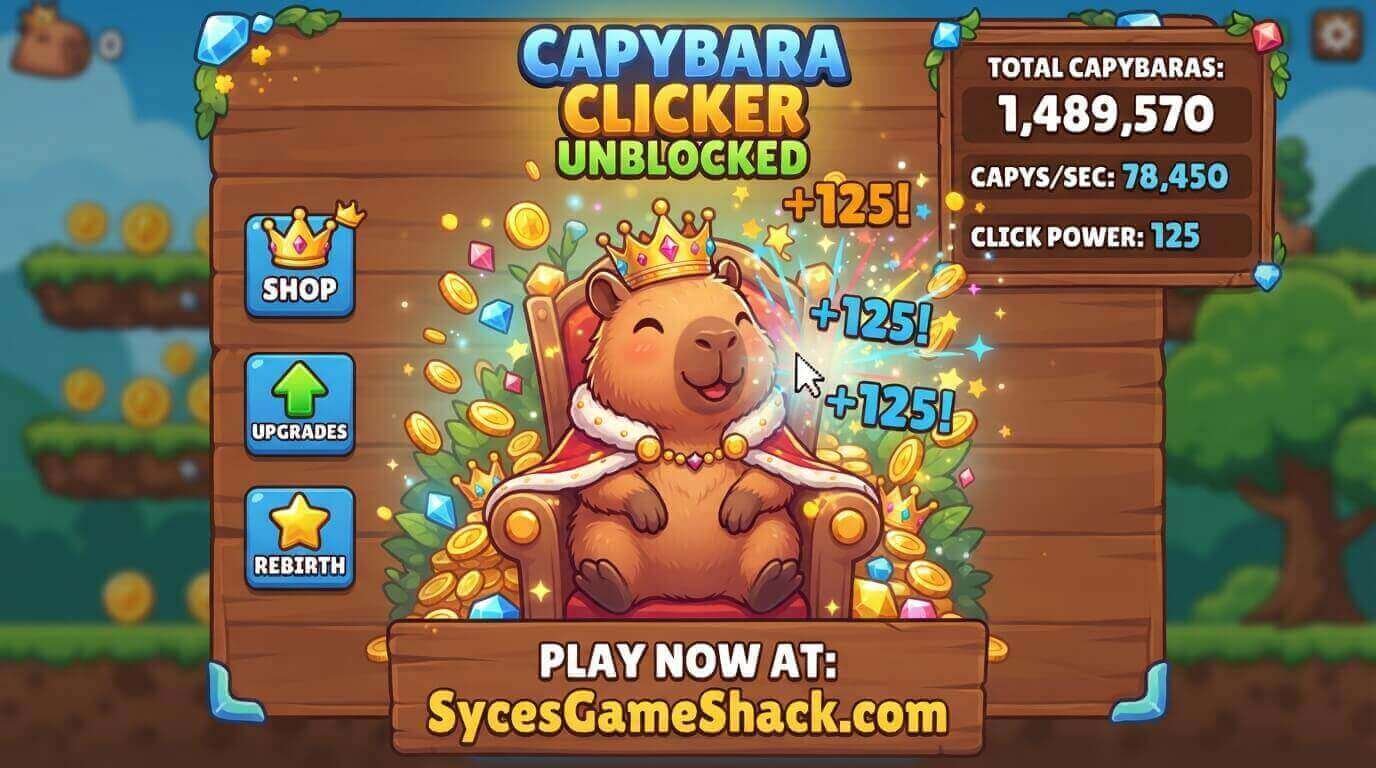
One of the best features of Capybara Clicker is the skin system. As you reach population milestones, you unlock new outfits and looks for your capybara.
Popular skins include:
- Cowboy Capybara: Unlocked at early milestones
- Golden Capybara: Rare skin for high population counts
- Space Capybara: Unlocked after reaching advanced levels
Skins do not affect gameplay but make the game much more fun to play.
Why Play Capybara Clicker Unblocked on Syces Game Shack?
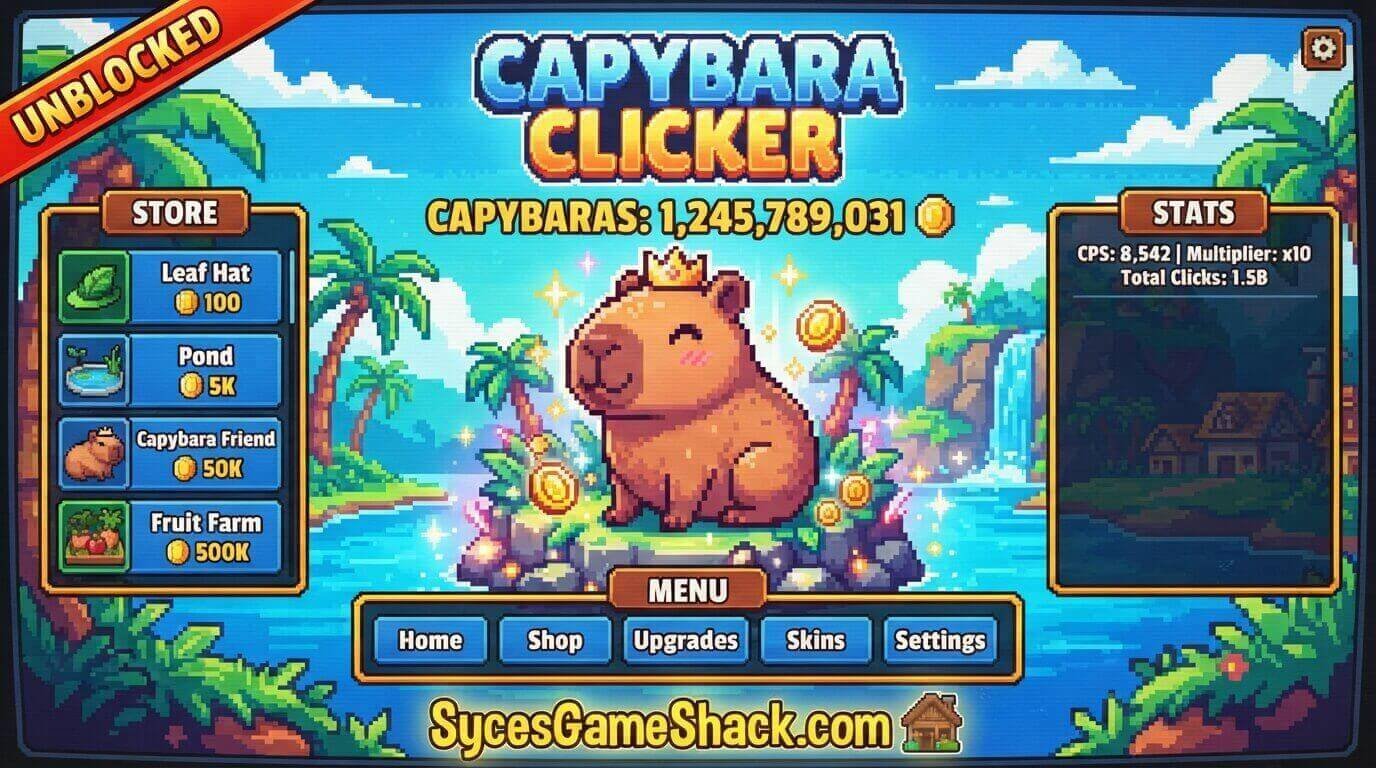
Syces Game Shack is the best place to play Capybara Clicker Unblocked in 2026.
The site loads fast, has zero pop-up ads, and works on every school Chromebook without any technical issues.
With over 160 free unblocked games available, Syces Game Shack is your one-stop destination for the best school-friendly games.
Bookmark it today, and you will never run out of games to play during your free periods.
FAQs
1. Is Capybara Clicker Unblocked free?
Yes. The game is 100% free with no purchases, subscriptions, or premium versions.
2. Does Capybara Clicker save my progress?
Yes, the game saves automatically in your browser storage. Do not clear your browser cookies or your progress will be lost.
3. Can I play Capybara Clicker on my phone?
Yes. Capybara Clicker works on smartphones and tablets. Tap the screen instead of clicking.
4. What is the Ascend button in Capybara Clicker?
The Ascend button resets your capybara count but gives you a permanent bonus that makes future games faster and more powerful.
5. How do I unlock new skins in Capybara Clicker?
Reach population milestones and new skins unlock automatically. Keep growing your capybara population!
6. Is Capybara Clicker safe for kids?
Yes. Capybara Clicker has no violence, no ads, and only features cute cartoon capybaras. It is completely safe for all ages.
7. What games are similar to Capybara Clicker?
Similar games include Cookie Clicker, Monkey Mart, and Idle Breakout. All are available free on Syces Game Shack.
8. Can teachers see me playing Capybara Clicker?
This depends on your school’s monitoring software. If your school uses GoGuardian, teachers may be able to see active browser tabs. Always be aware of your classroom environment.