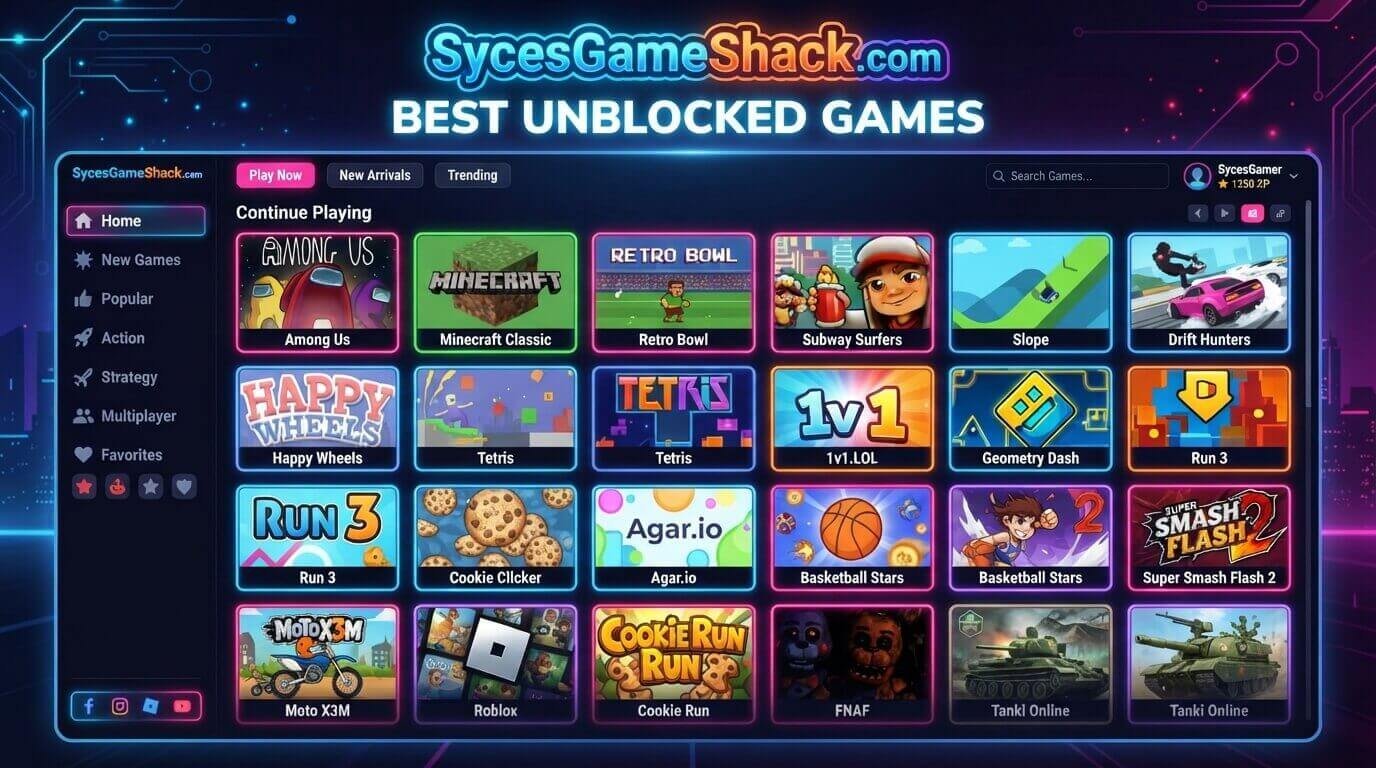
Best Unblocked Games: Top Sites & Games List
Introduction
The good news is that plenty of legitimate, ad-light websites host hundreds of lightweight games that run entirely in your browser, need no downloads, and are less likely to be flagged by school filtering software like GoGuardian or Securly.
Below you’ll find the best unblocked games websites, the top individual games worth trying, and practical tips to make sure you’re playing safely.
What Are Unblocked Games?
Best Unblocked Games are browser-based games, usually built with HTML5, that can run directly inside a web browser without needing an app store, an installer, or admin permissions.
Because they don’t show up as a separate installed application, many of these games slip past network filters that are designed mainly to block streaming sites, social media, and downloadable software rather than lightweight browser content.
This is why you’ll often see the same handful of platforms, Coolmath Games, Scratch, and various “Best Unblocked Games” mirror sites recommended across school Chromebooks year after year.
Best Unblocked Games Websites
Not every site claiming to offer Best Unblocked Games is safe or reliable. Some are packed with intrusive ads, fake download buttons, or outdated game libraries. Here are the platforms that consistently hold up:
1. Coolmath Games
One of the longest-running and most trusted browser game platforms, offering thousands of puzzle, strategy, logic, and skill-based games. Almost every title loads instantly with no download required, making it a staple on school networks.
2. Hooda Math
An educational game site built around math puzzles and logic challenges. Because it’s classified as an educational resource, it’s frequently whitelisted even on the strictest school firewalls.
3. Scratch
Originally built for teaching kids to code, Scratch also hosts thousands of community-made games. Since it’s owned by MIT and marketed as an educational coding tool, it rarely gets blocked.
4. ABCya and Funbrain
Both platforms focus on younger students with simple, colorful games that double as learning tools, which makes them a safe bet on elementary and middle school networks.
5. CrazyGames and Poki
Larger commercial game hubs with a massive, constantly updated catalog of HTML5 games across every genre. They’re not always whitelisted by name, but their game embeds often load through shared content delivery networks that filters miss.
6. Unblocked Games 66 / 76 (Use With Caution)
These mirror-style sites host a huge dump of flash-era and HTML5 games and are extremely popular search terms.
However, their domains change frequently, ad quality varies wildly, and some mirrors carry more intrusive advertising than the platforms above. If you try one, stick to well-known games and avoid clicking anything that looks like a download prompt.
Top Unblocked Games to Play Right Now
Once you’ve picked a platform, here are some of the most popular titles worth checking out:
- Slope is a fast-paced 3D ball-rolling game that’s become a school-network classic.
- Snow Rider 3D, endless runner that’s simple to pick up during a five-minute break.
- 1v1.LOL, a building and shooting game popular with older students, though it does include text chat with other players.
- Retro Bowl, a lightweight, pixel-art football management game with surprising depth.
- Moto X3M, a physics-based motorbike stunt game split into short, replayable levels.
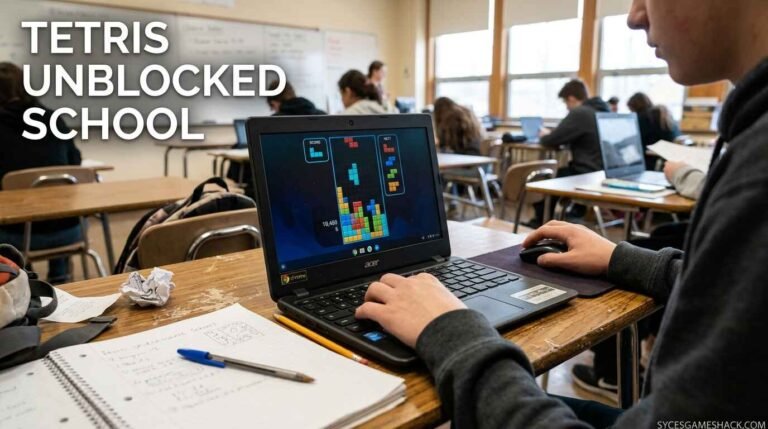
- Tetris Unblocked, the timeless puzzle classic, playable directly in-browser with no login.
- Agar.io, a simple, addictive multiplayer cell-eating game that loads almost instantly.
Why Do Schools Block Games in the First Place?
Schools and workplaces don’t block games out of spite; the goal is usually to reduce distraction during class or work hours and to limit exposure to sites with weak security, aggressive advertising, or inappropriate content.
Filtering software typically targets categories rather than individual game titles, which is why entire domains get blocked at once even if only a handful of games on that site are actually a problem.
Understanding this helps explain why educational-labeled platforms like Coolmath Games or Scratch tend to stay accessible while generic “gaming” domains get caught in the filter far more often.
How to Play Unblocked Games Safely
Not every Best Unblocked Games site is trustworthy, so it’s worth following a few basic safety habits before you start clicking around:
- Stick to browser play only. A legitimate unblocked game never needs you to download an EXE, APK, or browser extension to run.
- Ignore fake buttons. Many ad-supported game sites include misleading “Play,” “Update,” or “Download” buttons that are actually ads; only click the game thumbnail itself.
- Never enter personal credentials. Don’t log in with your school Google account, email password, or payment details on an unfamiliar game hub.
- Watch for pop-ups. If a site opens multiple new tabs the moment you load a game, close it and pick a different platform from the list above.
- Be mindful of in-game chat. Multiplayer games like 1v1.LOL include open text chat, so younger players should be aware there’s no moderation of conversations.
Tips for Playing Responsibly
Best Unblocked Games are meant for short breaks, not to replace class time or work responsibilities.
A few smart habits go a long way: play during designated break periods rather than during lessons, keep the volume low or muted in shared spaces, and avoid multiplayer games with chat features if you’re on a shared or monitored device where privacy isn’t guaranteed.
Treating unblocked games as a quick mental reset rather than a constant distraction is the difference between a five-minute break and a bigger problem with a teacher or supervisor.
FAQs
1. What are the safest unblocked games websites?
Coolmath Games, Hooda Math, Scratch, ABCya, and Funbrain are generally considered the safest options since they’re classified as educational platforms with lighter, less intrusive advertising.
2. Do unblocked games require downloads?
No, legitimate unblocked games run entirely in your browser using HTML5 technology, so no downloads, installers, or admin permissions are ever needed.
3. Why do some unblocked game sites keep changing their URL?
Mirror-style sites like Unblocked Games 66 or 76 frequently switch domains because their original URLs get added to school and workplace blocklists over time, so a new mirror is created to stay accessible.
4. Are unblocked games safe for younger kids?
Educational platforms like ABCya, Funbrain, and Hooda Math are built specifically with younger students in mind, while multiplayer games with open chat, like 1v1.LOL, are better suited for older students.
5. Can unblocked games be played on a Chromebook?
Yes, since these games run in a standard web browser, they work on Chromebooks, Windows laptops, Macs, and most tablets without any special software.
6. What should I avoid on unblocked game sites?
Avoid any site that asks you to download a file, enter your school or personal login credentials, or click flashing “Play Now” ads that lead away from the actual game.



2 Comments