Basket Random Unblocked: Play Free 2 Player Basketball Game at School
Introduction
Basket Random Unblocked is one of the funniest and most unpredictable sports games you can play directly in your browser. Two ragdoll players, one button control, completely random physics, and chaotic basketball action that makes every single match different from the last.
The unblocked version on Syces Game Shack lets you play Basket Random anywhere at school on a Chromebook, at home on any device, or anywhere with an internet connection with zero downloads, zero sign-ups, and zero ads.
This complete guide covers everything about Basket Random Unblocked, how to play, all controls, tips to win every match, game modes, and answers to every common question.
What Is Basket Random?
Basket Random Unblocked is a physics-based arcade basketball game developed by RHM Interactive. Unlike realistic basketball simulations, Basket Random throws all rules out the window and replaces them with wild ragdoll physics, completely random court conditions, and one-button gameplay that anyone can pick up in seconds.
Every match takes place on a randomly generated court with different layouts, obstacles, and conditions. The ball bounces unpredictably. Your ragdoll character swings wildly.
The basket can appear at unexpected angles. This randomness is exactly what makes the game so addictive; no two matches ever play out the same way.
The game is part of RHM Interactive’s popular Random Sports Series, which includes Soccer Random, Tennis Random, Hockey Random, and several other physics-based sports titles.
Basket Random quickly became the most popular game in the series thanks to its fast matches, hilarious physics, and perfect two-player design for playing with a friend sitting next to you.
Why Is Basket Random Blocked at School?
School networks use content filtering systems such as GoGuardian, Securly, and Lightspeed that automatically block websites categorized as gaming or entertainment. The primary Basket Random domain gets flagged by these filters on most school Wi-Fi networks.
The unblocked version on Syces Game Shack works because the platform runs on hosting that school content filters do not automatically flag. The game runs entirely in your browser with no downloads, no extensions, and no workarounds required.
How to Play Basket Random Unblocked on Syces Game Shack
Starting a game takes less than 30 seconds:
- Step 1: Open any browser on your device: Chrome, Edge, Firefox, or Safari all work.
- Step 2: Go to Syces Game Shack and find Basket Random in the game library.
- Step 3: Click the game it launches instantly in your browser with no loading screens.
- Step 4: Choose your game mode: 1 Player or 2 Players.
- Step 5: Start playing immediately. No account, no email, no personal information needed.
- Step 6: Bookmark the page for instant access every session.
Basket Random Controls Complete Guide
Basket Random uses the simplest control scheme of any sports game, one button per player.
Player 1 Controls
| Key | Action |
|---|---|
| W | Jump / Swing / Shoot |
| Mouse Left Click | Jump / Swing / Shoot |
Player 2 Controls
| Key | Action |
|---|---|
| Up Arrow Key | Jump / Swing / Shoot |
Mobile and Tablet Controls
On touchscreen devices, the screen is divided into two halves. Tap your side of the screen to control your player. Player 1 taps the left half and Player 2 taps the right half.
How the One-Button Control Works
The entire game revolves around timing a single button press. When you press and hold your button, your ragdoll character jumps and keeps their arm raised to defend or block. When you release the button, your character swings their arm and releases the ball toward the basket.
The timing of your release determines the direction and power of your shot, and because of the random physics, even perfect timing does not guarantee the ball goes exactly where you expect. This unpredictability is what makes the game so fun and so funny.
Game Modes in Basket Random
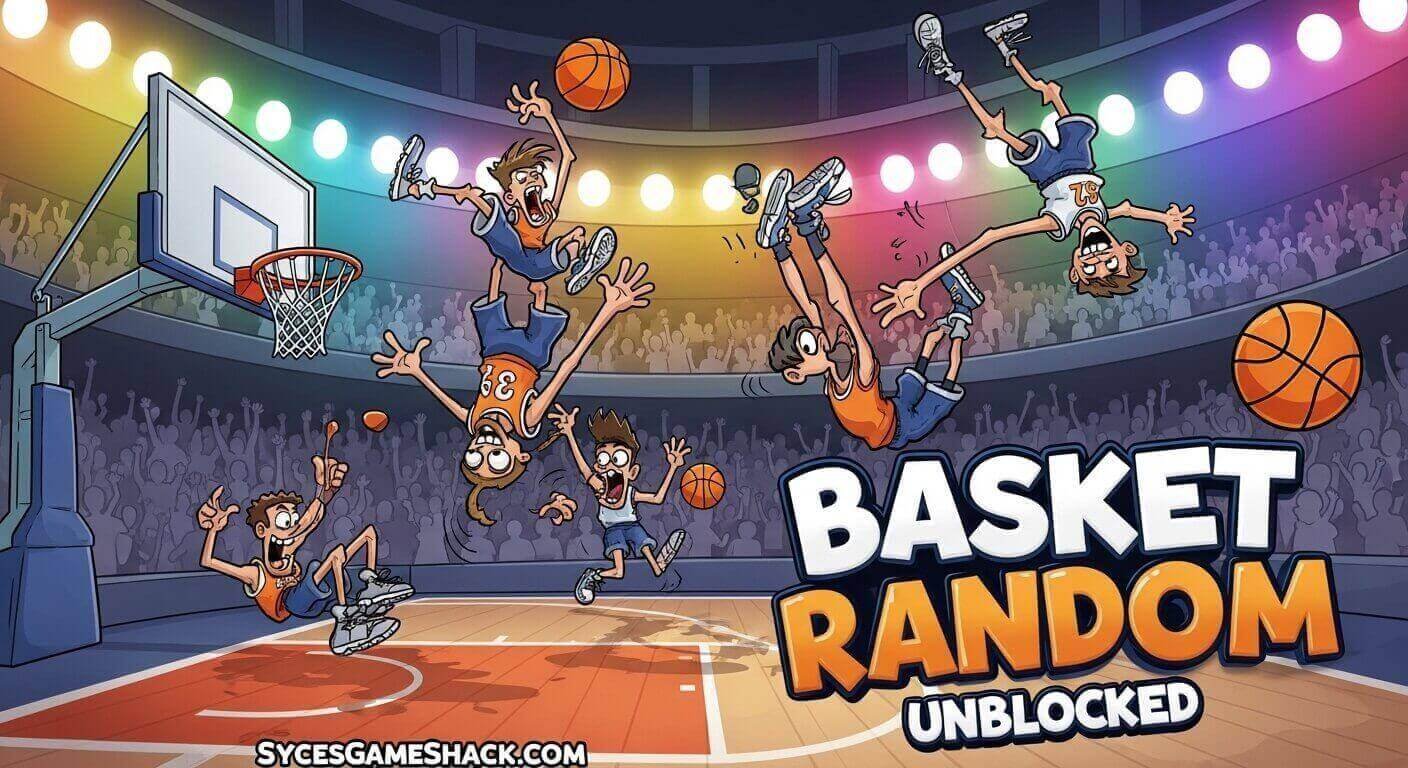
1 Player Mode
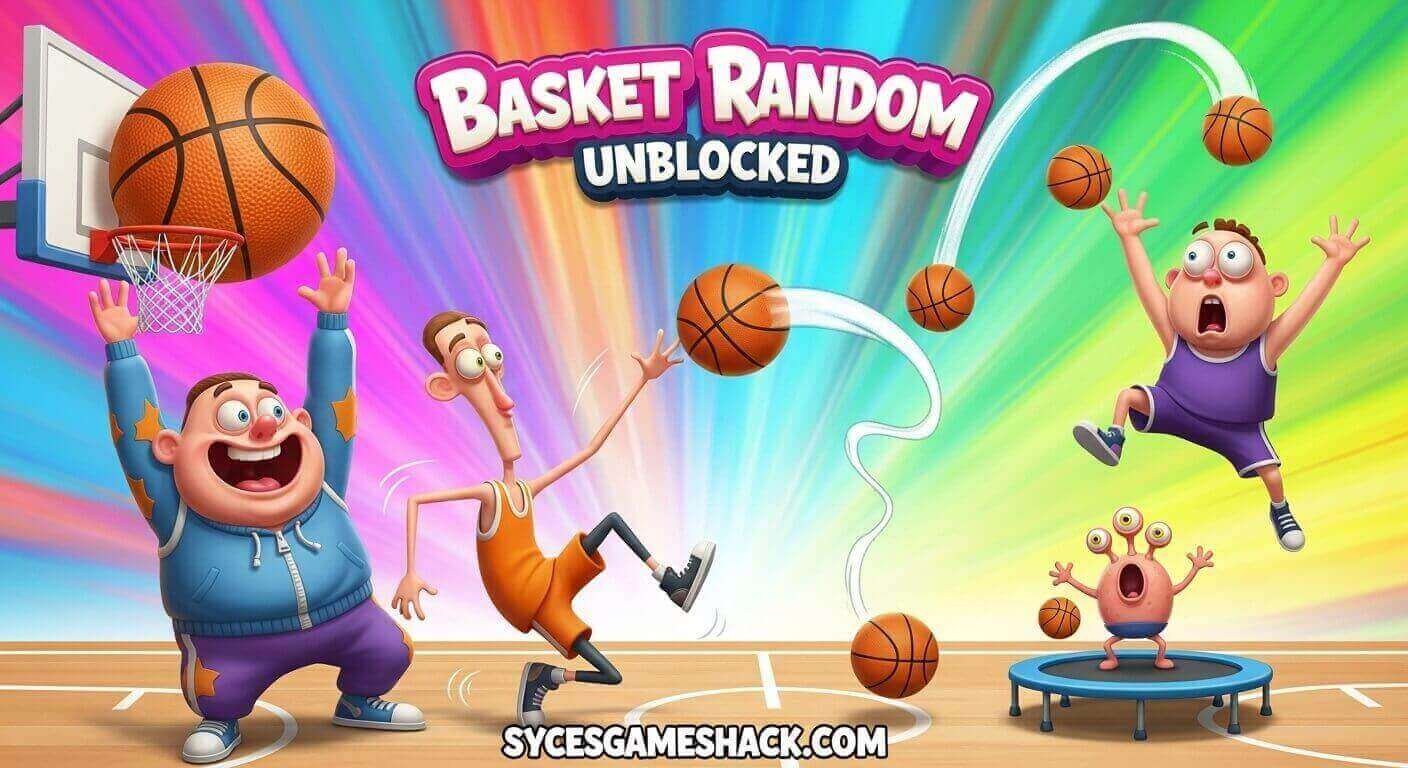
Play against a computer-controlled opponent. The AI in Basket Random is deliberately unpredictable, making single-player matches just as chaotic and entertaining as two-player games.
Use single-player mode to practice timing, learn how the random physics behave, and develop a consistent shooting technique before challenging friends.
2 Player Mode
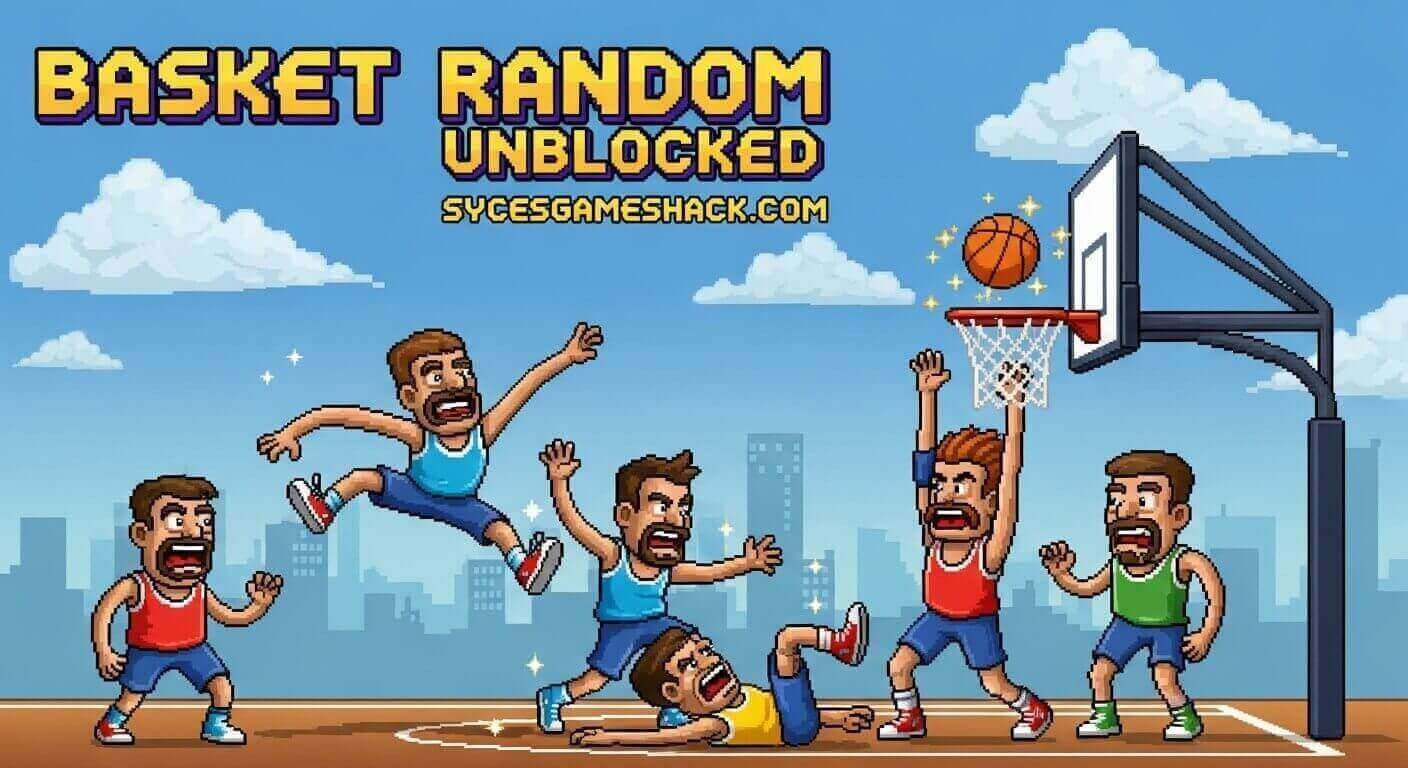
Two players compete on the same device simultaneously. Player 1 uses the W key or mouse click, and Player 2 uses the Up Arrow key.
This local multiplayer mode is Basket Random at its absolute best. Sitting next to a friend and competing in chaotic basketball matches produces genuinely hilarious moments every session.
How the Random Physics System Works
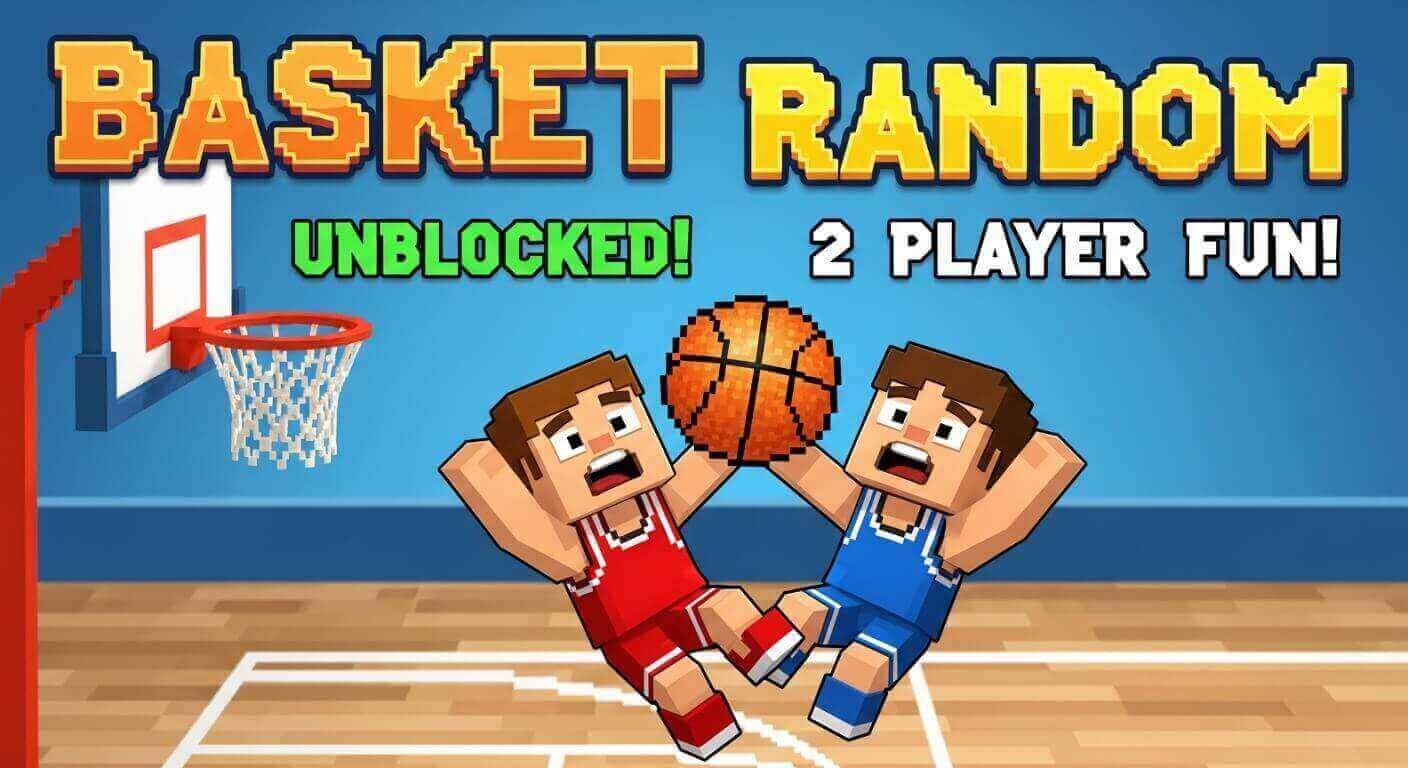
The “Random” in Basket Random refers to the constantly changing conditions that make every match unique. Here is what changes between matches:
Court Layout
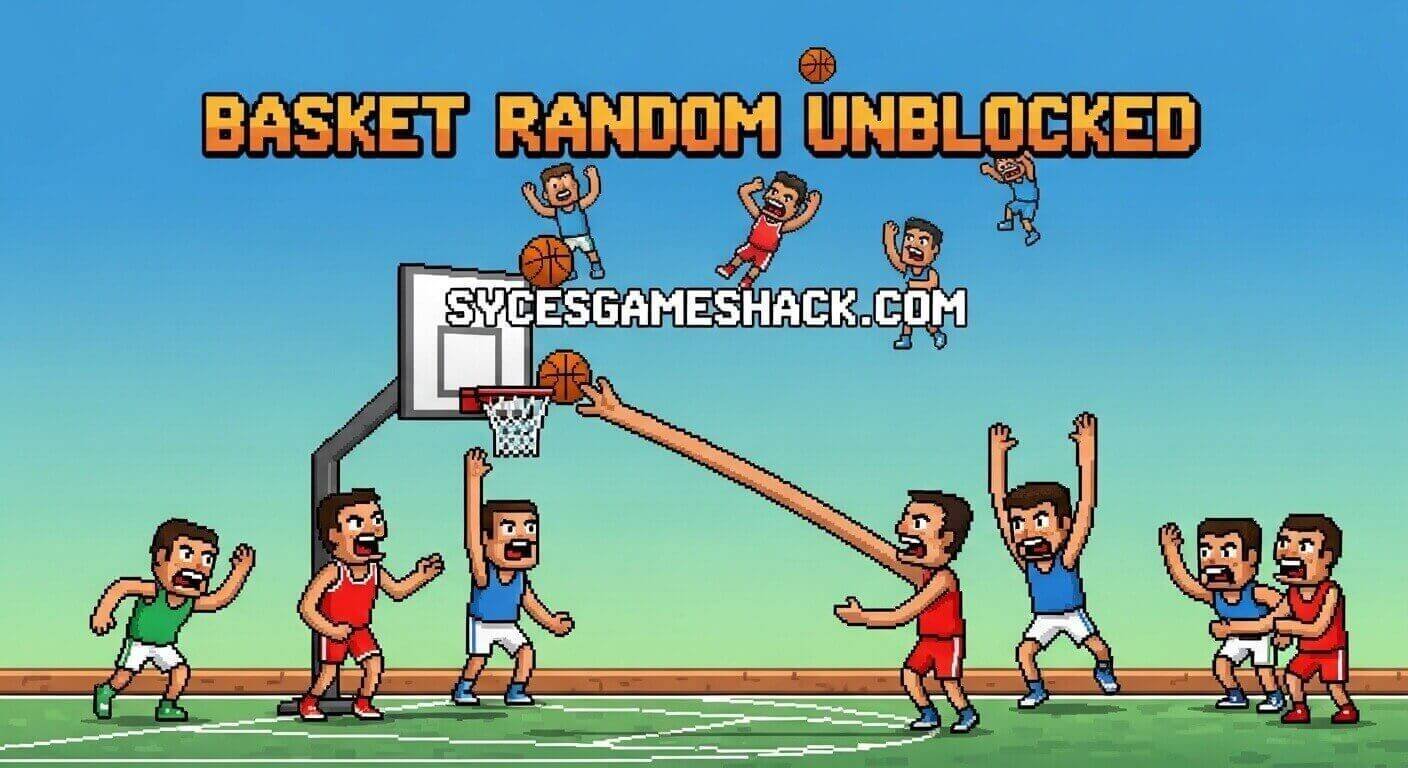
The basketball court changes shape and configuration. Some courts are flat and straightforward. Others have elevated platforms, unusual angles, or obstacles that affect ball movement. You never know what court you will get until the match begins.
Ball Physics
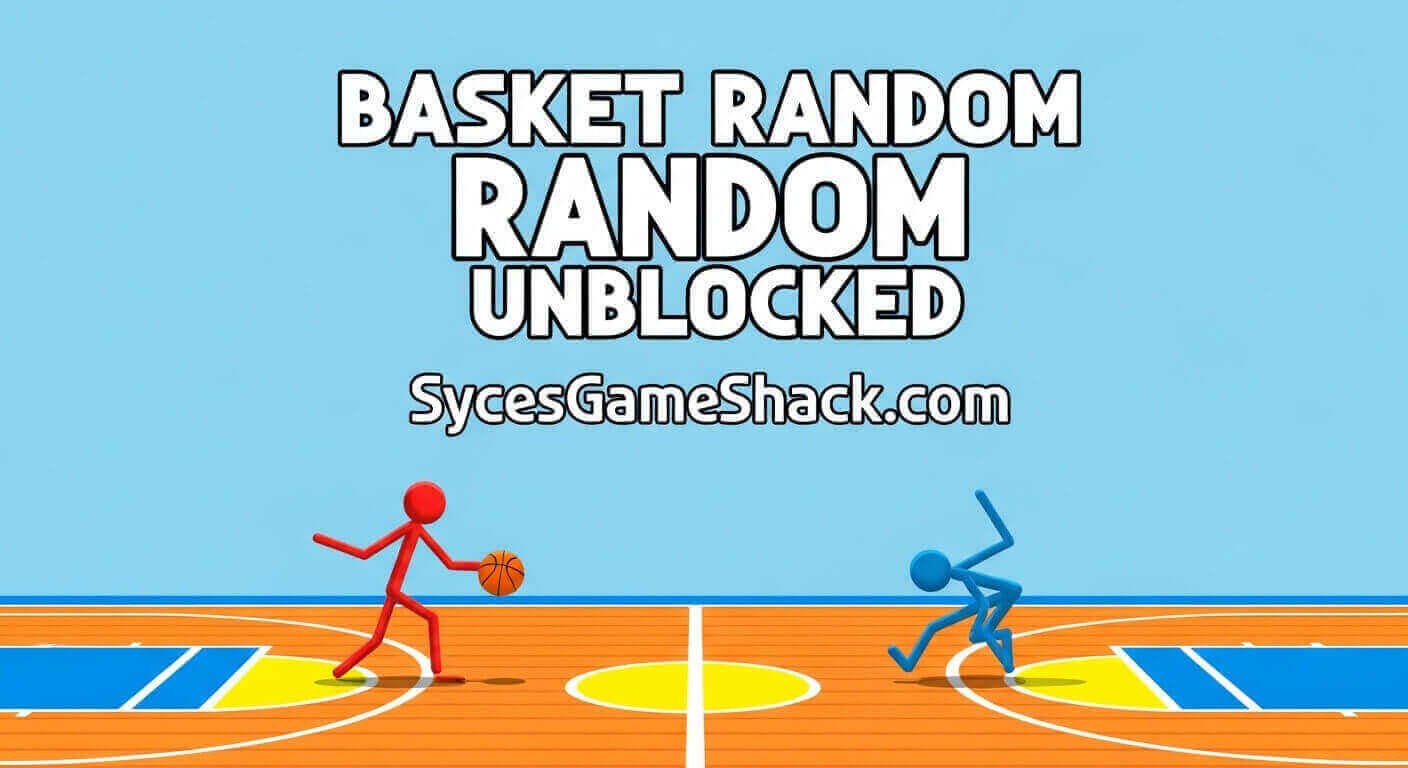
The ball’s bounce behavior varies between matches. In some games the ball bounces predictably. In others it rockets off walls at unexpected angles or takes sharp turns mid-air. Learning to adjust your shots based on current ball physics is a core skill.
Player Size and Position
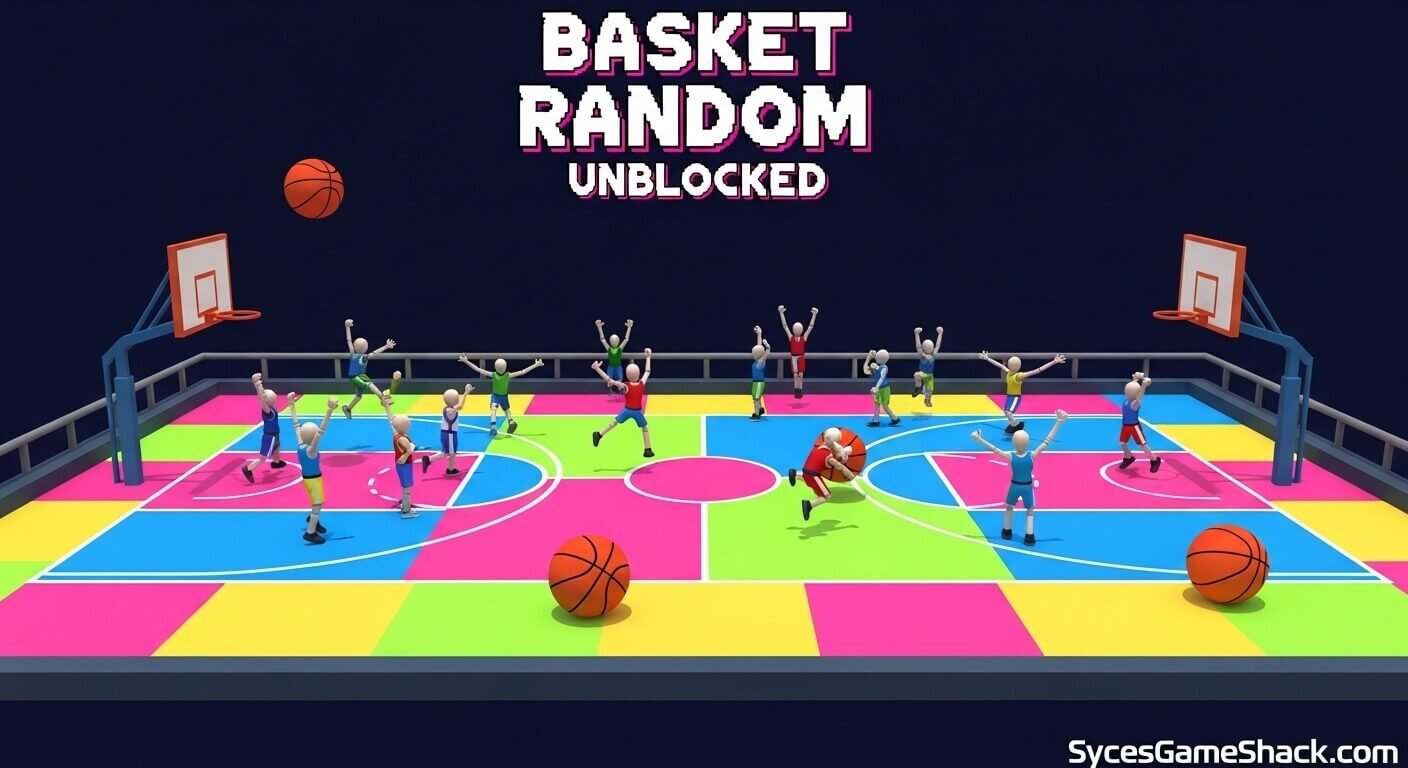
Your ragdoll character’s proportions and starting position can vary, affecting how your swing connects with the ball. Taller characters reach higher. Different starting positions require different shot timing.
Basket Position
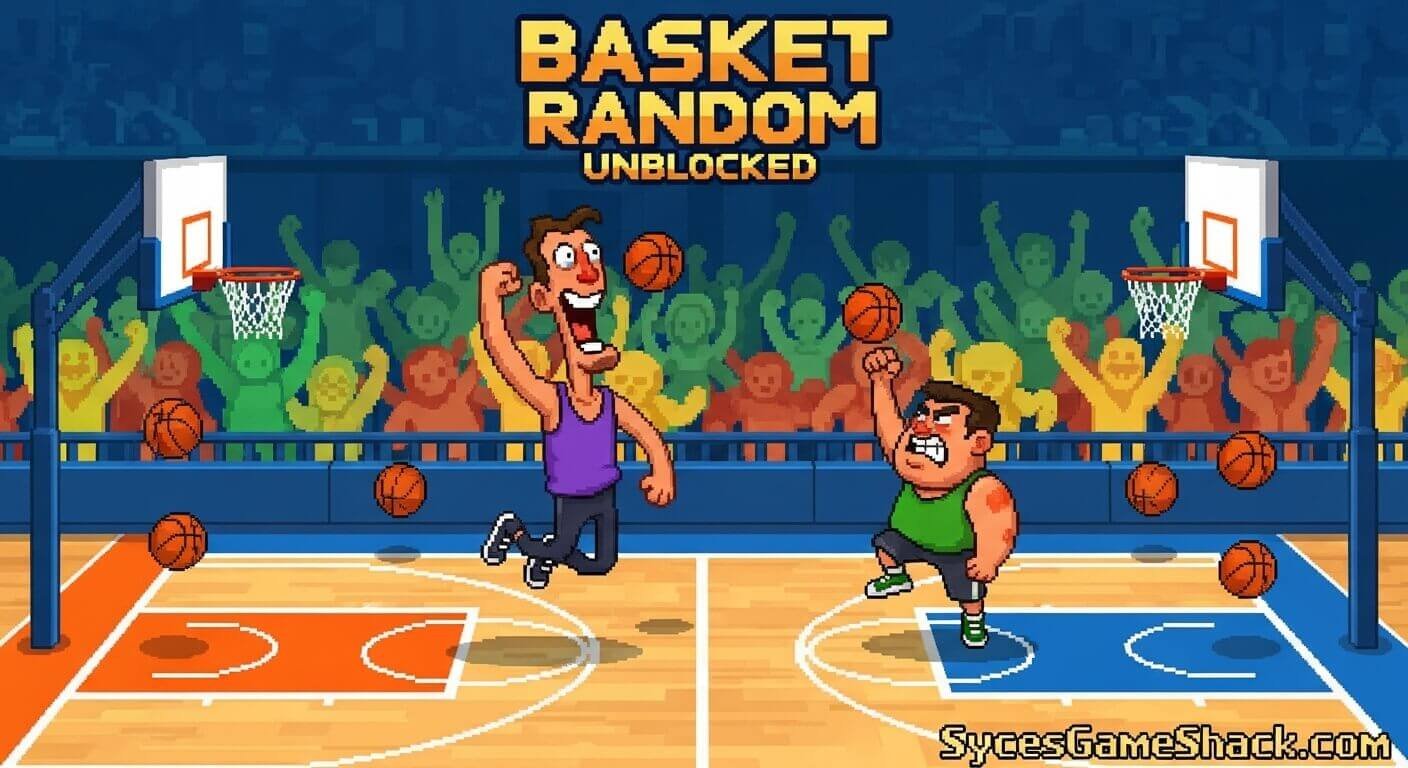
The basket height and angle change between rounds, requiring you to constantly recalibrate your shot release timing.
Pro Tips to Win Every Match in Basket Random
Tip 1: Timing Beats Power
In Basket Random, releasing the ball at the right moment matters far more than swinging hard. Watch where the basket is positioned and practice releasing your button press when your character’s arm is angled toward the basket.
The more time you spend in training mode, noticing the timing patterns, the more consistent your shots become.
Tip 2: Use Defense Actively
Holding down your control button keeps your character’s arm raised in a defensive position that blocks incoming shots.
When your opponent is preparing to shoot, hold your button down and position yourself between them and the basket. A well-timed block can prevent an easy point and immediately give you the ball back.
Tip 3: Control Rebounds
After a missed shot, the ball bounces off the backboard and rim unpredictably. Position your character near the basket and tap your button quickly to catch the rebound. Players who control rebounds get more shot attempts and win significantly more matches.
Tip 4: Adapt to Each Court Immediately
When a new court is loaded, spend the first few seconds observing where the basket is, how the ball bounces off any walls, and what the floor layout looks like. Players who adapt quickly to the new court configuration outperform those who keep using the same approach from the previous round.
Tip 5: Stay Patient in Close Games
Basketball Random matches are decided by small scoring margins. When the score is tied late in a match, avoid rushing shots. A missed shot gives your opponent a rebound opportunity.
Take your time, position properly, and choose your shot moment carefully rather than firing as quickly as possible.
Tip 6: Learn the Ball’s Current Bounce Pattern
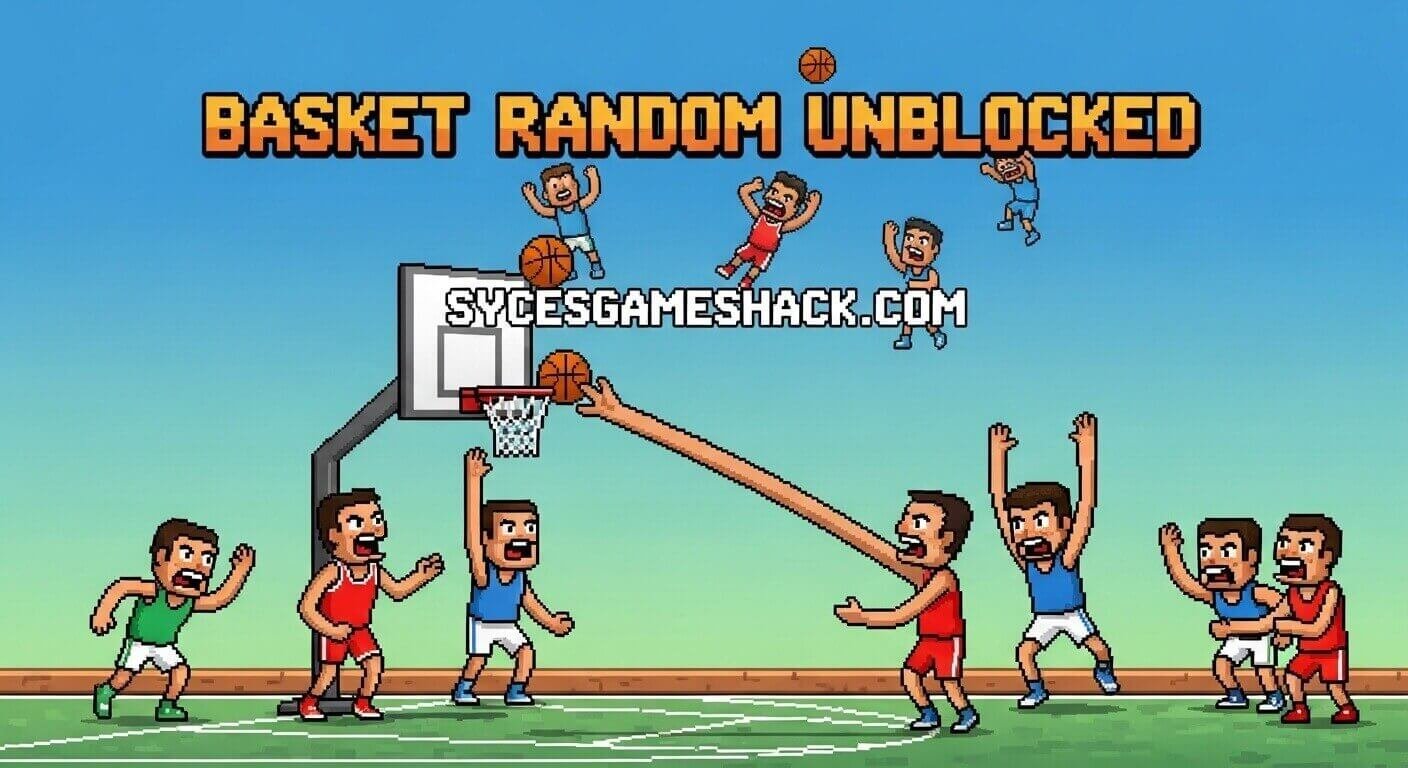
Within the first point of each match, pay close attention to how the ball bounces. Does it travel in straight lines or curves? Does it bounce high or low? Each match’s ball behavior is consistent within that round, even though it changes between rounds.
Players who recognize the current physics pattern quickly gain a significant shooting accuracy advantage.
Why Basket Random Is Perfect for School Breaks
- Matches Last 60 to 90 seconds: Basket Random matches are extremely short. You can play a full game between classes and stop the moment you need to without losing any progress.
- Two Player on One Device: No Wi-Fi connection needed for two-player mode. Both players use the same keyboard, making it perfect for playing with a friend during lunch break on one shared Chromebook.
- No Account Required: Jump straight into a match without registration, email address, or any personal information.
- Works on School Chromebook: Pure HTML5 technology. No downloads, no extensions, no plugins needed on any school device.
- Zero Ads on Syces Game Shack: No pop-ups, no video ads, no banners. The entire screen is yours from the moment the game loads.
- Genuinely Funny: The ragdoll physics produce hilarious moments constantly. Even losing is entertaining when your character flops across the court in the most ridiculous way possible.
Final Words
Basket Random Unblocked on Syces Game Shack delivers exactly what the name promises: completely random, genuinely hilarious, one-button basketball chaos that you can play instantly on any device with zero setup.
Whether you are playing solo against the AI or competing with a friend on the same keyboard, every match produces new situations and new laughs.
Bookmark the page, grab a friend, and discover why Basket Random is one of the most entertaining two-player browser games available anywhere online.
FAQs
1: Is Basket Random Unblocked free to play?
Yes, completely free. No payments, subscriptions, or in-app purchases of any kind on Syces Game Shack.
2: Can I play Basket Random with a friend at school?
Yes. In 2 Player mode, Player 1 uses the W key and Player 2 uses the Up Arrow key on the same device. Both players can compete simultaneously on one Chromebook or computer without any additional setup.
3: Does Basket Random work on school Chromebooks?
Yes. The game runs in HTML5 and requires only a standard browser. No downloads, extensions, or plugins needed on any Chromebook.
4: How many players can play Basket Random at once?
Basket Random supports 1 player versus computer AI and 2 player local multiplayer on the same device. Online multiplayer against players worldwide is planned for a future update.
5: Who made Basket Random?
Basket Random was developed by RHM Interactive, the studio behind the entire Random Sports Series, including Soccer Random, Tennis Random, and several other physics-based sports games.
6: Why does the court look different every match?
This is the “Random” in Basket Random. Every match randomizes the court layout, ball physics, player proportions, and basket position. This constant variation is what keeps the game fresh and unpredictable even after many matches.
7: Is Basket Random available on mobile?
Yes. The game works on mobile browsers. On touchscreen devices, tap your side of the screen to control your character. The game runs smoothly on most modern smartphones and tablets without requiring any app download.
8: What is the best strategy for beginners?
Start by focusing on shot release timing in 1 Player mode. Hold your button down to keep your arm raised and learn to release at the moment your arm is pointing toward the basket. Spend several matches in single-player mode learning the timing before competing against a friend in 2 Player mode.
9: Can I play Basket Random offline?
Once the game loads in your browser, it can continue running even if your internet connection drops momentarily. For the best experience, a stable internet connection is recommended.
10: How is Basket Random different from Basketball Stars or Basketball Legends?
Basketball Stars and Basketball Legends are skill-based, realistic basketball games requiring complex controls and strategy. Basket Random uses completely random physics and one-button controls, making it more accessible and focused on humor and chaos rather than realistic simulation.