PUBG Mobile Gyroscope Settings for Beginners 2026: Complete Step-by-Step Guide to Zero Recoil
Introduction
PUBG Mobile Gyroscope Settings for Beginners 2026 and struggling with recoil control, shaky aim, and missing shots, then the gyroscope is the single most important setting you need to learn right now.
This complete guide covers everything a beginner needs to know about PUBG Mobile Gyroscope Settings for Beginners 2026, from enabling it for the first time to mastering pro-level sensitivity values that give you zero recoil and laser-accurate aim.
Every pro player in PUBG Mobile uses a gyroscope. If you are still playing with only your thumbs and no gyroscope, you are giving up a massive advantage to every opponent who uses it. After reading this guide, you will know exactly how to set up, calibrate, and use a gyroscope like a pro, even as a complete beginner.
What is a Gyroscope in PUBG Mobile?
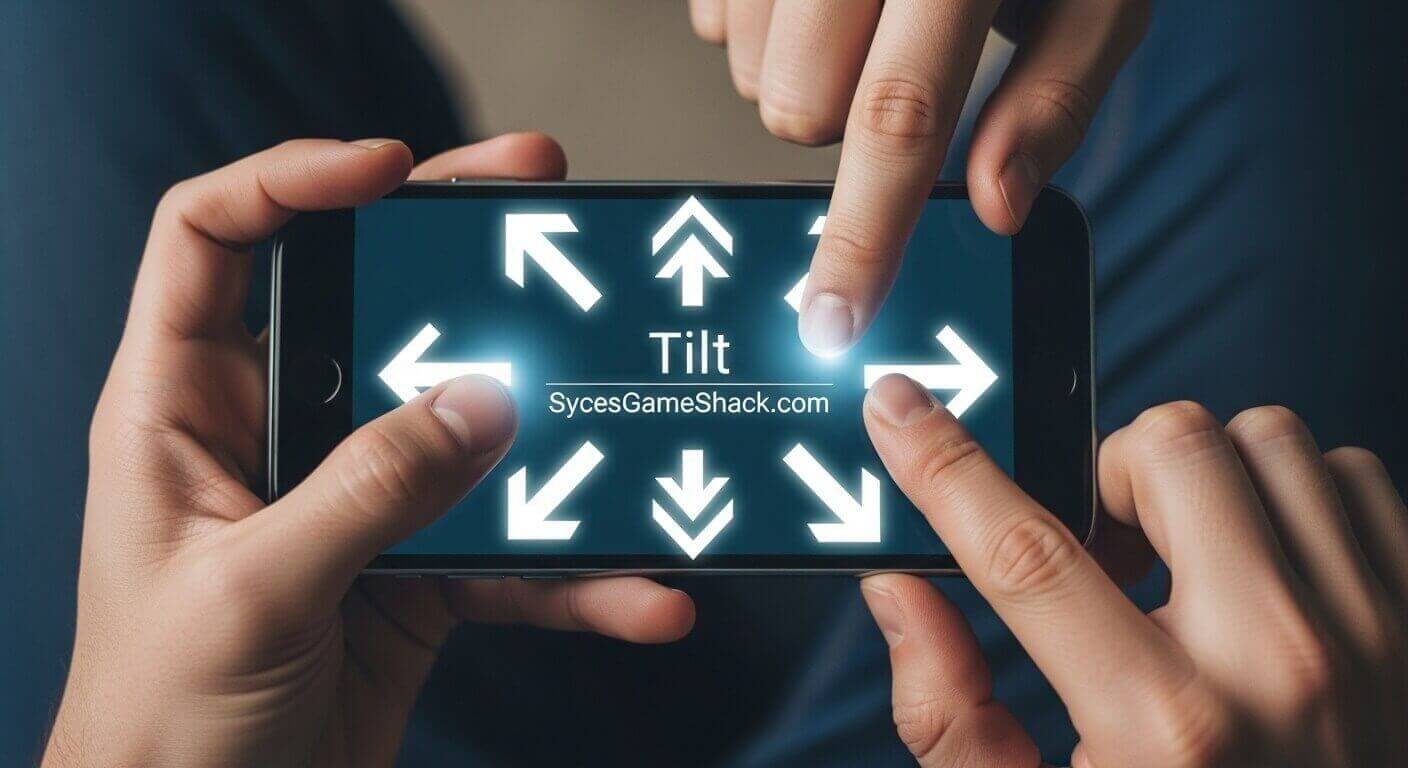
The gyroscope in PUBG Mobile is a built-in phone sensor that detects when you tilt or move your device. When the gyroscope is enabled in PUBG Mobile Gyroscope Settings for Beginners 2026, you can control your aim and reduce weapon recoil simply by tilting your phone, instead of dragging your finger across the screen.
This gives you far more precision than thumb aiming alone. Think of it like this: instead of your thumb doing all the work of controlling recoil during a spray, your wrist does it automatically by tilting the phone slightly downward.
The result is smoother sprays, better headshots, and faster target tracking that thumb players simply cannot match.
Why Every Beginner Should Use Gyroscope in PUBG Mobile 2026
Here are the exact reasons why a gyroscope is essential for every PUBG Mobile player in 2026:
- Better Recoil Control: Gyroscope lets you pull down naturally on vertical recoil by simply tilting your phone. No more dragging your finger while also trying to track the enemy.
- Faster Headshots: Small micro-adjustments with the gyroscope allow you to quickly move your crosshair to enemy heads without overshooting. This is why pro players land headshots consistently.
- Smoother Target Tracking: When enemies move, the gyroscope lets you follow them by rotating your device slightly, giving you a smooth tracking motion that is impossible with thumbs alone.
- Less Thumb Fatigue: Your thumbs handle movement and firing. Gyroscope handles aim correction. This natural division of tasks reduces hand strain during long gaming sessions.
- Pro Player Standard: In 2026, every top PUBG Mobile player uses a gyroscope. Conqueror-tier players, tournament pros, and content creators all rely on Gyroscope for their precision aim.
How to Enable Gyroscope in PUBG Mobile 2026
Follow these exact steps to turn on the gyroscope in PUBG Mobile Gyroscope Settings for Beginners 2026:
- Step 1: Open PUBG Mobile and go to the lobby screen.
- Step 2: Tap the Settings icon in the top right corner of the screen.
- Step 3: Tap on the Sensitivity tab on the left side menu.
- Step 4: Scroll down until you see the Gyroscope section.
- Step 5: Choose your gyroscope mode. For beginners, select Scope On.
- Step 6: Save your settings and exit to the lobby.
Important Before You Start: Go to your phone settings and turn OFF auto-rotate screen. This prevents your screen from flipping when you tilt your phone during gameplay. This is one of the most common mistakes beginners make, and it will ruin your gyroscope experience if you skip this step.
Gyroscope Modes Explained for Beginners
Scope On (Recommended for Beginners)
The gyroscope only activates when you are aiming down sights or using a scope. When you are running, looting, or hipfiring, the gyroscope is off. This is the best mode for beginners because it prevents accidental camera movement during normal gameplay.
Always On (For Advanced Players)
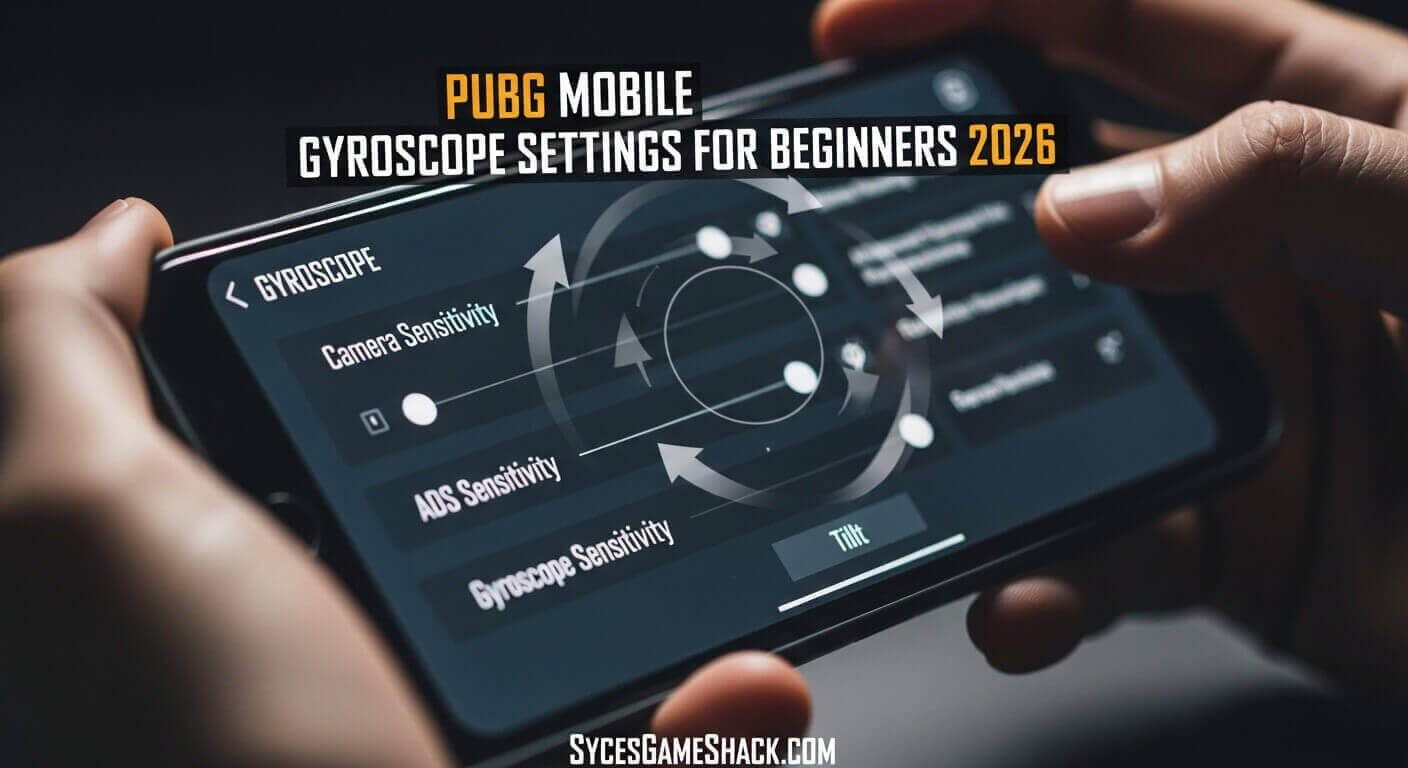
Gyroscope is active at all times, including during hipfire and while running. This gives maximum control but requires much more practice and muscle memory to use effectively.
Start with Scope On. Once you are comfortable after 1 to 2 weeks of practice, you can switch to Always On for even better control.
Best PUBG Mobile Gyroscope Settings for Beginners 2026
These are the best gyroscope sensitivity settings specifically designed for beginners in PUBG Mobile Gyroscope Settings for Beginners 2026. These values give you smooth recoil control without being too sensitive or too slow:
Gyroscope Sensitivity (Scope On Mode):
- TPP No Scope: 100%
- FPP No Scope: 100%
- Red Dot / Holographic: 95%
- 2x Scope: 85%
- 3x Scope: 70%
- 4x Scope / ACOG: 55%
- 6x Scope: 35%
- 8x Scope: 20%
These beginner settings are intentionally lower than what pro players use. Lower sensitivity means more control and less chance of overshooting. As you improve, gradually increase each value by 5 to 10 percent until you find your perfect comfort zone.
Best PUBG Mobile Gyroscope Settings for Intermediate Players 2026
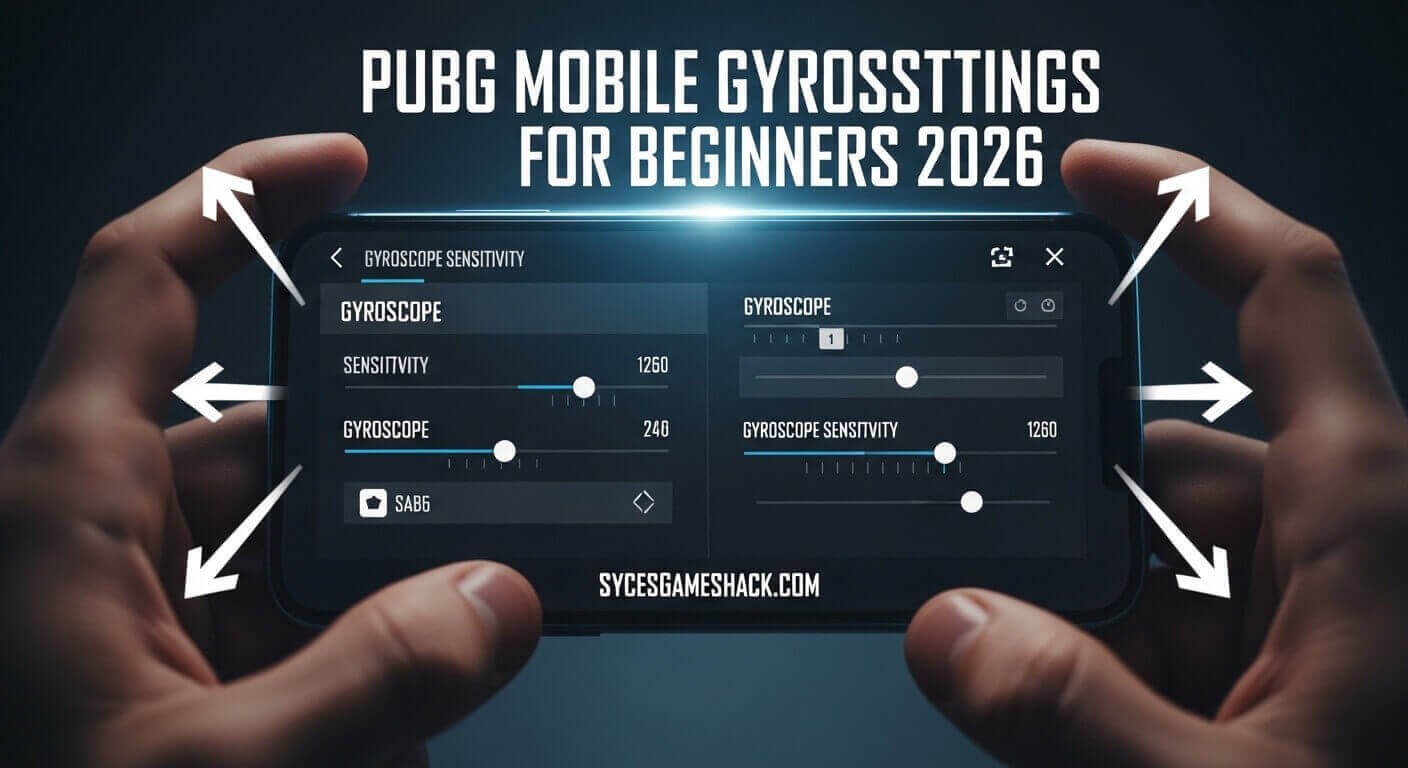
Once you have practiced for 1 to 2 weeks with the beginner settings above, move to these intermediate values:
Gyroscope Sensitivity (Intermediate):
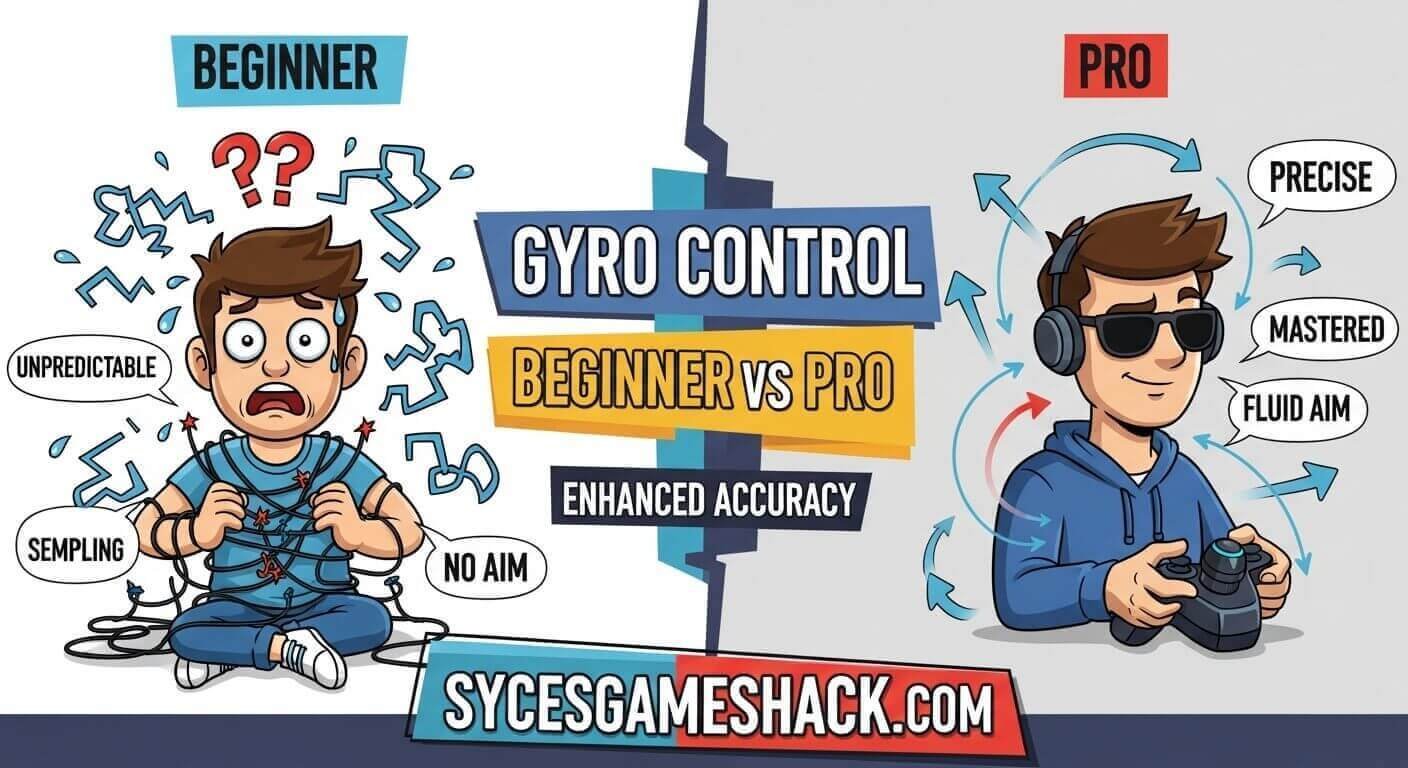
- TPP No Scope: 200%
- FPP No Scope: 200%
- Red Dot / Holographic: 180%
- 2x Scope: 160%
- 3x Scope: 120%
- 4x Scope / ACOG: 90%
- 6x Scope: 60%
- 8x Scope: 40%
Best PUBG Mobile Gyroscope Settings for Pro Players 2026
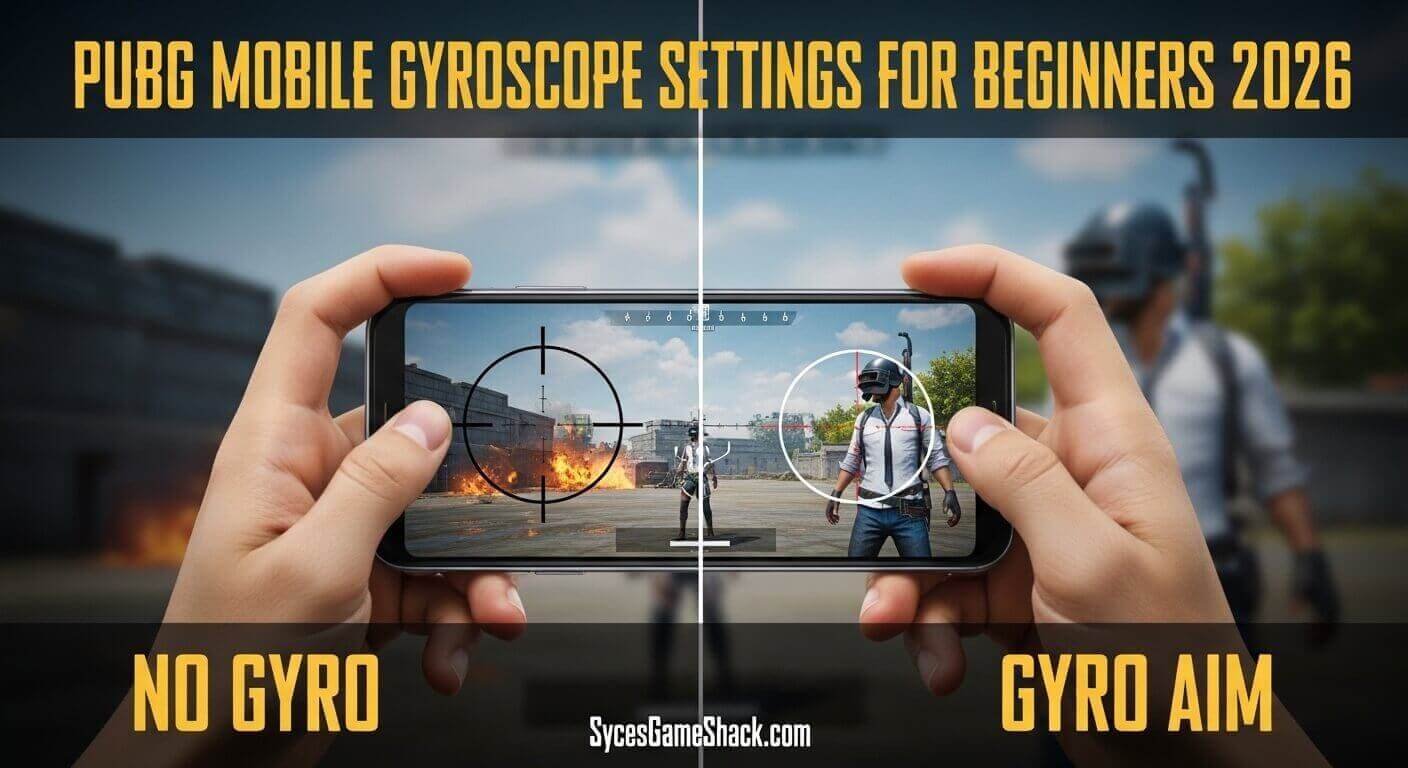
These are the pro-level gyroscope settings used by Conqueror and tournament players in PUBG Mobile Gyroscope Settings for Beginners 2026:
Gyroscope Sensitivity (Pro / Always On Mode):
- TPP No Scope: 350%
- FPP No Scope: 350%
- Red Dot / Holographic: 320%
- 2x Scope: 280%
- 3x Scope: 200%
- 4x Scope / ACOG: 150%
- 6x Scope: 90%
- 8x Scope: 60%
Do not jump straight to pro settings as a beginner. These high values require weeks of muscle memory training to use effectively. Start with beginner settings and work your way up.
How to Calibrate the Gyroscope in PUBG Mobile
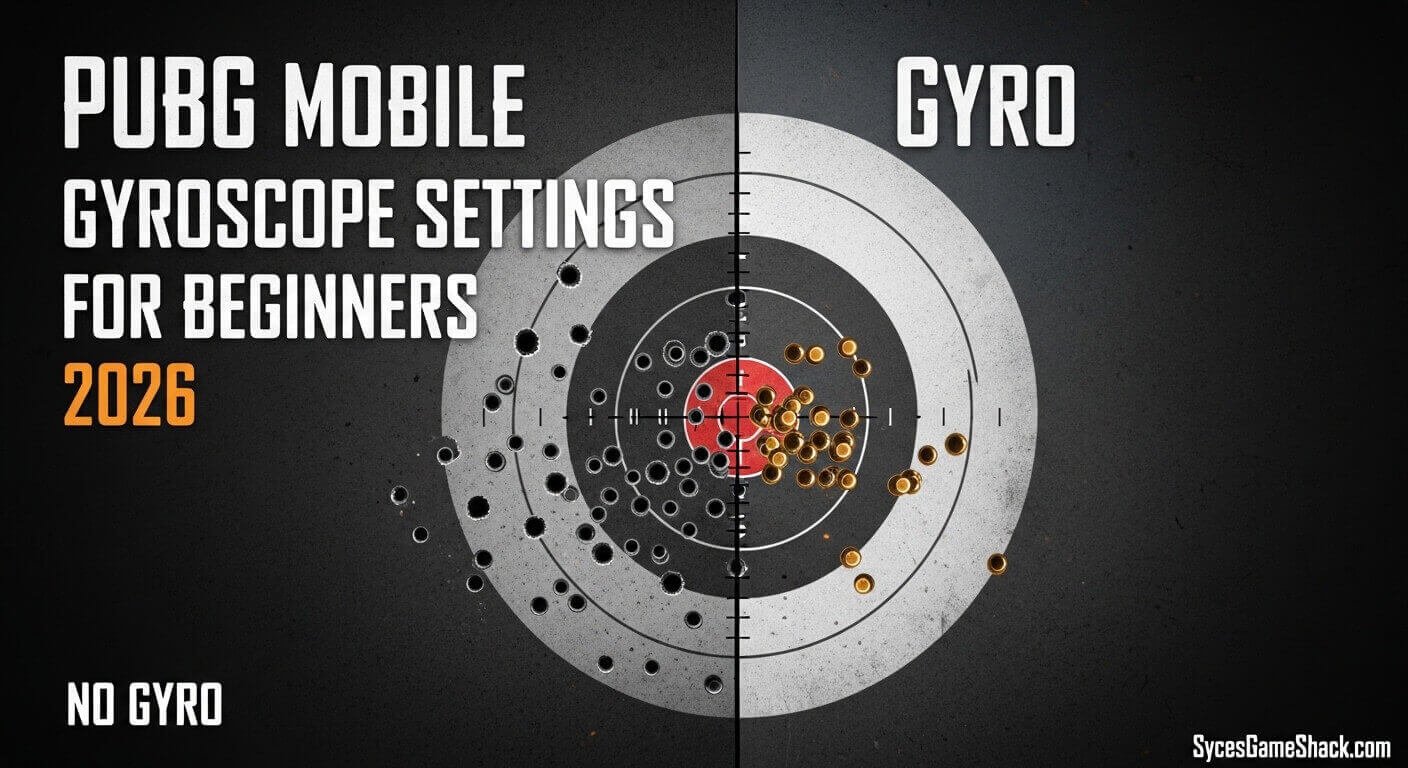
Calibration is a step that most beginner guides skip, but it is extremely important for accurate gyroscope performance. Here is how to calibrate your gyroscope properly:
- Step 1: Place your phone on a completely flat and stable surface such as a desk or table.
- Step 2: Open PUBG Mobile and go to Settings.
- Step 3: Find the Gyroscope Calibration option and tap it.
- Step 4: Hold the phone still on the flat surface during calibration.
- Step 5: Once calibration completes, pick up your phone and hold it in your normal gaming position.
Recalibrate your gyroscope every time you change your gaming posture or if your aim feels off. Lying in bed versus sitting at a desk requires different calibration because your holding angle changes.
How to Practice Gyroscope as a Beginner

Learning a gyroscope takes time and consistent practice. Here is a daily training routine that will help you master it within 2 weeks:
- Day 1 to 3 Training Ground Only: Go to Training Ground and practice spraying a wall with M416 using the gyroscope. Focus on keeping the recoil straight and controlled. Spend 15 minutes per session doing nothing but spray control.
- Day 4 to 7 Team Deathmatch: Play Team Deathmatch mode, which gives you unlimited respawns. Use a gyroscope in every gunfight. Focus on tracking moving enemies and landing headshots. Do not worry about winning yet.
- Day 8 to 14 Classic Matches: Start using the gyroscope in classic matches. Keep Scope On mode and only use the gyroscope when aiming. Focus on mid-range fights with 2x and 3x scopes, where the gyroscope helps the most.
- After 2 Weeks: Switch to Always On mode and increase your sensitivity values gradually. At this point, your muscle memory will be strong enough to handle higher sensitivity.
Common Gyroscope Mistakes Beginners Make in PUBG Mobile
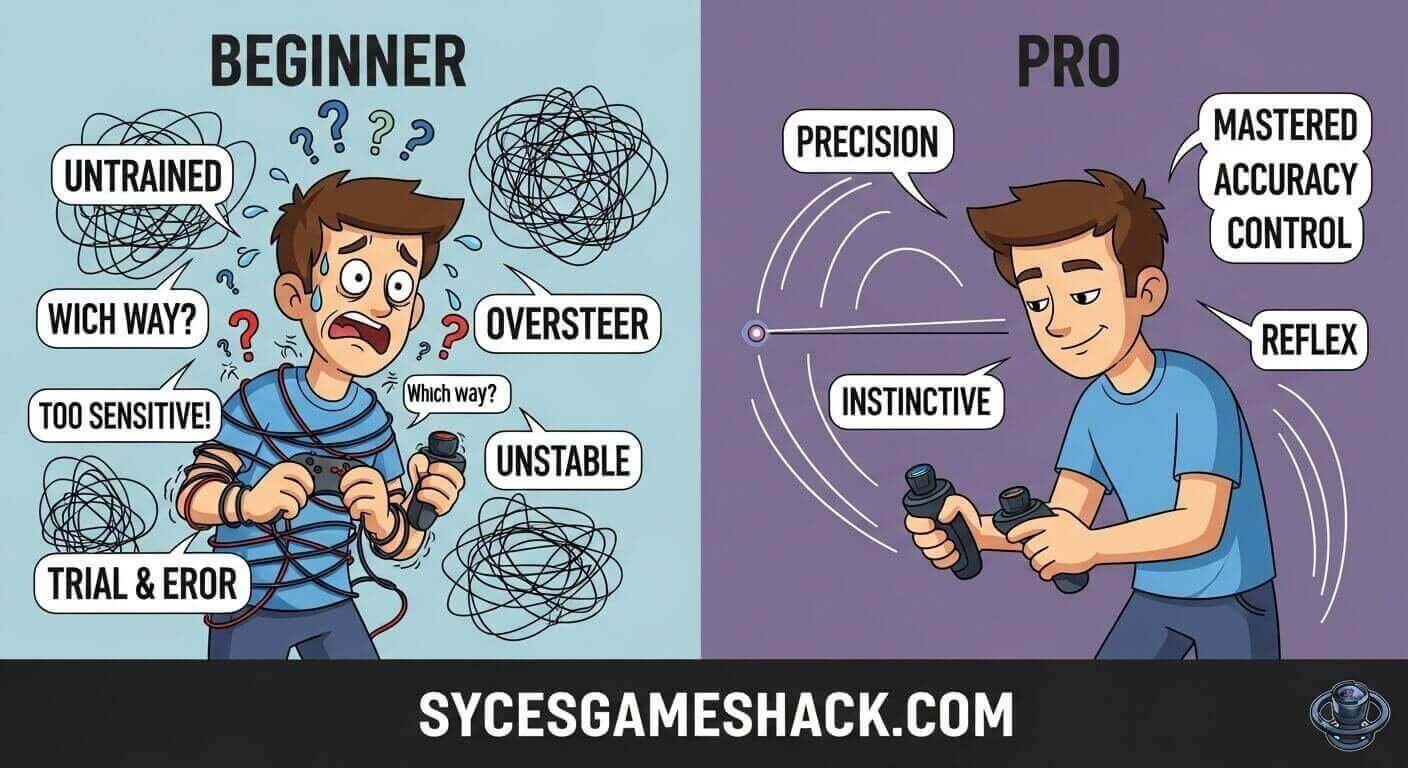
- Mistake 1: Copying Pro Settings Immediately: Pro settings like 350% sensitivity are designed for players with months of gyroscope training. Using them as a beginner will make your aim completely uncontrollable. Always start low and increase gradually.
- Mistake 2: Not Turning Off Auto-Rotate: If auto-rotate is enabled on your phone, your screen will flip during gameplay when you tilt your device. Turn it off immediately before playing with the gyroscope.
- Mistake 3: Giving Up Too Early: Gyroscope feels extremely awkward for the first 3 to 5 days. This is normal. Every pro player went through this same discomfort phase. Push through it, and your aim will transform dramatically.
- Mistake 4: Using Gyroscope for Long Range Sniping: At very long distances with 6x or 8x scopes, keep gyroscope sensitivity very low or disable it entirely. Small tilts translate into massive aim movements at high magnification, causing you to miss shots completely.
- Mistake 5: Playing While Charging: Some charging cables cause electrical interference that makes the gyroscope sensor behave erratically. Play without charging whenever possible for consistent gyroscope performance.
Best Guns to Practice Gyroscope With
- M416: The best gun for gyroscope beginners. It has predictable vertical recoil and accepts all attachments that further reduce recoil. Attach an angled foregrip, compensator, and extended quickdraw magazine for the easiest spray control.
- SCAR-L: Very similar to M416 with slightly lower recoil. Good alternative for beginners who find the M416 recoil too strong.
- UMP45: The easiest SMG to practice with a gyroscope. Its low recoil makes it perfect for learning the basic tilt movements before moving to ARs.
Avoid starting with AKM or M762. These guns have heavy and unpredictable recoil patterns that are difficult to control even with a gyroscope until you have built solid muscle memory.
How to Check If Your Phone Supports Gyroscope

Not all budget phones have a gyroscope sensor. If you enable the gyroscope in PUBG Mobile Gyroscope Settings for Beginners 2026 and nothing changes when you tilt your phone, your device may not have a gyroscope sensor. Here is how to check:
- Android: Download a free app called CPU-Z from the Play Store. Open it and go to the Sensors tab. Look for Gyroscope in the list. If it appears, your phone supports it. If not, your phone does not have a gyroscope sensor.
- iPhone: All iPhones from iPhone 4 onwards have built-in gyroscope sensors. If you have a modern iPhone, the gyroscope will work perfectly in PUBG Mobile Gyroscope Settings for Beginners 2026.
Gyroscope Settings by Device Type 2026

- Low-End Android Phones (2GB to 4GB RAM): Use beginner settings. Low-end devices often have less accurate gyroscope sensors that can feel jittery at high sensitivity. Keep all values below 150% until you upgrade your device.
- Mid-Range Android Phones (6GB to 8GB RAM): Use intermediate settings. These devices have better sensors and can handle smoother gyroscope response. Increase sensitivity gradually as your skill improves.
- High-End Android Phones (12GB RAM and above): Can use pro settings. Flagship devices from Samsung, OnePlus, and Xiaomi have premium gyroscope sensors that respond accurately even at high sensitivity values.
- iPhone Users: iPhone gyroscope sensors are among the most precise available. Start with beginner settings, but you can increase sensitivity faster than Android users due to better sensor accuracy. iPhone 12 and above users can comfortably use 250% to 350% sensitivity after 1 week of practice.
Final Tips to Master Gyroscope Faster

Hold your phone with both hands for maximum stability. An unstable phone grip creates unintended gyroscope movements that ruin your aim.
Keep your device cool. Overheating causes the gyroscope sensor to behave erratically. Use your phone in cooler temperatures and avoid playing in direct sunlight.
Be consistent with your gaming posture. Sitting upright versus lying down changes how the gyroscope responds because the natural angle of your phone changes. Find one comfortable position and stick to it.
Record your gameplay and review your spray control. Watching yourself play reveals exactly where your gyroscope is failing and what needs adjustment.
Never copy pro sensitivity codes blindly. These codes are configured for specific devices, screen sizes, and individual hand sizes. Use them only as a starting point reference and always adjust to find your own perfect settings.
Conclusion
Gyroscope is the most powerful tool available to PUBG Mobile Gyroscope Settings for Beginners 2026. Every beginner who invests time into learning gyroscope settings and technique will see dramatic improvement in recoil control, headshot rate, and overall gameplay within 2 to 3 weeks.
Start with the beginner settings in this guide, practice daily in Training Ground and Team Deathmatch, and gradually increase your sensitivity as your muscle memory develops. The discomfort of the first few days is temporary. The skill advantage you gain lasts forever.
Use the gyroscope sensitivity values in this guide as your starting point, follow the 2-week training routine, avoid the common mistakes listed above, and you will be hitting consistent headshots with zero recoil faster than you ever thought possible.