PUBG Mobile Tips for Beginners 15 Pro Tricks to Win Chicken Dinner (2026)
Introduction
PUBG Mobile is one of the most competitive battle royale games in the world. Every match drops 100 players onto a massive island, and only one survives. If you are new to the game, the experience can feel overwhelming — big maps, dozens of weapons, and enemies who seem to know exactly where you are at all times.
The good news? Every pro player started as a beginner. With the right tips and a bit of practice, you can dramatically improve your performance and start winning more matches. This guide covers the 15 most important PUBG Mobile tips for beginners that will take you from your first drop to your first Chicken Dinner.
What Is PUBG Mobile?
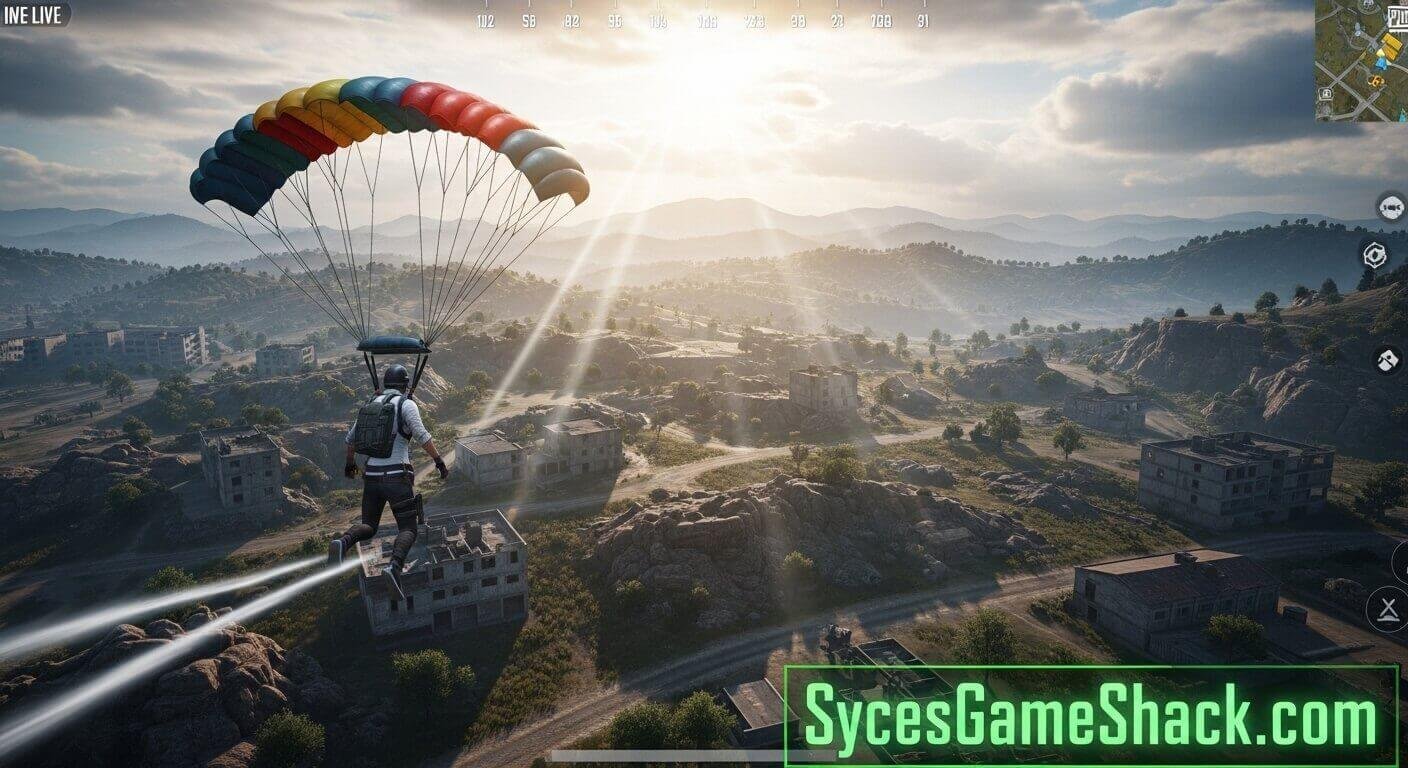
PUBG Mobile is a free-to-play battle royale game available on iOS and Android. Up to 100 players parachute onto an island, loot weapons and gear, and fight until only one player or team remains standing. The playing zone shrinks over time, forcing players closer together and increasing the intensity of every match.
The game features multiple modes, including Solo, Duo, and Squad, as well as several maps, including Erangel, Miramar, Sanhok, and Vikendi. Each map has its own terrain, weather, and loot distribution, requiring slightly different strategies.
15 Essential PUBG Mobile Tips for Beginners
Tip 1: Choose Your Landing Spot Carefully
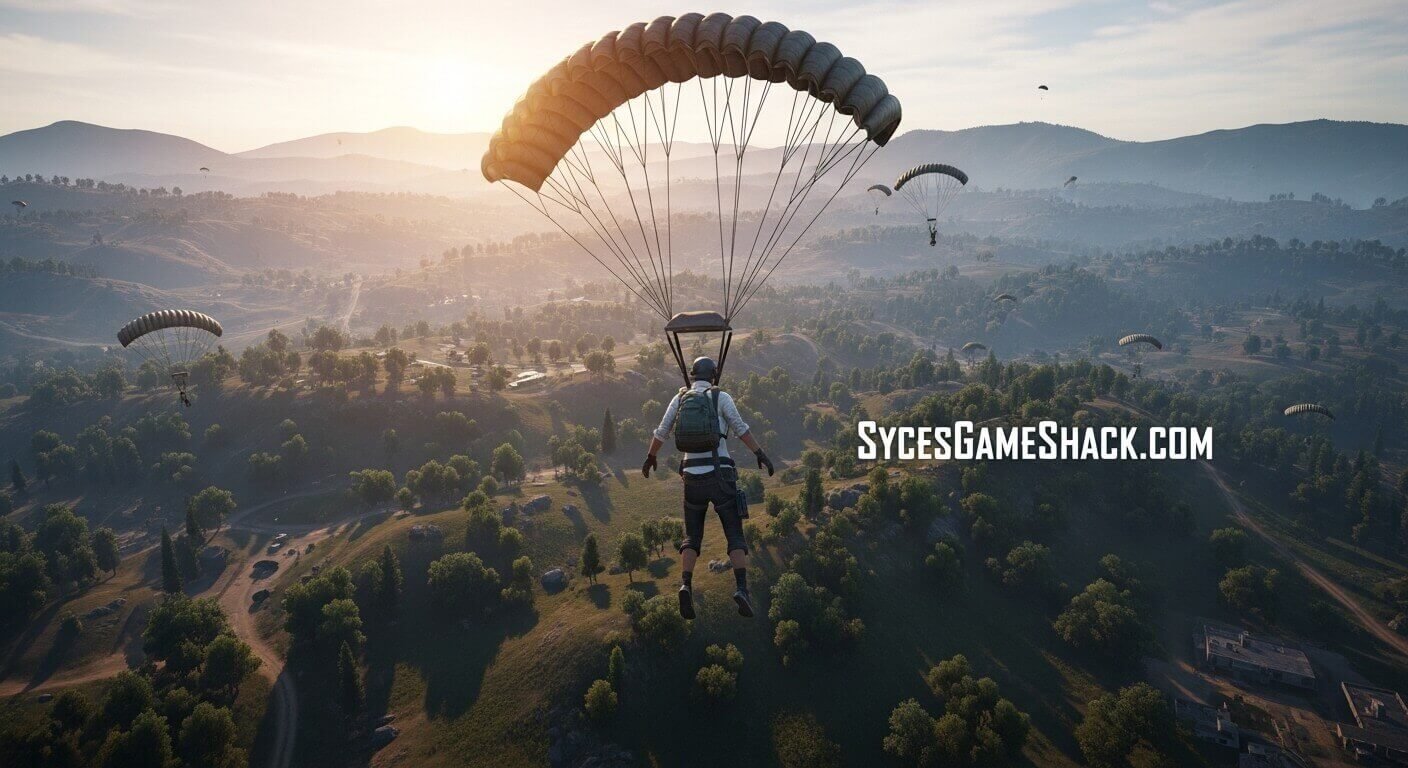
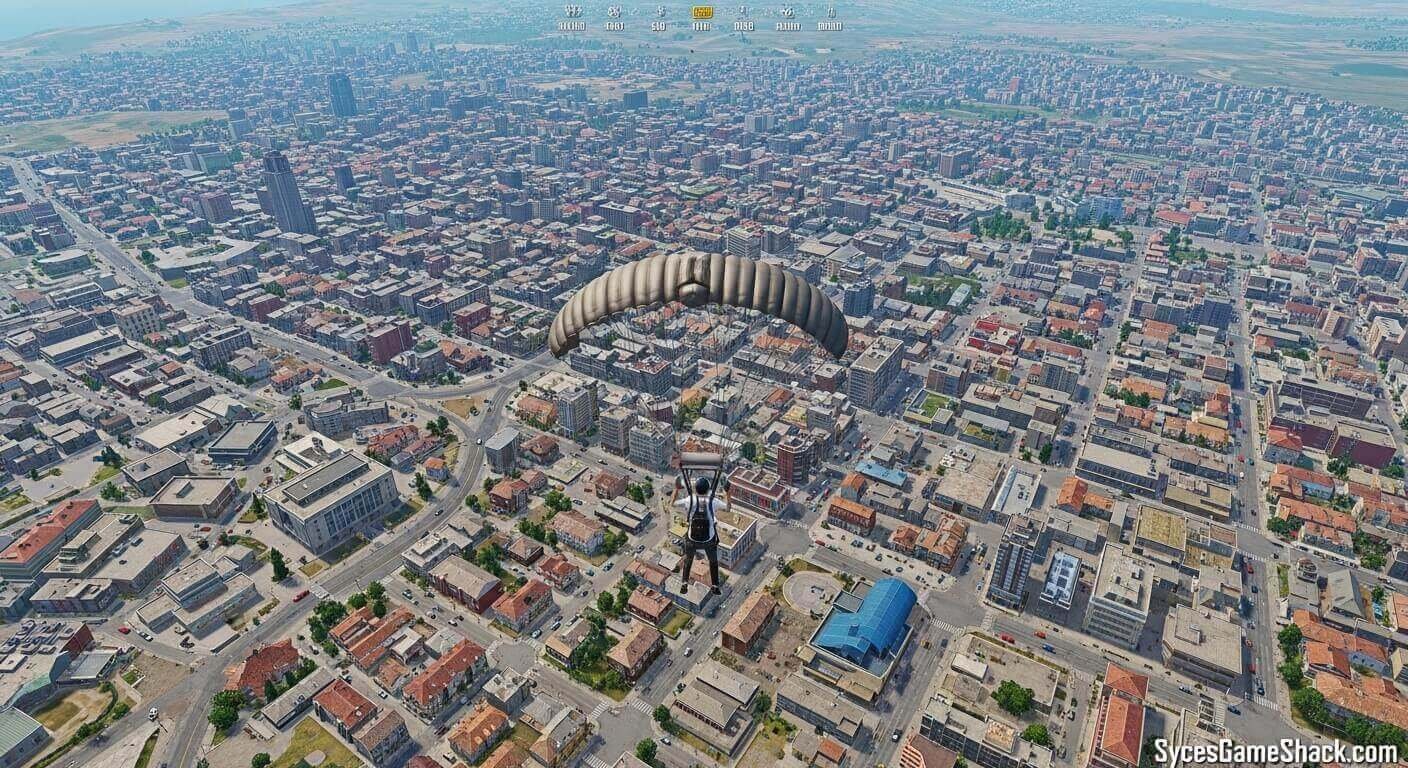
Where you land at the start of a match determines everything that follows. High-traffic areas like Military Base, School, and Pochinki on Erangel offer great loot but attract many players, leading to early eliminations.
As a beginner, land in areas slightly away from the plane’s flight path. These zones have decent loot but fewer enemies, giving you time to gear up and practice combat without immediate pressure. Once you become more comfortable with the game, you can start landing in hotter zones for better loot and faster action.
Tip 2: Master the Basic Controls First
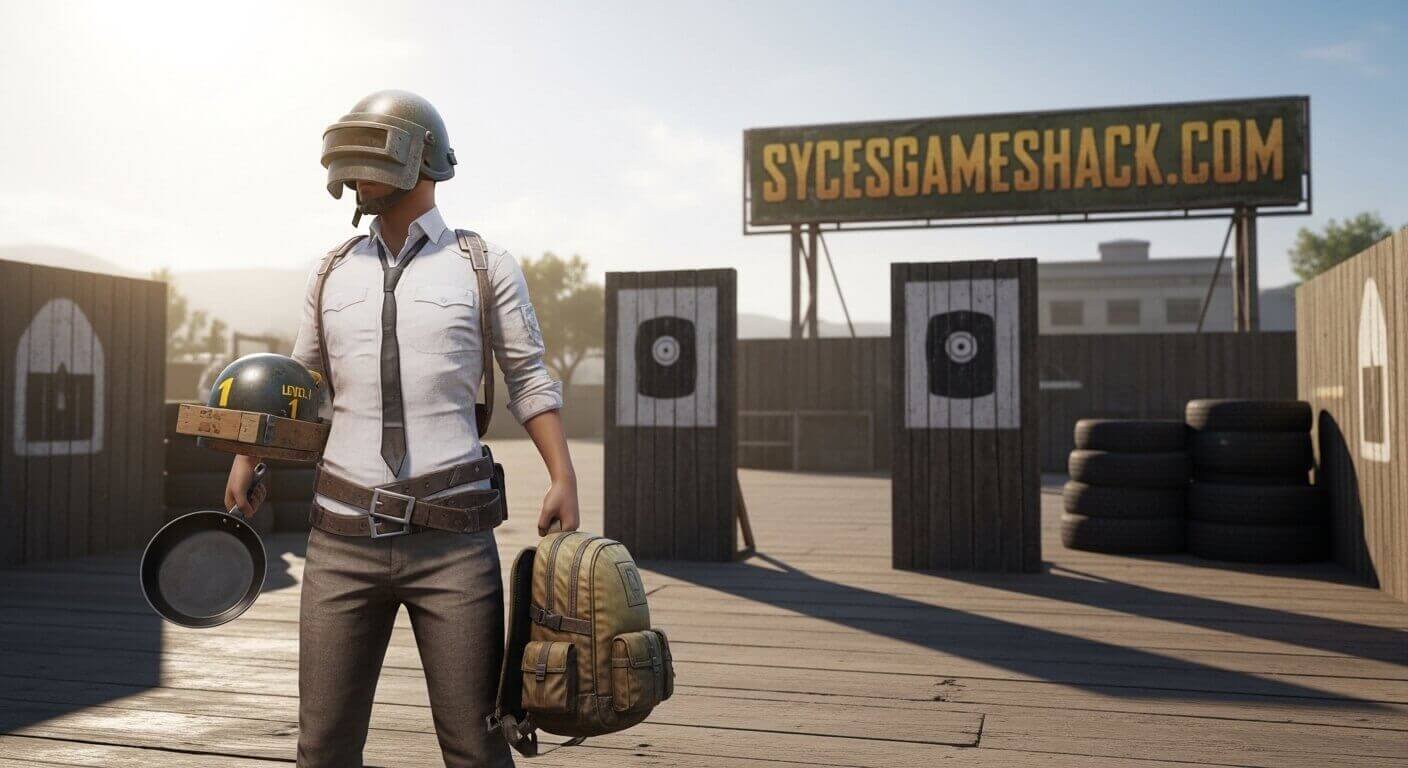
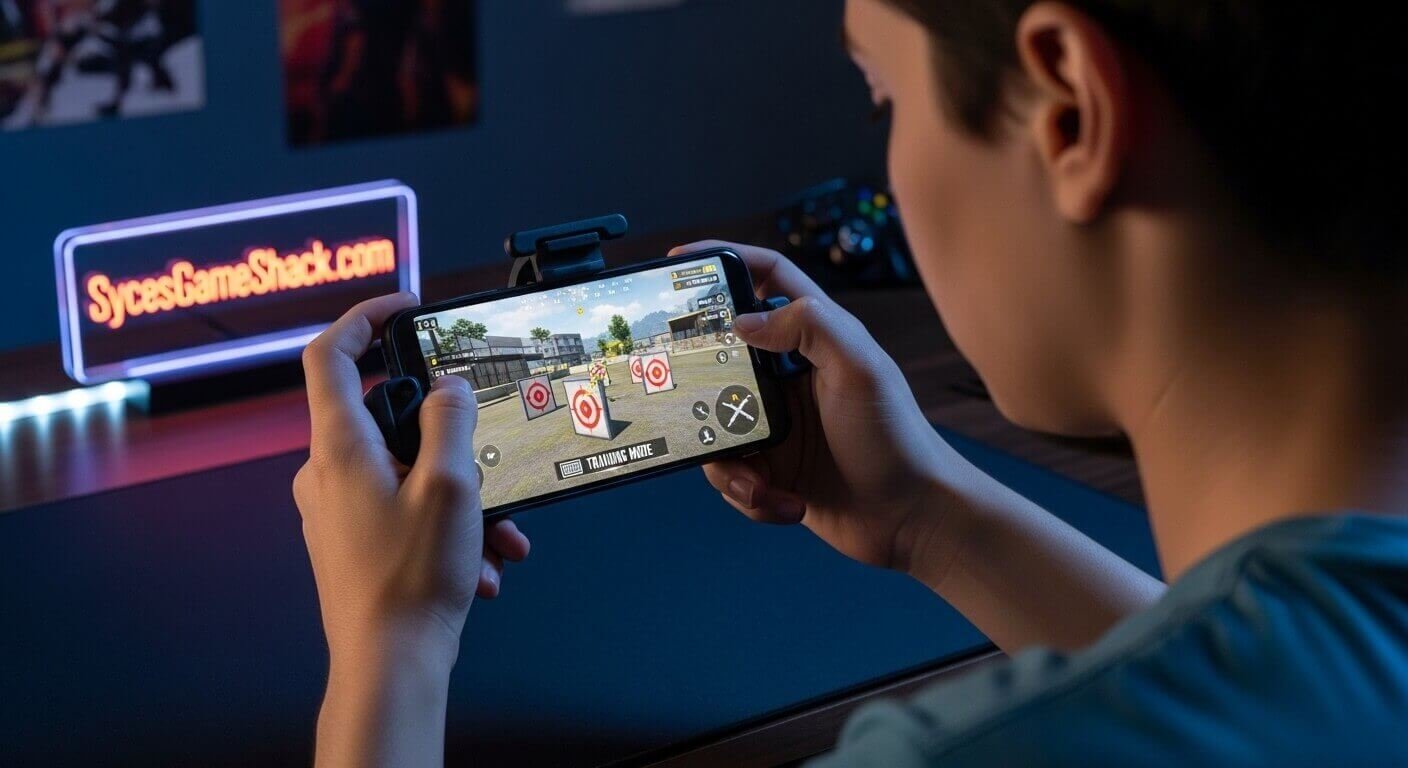
Before jumping into live matches, spend several sessions in Training Mode. This dedicated practice area lets you test every weapon, practice aiming, and get familiar with the control layout without any pressure.
Touchscreen controls in PUBG Mobile are more complex than they appear. You need to manage movement, aiming, firing, crouching, jumping, and looting all at the same time. Customizing your button layout in the settings menu to suit your hand size and play style will make a significant difference in your performance.
Tip 3: Always Move Toward the Safe Zone Early
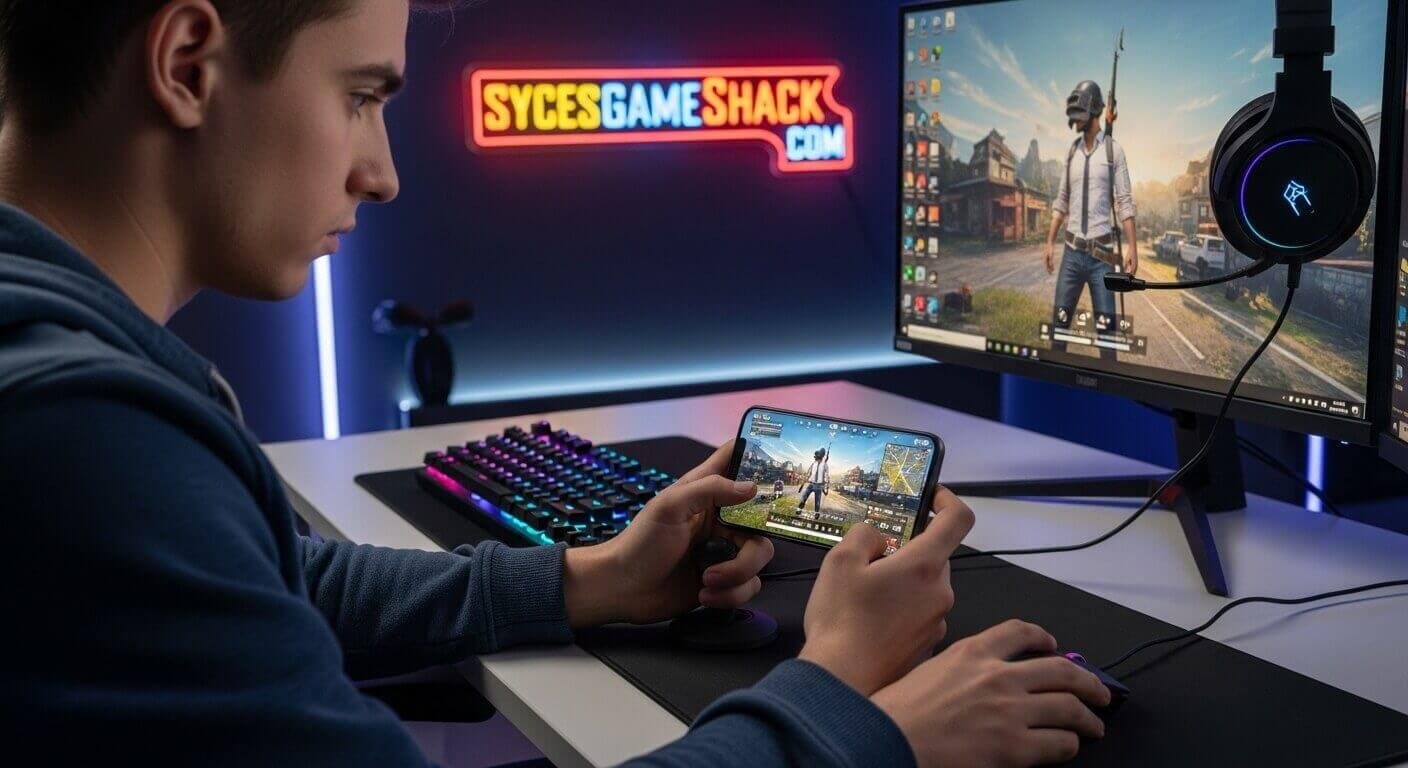
The blue zone deals continuous damage to any player caught outside the safe zone. One of the most common beginner mistakes is ignoring the zone and getting caught too far out. Always check your map frequently and start moving toward the safe zone well before it closes.
Experienced players often position themselves near the edge of the safe zone rather than the center. This reduces the number of directions enemies can come from, since one entire side is protected by the zone boundary.
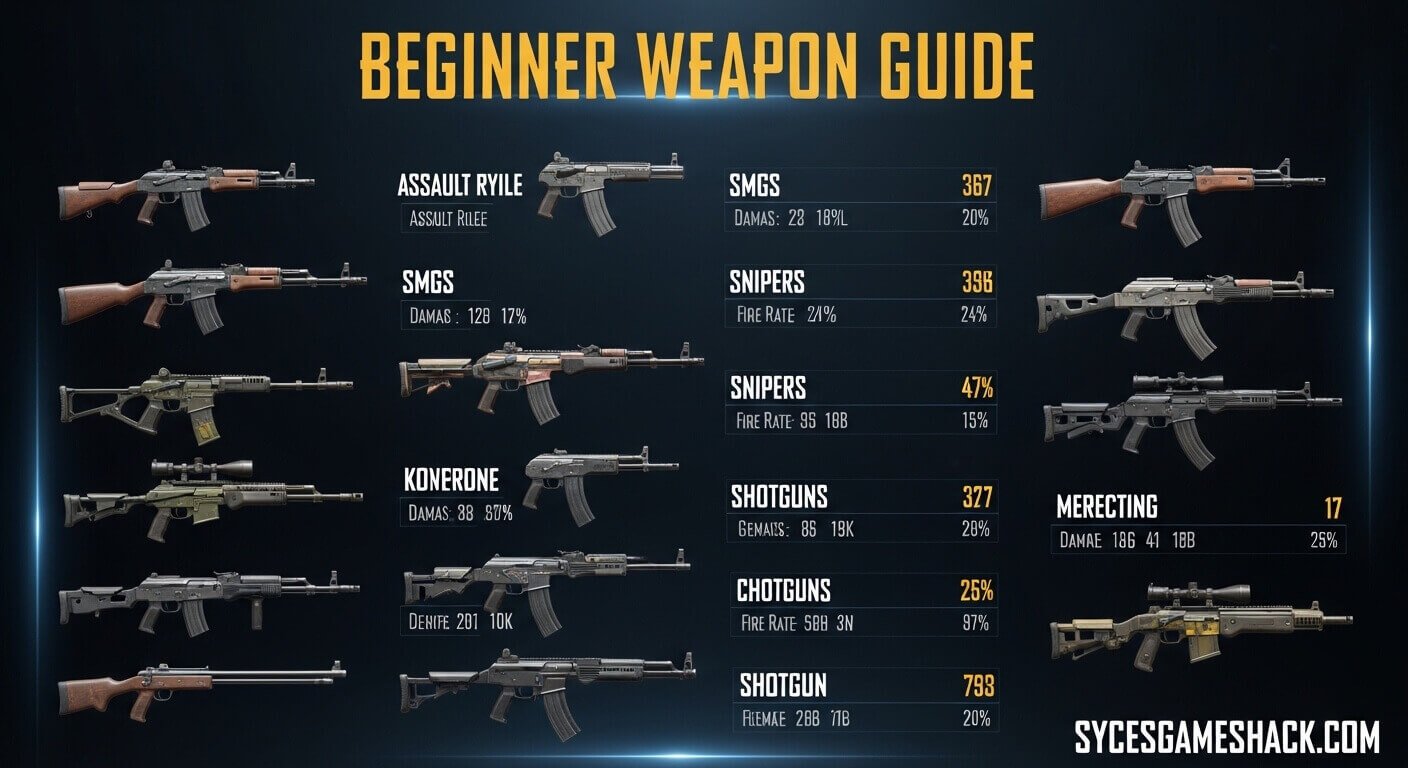
Tip 4: Pick the Right Weapons
PUBG Mobile has an enormous weapon arsenal, but not all guns are equal for beginners. Here are the best options to prioritize:
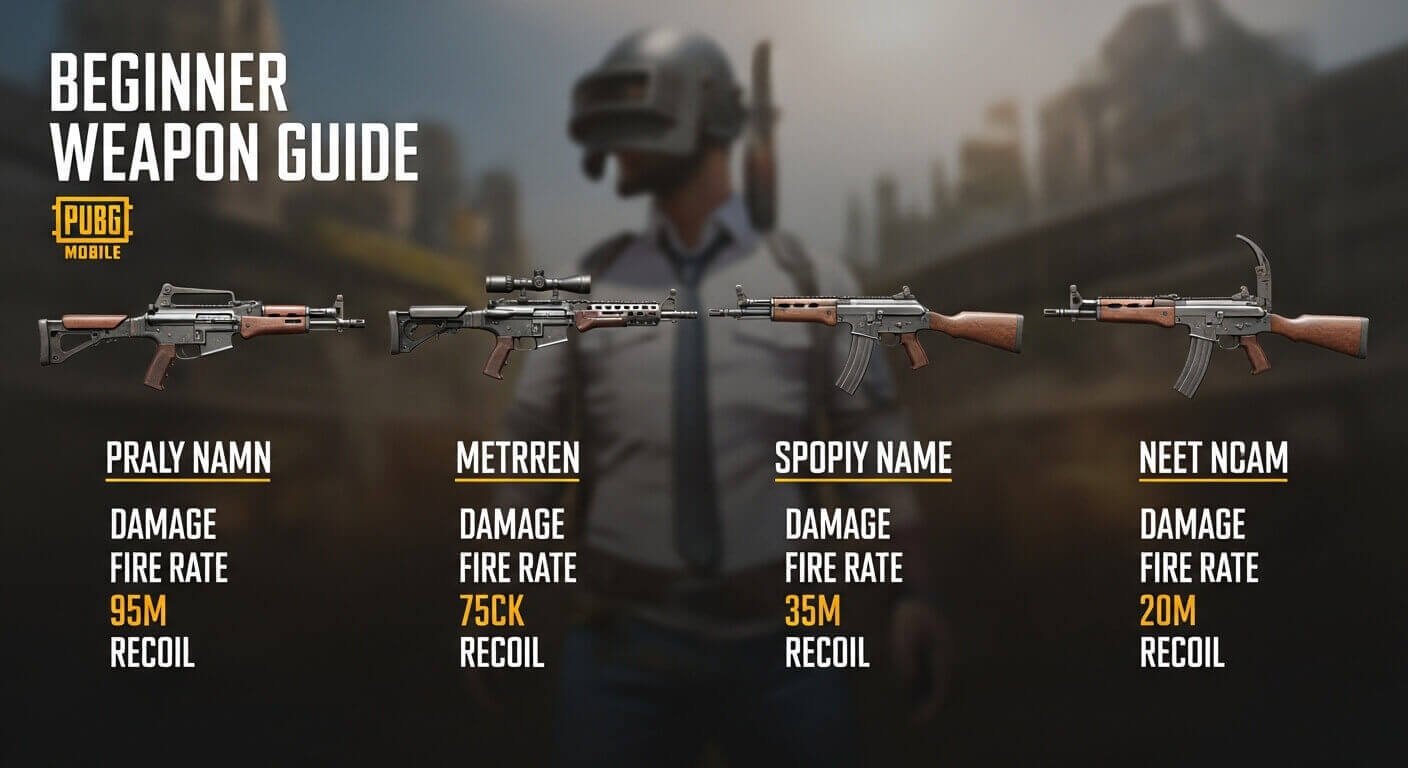
The M416 is widely considered the best assault rifle for beginners. It has low recoil, excellent accuracy, and supports many attachments. The SCAR-L is another reliable option that is easier to find in the early game. For close-range combat, the UMP45 submachine gun is forgiving and easy to control. Always carry a combination of a long-range weapon and a close-range weapon to handle every situation.
Tip 5: Loot Health Items Aggressively
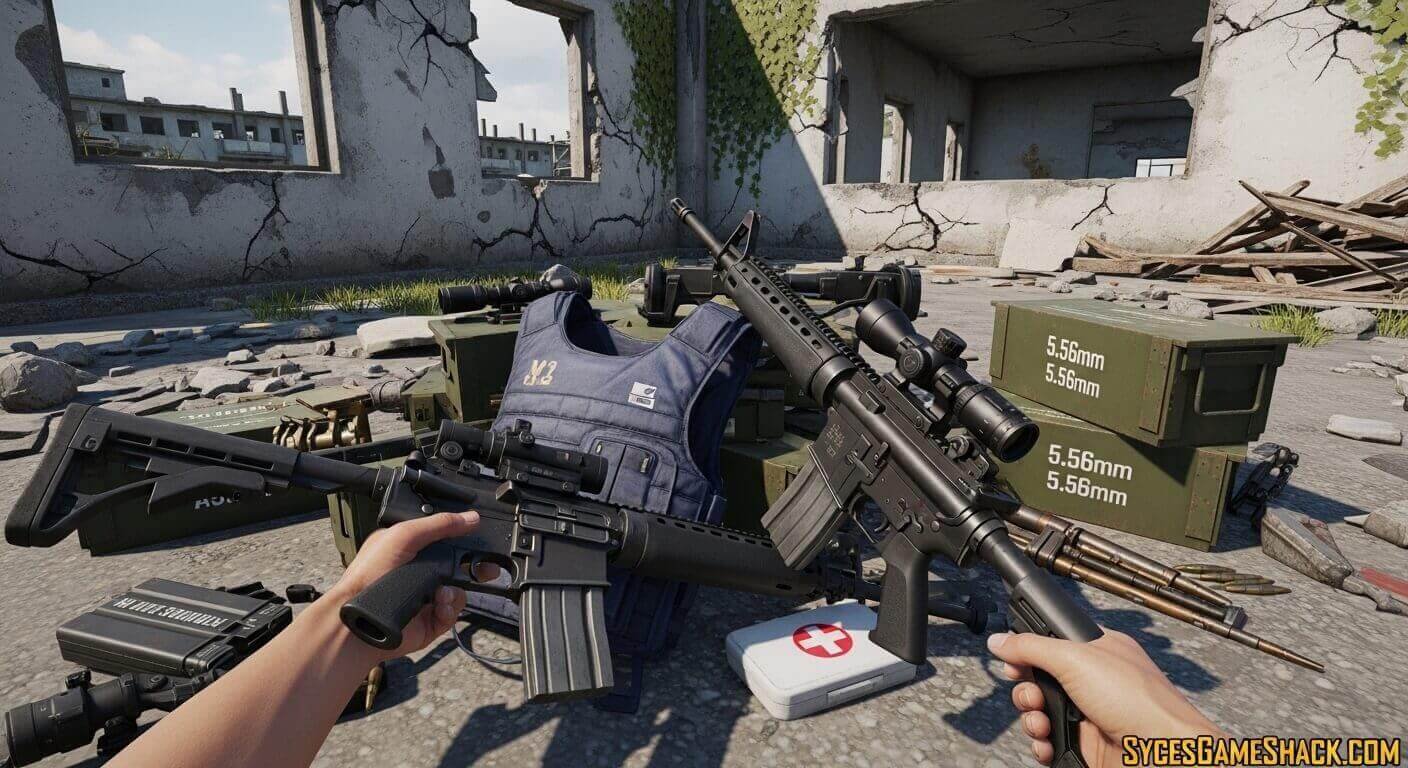
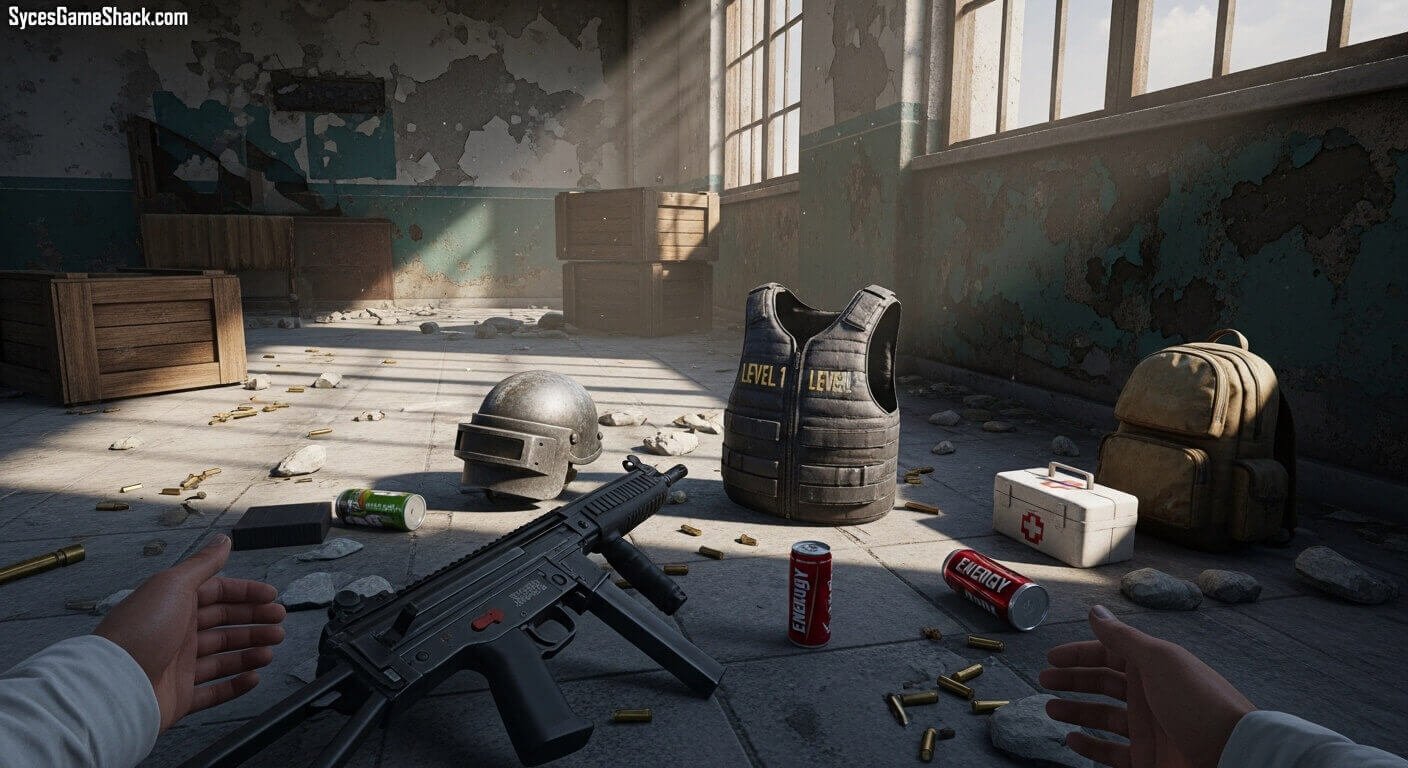
Health items are as important as weapons in PUBG Mobile. Always pick up every first aid kit, bandage, energy drink, and painkiller you find. These items are scarce, and running out of healing supplies in the late game will get you eliminated quickly.
Prioritize first aid kits over bandages since they restore more health. Energy drinks and painkillers provide a continuous healing effect over time and also increase your movement speed, making them incredibly useful during zone rotations and firefights.
Tip 6: Use Headphones or In-Game Sound Carefully
PUBG Mobile is an extremely audio-rich game. Footsteps, gunshots, vehicle engines, and zone sounds all provide vital information about what is happening around you. Using headphones significantly improves your ability to detect enemies before they see you.
Even without headphones, pay close attention to the mini-map in the bottom left corner of your screen. When enemies fire nearby, directional arrows appear on the map showing where the shots came from. Use this information to plan your movements.
Tip 7: Use Cover Constantly
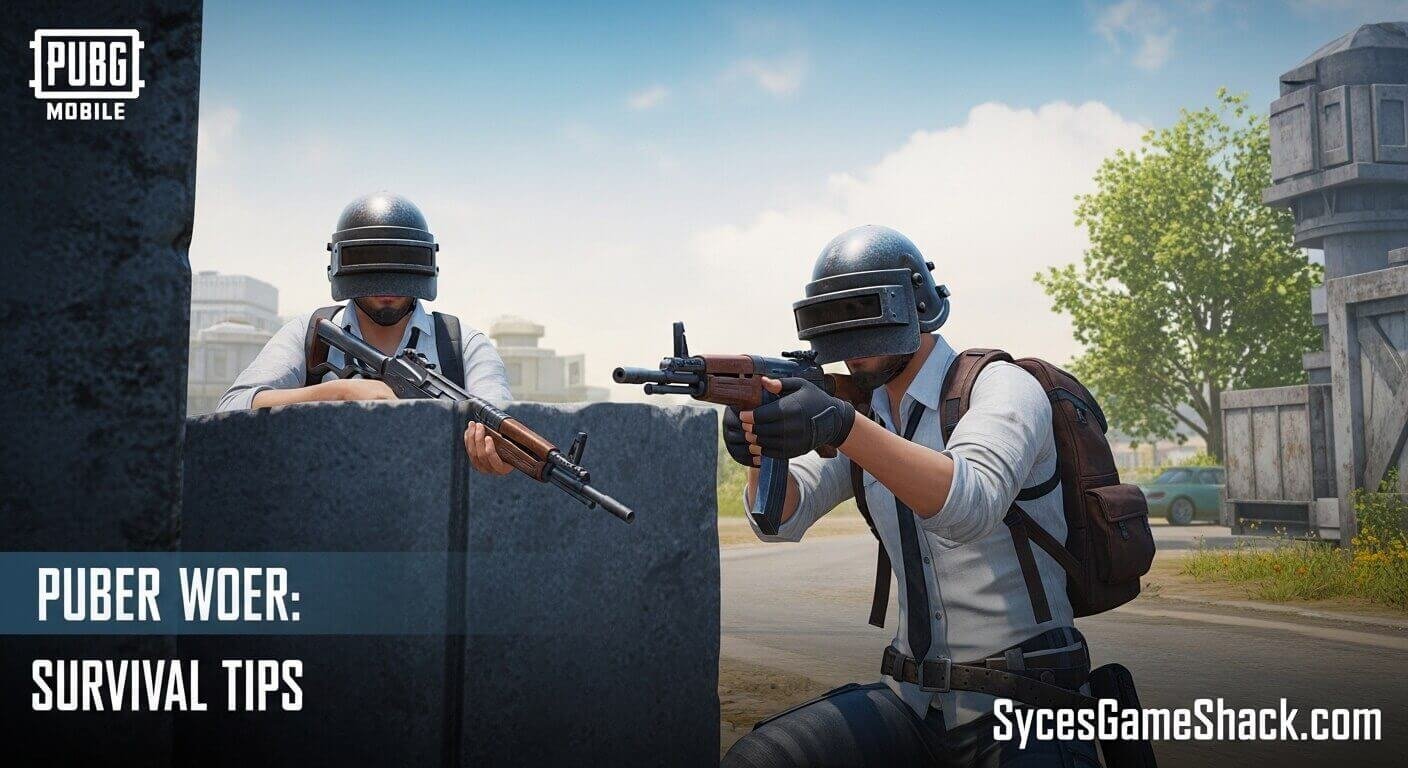
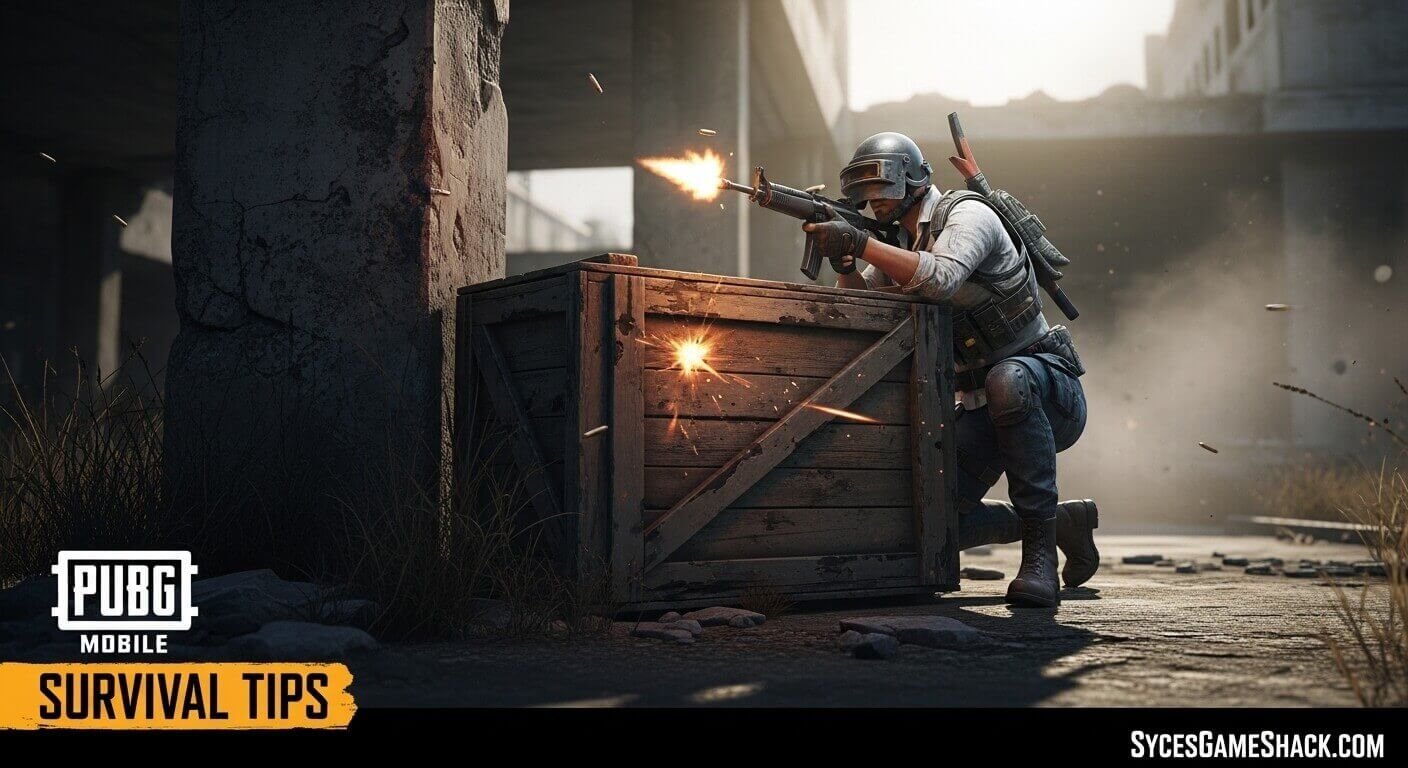
Standing in the open during a firefight is almost always fatal in PUBG Mobile. Always use buildings, trees, rocks, and vehicles as cover when engaging enemies. Move from cover to cover rather than crossing open ground in a straight line.
When entering buildings, clear each room carefully before looting. Many experienced players hide inside buildings waiting for exactly this situation. Crouch behind windowsills when observing outside areas to minimize your visible profile.
Tip 8: Understand When to Fight and When to Avoid
Beginners often make the mistake of engaging every enemy they spot. In PUBG Mobile, survival matters more than kills. Unless you have a clear positional advantage, strong gear, and full health, it is often smarter to avoid a confrontation and let other players eliminate each other.
Only engage enemies when you have the high ground, good cover, and are confident in your weapon advantage. Every unnecessary fight risks your survival and wastes valuable healing supplies.
Tip 9: Use Vehicles Wisely
Vehicles allow you to cover large distances quickly and reach the safe zone efficiently. However, vehicles also make noise that appears on nearby mini-maps, alerting enemies to your position. Use vehicles for long-distance rotations, then abandon them before entering the final circles.
Never drive through open fields in the late game. In the final stages, abandoned vehicles also provide excellent cover in emergencies. Always park behind natural cover when stopping.
Tip 10: Manage Your Inventory Efficiently
A cluttered inventory slows you down and forces you to waste time reorganizing during critical moments. Keep your inventory clean by following these rules: carry one primary weapon and one secondary weapon, maintain at least two healing items at all times, keep one smoke grenade and one frag grenade, and drop any attachments that do not fit your weapons.
When you upgrade your armor or backpack, immediately drop the lower-tier version. Carrying duplicate items wastes valuable bag space.
Tip 11: Communicate With Your Squad
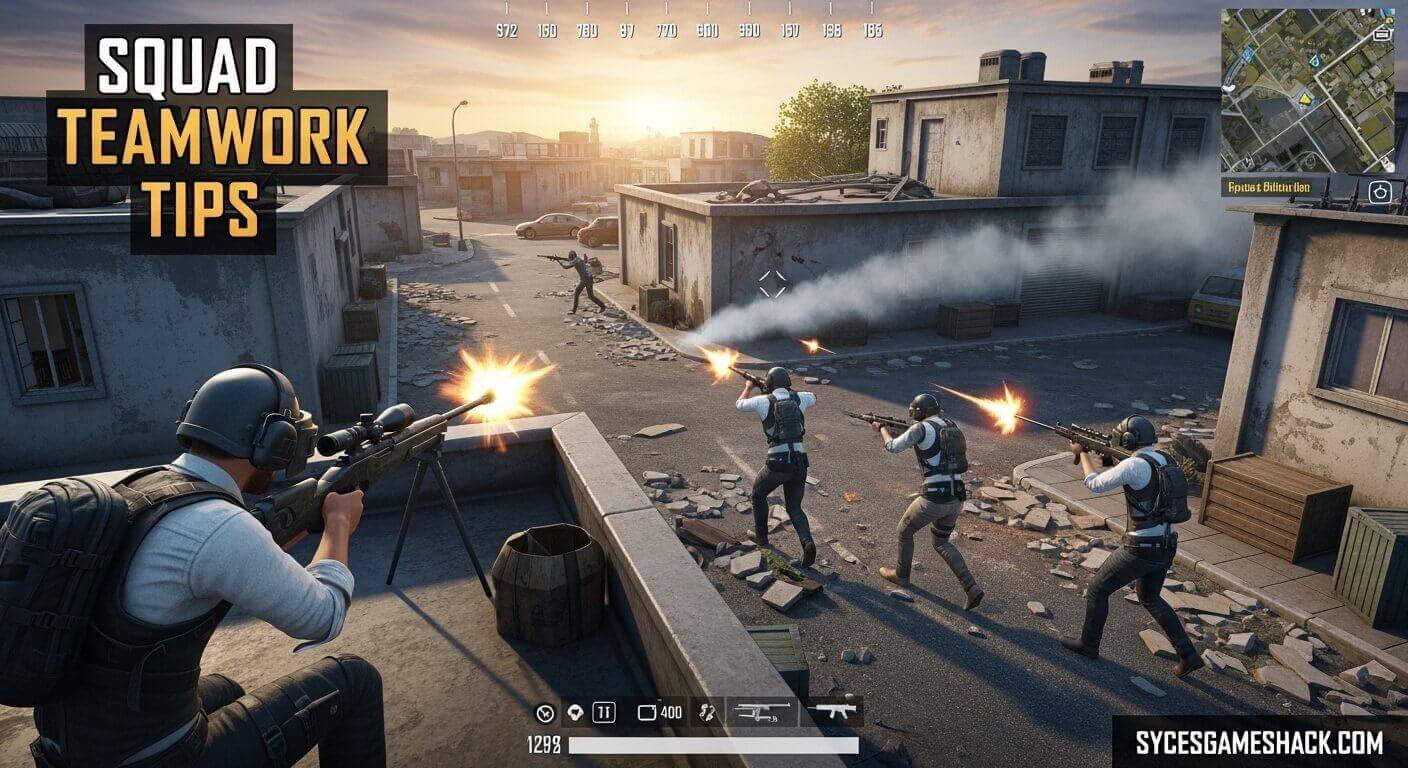
Playing in Squad mode with a microphone gives you a massive advantage. Callouts like enemy positions, loot locations, and zone movements allow your team to coordinate effectively. If you do not have a microphone, use the in-game quick-chat system to share information with teammates.
Reviving knocked teammates should always be a priority. A four-person squad is significantly stronger than a three-person squad, and losing teammates early puts you at a major disadvantage.
Tip 12: Practice Recoil Control
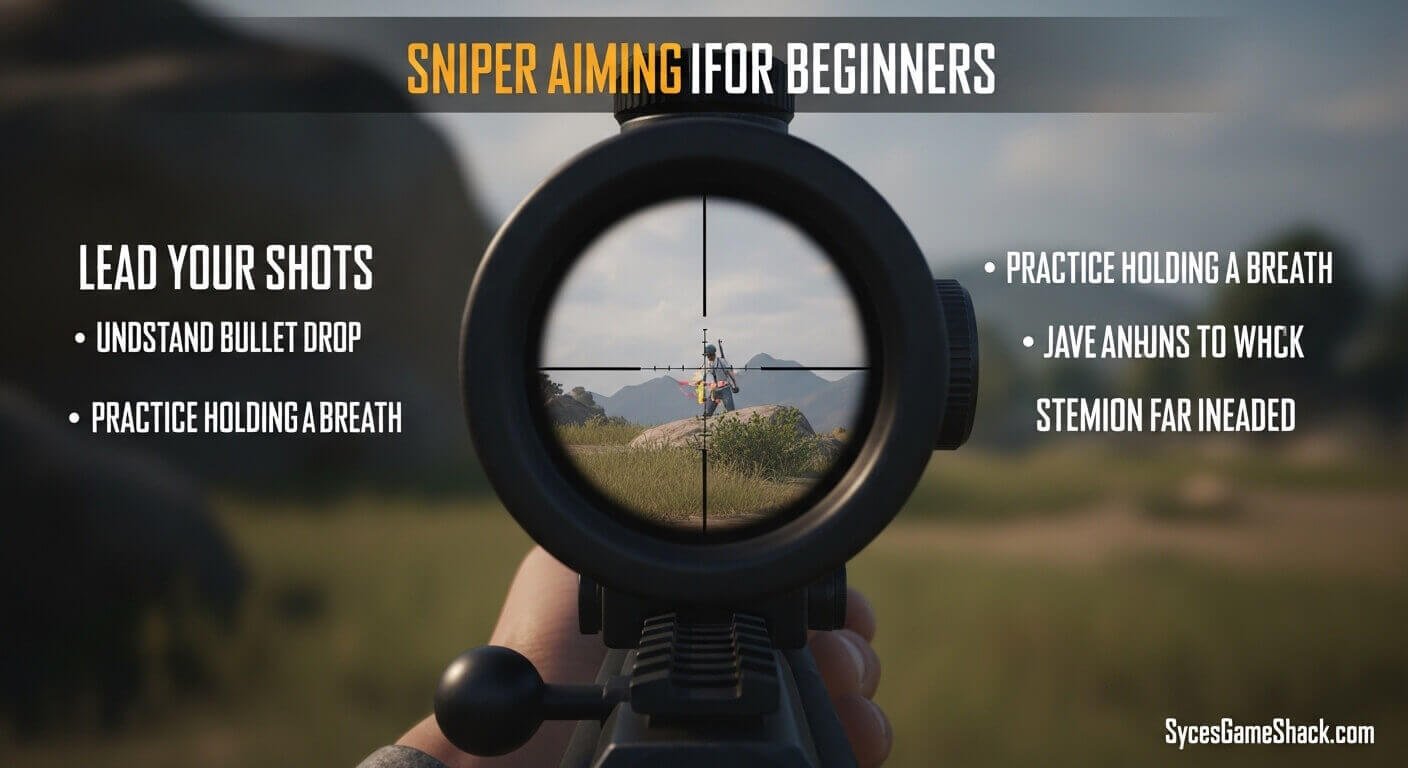
Every weapon in PUBG Mobile has a unique recoil pattern. Recoil causes your aim to drift upward and sideways as you fire continuously. Learning to compensate for recoil by pulling your aim in the opposite direction dramatically improves your accuracy.
Spend time in Training Mode firing each weapon at a target and observing the recoil pattern. Practice controlling the spray at close, medium, and long range. The M416 and SCAR-L have the most manageable recoil patterns for beginners, making them ideal for practicing this skill.
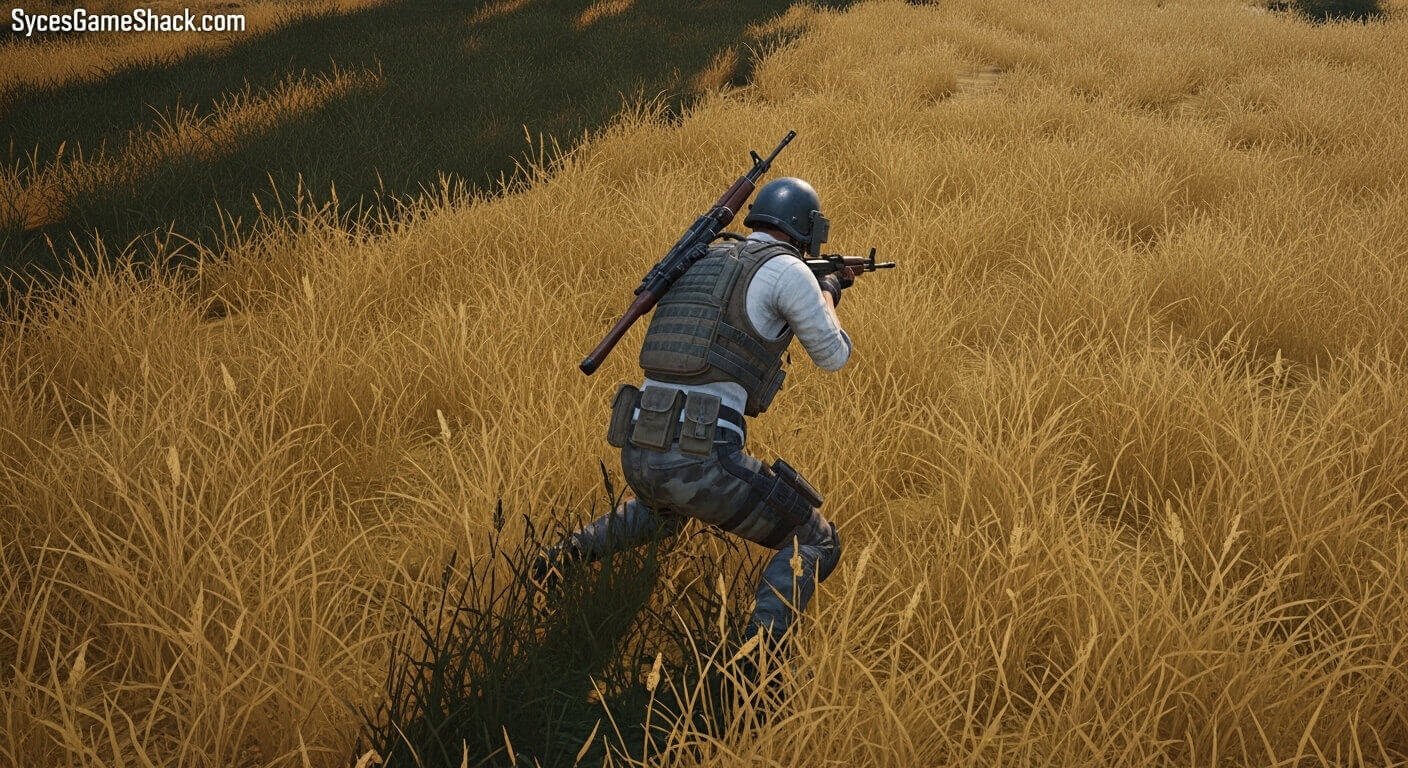
Tip 13: Play the Mini-Map Constantly
Your mini-map is one of the most valuable tools in PUBG Mobile and one of the most ignored by beginners. The mini-map shows the current safe zone, the closing blue zone, vehicle sounds, and directional indicators when enemies fire nearby.
Checking the mini-map every 10 to 15 seconds keeps you informed about zone movements and nearby threats. Many players get eliminated simply because they were focused entirely on the game in front of them and missed critical information visible on the map.
Tip 14: Watch Your Matches Back and Learn
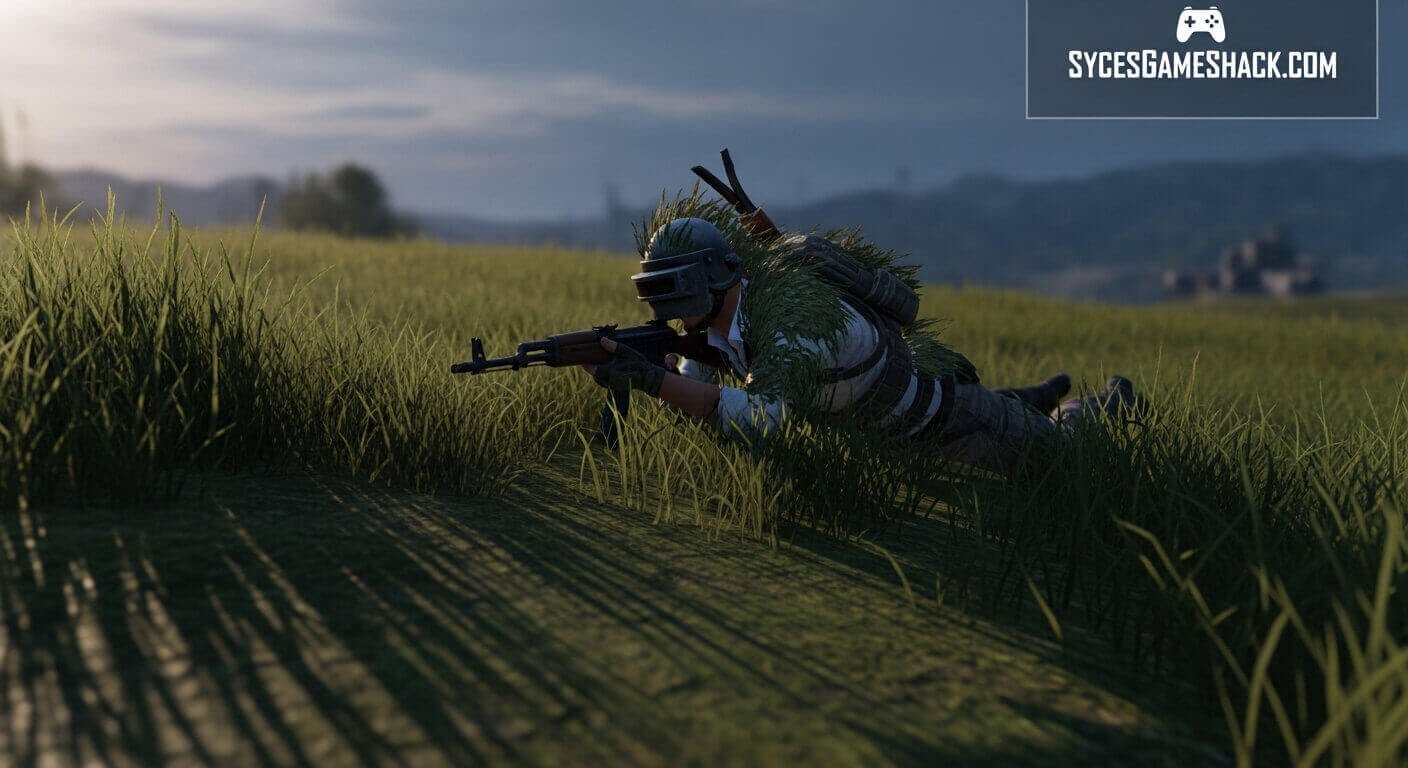
PUBG Mobile allows you to watch replays of your completed matches. This feature is incredibly valuable for beginners. Reviewing your gameplay reveals exactly where you made positioning mistakes, why you lost certain firefights, and what better decisions would have looked like.
Professional players regularly analyze their gameplay to identify weaknesses. Spending just 10 minutes reviewing one match after playing will accelerate your improvement faster than simply playing more matches without reflection.
Tip 15: Be Patient, The Chicken Dinner Comes With Practice
PUBG Mobile has one of the most demanding learning curves in mobile gaming. New players should expect to lose frequently in the beginning. Every elimination teaches you something new about positioning, weapon selection, or decision-making.
Set realistic goals for each session. Instead of focusing only on winning, target specific improvements: better landing spots, more consistent looting routes, or cleaner recoil control. As these individual skills improve, your overall rank and win rate will follow naturally.
Best Settings for PUBG Mobile Beginners

Getting your settings right before playing your first match makes a significant difference. Here are the recommended settings for new players:
- Graphics: Set to Smooth or Balanced depending on your device. Higher graphics settings reduce frame rate on older phones, which hurts gameplay more than it helps visuals.
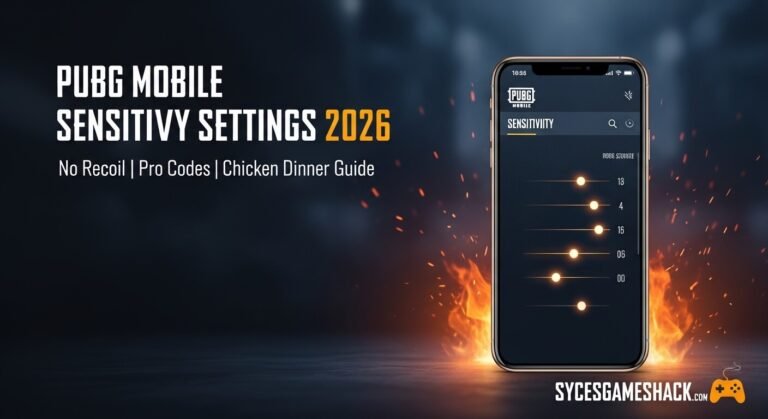
- Sensitivity: Start with default sensitivity settings and adjust gradually. Many beginners make the mistake of copying professional player settings immediately, which often feels unnatural until you have developed basic muscle memory.
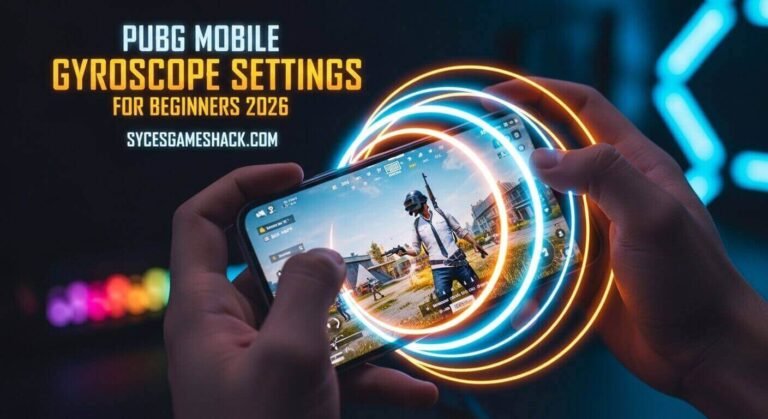
- Controls: Enable the gyroscope if your device supports it. The gyroscope helps with fine aiming adjustments and gives you an advantage at medium range. Start with a 2-finger setup and progress to 3 or 4 fingers as you become more comfortable.
Final Thought
PUBG Mobile rewards patience, positioning, and preparation over raw aggression. As a beginner, focus on surviving longer each match rather than getting the most kills. Land safely, loot carefully, move with the zone, and pick your fights wisely.
Every professional PUBG Mobile player started exactly where you are now. With consistent practice and the tips in this guide, your improvement will come faster than you expect. Land smart, play patient, and your first Chicken Dinner is closer than you think.
FAQs
Q1: Is PUBG Mobile free to play?
Yes, PUBG Mobile is completely free to download and play on both Android and iOS devices. In-game purchases are available for cosmetic items like outfits and weapon skins, but they do not affect gameplay performance.
Q2: What is the best map for beginners in PUBG Mobile?
Sanhok is considered the best map for beginners due to its smaller size, which means shorter matches and more frequent combat opportunities. The smaller map also makes zone rotations easier and less punishing for players still learning the game.
Q3: How do I rank up faster in PUBG Mobile?
Focus on survival rather than kills in ranked matches. Surviving longer always earns more rank points than early aggressive plays. Playing in a full squad with coordinated communication also significantly accelerates rank progression.
Q4: What is the best weapon loadout for beginners?
The M416 paired with a shotgun or SMG for close range is the most beginner-friendly loadout in PUBG Mobile. This combination handles every engagement distance effectively while remaining forgiving to control.
Q5: How important are attachments in PUBG Mobile?
Attachments significantly improve weapon performance. A compensator reduces recoil, an extended magazine increases your ammo capacity, and a scope improves your effective range. Always prioritize finding attachments for your primary weapon before engaging in mid or long-range fights.
Q6: Can I play PUBG Mobile on a low-end device?
Yes. PUBG Mobile includes optimized graphics settings for low-end devices. Setting graphics to Smooth and frame rate to Medium ensures stable performance on older or budget smartphones.
Q7: What should I do when I get knocked down?
When knocked down, move to cover immediately if possible and communicate your position to teammates. Do not give up information about enemy positions unless helpful to your team. Your teammates have 12 seconds to revive you before you are eliminated.
Q8: How do I get better at aiming in PUBG Mobile?
Spend daily sessions in Training Mode practicing at targets from different distances. Focus on burst firing rather than holding the trigger continuously. Lowering your sensitivity slightly and enabling the gyroscope also improves aiming precision.